

 Yoast
Yoast
Safari: snippet preview "arrows" shown all together
Noticed while working on https://github.com/Yoast/yoast-components/pull/542 and happens also on develop so it's unrelated to the changes introduced in #542.
To reproduce:
- use Safari
yarn startyoast-components and go to localhost:3333- click on an element in the snippet preview
- then hover the other fields
- or do a combination of the two previous steps in random order
- the "arrows" on the left end up to be displayed all together (see screenshot below)
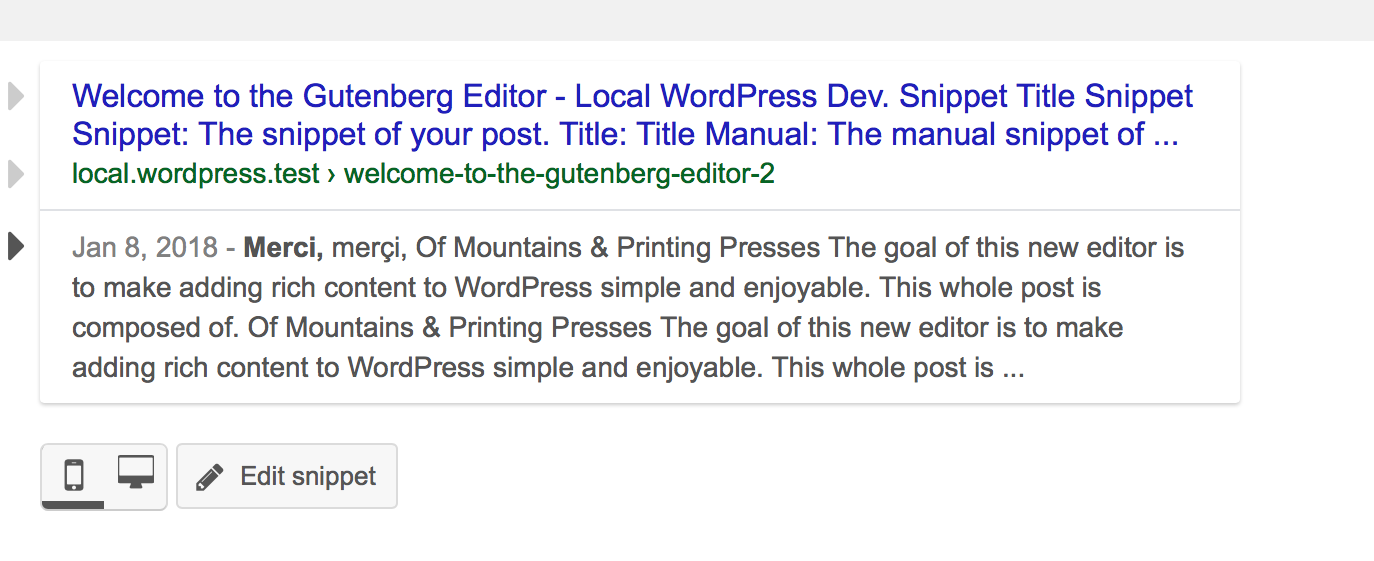
Expected: only the "active" one (if there's an active field) and the currently hovered field one should be displayed.
Couldn't reproduce in other browsers.

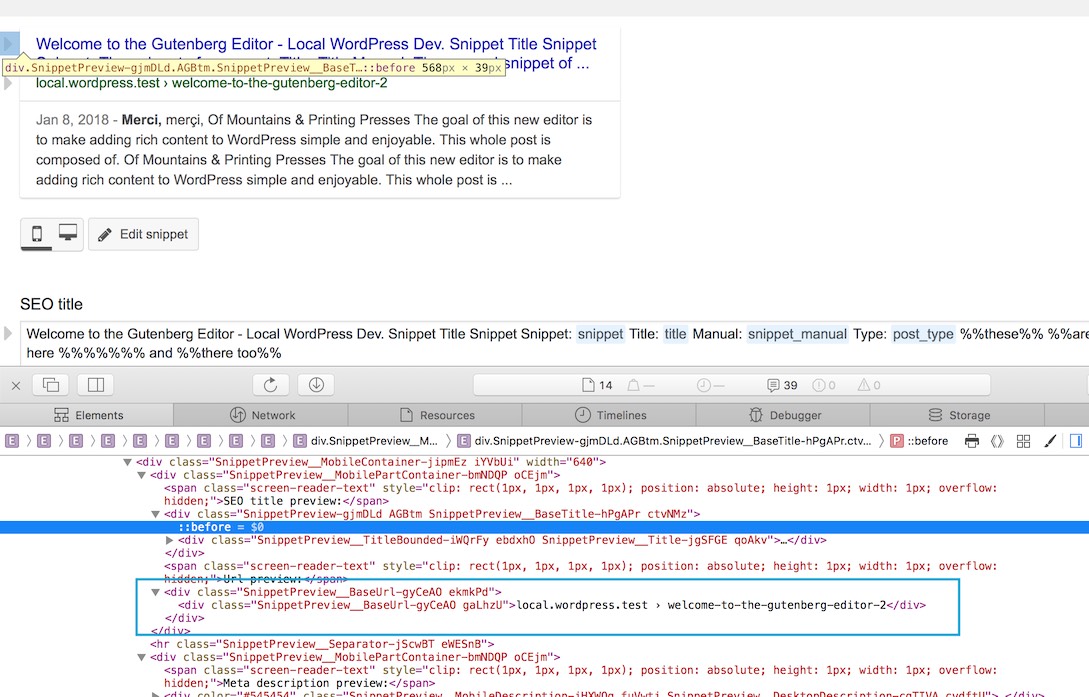
Looking a bit into this, it's a mystery to me. See screenshot below: there are two arrows displayed but the BaseUrl element has no :before pseudo element... so where that arrows come from?
Hm.. I think it happens because Safari doesn't like too many re-renderings with CSS generated elements. To reproduce, try this:
- click on the title
- then hover a few times the slug and description, moving the pointer down and up
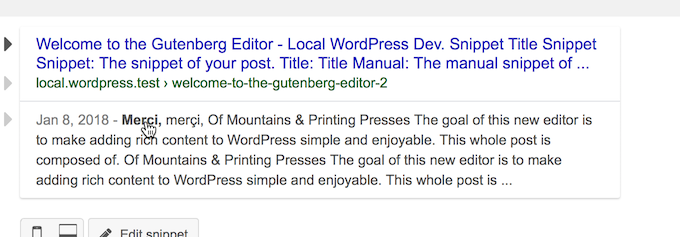
- you will end up in this situation (see screenshot below) with three arrows:
- now edit
composites/Plugin/SnippetPreview/components/SnippetPreview.js - change this line
left: ${ () => mode === MODE_DESKTOP ? "-22px" : "-40px" }; - to left: -22px;
- repeats the clicking / hovering
For me, it doesn't happen any longer. It would be great to have someone to test and confirm this guess.
@afercia I can't reproduce this in the current feature branch. Can you please confirm this problem still exists?

@IreneStr I still can reproduce but only on the standalone version. Safari 11.1 on feature/react-snippet-editor.
@afercia Thanks for checking. I'll move this to the backlog for now because it's working in WP.