

 Yoast
Yoast
ToC and anchors don't work properly when converting paragraphs to headings.
Description
With the use of the "Table Of contents" block, adding a heading automatically generates an HTML anchor (ex: h-myheading). Today this function does not work anymore, the addition of a heading does not automatically feed the table of contents. You have to add the HTML anchor by hand.
Unfortunately, this is not a viable workaround, adding HTML anchor by hand generates other problems.
Please describe what you expected to happen and why.
- When adding a heading, automatically add an HTML anchor.
- or automatically add an HTML anchor when the "Table Of Contents" block is present.
How can we reproduce this behavior?
- Install the Yoast SEO and Yoast SEO Premium plugin (subscription activation is not required)
- Create a New Post
- Add 3 heading : "Test 1", "Test 2", "Test 3"
- Add the bloc "Table Of content" (ToC)
=> Only one heading "Test 1" appears in ToC
If you add HTML Anchor by hand, they appear in ToC
Technical info
- If relevant, which editor is affected (or editors):
- [ ] Classic Editor
- [X] Gutenberg
- [ ] Classic Editor plugin
- Which browser is affected (or browsers):
- [X] Chrome
- [ ] Firefox
- [ ] Safari
- [ ] Other
Used versions
- WordPress version: 5.8.1
- Yoast SEO version: 17.1
- Yoast SEO Premium version: 17.2
Edit 21/09 : added information about the installation of the two Yoast plugins. precision on the Wordpress 5.8.1 version


I rolled back to WordPress 5.7.3 and it works. So, the problem is with Yoast and WordPress 5.8.x
@GeeKanJi do you have support for the Yoast SEO Premium? I don't. If yes, can you create a support ticket?
More information: https://wordpress.org/support/topic/yoast-toc-table-of-content-stopped-from-auto-generating/
I am unable to reproduce this issue (WP 5.8.1, Yoast Free 17.1 and Yoast Premium 17.1.2). Can any of you please run a plugin conflict check to see if / what is conflicting to cause this behavior?

@Djennez I did the following:
- Fresh installation WP on localhost
- Default Twenty Twenty-One theme
- Activated Yoast SEO Premium 17.1.2 and Yoast Free 17.1
- Create a NEW POST
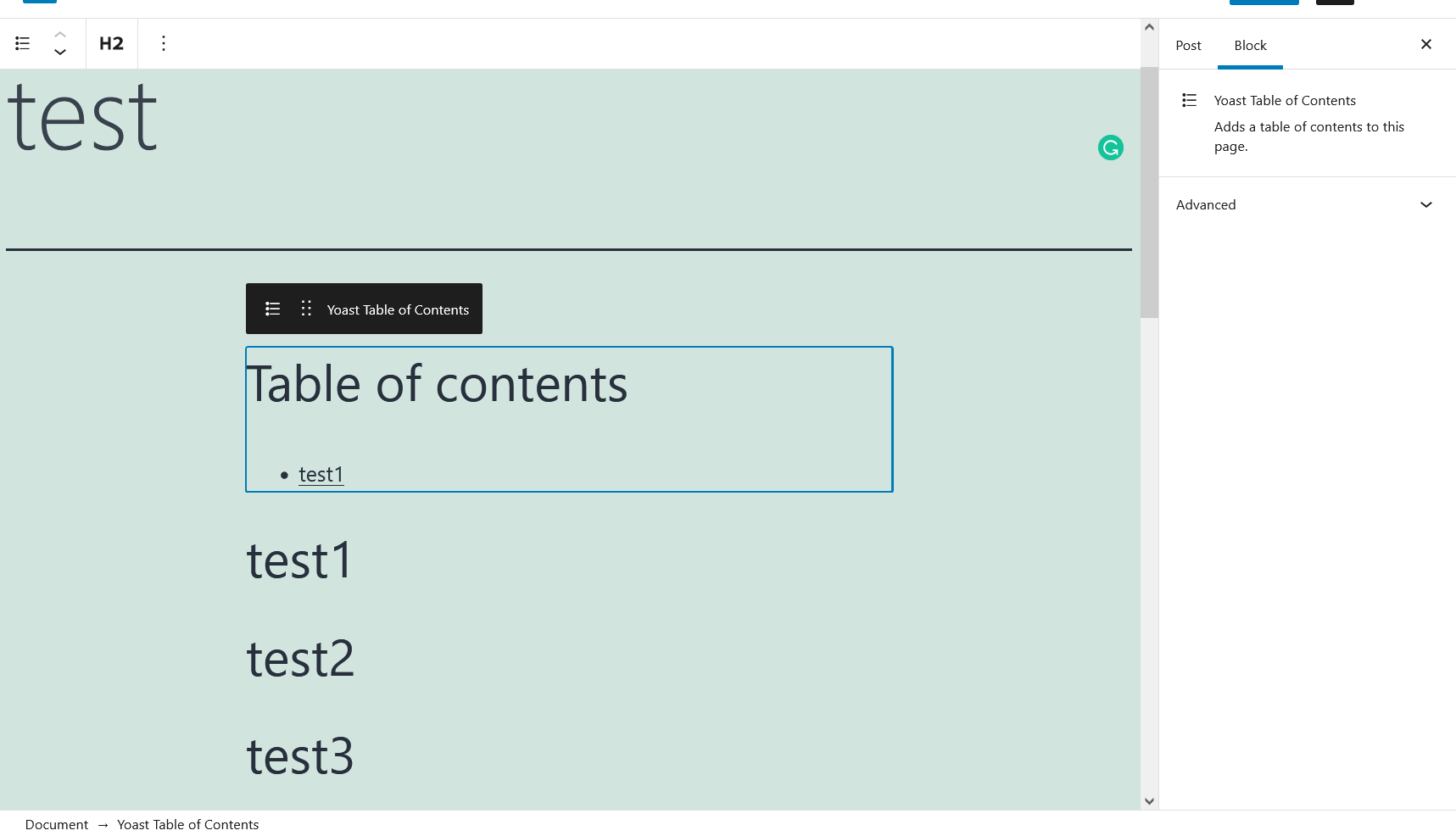
- Added three headers
- Clicked on the Yoast TOC
- Only one header shows up in the TOC
See screenshot:
@worldsdream have you tried any different browsers / private windows, to see if it's perhaps browser-related (I see the green "refresh"-like icon which isn't native to the block editor I believe, so that's my next guess)?
@Djennez I was testing this on the Firefox browser. I will try Google Chrome. That's the Grammarly extension. Not a refresh button.
Edit: I just tested it on Google Chrome with a private (incognito) window. Exactly the same as in Firefox browser.
When I downgrade to WP 5.7.3 it works. This is how it looks when I downgrade and create a new post:

Interesting. We'll need more data to be able to figure out what causes this. Since the provided reproduction steps do not reproduce the issue, it may be a localized problem.
So anyone running into this, please provide as many details about your situation as possible, perhaps that will dictate a common denominator.
It's really hard to isolate the problem, I only have a Yoast Premium license on the production environment.
However, in the Staging environment (without activation of the Premium subscription), HTML anchors are not automatically generated as well. Only the first heading automatically generates an HTML anchor. As shown in the picture below

I use :
- Genesis Framework.
- Plugin Advanced Editor Tools by Automattic (Extends and enhances the block editor (Gutenberg) and the classic editor (TinyMCE))
- WooCommerce (WooCommerce, but I don't see a link to the problem)
- Easy Table of Content, for the management of ToC on old posts (not migrated to the Yoast solution) => I don't see a link with the problem
I think the problem is more frequent than we think, the use of this block is relatively recent and the bug not very visible.
Is there a way to catch error while HTML Anchor are generated?
The request for change https://github.com/Yoast/wordpress-seo/issues/17151 describes an almost identical pattern
I quote the user : "In this example, I left the HTML Anchor field blank for the first H2, but manually entered something for the second H2. The first one’s ID was filled in by Yoast." This means that the second Heading is not automatically generated. => which confirms the steps to reproduce this bug and shows that it is a more frequent bug.
The "Table Of Contents" block has an important impact on SEO.
@GeeKanJi thanks for the information.
On WP 5.8.x. If you activate the default theme and disable all plugins, except for yoast/yoast premium, does it work when creating a new post?
Did you try to downgrade to WP 5.7.3? You can use this plugin on your staging site.
https://wordpress.org/plugins/core-rollback/
it would be great to hear if you can confirm that when rolling back and create a new post, the yoast TOC works.
i really find it strange that nobody else mentioned this bug. Maybe not a lof of users are on WP 5.8.x and creating posts with the yoast TOC?
I can't use such a plugin in Staging.
You were able to reproduce the bug on a freshly created environment, that's an important step for isolation.
That’s fine @GeeKanJi.
Yes, I did isolate it. But, @Djennez can’t seem to confirm it…
@Djennez
I can reproduce the problem on a second site (with very few plugins).
This site did not have the Yoast SEO and Yoast Premium plugins. So I installed both plugins without activating the Premium version (but it's not a problem for reproduction steps).
Only the Yoast SEO plugin : HTML Anchor are not generated automatically => OK expected behavior Adding the Yoast Premium plugin (without activation of the subscription) : the first Heading generates an HTML anchor, the second Heading does not generate an HTML anchor => KO on the second one
If you can't reproduce the problem, maybe it's specific to your development/QA environment? You must have a specific Yoast Premium (a version without subscription activation ?). It is only an assumption
My English is not very precise, I'm sorry. Don't hesitate to ask me for clarification
@Djennez can you please try again with a complete new staging site? Thank you.
The yoast TOC is a premium feature. But I don’t think it has anything to do with having a premium license.
Why I believe that? Because when you downgrade WP tot version 5.7.x, it works. This started to happen when installing WP 5.8 and higher.
There is definitely an issue with yoast TOC and WP 5.8 and higher.
I only find it strange that we only notice it or mention it….
After several tests on different environments (4 env), the problem is systematically reproduced.
The table of contents is an important feature for SEO.
@worldsdream
Did you find a workaround with Wordpress 5.8? Or another plugin to manage tables of contents?
I don't understand this situation on a paid feature.
The request for more information from any other users still stands, as we don't have enough data to determine what, in your particular situations, is the cause of this. If we can find the common denominator, we may be able to provide a fix. Unfortunately for now, it's not something we can investigate.
Edit: how do you create your headings? Do you create paragraphs and do you convert these to headings? Or do you create headings by either clicking the + icon of by typing a slash and searching for heading? I found that the first one that I mentioned may cause the described behavior, but that is a pretty roundabout way of creating your headings so I'm not sure how widely that is used.
@Djennez, I can confirm that this is the "BUG".
When we create a heading and type in the heading, it works. Selecting the paragraph and making it a heading doesn't create an "HTML anchor".
Before WP 5.8, it always worked with selecting a paragraph and choose a heading. Then, the "HTML anchor" will populate.
Yes, we can create headings as we type, but that's not always the case. Most of the time, I write, and at the end, I decide which paragraph will be a heading at the end.
I am happy that you found why it was not working!
The request for more information from any other users still stands, as we don't have enough data to determine what, in your particular situations, is the cause of this. If we can find the common denominator, we may be able to provide a fix. Unfortunately for now, it's not something we can investigate.
Edit: how do you create your headings? Do you create paragraphs and do you convert these to headings? Or do you create headings by either clicking the
+icon of by typing a slash and searching for heading? I found that the first one that I mentioned may cause the described behavior, but that is a pretty roundabout way of creating your headings so I'm not sure how widely that is used.
Thank you very much!
I always create a paragraph that I turn into a heading. (it's faster than going for the block heading with the +)
Nevertheless, it's a great workaround. (Always go through the +)
I remain at your disposal if you need more information.
I just like to tell that my productivity is impacting a lot when I have to create a heading and then type. Instead of selecting the text and make it a heading.
Hi! I've had this same problem for a while. It could have been in the Wordpress version change, I'm not sure.
There's another way to solve the bug (which isn't ideal either). After converting the paragraph to heading just change it to "edit as html" and it reappears in the table of contents.
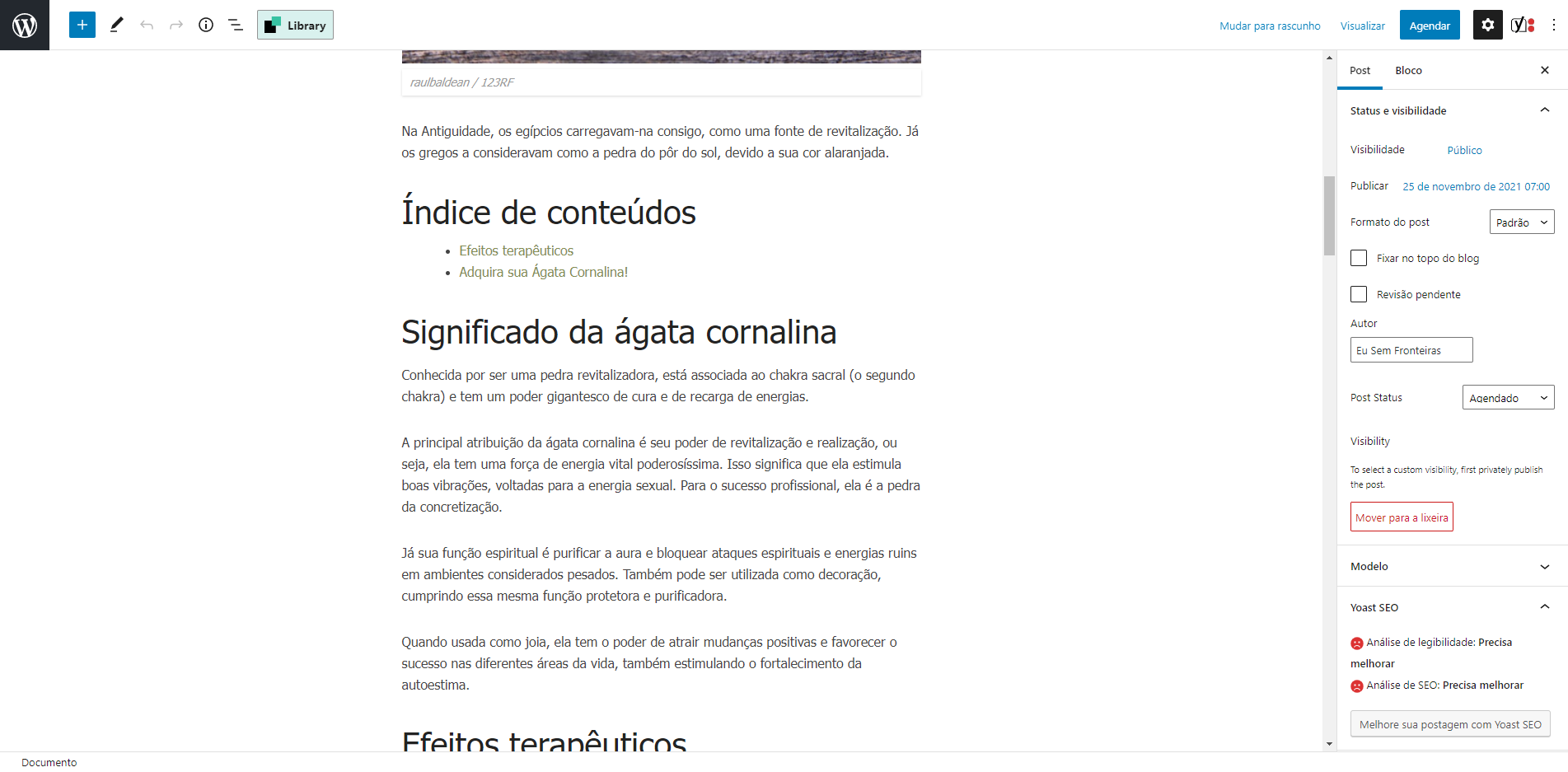


@Djennez I can see and confirm in my environment that this issue is fixed in Yoast SEO Premium 19.0.
Fixes a bug where a subheading was not included in the Table of Content (ToC) in the case that it was upgraded from a paragraph block.
https://yoast.com/wordpress/plugins/seo/change-log/
The problem is there again. At the moment I don't know why. As soon as I have more time, I will try to isolate the problem.
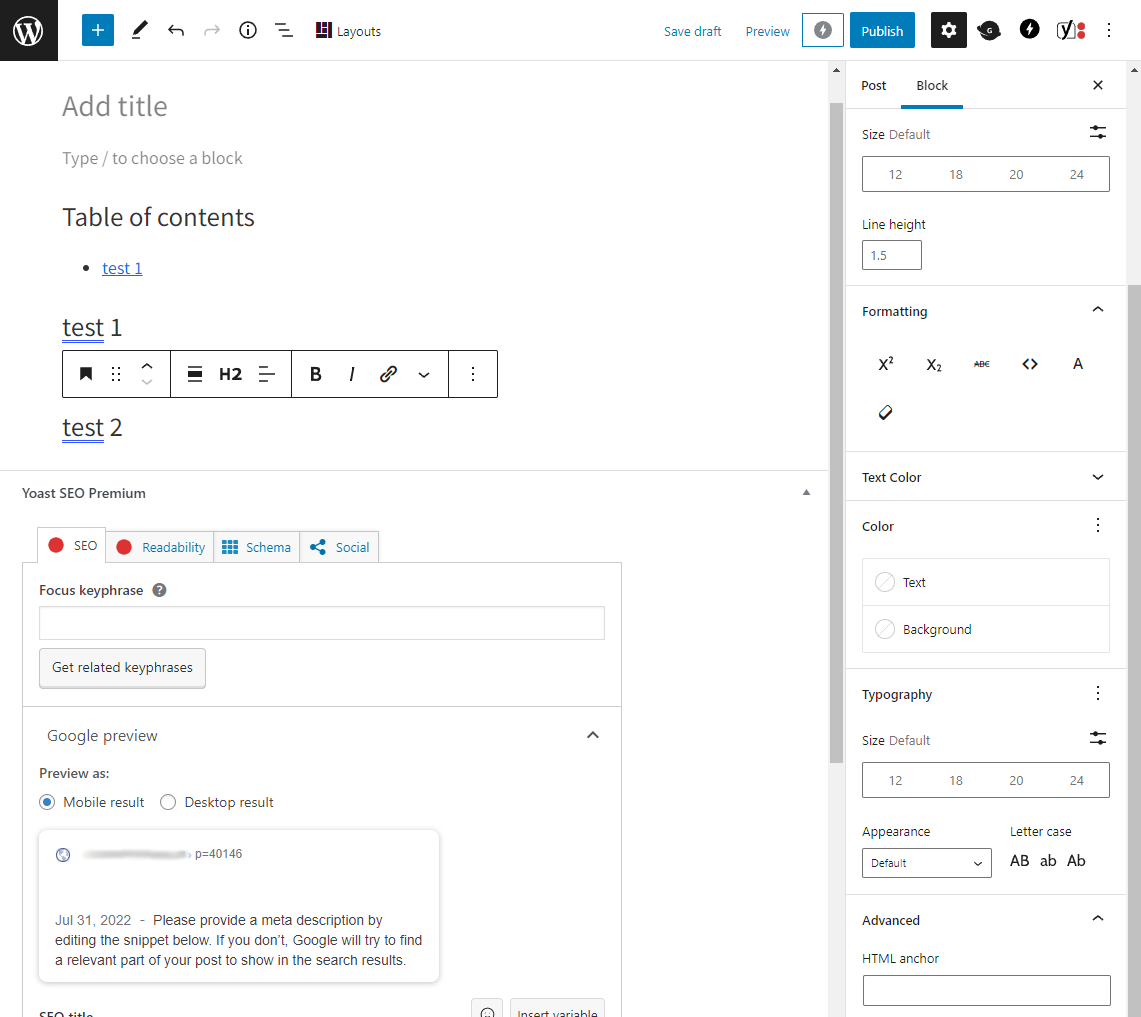
That's because they had to revert the bug fix. See Yoast 19.0.1 changelog:
Temporarily reverts a fix that automatically included subheadings in the Table of Content (ToC) when they were upgraded from a paragraph block in order to prevent the above bug. We will revisit this bug to bring back a more stable fix in the future.
https://yoast.com/wordpress/plugins/seo/change-log/
Will we ever see a fix for this? It's a "premium" feature, and it's not working as it should. Thank you.
There have already been 8 new updates in 6 months and nothing to solve this bug that was already known by the developers and that had already been solved previously. Great!