

 Yoast
Yoast
Problem with integrating YoastSEO.js using webpack
I want to integrate YoastSEO.js to my project. I made bundle.js with webpack but get the error like below. My code:
var SnippetPreview = require( "yoastseo" ).SnippetPreview;
var App = require( "yoastseo" ).App;

window.onload = function() {
	var focusKeywordField = document.getElementById( "id_keyword" );
	var contentField = document.getElementById("id_content");

	var snippetPreview = new SnippetPreview({
		targetElement: document.getElementById( "snippet" )
	});

	var app = new App({
		snippetPreview: snippetPreview,
		targets: {
			output: "output"
		},
		callbacks: {
			getData: function() {
				return {
					keyword: focusKeywordField.value,
					text: contentField.value
				};
			}
		}
	});

	app.refresh();

	focusKeywordField.addEventListener( 'change', app.refresh.bind( app ) );
	contentField.addEventListener( 'change', app.refresh.bind( app ) );
};
Error:
new_bundle.js:35888 Uncaught TypeError: Cannot set property 'innerHTML' of null
    at AssessorPresenter.renderIndividualRatings (new_bundle.js:35888)
    at AssessorPresenter.render (new_bundle.js:35848)
    at App.runAnalyzer (new_bundle.js:27152)
    at App._pureRefresh (new_bundle.js:27004)
    at invokeFunc (new_bundle.js:8919)
    at leadingEdge (new_bundle.js:8929)
    at App.debounced [as _pureRefresh] (new_bundle.js:8994)
    at App.refresh (new_bundle.js:26992)
    at invokeFunc (new_bundle.js:8919)
    at trailingEdge (new_bundle.js:8966)
I have no idea what is wrong. I will be grateful for your help


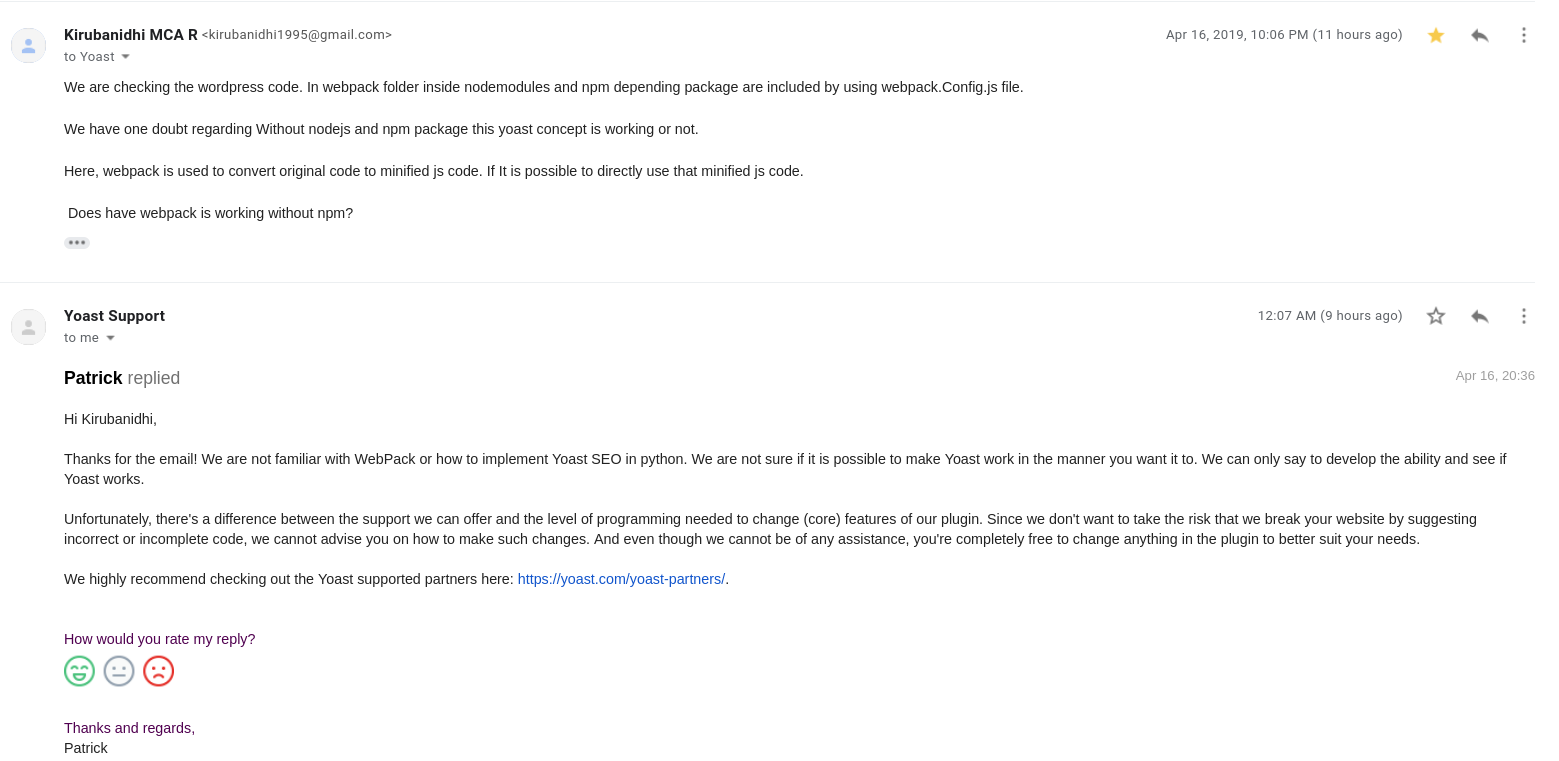
We are trying to integrate Yoast-seo.js by using Webpack concept and we are facing the same problem.
Did you solve your problem?
Please, could you give me some idea to integrate Yoast-SEO js by using Webpack?

I'm also facing this error in yoastSEO.js using webpack.
import { Researcher, Paper } from "yoastseo";
const paper = new Paper( "Text to analyze", { keyword: "analyze", } ); const researcher = new Researcher( paper );
console.log( researcher.getResearch( "wordCountInText" ) );
var SnippetPreview = require( "yoastseo" ).SnippetPreview; var App = require( "yoastseo" ).App;
window.onload = function() { var focusKeywordField = document.getElementById( "focusKeyword" ); var contentField = document.getElementById( "content" );`
var snippetPreview = new SnippetPreview({
    targetElement: document.getElementById( "snippet" ),
    baseURL: "{{url('/')}}/",
    placeholder:{
        urlPath:"slug goes here"
    }
});

var app = new App({
    snippetPreview: snippetPreview,
    targets: {
        output: "output"

    },
    callbacks: {
        getData: function() {
            return {
                keyword: focusKeywordField.value,
                text: contentField.value
            };
        }
    }
});

app.refresh();

focusKeywordField.addEventListener( 'change', app.refresh.bind( app ) );
contentField.addEventListener( 'change', app.refresh.bind( app ) );
};`

