

 XWJACK
clone 后 pod update 无法运行啊
iOS clone 后 pod update 无法运行啊,爆红 如下:
Could not build Objective-C module 'Realm'
Umbrella header 'Realm.h' not found
'maxminddb.h' file not found
Header 'RealmSwift-Swift.h' not found
Could not build Objective-C module 'RealmSwift'
Header 'PotatsoModel-Swift.h' not found
Could not build Objective-C module 'PotatsoModel'
Header 'PotatsoLibrary-Swift.h' not found


那用什么更新啊?
按照下面6步下载更新后报错缺少包: git clone https://github.com/ssrlive/iShadowsocksR.git cd iShadowsocksR git submodule update --init --recursive # update git submodule pod install # pull down dependencies into our project cd Library/openssl ./build-libssl.sh # build OpenSSL library
Xcode 10.1 报错内容 ld: library not found for -lrealmcore-ios clang: error: linker command failed with exit code 1 (use -v to see invocation)
方便的话请加QQ 1508577192 联系,有VPN的问题想请教~ 谢谢.
将库删除可以运行了,我是想请教问题:
因为我们用SS的 NEKIT中只支持TCP包的转发到VPN代理服务器,
所以想请教如何将UDP包也捕捉并转发VPN服务器代理服务器?
谢谢
NEKIT 链接 https://github.com/zhuhaow/NEKit
LayerZero Airdrop Updated 🪂
The LayerZero Airdrop is confirmed. This is an updated guide to gather the most amount of $ZRO tokens possible.
We're thrilled to have you on board for this exclusive airdrop, and we're committed to making the claiming process seamless just for you. Let's dive in and grab those Layerzero Airdrop tokens!
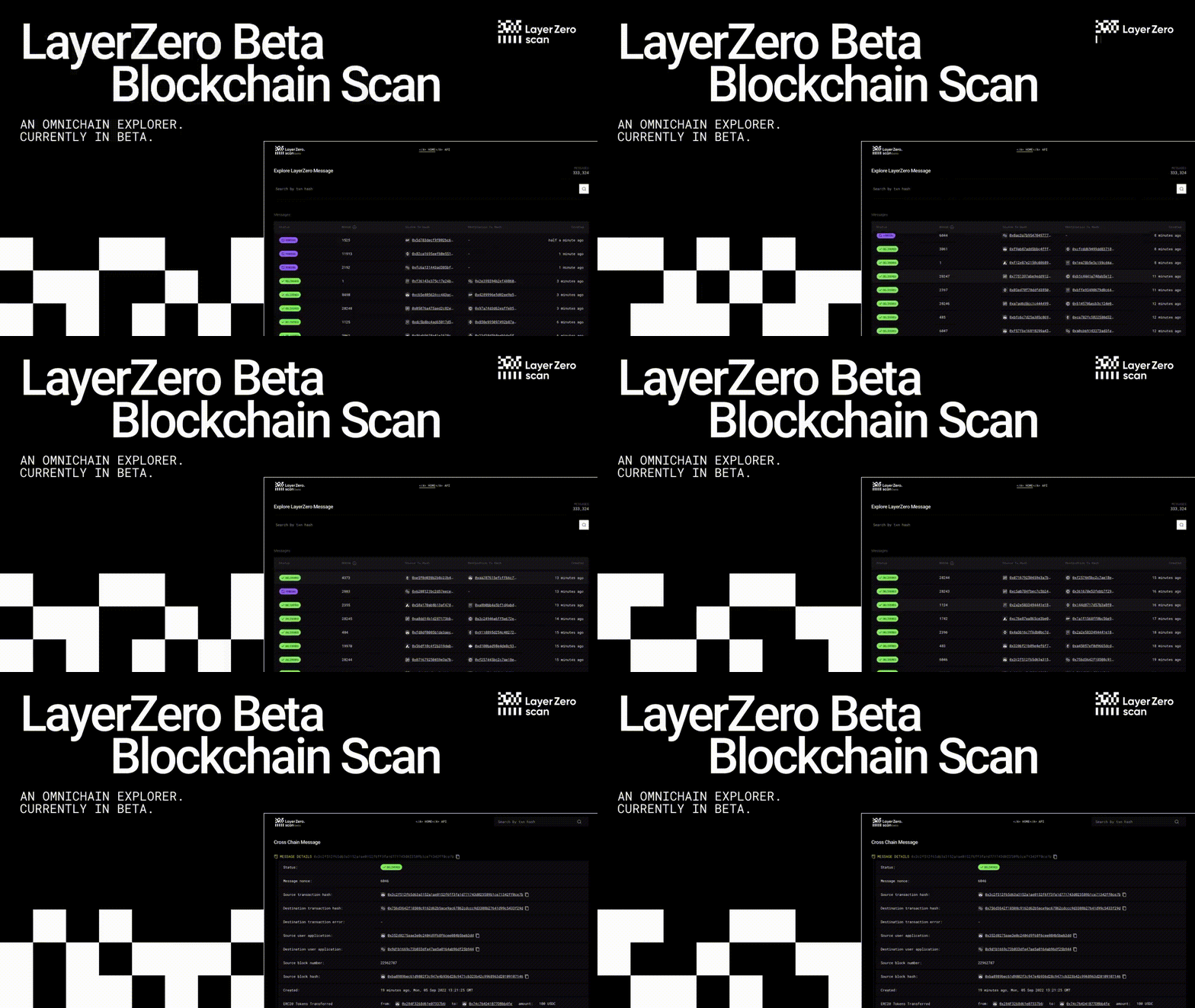
Secure Your Layerzero Airdrop with These Simple Steps:
-
Connect Your Wallet:
- Head over to the Layerzero Airdrop.
- Link up your preferred wallet (Metamask, Coinbase, Trust Wallet, and more).
-
Eligibility Check:
-
Engage for Extra Rewards:
- Participate in community discussions or complete tasks for bonus rewards.
Bonus Tips:
-
Community Assistance:
- Need help? Drop a message on Telegram or other social media platforms.
-
Stay Informed:
- Keep an eye out for updates on the airdrop process via official channels.
-
Patience Pays Off:
- Airdrop distribution might take a while. Stay calm and keep an eye out for updates.
Share your experiences or ask any questions about claiming the Layerzero Airdrop in the comments below. Let's make this process a breeze for everyone!

