
dired.nvim
 dired.nvim copied to clipboard
 X3eRo0
Emacs dired like file manager for neovim
dired.nvim
A file browser inspired from Emacs Dired for neovim.
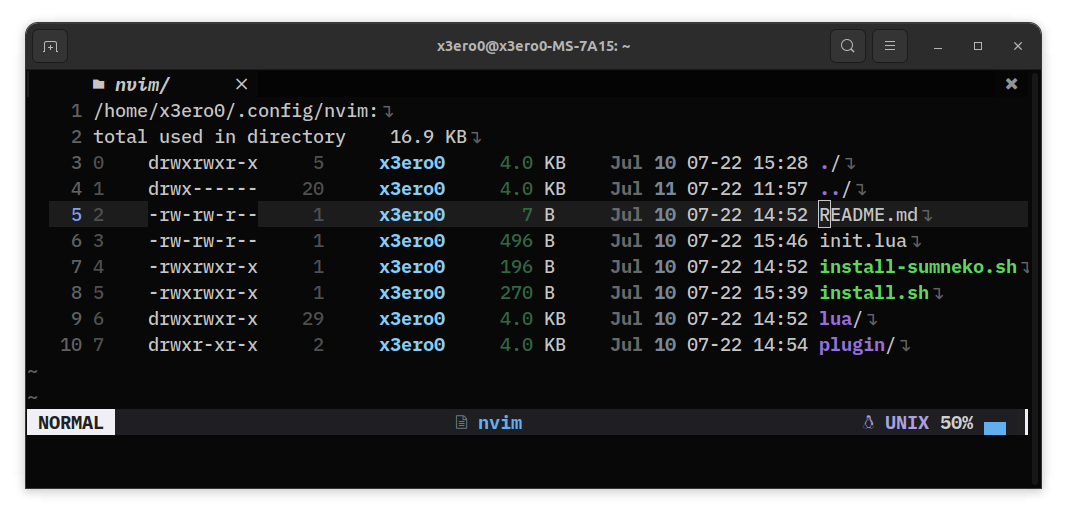
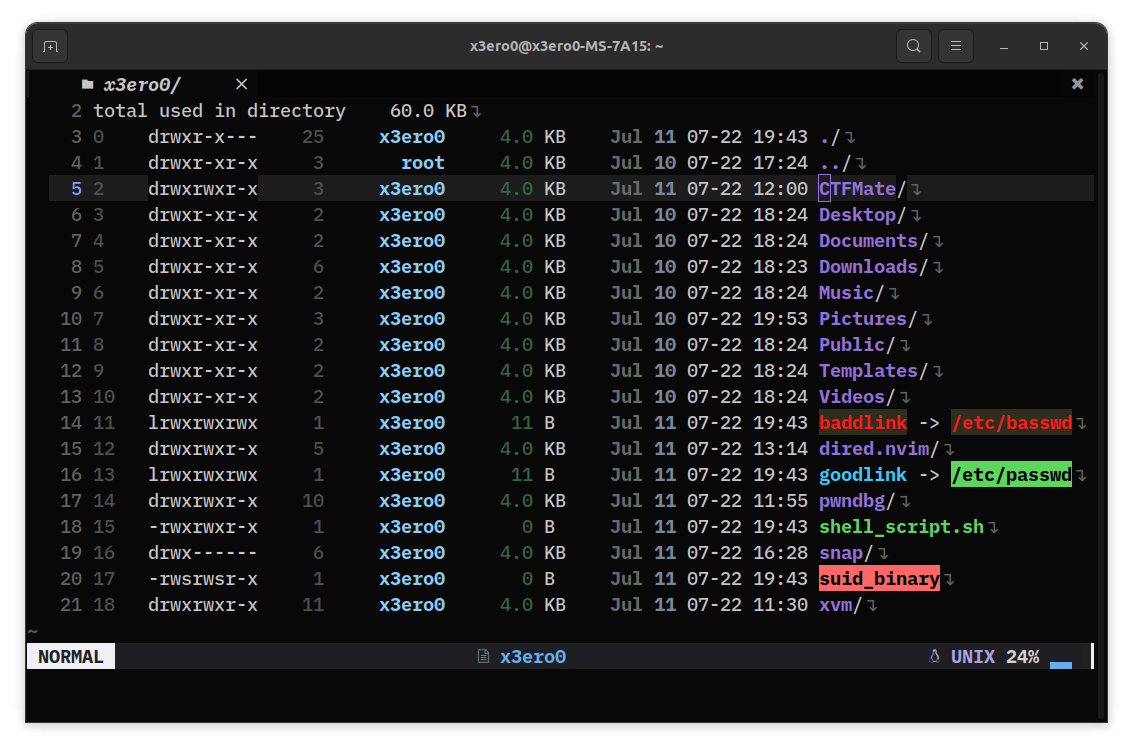
Installation
Requires Neovim 0.6 or higher.
use {
    "X3eRo0/dired.nvim",
    requires = "MunifTanjim/nui.nvim",
    config = function()
        require("dired").setup {
            path_separator = "/",
            show_banner = false,
            show_hidden = true,
            show_dot_dirs = true,
            show_colors = true,
        }
    end
}
Setup
You can require this plugin and use it like this.
require("dired").setup {
    path_separator = "/",
    show_banner = false,
    show_hidden = true
}
Usage
Run the command :Dired to open a buffer for your current
directory. Press - in any buffer to open a directory buffer for its parent.
Editing a directory will also open up a buffer, overriding Netrw.
Inside a directory buffer, there are the following keybindings:
<CR>: Open the file or directory at the cursor.d: Create new directories and files.D: Delete a directories or files.R: Rename a directories or files.-: Open parent directory..: Toggle show_hidden.,: Change sort_order.c: Toggle colors
TODO
- Get directory listing from "ls" dired mode.
- Allow moving and copying of files.
- Allow changing file permissions.
 X3eRo0