

 WordPress
Home: adjust spacing below posts area
I think there needs to be more spacing below the posts, this is what the query block look like with a background color:
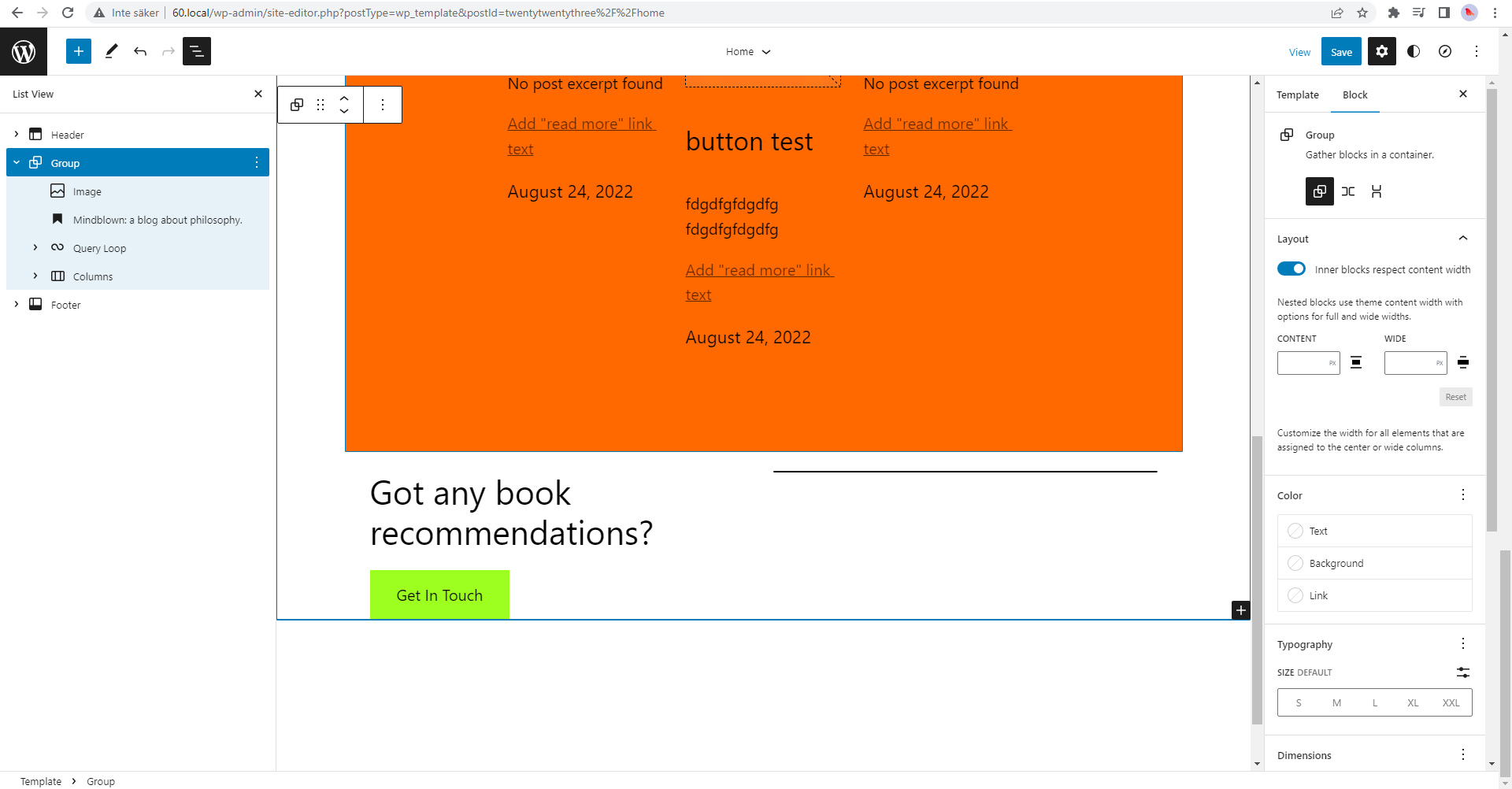

The new layout styles are overriding bottom margin added to the query in theme.json:
body .is-layout-constrained > * + * {
    margin-block-start: 1.5rem;
    margin-block-end: 0;
}

body .is-layout-constrained > * {
    margin-block-start: 0;
    margin-block-end: 0;
}
There is more spacing added in this PR, which may address this issue: https://github.com/WordPress/twentytwentythree/pull/111
The new layout styles are overriding bottom margin added to the query in theme.json:
I'm not seeing this locally, I can still see the query block margin coming through:
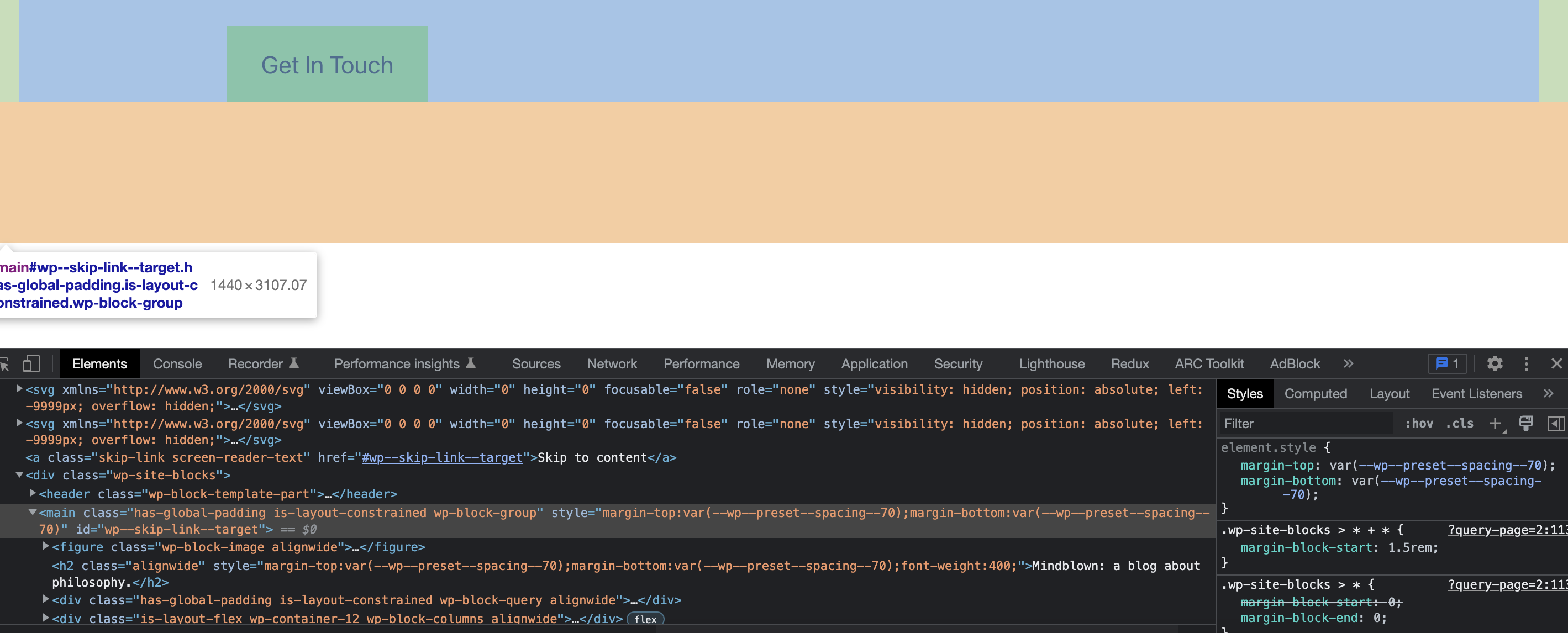
I'm using the latest GB trunk and TT3 trunk.

Yes, the spacing in the templates work, but spacing in theme.json is overridden.
Is this still an issue in the theme? It looks like we're not currently setting any margin on the query block in theme.json, but I can see if I do set one that it's overwritten...
I managed to overwrite it via theme.json using the following:
"core/query": {
	"spacing": {
		"margin": {
			"bottom": "500px !important"
		}
	}
},
It's not great, but it's at least a workaround for now.
Closing as the theme has been merged into the WordPress Core SVN repository and is no longer maintained on GitHub.