

 WinMerge
"Searched" text have weird background color
If i search some text in a file, then "unselect" the text, this appear, it appear on every occurrence of the searched text
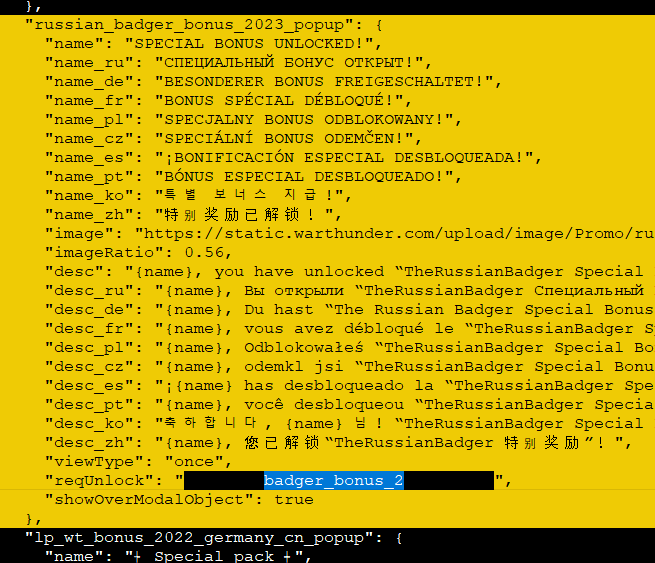
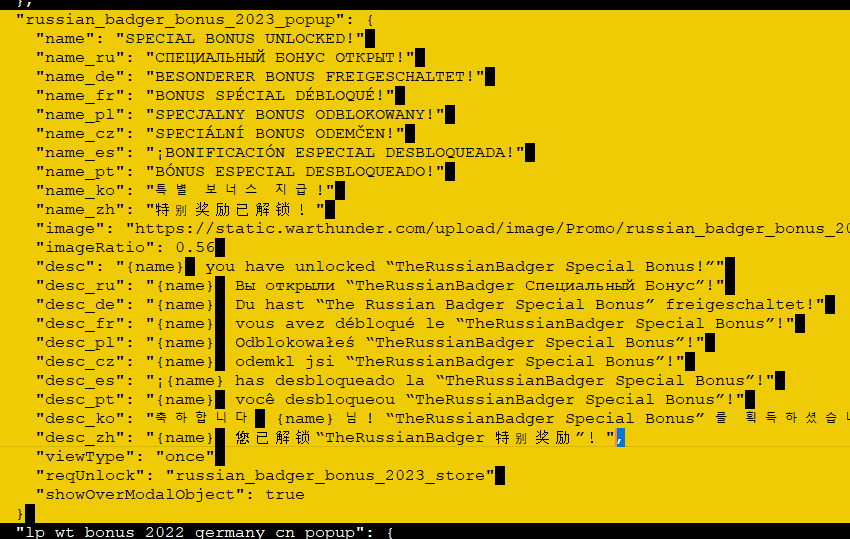
Is there a way to change that ? or a "transparent" background color, so it take the one "under" it
I don't remember it doing that in 16.28

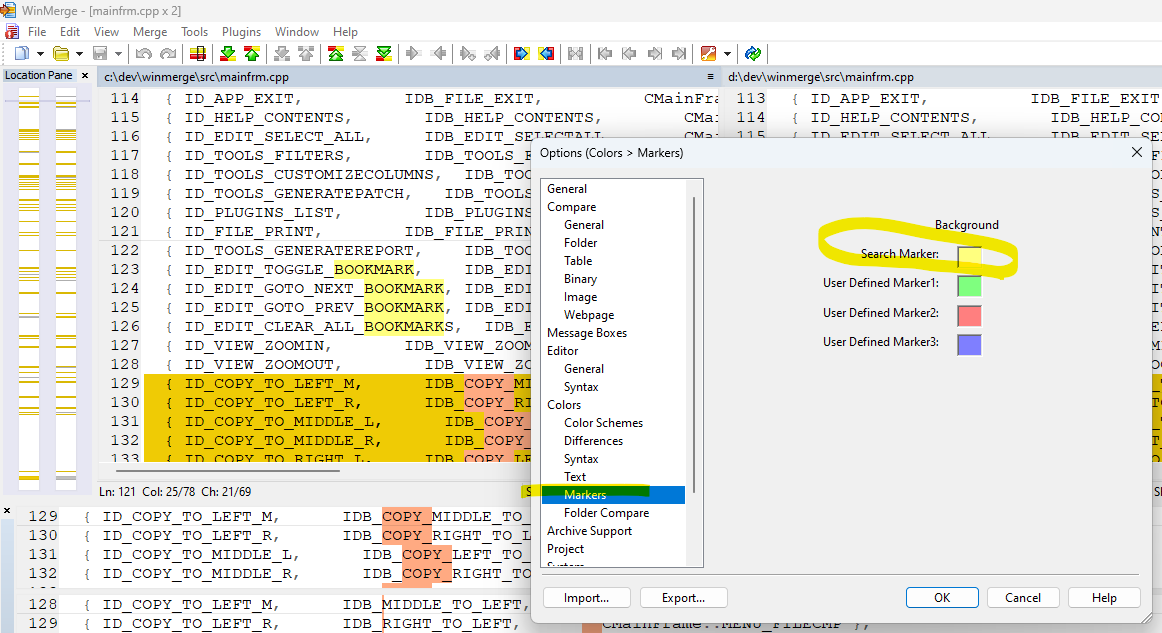
You can change the color in the Colors/Markers category of the Options dialog.

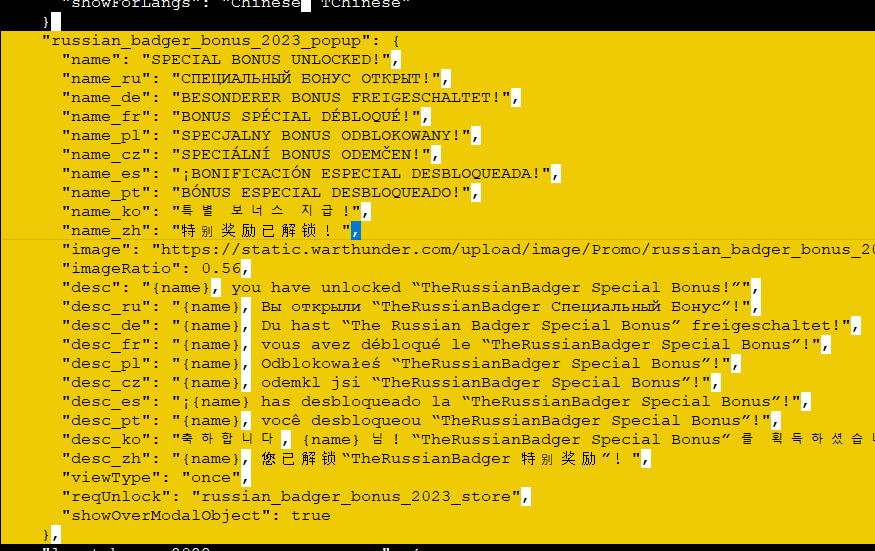 This happen
Then it is possible to "disable" this mark ?
I'm sure it wasn't doing that in the previous version but i don't remember anything changing about this.
The issue is that when you close the search dialog box, it does not clear the highlight for any of the found matches.
