

 WeblateOrg
Expanded language lists
Papercut again,
No matter the vertical resolution, you get 5 items to pick from in the settings, in what is a double-scrollbar view. That is neither where I expect to find a scrollbar, nor is it as easy to get to as the right side.
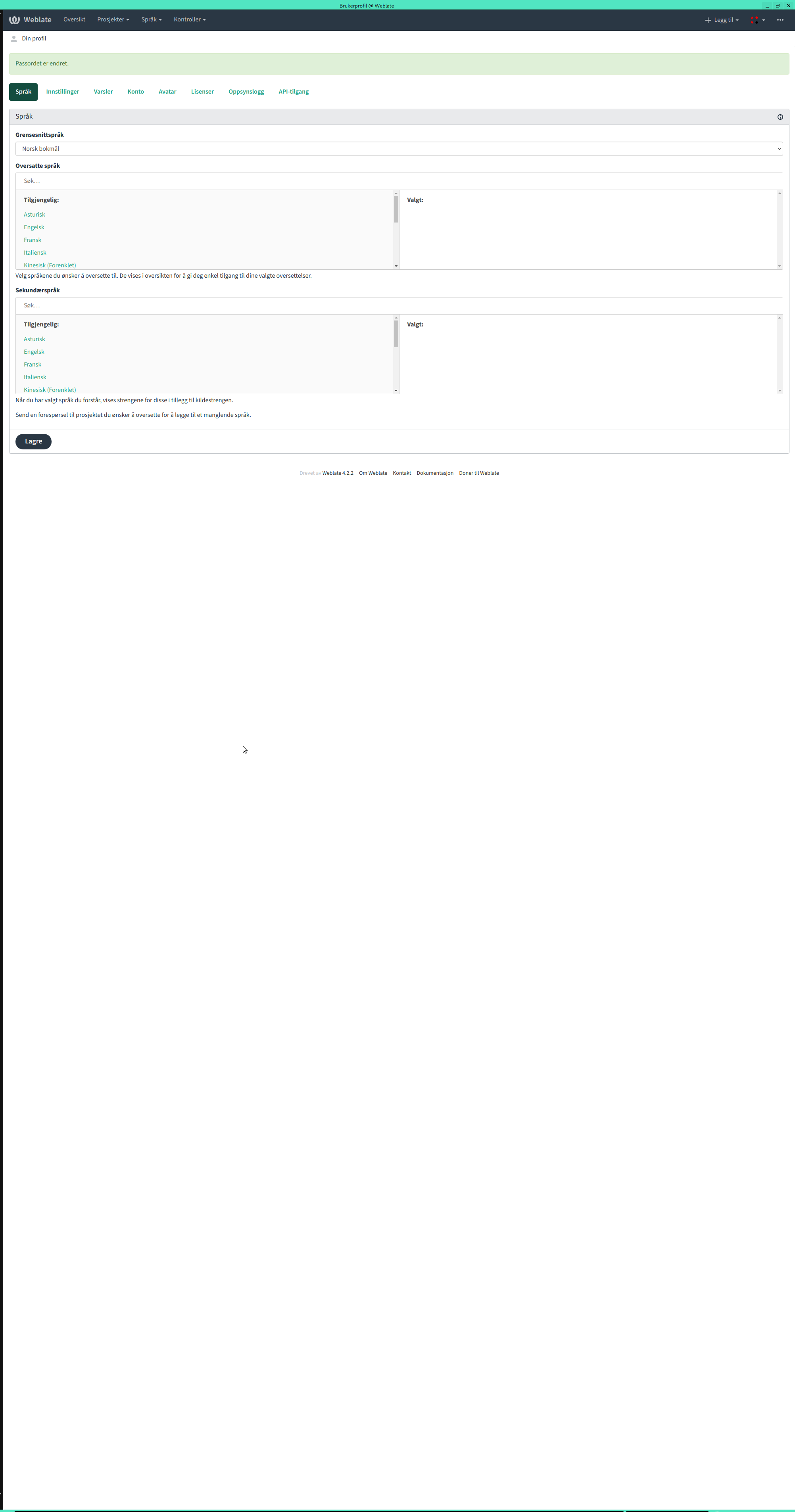 The bottom here isn't even as far down as the next tab "Settings".
These are the alerts
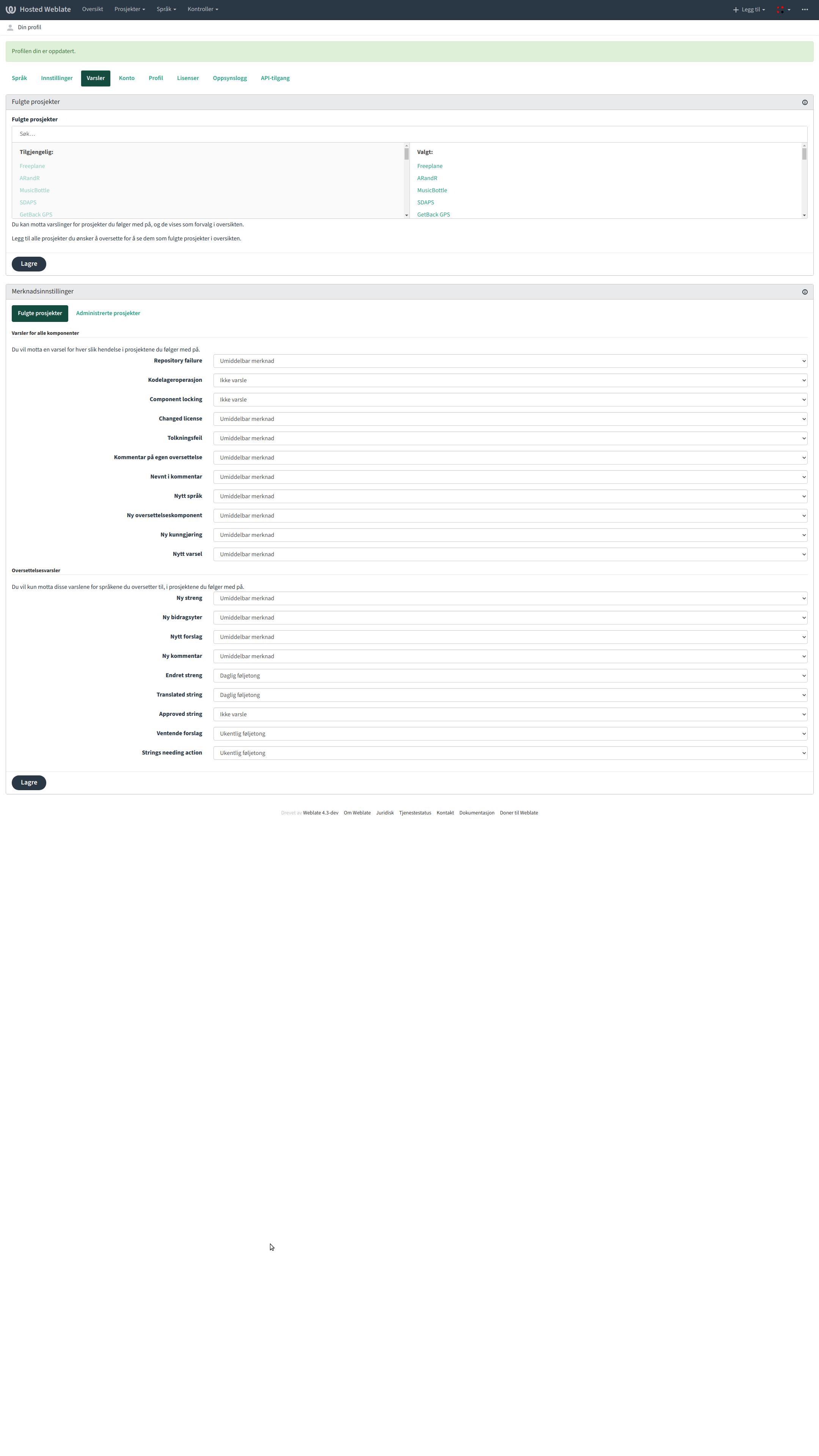 If it was placed on the bottom here, it could just scroll forever. The "Languages" tab would have to have the two lists side-by-side to do this, though the latter (secondary languages) is the more important one (and the one that doublescrolls for me on Hosted)
Something ala this looks more 18:9 21:9 or 16:9 or whatever the new resolutions are
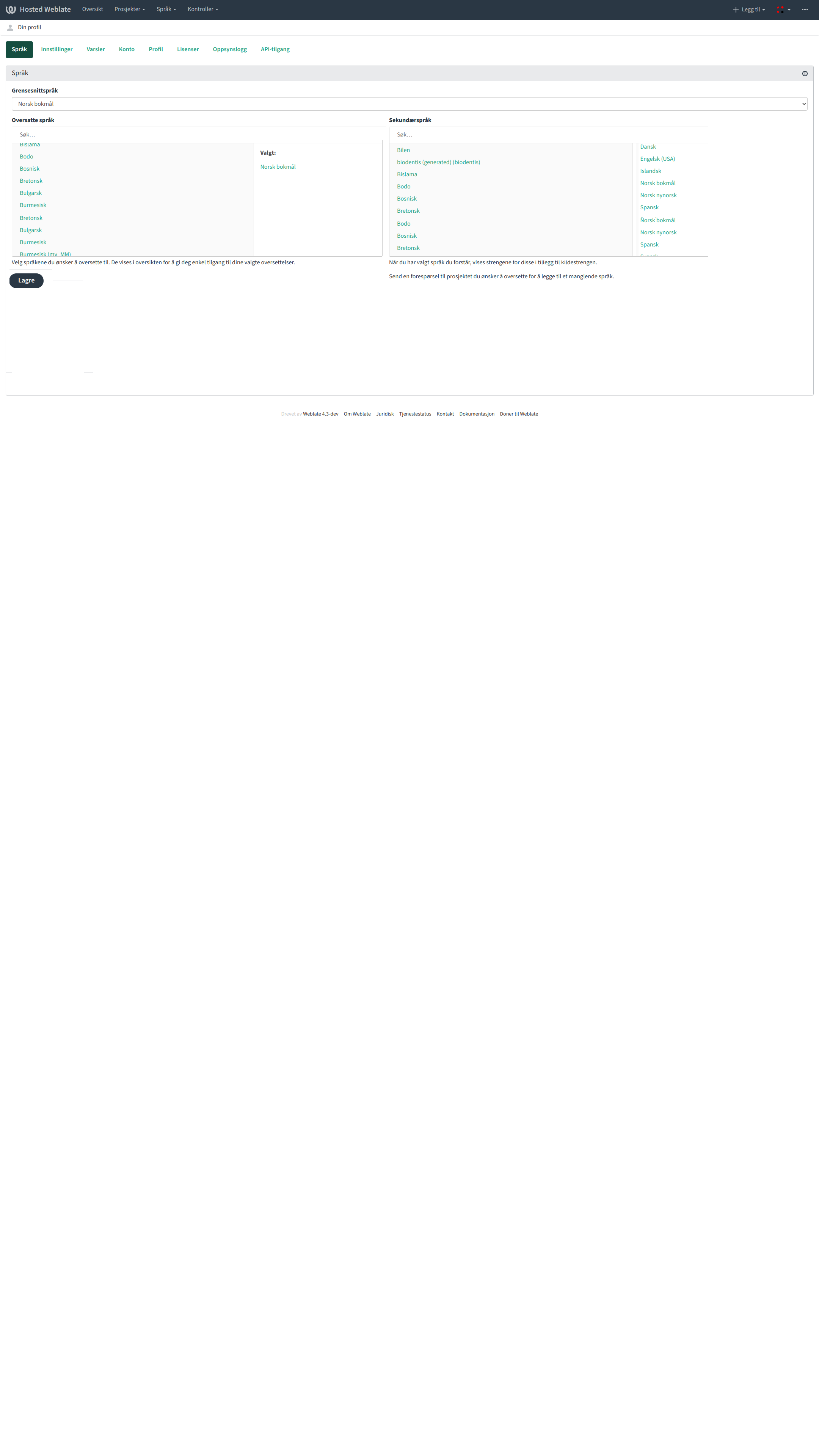

@comradekingu @nijel the problem if I am not mistaken is that the scrollable languages view needs to be bigger if the screen have enough space?
**These ones? **
Similarly, in the Watched Project in Notifications here

Thank you for your report; the issue you have reported has just been fixed.
- In case you see a problem with the fix, please comment on this issue.
- In case you see a similar problem, please open a separate issue.
- If you are happy with the outcome, don’t hesitate to support Weblate by making a donation.
![github-actions[bot] avatar](https://avatars.githubusercontent.com/in/15368?v=4 "Published by a pub.dev verified publisher")
Thank you for your report; the issue you have reported has just been fixed.
- In case you see a problem with the fix, please comment on this issue.
- In case you see a similar problem, please open a separate issue.
- If you are happy with the outcome, don’t hesitate to support Weblate by making a donation.