

 WebTools-NG
[BUG] Part File Path shows odd characters
Describe the bug I am not sure if this is a Plex issue or a WT-NG issue, but when outputting the Part File Path field, a series of commas and/or periods are often output also.
E.G. Suddenly, Last Summer - M:\Movies\1950-59\1959,.
It appears that these characters are output if the Title field contains a comma or period in the name.
To Reproduce Steps to reproduce the behaviour:
- Output Title & Part File Path from a library that contains commas and/or periods in the Title fields
- Open the CSV file and look at the Part File Path column
- See error
Expected behaviour I do not expect to see any additional characters in the Part File Path column
Desktop (please complete the following information):
- OS: Windows 11 Pro
Example CSV File ROGStrix_Movies_Movie_Movies_Title & Year & Path_Item 0-6358_2022.08.23_11.44.24.zip
Log File WebTools-NG.zip
- [ ] Movies
- [ ] Shows
- [ ] Episodes
- [ ] Find Missing Episodes
- [ ] Plex.tv export
- [ ] Libraries
- [ ] Playlists

Hmm....
Just did an export from your library, using Libre Office, and it showed as this

Maybe also install Libre Office, and check with that as well?

I used Libre Office and I do have a portable version of Libre Office from PortableApps.com installed. I rarely use Excel now, because of all the issues I've had with it ... lol
It only seems to happen if the Title has a period . and/or comma , in the name.
Extract and open the .csv I included in my post above, in a text editor and go to line 32 or line 62, you will see what I mean in column C (third column). There are others as well, but you get the point.
Also, I used a Custom Level with Title, Year, Part File Path and Part File only, to export with. Maybe that is why?
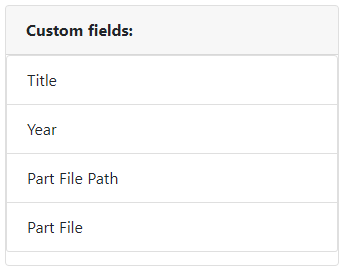
I just exported this .csv using 1.1.2.74b1ca6 with 6380 Movies and my Custom Level. Go to line 3089 (Murder, Inc.) and line 3090 (Murder, My Sweet) in a text editor, to see the issue. You'll find another on line 3123 (My Son, My Son, What Have Ye Done). ROGStrix_Movies_Movie_Movies_Title & Year & Path_Item 0-6380_2022.09.27_2.46.05.csv
I just installed 1.1.2.b520fcb and got the same results. ROGStrix_Movies_Movie_Movies_Title & Year & Path_Item 0-6380_2022.09.27_3.26.10.csv Line 3089
Just did an Export Level All and the problem exists there too. ROGStrix_Movies_Movie_Movies_all_Item 0-6380_2022.09.27_3.51.07.csv Line 3089
This is what I get:

And my settings are as follows:
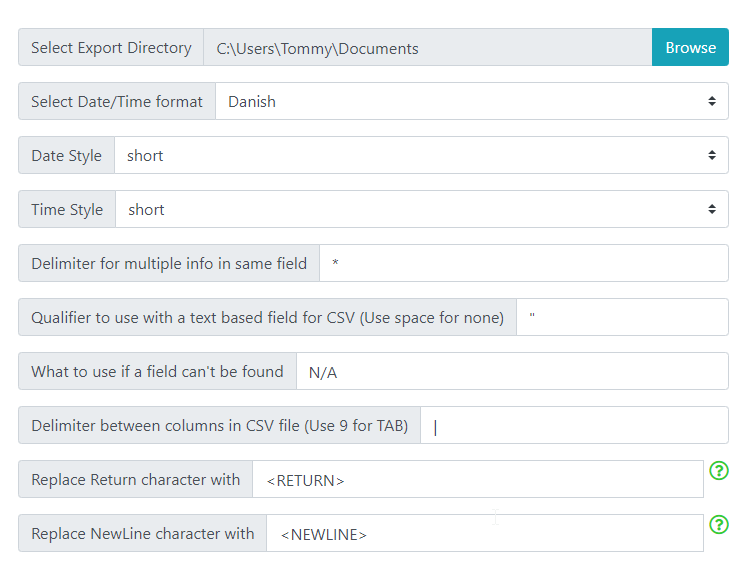
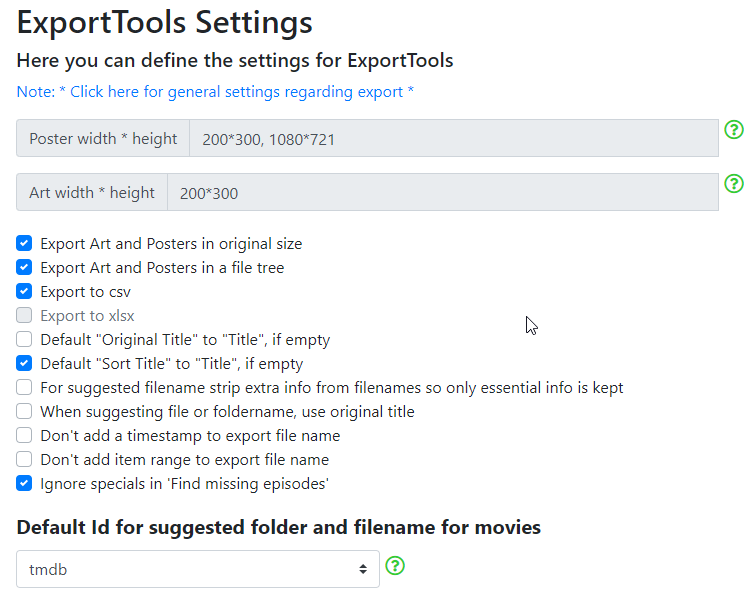
ROGStrix_Movies_Movie_Movies_#580 File Path_Item 3050-3100_2022.09.27_12.09.10.csv
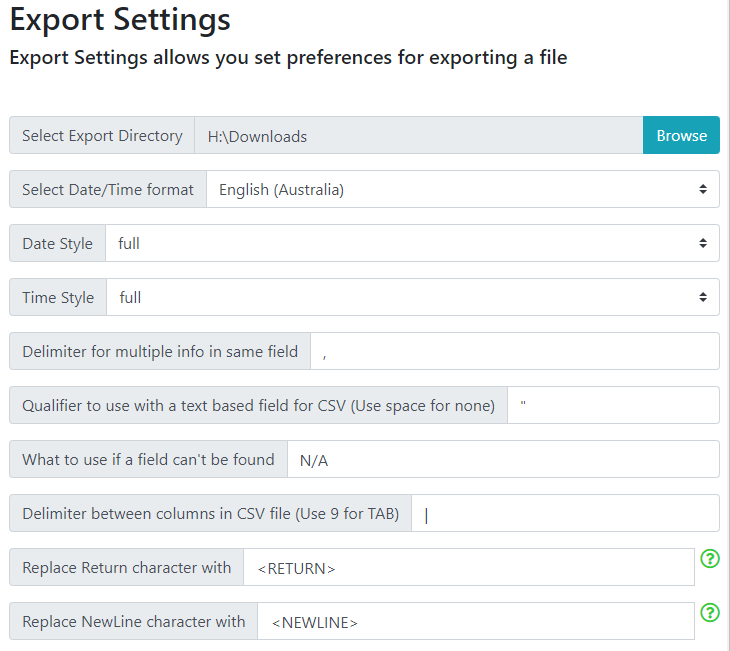
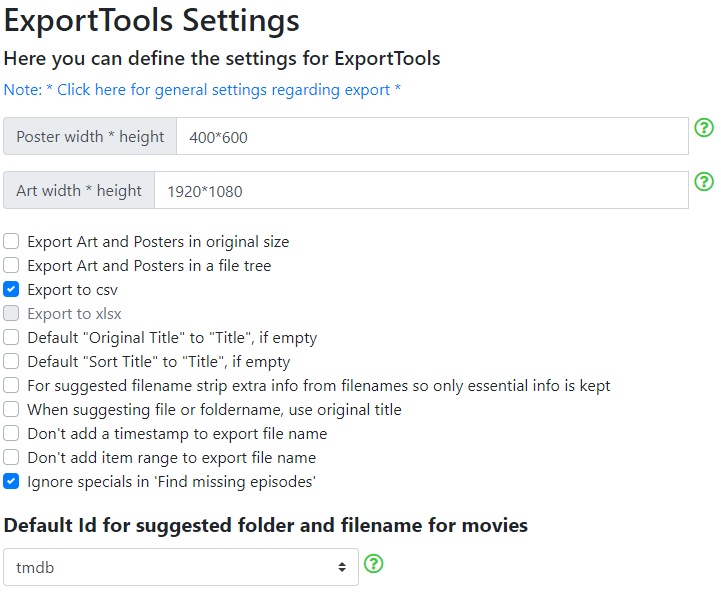
My computer has dual boot, Windows 11 or Windows 10.
I used WT-NG v0.3.12.898c1ee ( yes it's old :^p ) running in Windows 10 with my Custom Level and got similar results, although the criteria seems to have changed from a comma in the title to a dash or colon. ¯\_(ツ)_/¯
DiskStation_Movies_Movie_Title & Year & Part_2022.09.28_12.55.03.csv Line 3, 14, 15
I updated WT-NG to v1.1.2.b520fcb and exported item 3000 to 3100 and got this result: DiskStation_Movies_Movie_Movies_Title & Year & Part_Item 3000-3100_2022.09.28_1.33.28.csv Line 36, 50
I then exported all items using my Custom Level and got this result in Win 10: DiskStation_Movies_Movie_Movies_Title & Year & Part_Item 0-6380_2022.09.28_1.54.14.csv Line 3, 14, 15
Something I did notice, when opening WebTools-NG, if the token fails to log in, you cannot type in a password until you click outside of the WT-NG Window and then click on the Window again. Obviously, a window focus issue.
Could you try again, but switch Delimiter for multiple info in same field away from a comma, and into like * ?
And yes, on Win11 here
Running in Windows 11 using WT-NG v1.1.2.b520fcb.
I changed settings as you requested and exported all items, got this result: ROGStrix_Movies_Movie_Movies_Title & Year & Path_Item 0-6380_2022.09.28_3.10.15.csv
I tried with the separator set to a dash and got this result: ROGStrix_Movies_Movie_Movies_Title & Year & Path_Item 0-6380_2022.09.28_3.17.18.csv Line 14
Oh my.....
I sadly needs a complete refactor of how I add rows, SNIFF
This is NOT going to be a simple thing
Note to self...
We need to store internally as JSON, since that also could be used by XML, when the time comes, as well as allow us to export to JSON format, if needed
Note to self...
When the time comes, remember new fields from https://github.com/WebTools-NG/WebTools-NG/issues/625