

 Vita3K
Miracle Girls Festival [PCSG00610]
App summary
- App name: Miracle Girls Festival
- App serial: PCSG00610
- App version: 1.00
Vita3K summary
- Version: v0.1.4
- Build number: 2465
- Commit hash: https://github.com/vita3k/vita3k/commit/15a37d5d
- CPU backend: Dynarmic
Test environment summary
- Tested by: wangyw15
- OS: Windows 11 22000.556
- CPU: 11th Gen Intel(R) Core(TM) i7-11800H
- GPU: NVIDIA GeForce RTX 3060 Laptop GPU
- RAM: 16 GB
Issues
- stuck at the splash screen
Screenshots
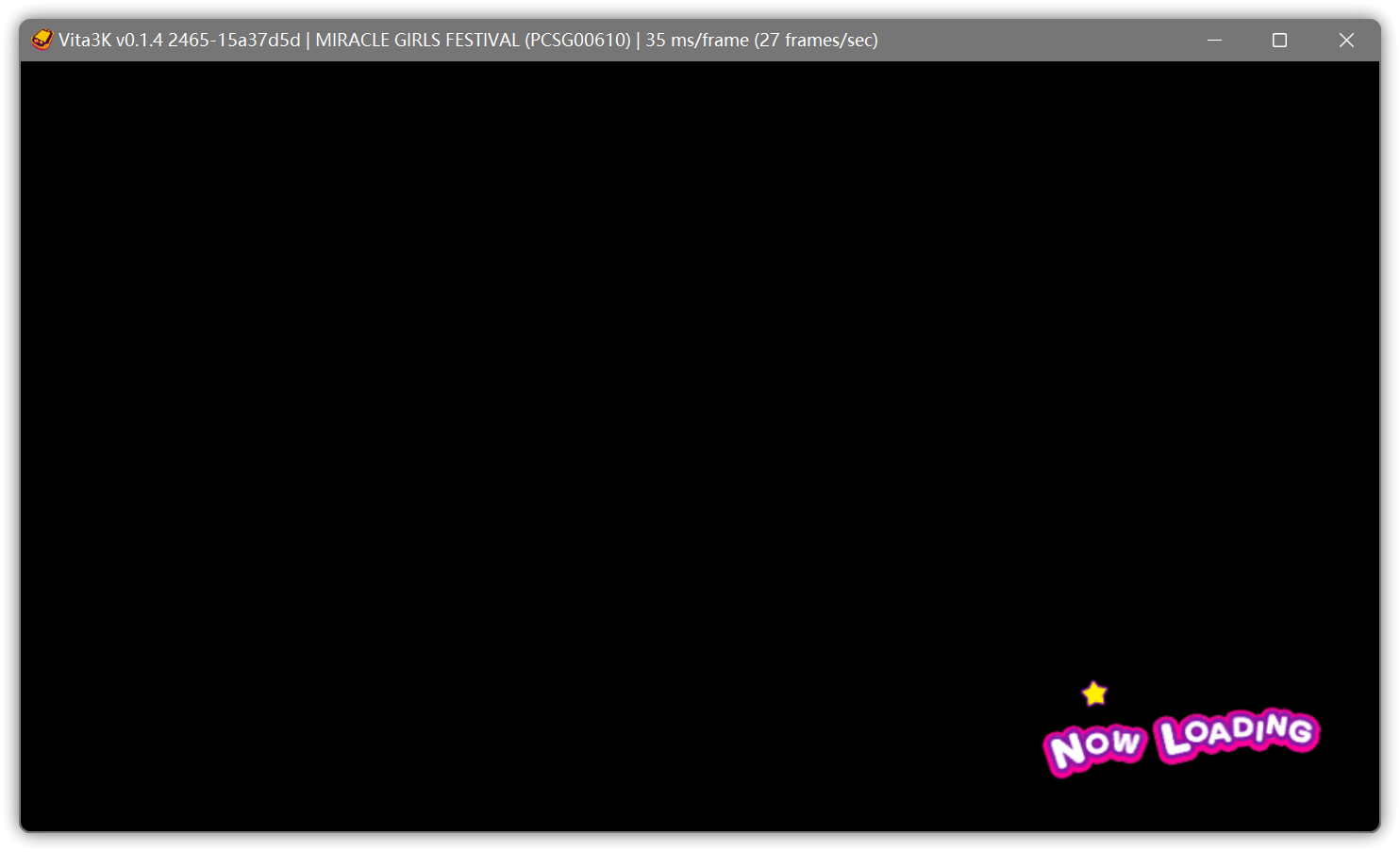

Log
Recommended labels
- crash


Vita3K summary
- Version: v0.1.6
- Build number: 3024
- Commit hash: https://github.com/Vita3K/Vita3K/commit/09dd3e81
- CPU backend: Dynarmic
- GPU backend: Vulkan
Test environment summary
- Tested by: tetorapott
- OS: Windows 11 Pro
- CPU: 12th Gen Intel(R) Core(TM) i7-12700K
- GPU: NVIDIA GeForce RTX 3070
- RAM: 32.0 GB
Issues
playable the back monitor doesn't display
Screenshots
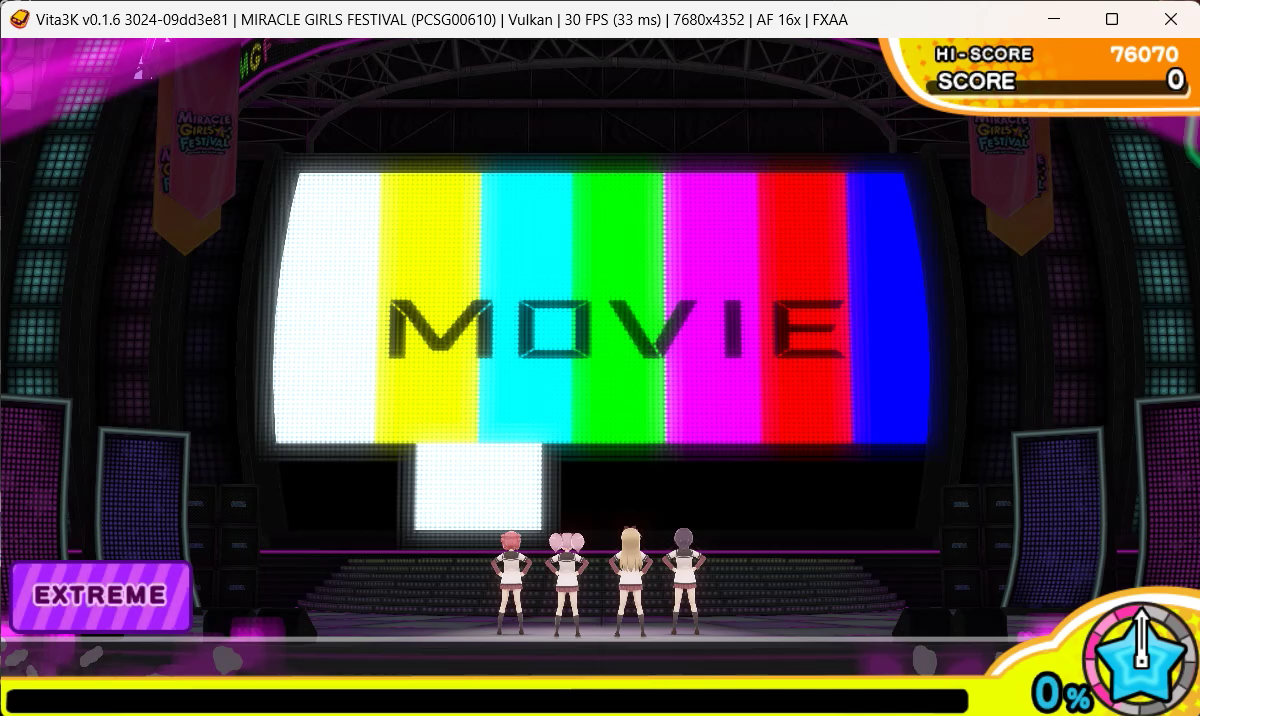
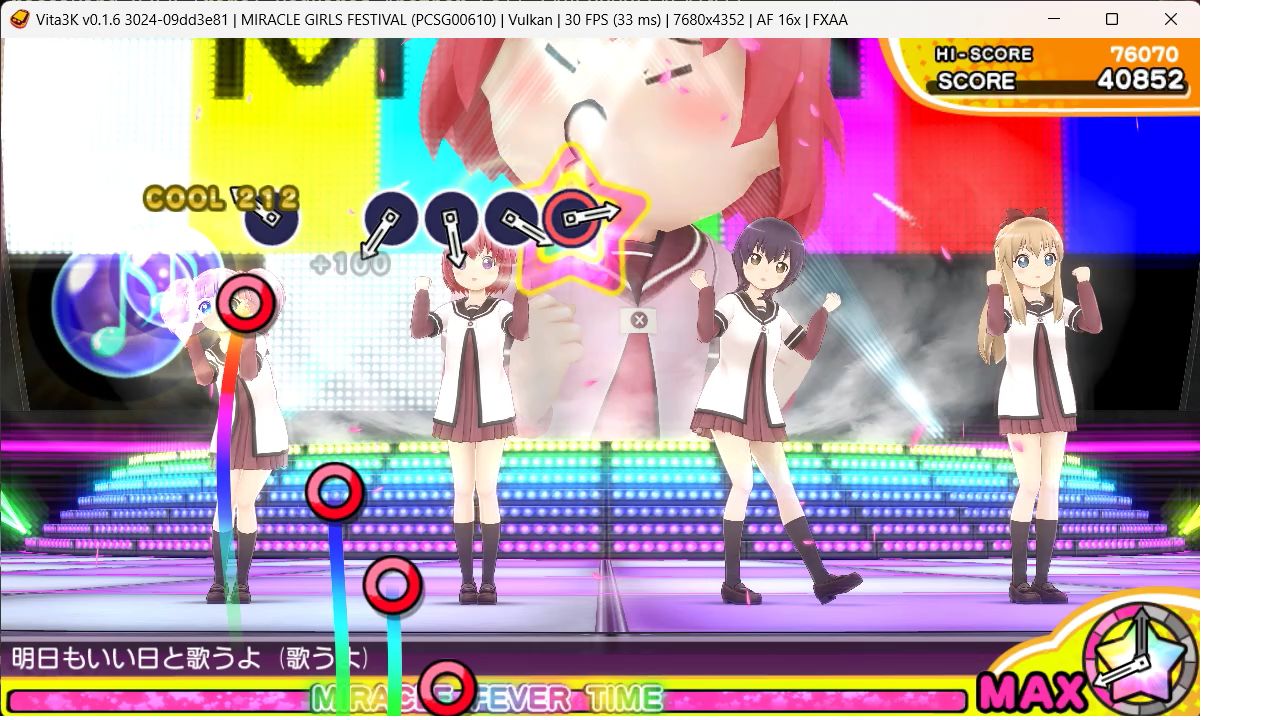
OpenGL
- "Disable surface sync" OFF, the back monitor display
- slowly
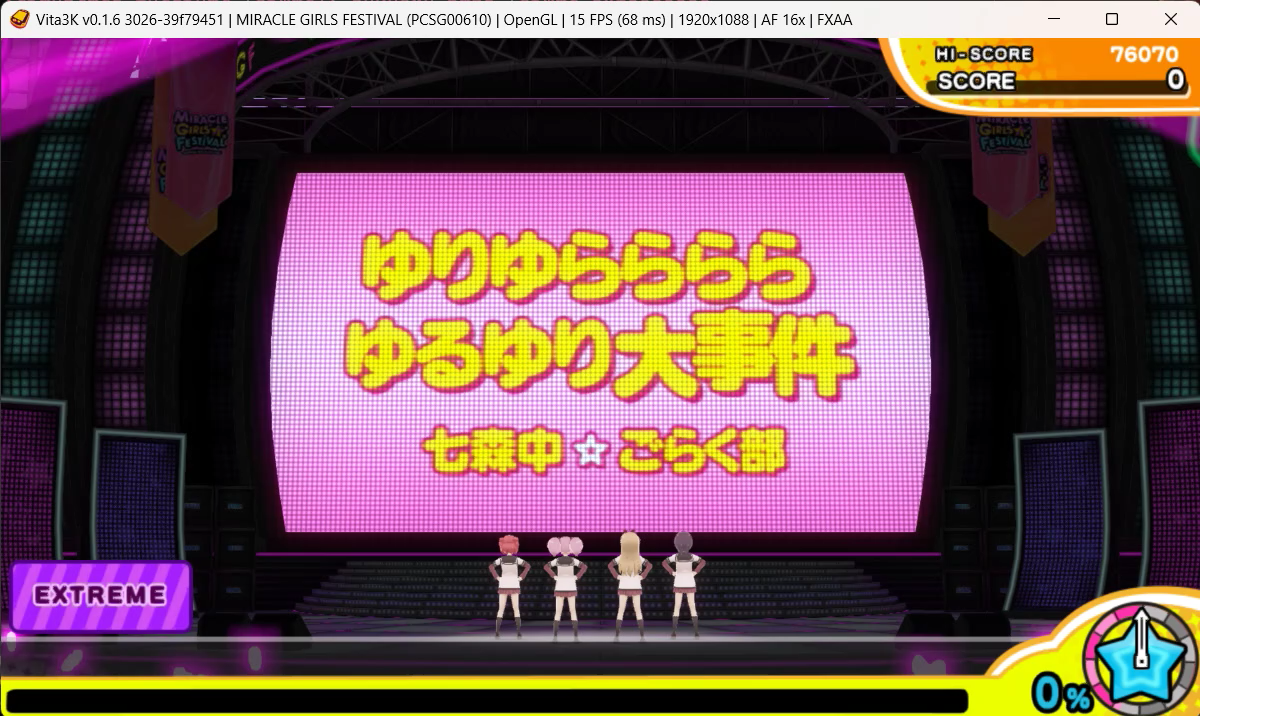
Log
Recommended labels
- Playable
- vulkan issue
- video player bug?

Vita3K summary
Version: v0.1.6 Build number: 3101 Commit hash: Vita3K/Vita3K@8623b516 CPU backend: Dynarmic
Test environment summary
Tested by: XYYYLRRH OS: Windows 11 22621.1555 CPU: AMD Ryzen 7 5800H GPU: NVIDIA GeForce RTX 3060 Laptop GPU RAM: 16 GB
Issues
The back monitors display, but sometimes it runs slowly.
Screenshots
The back monitors finally displays when using Vulkan (enable surface sync), and most of time it runs normally (30fps).
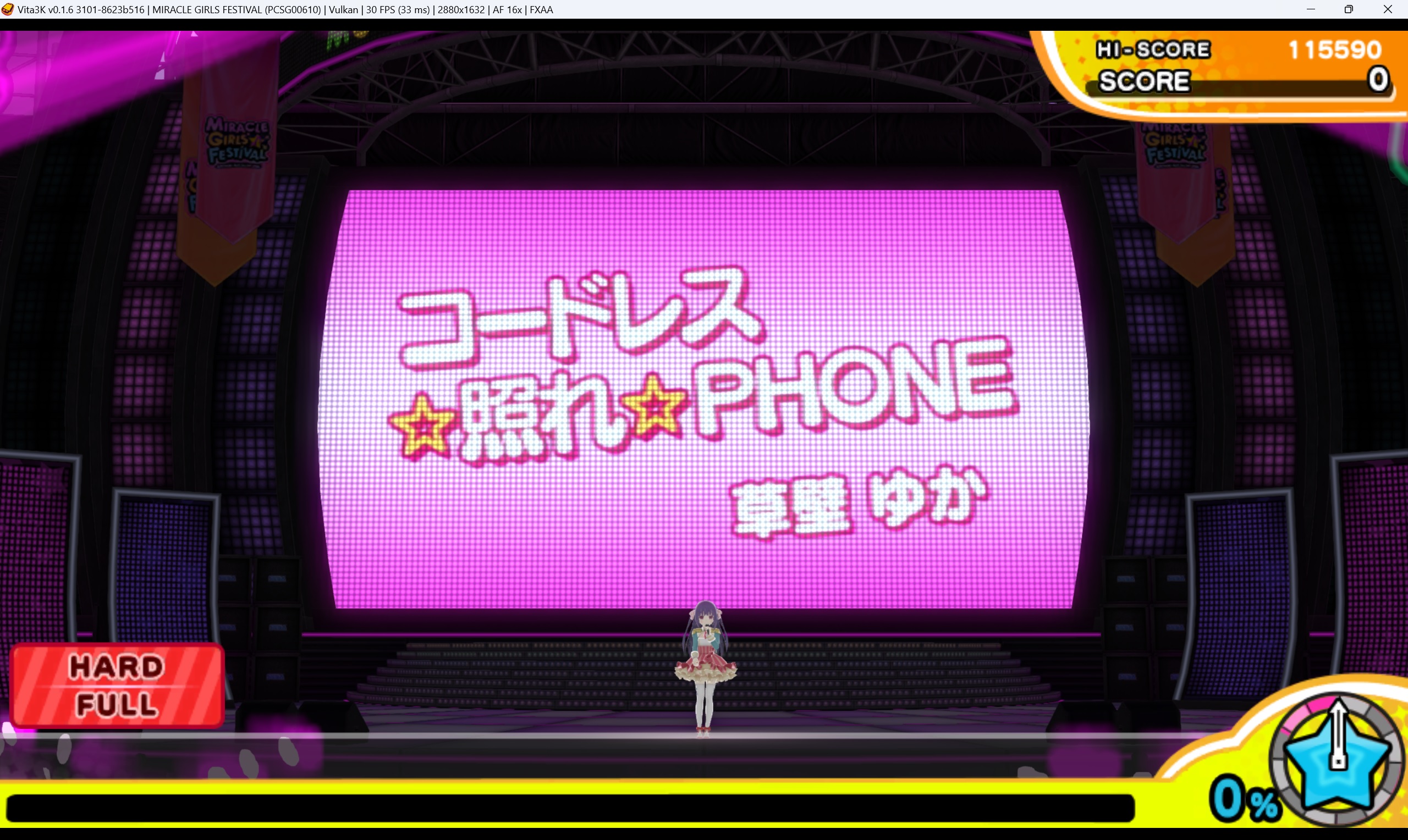 But at some time, the frame drops (even FXAA off, 1x resolution and 1x filtering).
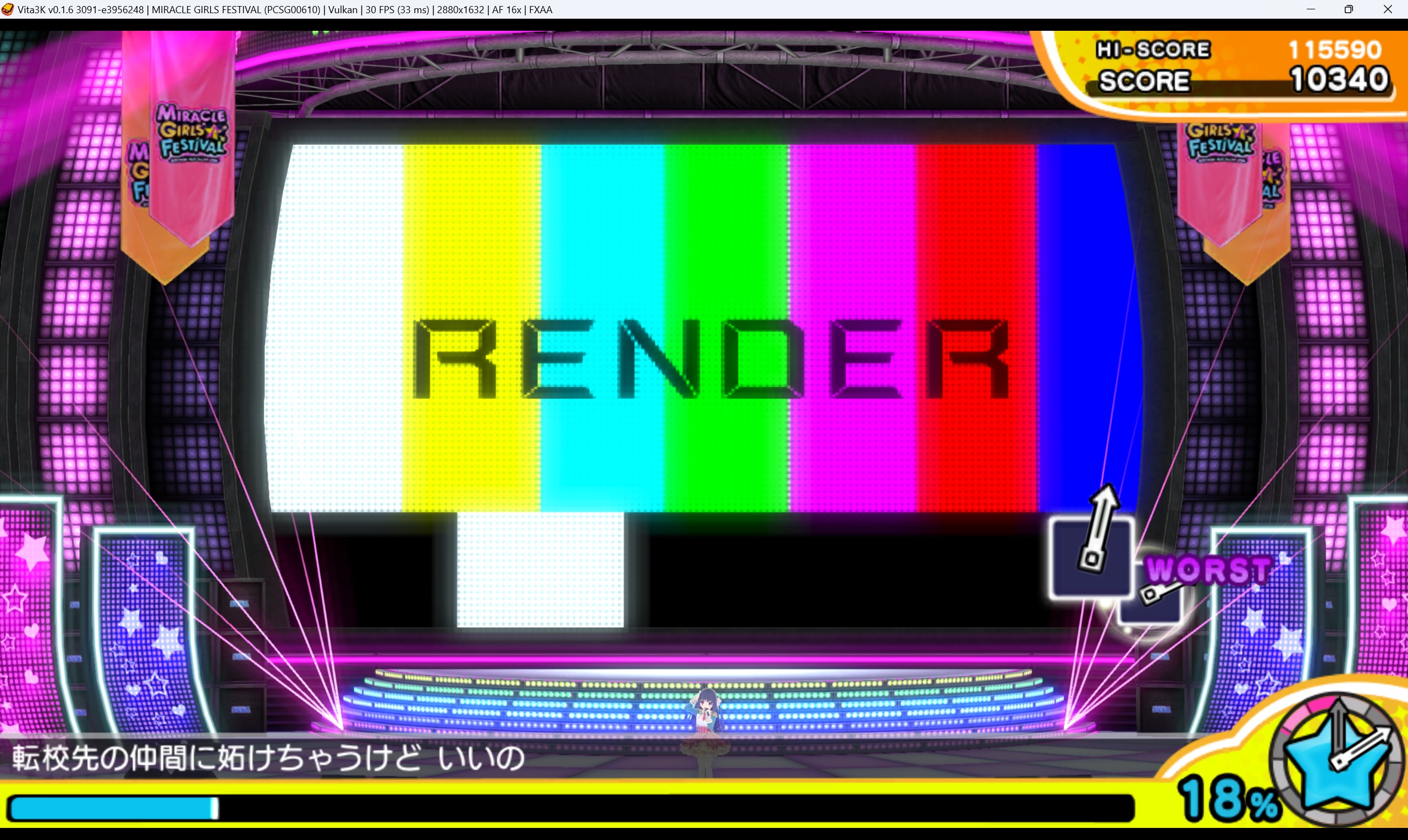
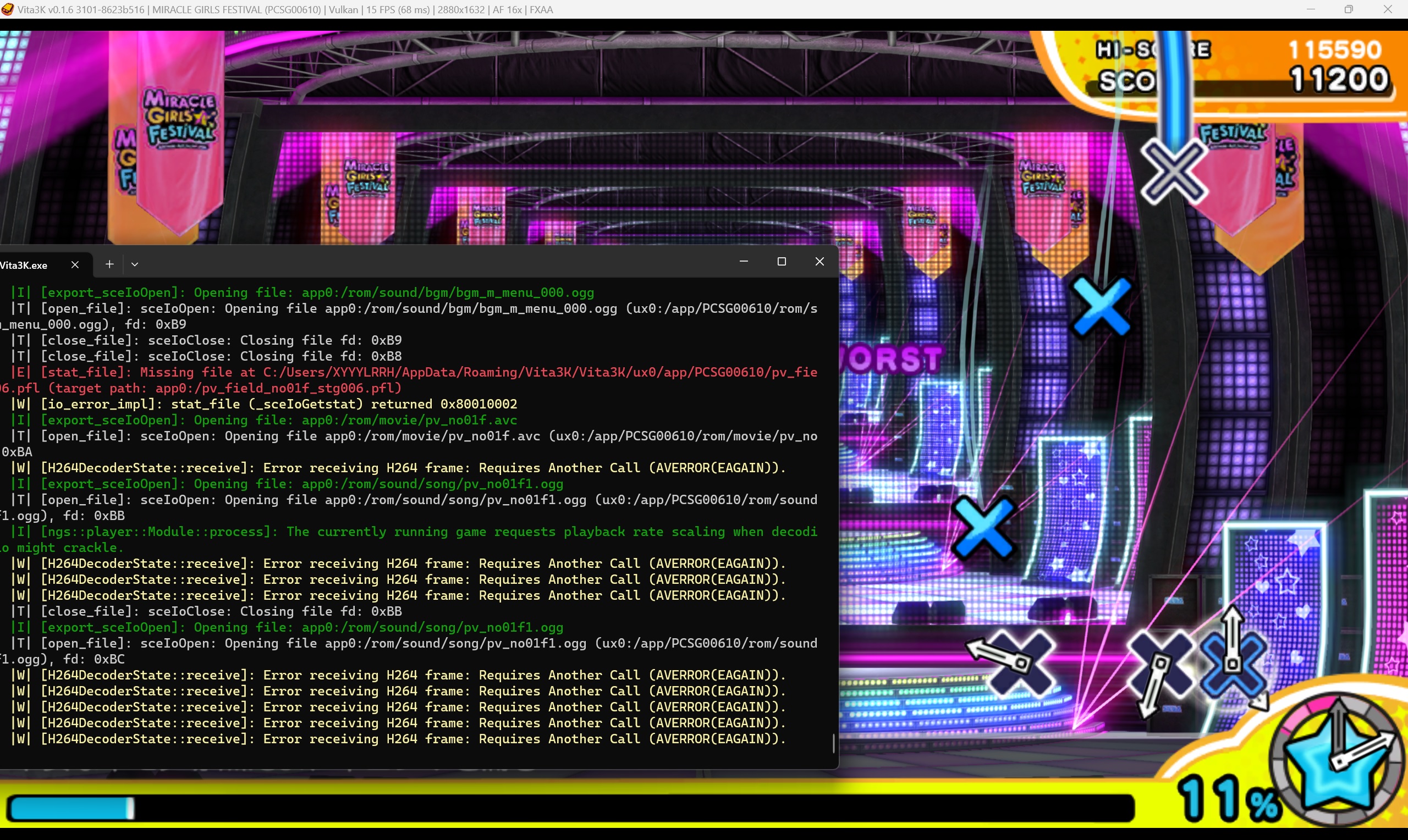 In Build 3091, the back monitor displays "RENDER" instead of "MOVIE", and it runs normally (30fps) at all time. Actually at this time, the back monitor is not displaying a video, instead it's displaying real-time performance.
Log

In addition,
- When the back monitor displays real-time performance (same scene),
- PSV(PS TV):

- Vita3k:
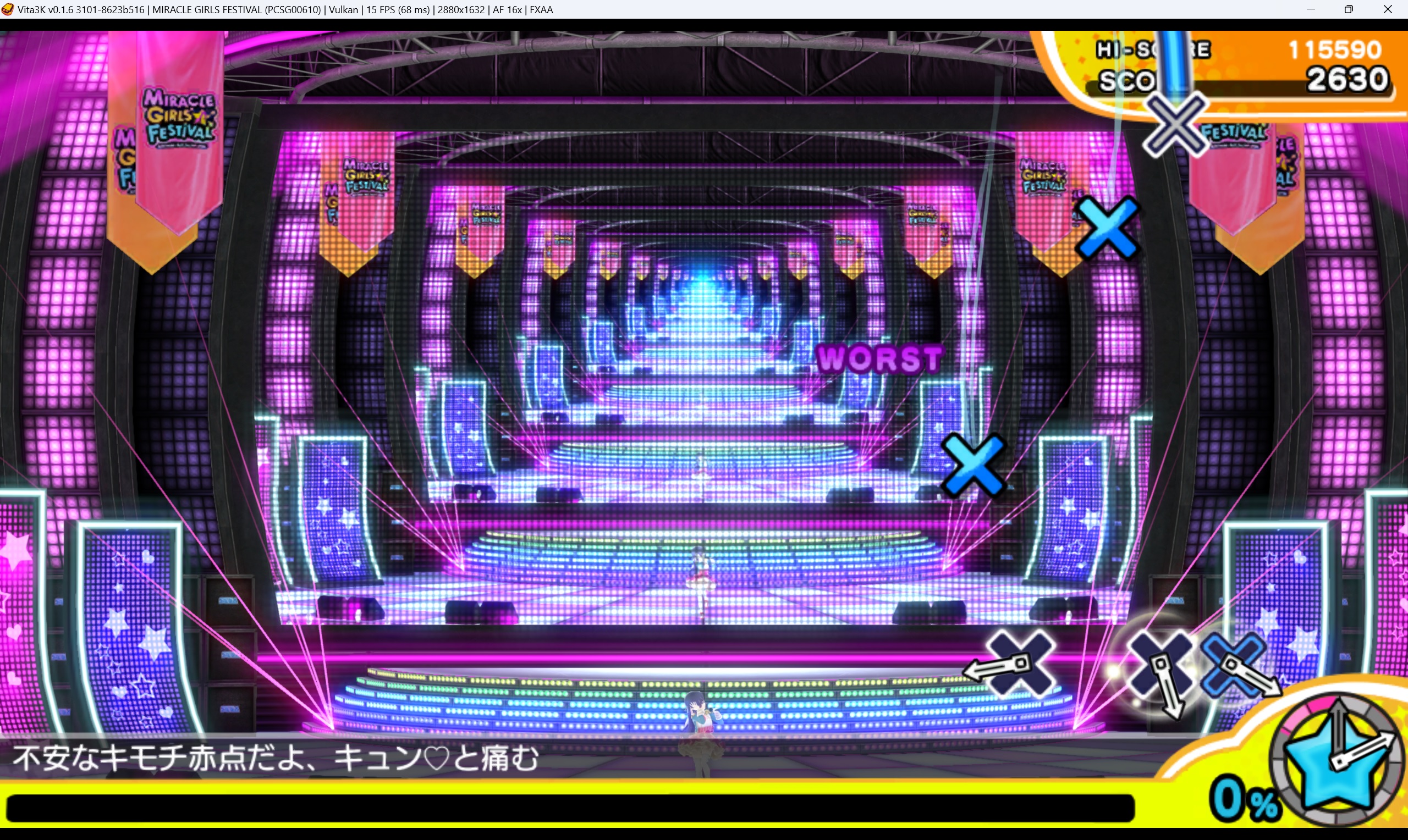 In PSV, the back monitor focuses on the performers, so the back monitor is not fully displayed on the back monitor. However, in Vita3k, the back monitor displays all the stage, so the frame drops.
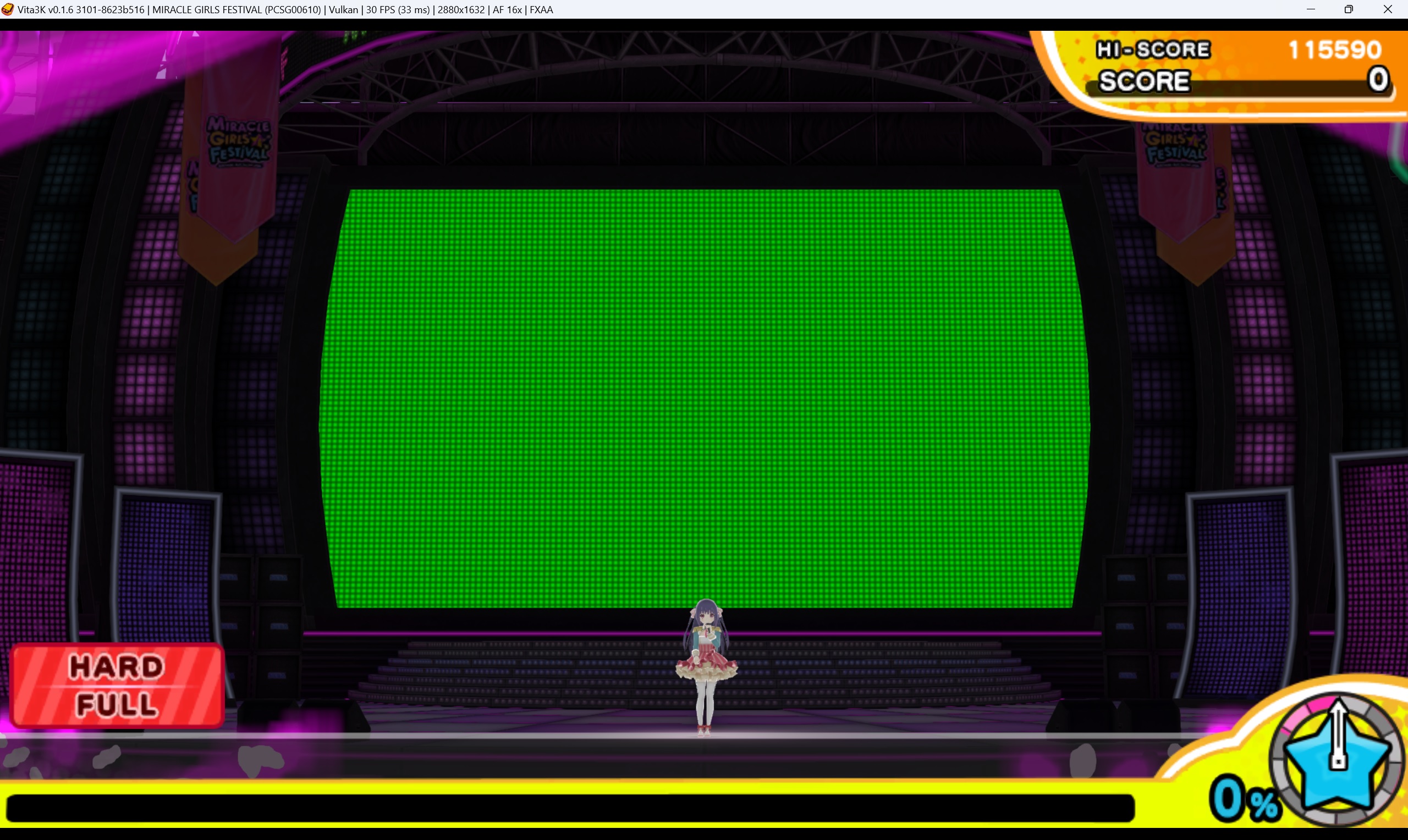
- In Vita3k, after the back monitor displays the information of the song, it displays a green screen in a short time.
Vita3K summary
Version: v0.1.8 Build number: 3195 CPU backend: Dynarmic
Tested by: Pikota OS: Windows 11 CPU: AMD Ryzen 7 5700X GPU: AMD RX 6700XT RAM: 32GB
Issues
That lightning stick of the audience are way too brighter or overexposed
Original game
Emulated game
Log
Recommended labels
- Graphics Bug

Back monitor is already fixed, no "render/movie" display and now fps are stable at 30fps, but still has that 1 second green image.
Still the audience lights are bugged.
Tested on build 3203 on Vulkan

Edit: Looks like a upscaling issue like guys are saying
Also in newer versions of Vita3K the game crashes randomly after a song ends and you go back to the song menu list, it happens after playing 1 song or 3, it's random. I've tried several builds, but the latest stable build I know of is 3209.
Log here from a crash on build 3273 on Vulkan, but in Opengl crashes anyway.
