

 Vita3K
Muramasa Rebirth [PCSE00240]
App summary
- App name: Muramasa Rebirth
- App serial: PCSE00240
- App version: 1.00
Vita3K summary
- Version: v0.1
- Build number: 1731
- Commit hash: https://github.com/vita3k/vita3k/commit/0ae06b6f
Test environment summary
- Tested by: ?
- OS: Windows 10/
- CPU: AMD Ryzen 3600
- GPU: NVIDIA GTX 1070
- RAM: 16 GB
Issues
Game doesn't boot, hangs and Vita 3k crashes
Screenshots
Log
Recommended labels
- Nothing


your report is wrong, look instruction, and no report every new build, exept if have some month sepoare both, check if state have changed

Vita3K summary
- Version: v0.1.5
- Build number: 2630
- Commit hash: https://github.com/vita3k/vita3k/commit/18dacae2
- CPU backend: Dynamic
Test environment summary
- Tested by: othmanead
- OS: Windows 11
- CPU: Intel i5-10300H
- GPU: RTX 3060 mobile
- RAM: 16 GB
Issue:
- Game goes to menu and crashes after new game
Screenshots:
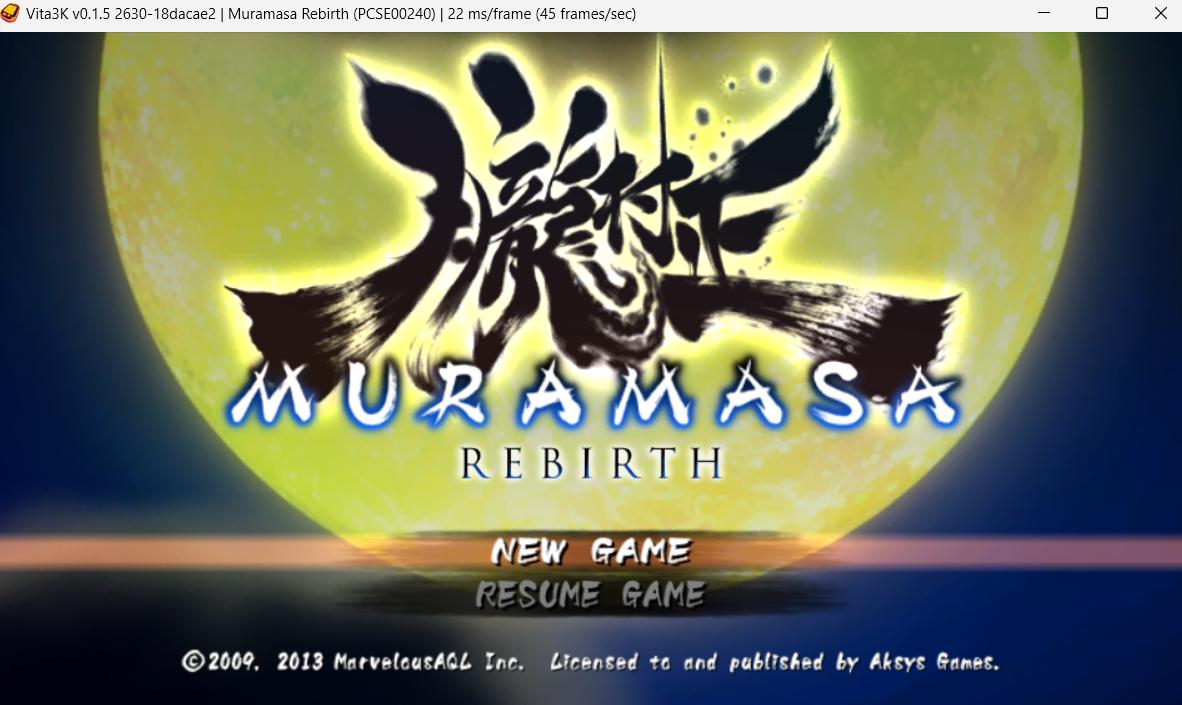
Log
Recommended labels
- Menu

Vita3K summary
- Version: v0.1.6
- Build number: 2858
- Commit hash: https://github.com/vita3k/vita3k/commit/ad2e287f
- CPU backend: Dynarmic
Test environment summary
- Tested by: othmanead
- OS: Windows 11
- CPU: Intel i5-10300H
- GPU: RTX 3060 mobile
- RAM: 16 GB
Issue:
Game goes ingame but crashes
Screenshots:
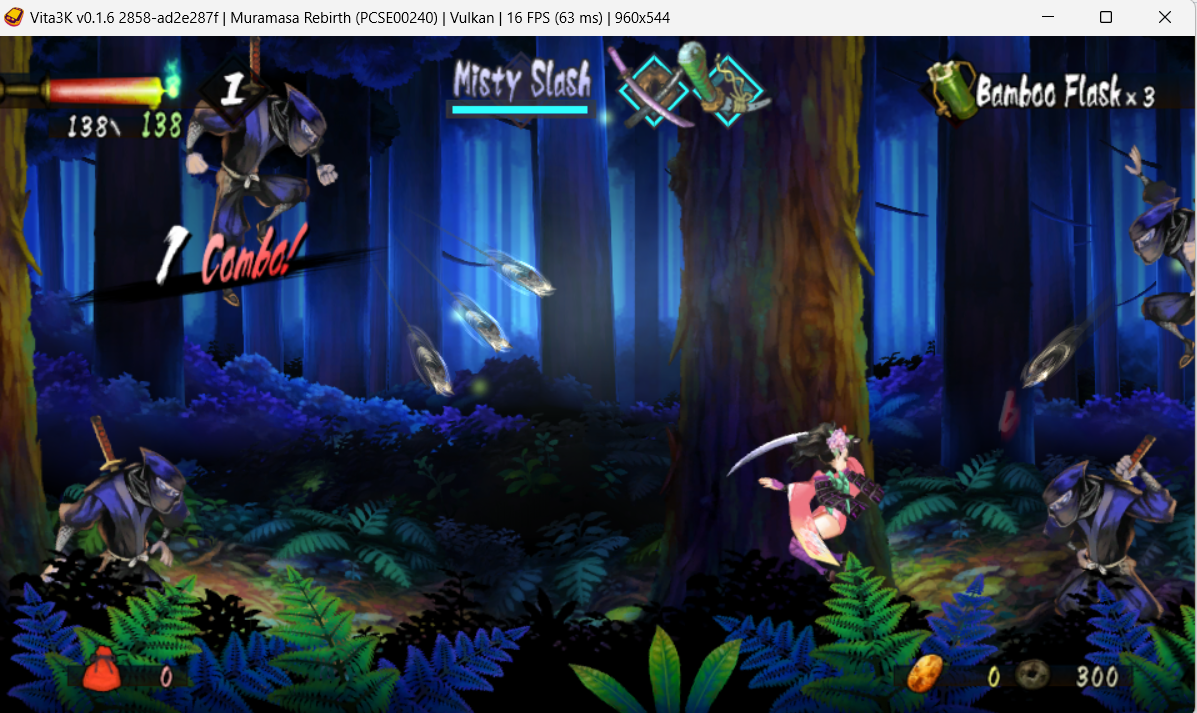
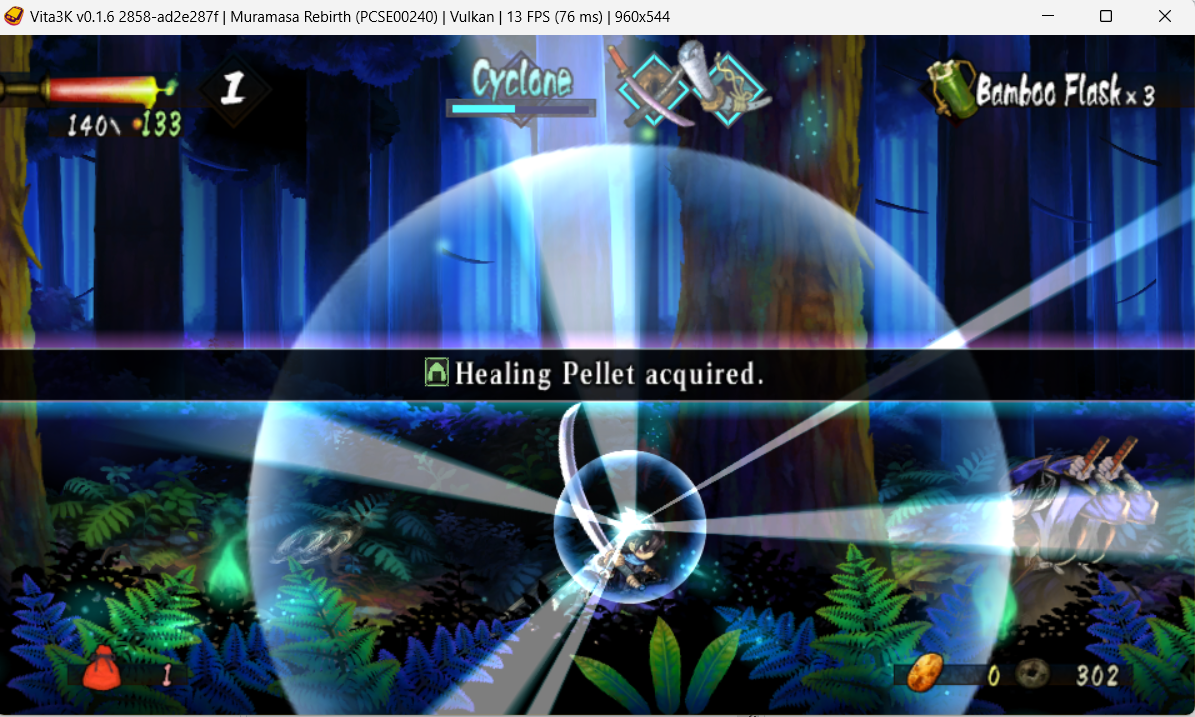
Log
Recommended labels
- Ingame-
- Crash
After updating the game to version 1.06, I've experienced no crashes after over an hour of playing. The only issues I can point out are audio crackling and the map not fitting within the displayed box.
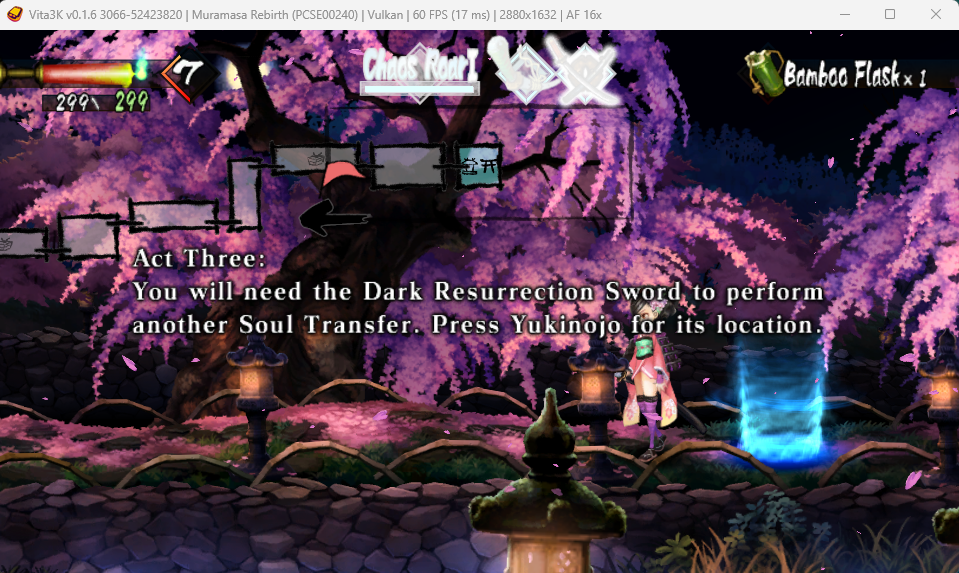


After updating the game to version 1.06, I've experienced no crashes after over an hour of playing. The only issues I can point out are audio crackling and the map not fitting within the displayed box.
Finally, audio crackling has been fixed. The map issue is still unresolved.
version 1.06, on windows:
it seems to me that the game crashes 1 or 2 times when starting to play, at which time it apparently is going to compile a shader that it has never compiled before or has a lot of enemies on the screen. but after these initial crashes, the game goes on for several hours without any crashes.


Current Android build on retroid pocket 3+ still crashes within minutes of playing. Music cuts out shortly prior to crashing.
Mali GPU

Vita3K summary
- Version: v0.2.0
- Build number: 3557
- Commit hash: https://github.com/vita3k/vita3k/commit/1ed3a343
- CPU backend: Dynarmic
- GPU backend: OpenGL (crashes with vulken)
Audio cuts out within seconds and game crashes shortly after like on Android
hi, is anyone able to load the 4 DLC for this game? I have installed them and their licences, but they aren't detected...
Do you know how to activate them? thank you!
