

 Vita3K
SteamWorld Dig 2 [PCSE01101]
App summary
- App name: SteamWorld Dig 2
- App serial: PCSE01101
- App version: 1.00
Vita3K summary
- Version: v0.1.6
- Build number: 3076
- Commit hash: https://github.com/Vita3K/Vita3K/commit/a747931b8498ff20060623ae63dde4a779486334
- CPU backend: Dynamic
- GPU backend: Vulkan
Test environment summary
- Tested by: GamingDucking
- OS: Windows 10
- CPU: Intel Celeron N3350
- GPU: Intel Graphics 520
- RAM: 4 GB
Issues
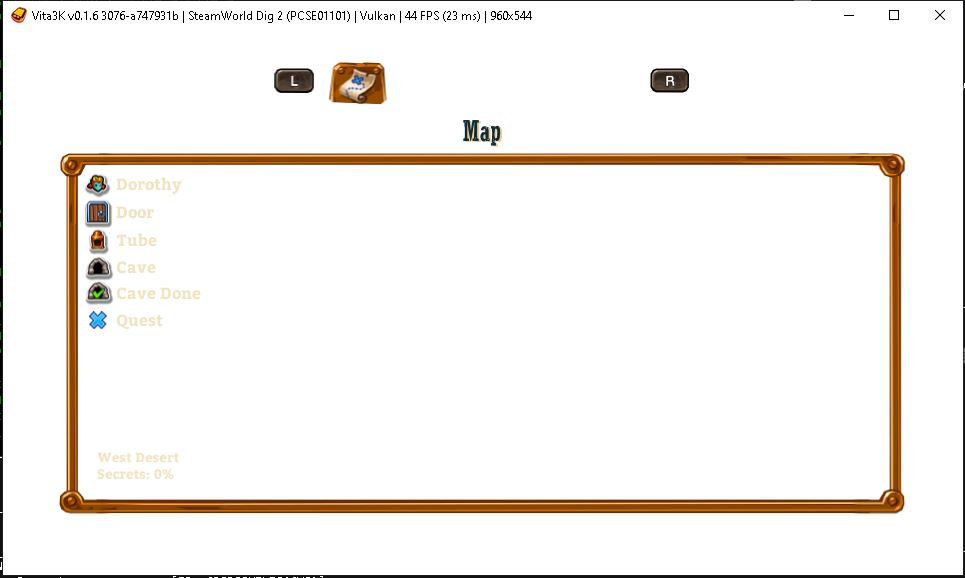
Ran in 60fps in menu and mostly 30-40fps in-game. Only graphics issues is in the menu while in-game (see in 4th image) and sometimes in main menu the screen goes all white until i pressed/clicked in new game.
Screenshots
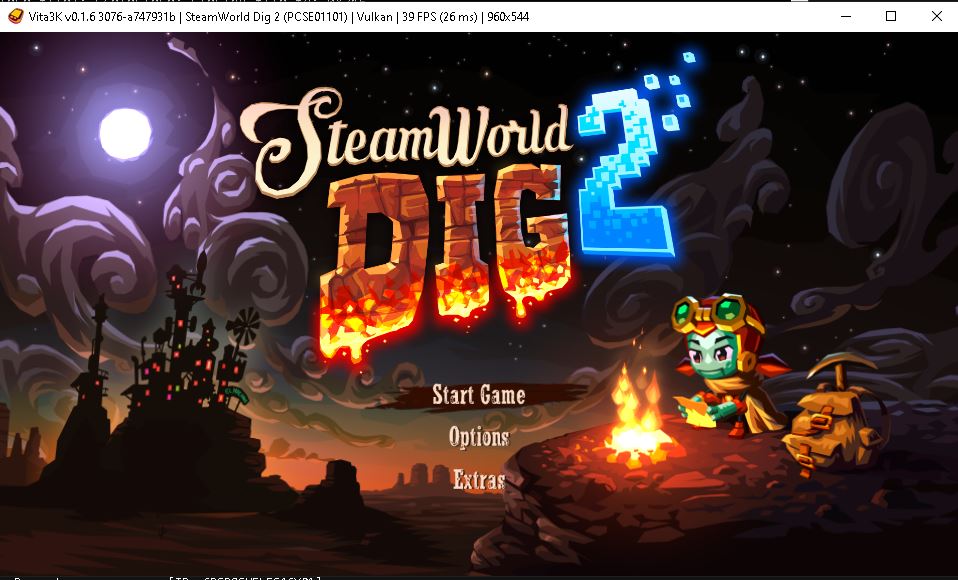
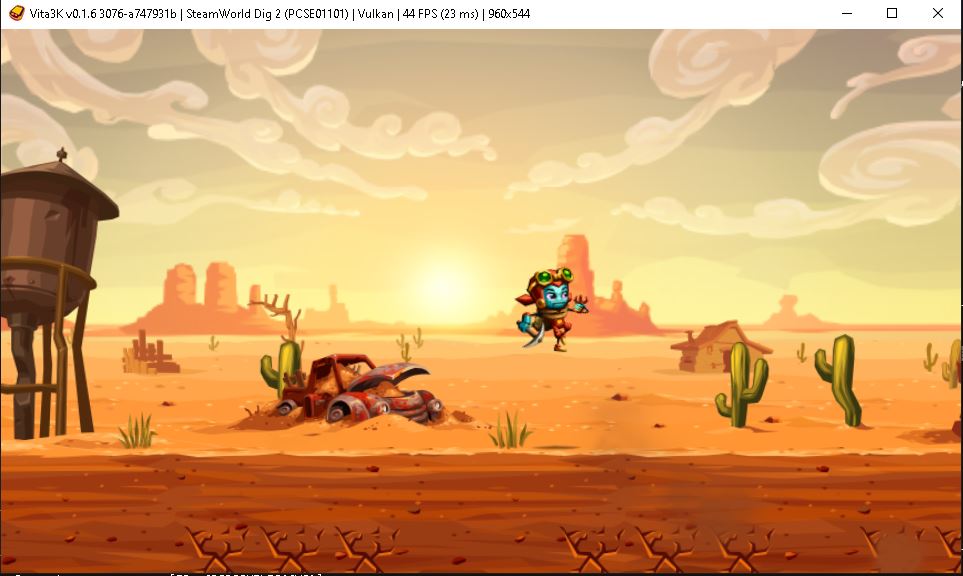
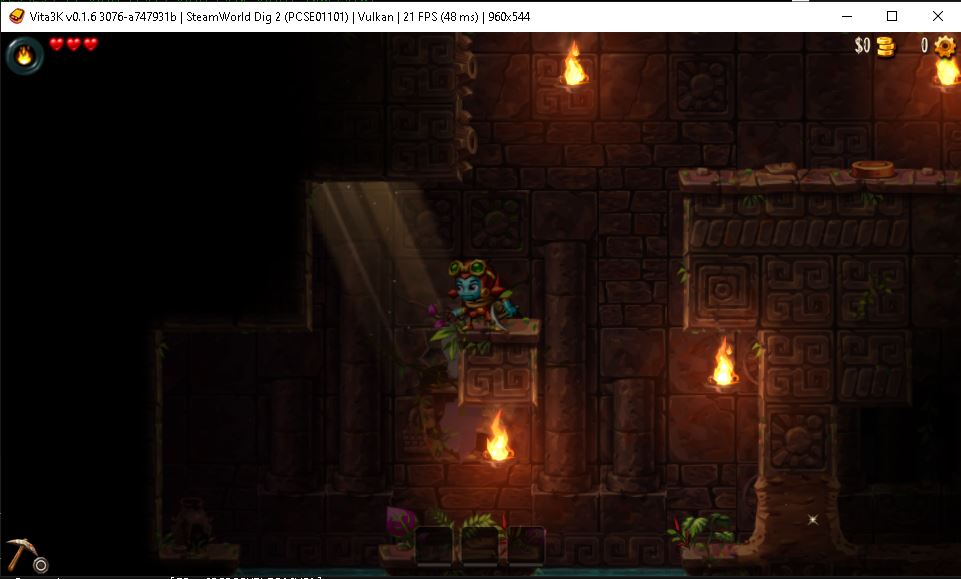
Log
Recommended labels
- Playable
- Graphics bug

Same issue here, playable but g With grphics bugs, the screen also goes white when an arrow appears to indicate the way


Is there a solve for the white screen when an arrow is indicating the way? It’s happening for me after the first “boss”, and I’m not entirely sure how to proceed.

@nishinji @Zangetsu38
App summary
- App name: SteamWorld Dig 2
- App serial: PCSE01101
- App version: 1.01
Vita3K summary
- Version: v0.2.0
- Build number: 3738
- Commit hash: https://github.com/vita3k/vita3k/commit/3d53d7cb
- CPU backend: Dynarmic
- GPU backend: Vulkan
Test environment summary
- Tested by: RetroGameTalk
- OS: Microsoft Windows 10 Professional (build 19045)
- CPU: 11th Gen Intel(R) Core(TM) i7-11700KF @ 3.60GHz
- GPU: NVIDIA GeForce RTX 3070
- RAM: 49 GB
Issues
once you get a white screen it's impossible to keep playing, the game runs but graphics are gone.
Screenshots
Log
Recommended Labels
- Ingame +
- graphics bug
