

 ValveSoftware
Fractional DPI scaling on Linux (125% etc)
EDIT: I'm using Xorg
Your system information
- Steam client version (build number or date): Nov. 10 2018
- Distribution (e.g. Ubuntu): Ubuntu Budgie 18.10
- Opted into Steam client beta?: [Yes/No] No
- Have you checked for system updates?: [Yes/No] Yes
Please describe your issue in as much detail as possible:
On Windows, DPI scaling can be set to 125%, 150%, etc. On Linux you can only do 200%, there's no middle ground. Other programs such as Chrome handle fractional scaling fine on Linux.
Steps for reproducing this issue:
- Have a 1440p 25" monitor or anything that requires 125% scaling
- Use Steam
- Suffer


Confirmed on Arch Linux. Gnome 3.32 just support fractional scaling recently, however it is still flagged as 'experimental'. Other gtk apps in gnome will follow dconf configuration "org.gnome.desktop.interface text-scaling-factor" for font size scaling. Maybe the development team could use the similar approach on Gnome?

I've got dual boot with Windows because of this issue, almost makes me want to give up my 4K monitor!

As a user with a 4k monitor I can confirm that while 2x scaling makes things clearer, it's just too big on my 27" screen. Almost every other application under KDE Neon supports fractional scaling just fine using X11, it would be nice to have feature parity with Windows users and support fractional scaling under Steam on Linux.

Although the Steam client is using gtk but does not use the system text scaling or sizes. It uses its own skin and css for text
The only solution is to use double size GDK scaling for the time being. It still looks better than other applications that are double size.

The new Steam UI scales on my 4K monitor, this is no longer an issue for me.
It scales...At 2x, which looks absolutely huge - In fact it looks horrible enough that I prefer no scaling at all.

Hi, although I set text and icons to enabled, steam is still barely readable with 150% and 125%. should this be fixed by now, or where is my mistake?
Pop!_Os 19.10
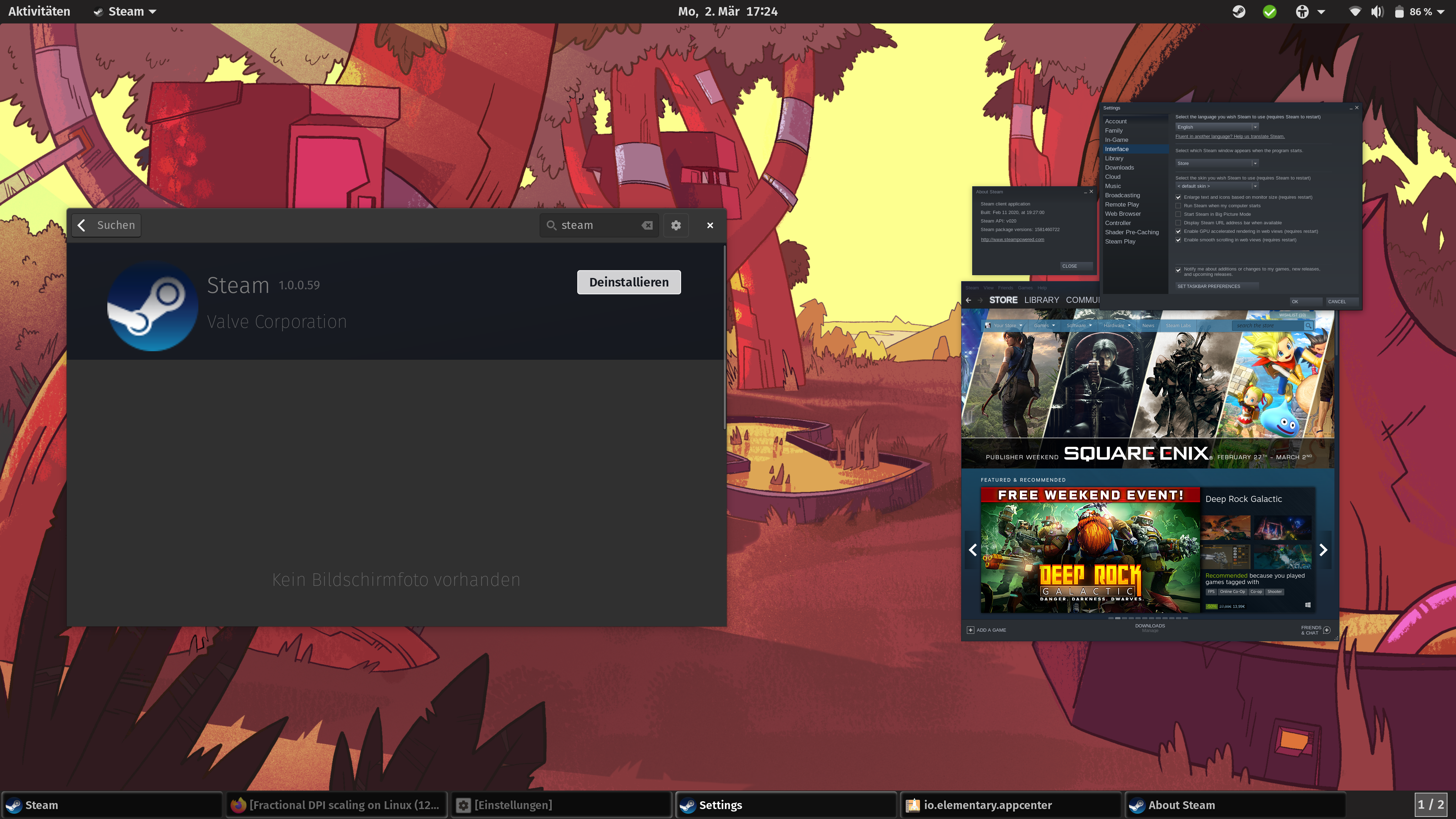
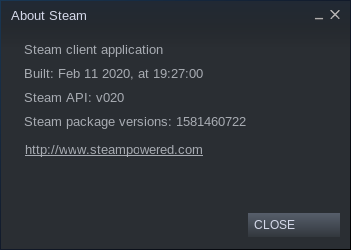
Okay, GDK_SCALE=2x steam or GDK_SCALE=3x steam in terminal has helped me.
how can I always start steam like this without going through the terminal?
Thanks

@Bondarz to start Steam with 2x scale all the time you should edit its desktop entry:
~/.local/share/application/steam.desktop
Exec=GDK_SCALE=2 steam-runtime -console -silent %U

Fractional scaling at 100% on a 720p TV
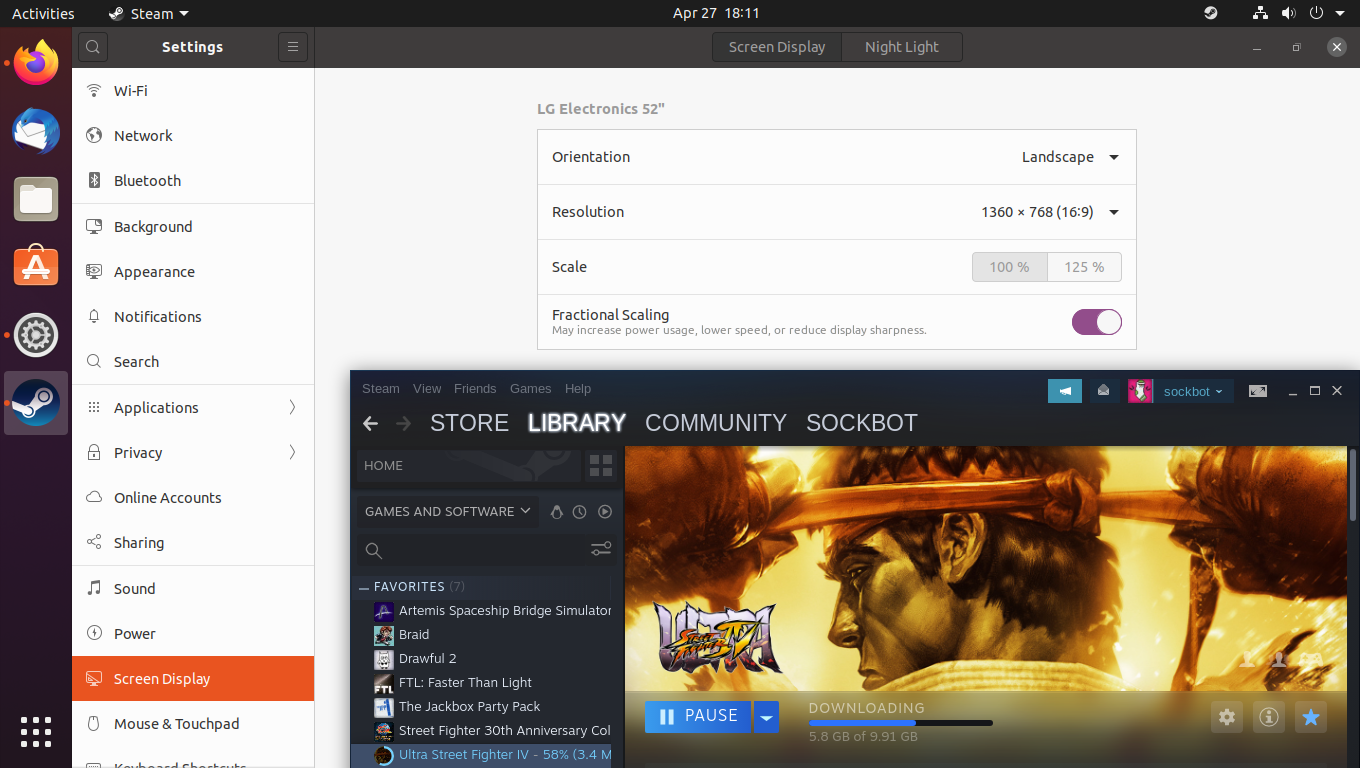
Fractional scaling at 125% on a 720p TV (The fonts should be scaling larger, not smaller)


Maybe you can try GDK_SCALE=2, might compensate for the reduction in size. I haven't see this myself because I use Plasma as my main desktop.
An important clarification should be made on this thread. Looks like op's request is specifically Linux with Xorg, (and not Linux with Wayland).
Would you mind editing the title? This is specific to that environment. Proper support for scaling on other Linux setups are completely unrelated, and all the workarounds and information provided here are Xorg-specific.

An important clarification should be made on this thread. Looks like op's request is specifically Linux with Xorg, (and not Linux with Wayland).
Would you mind editing the title? This is specific to that environment. Proper support for scaling on other Linux setups are completely unrelated, and all the workarounds and information provided here are Xorg-specific.
I would gladly change the title but apparently I can't
Still waiting for this, I run my 4k monitors at 150% scaling (144 DPI) and steam is pretty much the only application I use that doesn't respect the scaling factor and launches at 200% scaling (192 DPI) which makes it look giant in comparison to everything else, it's extremely annoying. Steam's fractional scaling works perfectly on windows so I don't see why fractional scaling can't also work on Linux given that integer scaling is already supported.

Same problem for me. Im on KDE Plasma 5.20.2 with a 14" 1920x1080p screen, either everything is too small (100% scaling) or the steam window doesn't fit in the screen (200%). Still waiting for this to get fix.

@LEONIDAS-0117 seemed to be the case. at 200% only big monitor can fit steam window
Bumping this annoying issue. Hope it'll get fixed soon.
Edit: ~~GDK_SCALE=2x steam~~ doesn't even work for me!

Bumping this annoying issue. Hope it'll get fixed soon.
Edit:
GDK_SCALE=2x steamdoesn't even work for me!
GDK_SCALE only accepts integer values, therefor "2x" will be ignored. If you want an application to be scaled to 200% use GDK_SCALE=2 instead.

Bumping this annoying issue. Hope it'll get fixed soon. Edit:
GDK_SCALE=2x steamdoesn't even work for me!
GDK_SCALEonly accepts integer values, therefor "2x" will be ignored. If you want an application to be scaled to 200% useGDK_SCALE=2instead.
Oops, that makes sense! Copied from this post which must have mistakenly added the Xs. They might want to edit their post for less confusion.
Edit: It still doesn't work for me though..
I don't see why Steam cannot do fractional scaling, since it is a internet browser. It doesn't need to use system GTK scaling. Chrome and Firefox has its own fractional scaling. I am sure Steam uses Webkit.
On a 4k monitor, 2x scaling becomes 1080p screen space which is way too big. You need 5120x2880 resolution to have 2x scaling with same screen space as 2560x1440
Same problem on Ubuntu 20.04. Scale set to 125% and the text in Steam client is totally unreadable.

(Steam client and a normal browser for compare)

I've been suffering from this issue, too :(
There is a workaround, though (at least in GNU/Linux) - run it via GDK_SCALE=2 steam and it's OK, mostly.
But, best option (most reliable) for me is simply change desktop resolution back to default fractional scaling 200% and only then run Steam.

That is the way I solved this issue for me (Dual Screen, both 4K and fraction scaling on 175% with KDE):
Global (For all GDK based applications): /etc/environment (reboot needed?)
GDK_SCALE=2 <- Must be an integer
GDK_DPI_SCALE=0.5 <- Maybe you have to fiddle around with this value to increase or decrease the font size
Or just for the steam application by changing: /usr/share/applications/steam.desktop Change line "Exec=" to:
Exec=GDK_SCALE=2 GDK_DPI_SCALE=0.5 steam steam://open/friends
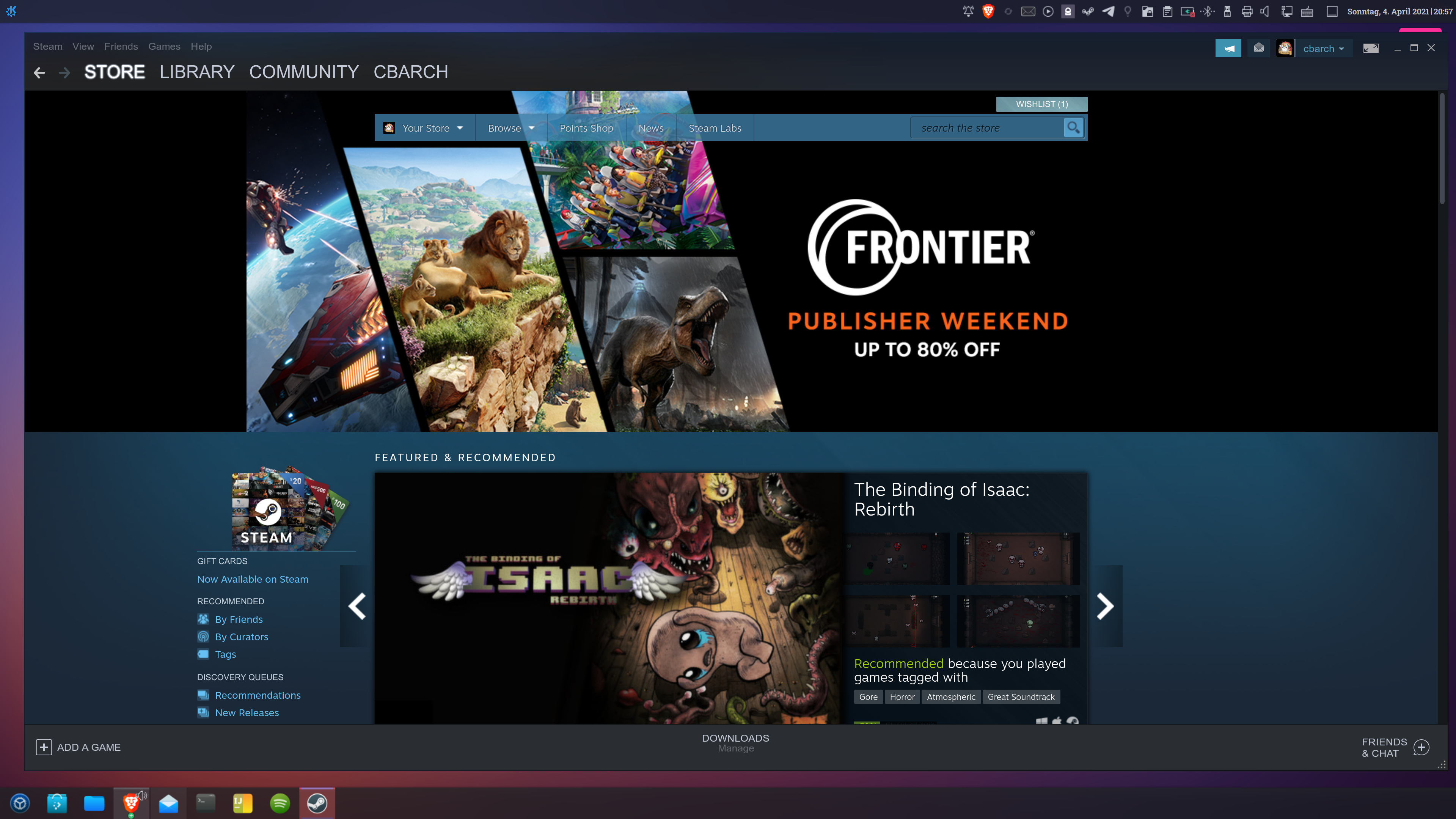
@belgrid GDK_DPI_SCALE does nothing on my system (Arch with KDE)
At this point I've mostly gotten used to running it at 2x even though it looks stupidly huge on my 4k monitor. Still waiting for proper fractional scaling though. At this point, Steam is the only application left on my system that doesn't support fractional scaling.

I'd recommend switching to Wayland session with it running in XWayland, but the Steam window is a tad blurry and currently also have this issue which is annoying to deal with. Might be worth it for some though.
@7RST1 I could not set other than 100 or 200% scaling in Wayland, both unusable, I do need like 150% for my display...
@7RST1 I could not set other than 100 or 200% scaling in Wayland, both unusable, I do need like 150% for my display...
It is possible to enable fractional scaling for Wayland. I'm using 100% and 150% across my two displays and it's working fine, except the non-Wayland windows are a tad blurry on the 150% scaled display. I recommend this setup, I just cannot find the article I used to enable fractional scaling.
@7RST1 I could not set other than 100 or 200% scaling in Wayland, both unusable, I do need like 150% for my display...
It is possible to enable fractional scaling for Wayland. I'm using 100% and 150% across my two displays and it's working fine, except the non-Wayland windows are a tad blurry on the 150% scaled display. I recommend this setup, I just cannot find the article I used to enable fractional scaling.
I was told to use the FONT DPI for scaling on Wayland (at least with plasma) which resolves the blur issue. If that still exists.
Really hope Valve can add in a 125 / 133 / 150 percent scale option.
I use XOrg because atm Wayland still has a few outstanding issues, and also I need display gamma control which is not present for plasma.