
halflife
 halflife copied to clipboard
 ValveSoftware
[Goldsrc / Feature Request?] Localization/Formatting issues
Is it possible add UTF-8 to in-game text? Lack of UTF-8, made Korean language in Half-Life (and others) pretty much broken. I'm not requesting this for Korean only but it'll be a good thing for other language translations. So the translations won't be limited with English words only.
Broken Korean titles:
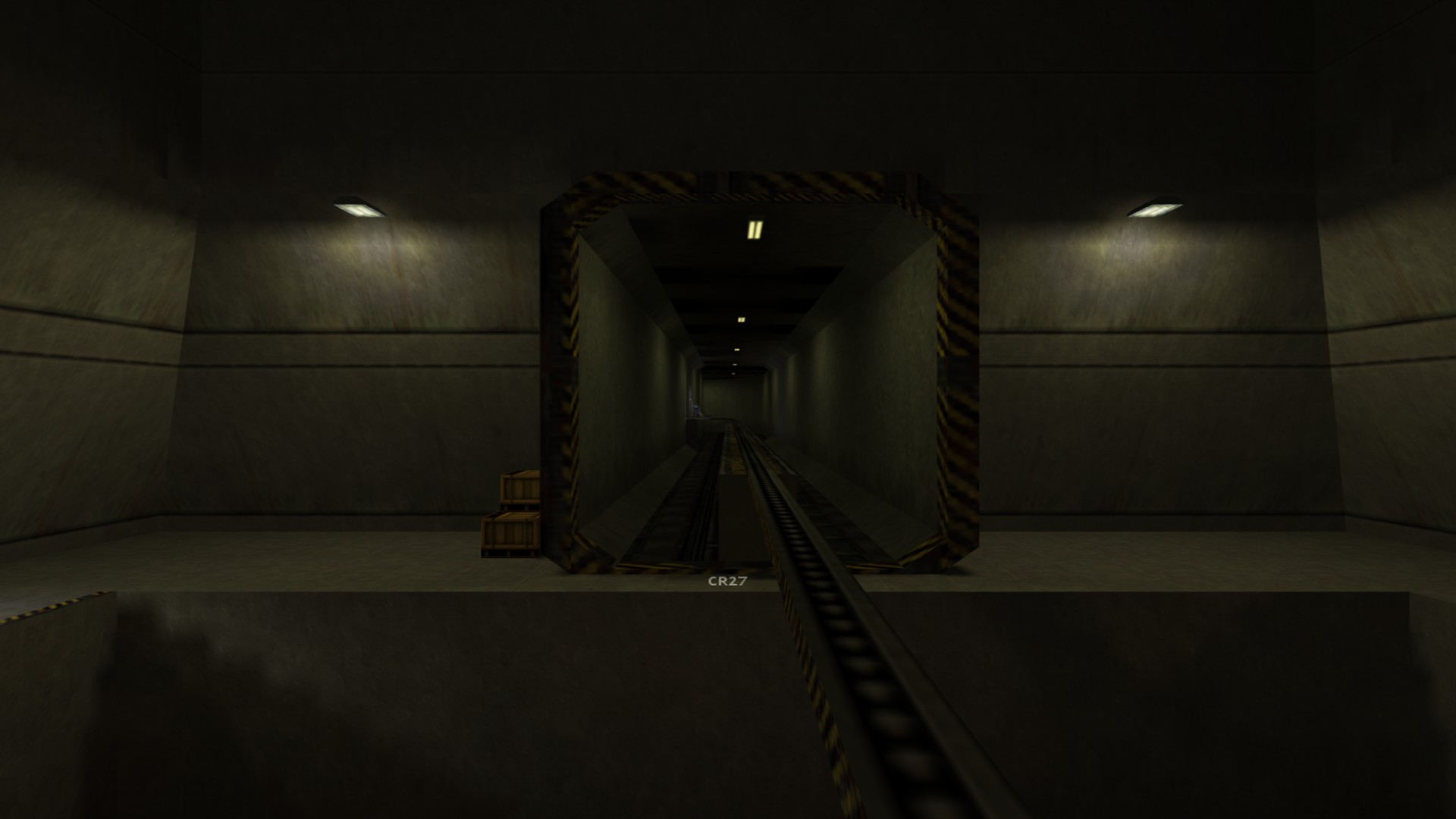

The engine does support UTF8, but it might not be working everywhere.
According to SteamDB there is a Korean version of the game for localization, and it has a titles.txt. If it has the correct strings listed then the engine is failing to load them. If it doesn't, the translations are incomplete and need to be corrected.
Can you verify that they are present?

Hey @SamVanheer
I can confirm they're present and translation is displayed correctly in Notepad++. As you said game fails to display them.
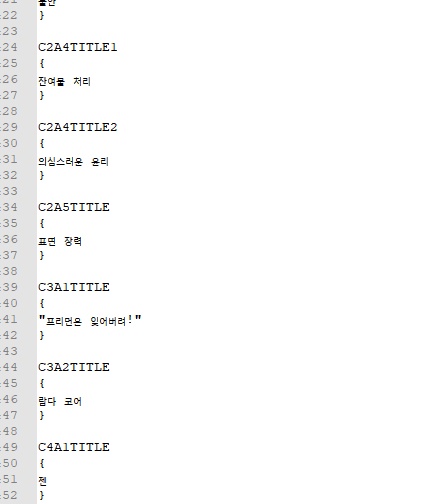
Korean translation also using gameui_koreana.txt, valve_koreana.txt, spectcammenu.txt, and titles.txt
gameui and valve_koreana works perfectly since vgui supports UTF-8.
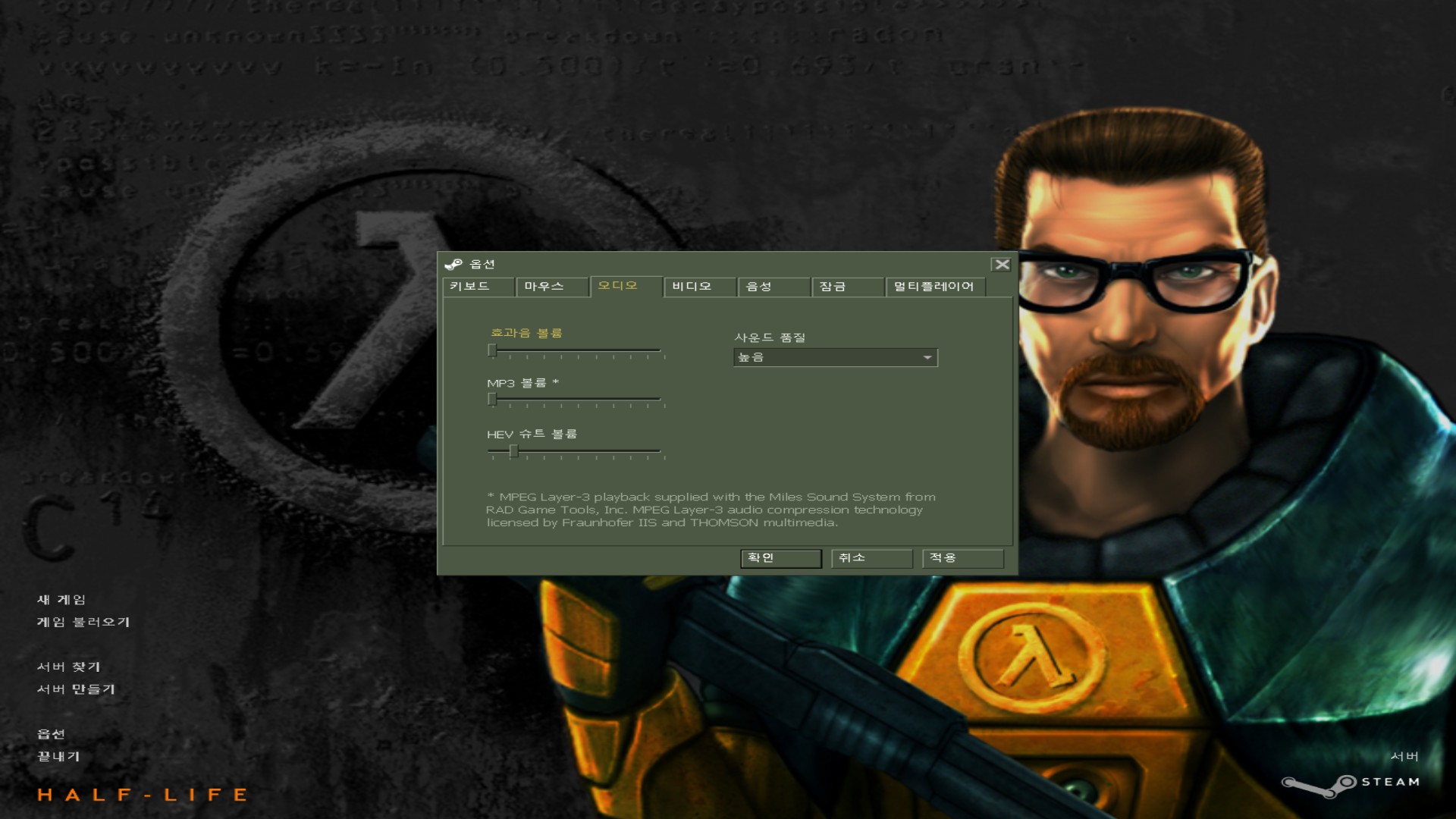
Launching the game with -condebug -dev prints how many messages are parsed:
Parsed 0 text messages
There are supposed to be 143. The engine is loading the file but is failing to parse them. I think the TrimSpace function doesn't work properly with Unicode characters, so that's where i'd start looking.
#515 also posted. I'm trying to implement Japanese closed captioning with HUD text, but I'm giving up on it because it doesn't display UTF8 characters correctly. In addition, the chat messages seem to be UTF8 compatible.
https://github.com/ValveSoftware/halflife/issues/515#issuecomment-638515819

[HL25] UTF-16 LE unsupported ingame (Chinese / Korean)
Issue transferred from https://github.com/ValveSoftware/halflife/issues/3456. @libre-x posted on 2023-11-18T10:15:38:
[NOTE: I have my Windows language set to English. This is on Windows 11]
It appears that titles.txt in [GAMEDIR]/(valve_schinese/valve_tchinese/valve_koreana) is being ignored because it is encoded in UTF-16LE instead of UTF-8, leading to this:
If I save
titles.txt with the UTF-8 encoding or UTF-8 with BOM encoding the game does read the file, however it does not work correctly either:
Please fix this issue as I want this game to have proper Asian language support, especially considering those translations are officially supported and available for selection on Steam.

@kisak-valve Since I'm seeing other new issues get the "Half-Life" label, probably could be good to add it here as well just in case.

In 2024, this issue is present.
The same issue occurs with Arabic text. We need UTF-8 support for titles.txt.

Chinese characters are displayed as long spaces similar to Tabs. I have tried verifying the game, switching the language (between English, Simplified Chinese and Traditional Chinese) and modifying the game configuration to use a customized font file containing Chinese characters, but to no avail.

Simplified Chinese is not working too. I just bought Half-Life, and here goes some error. It show something like "CR01" or "HZJUMP" or sth. Hope Valve can fix it. We need UTF-8 supports for titles.txt as soon as possible.

