

 ValveSoftware
Indivisible (421170)
Compatibility Report
- Name of the game with compatibility issues: Indivisible
- Steam AppID of the game: 421170
System Information
Steam Deck 64GB
I confirm:
- [x] that I haven't found an existing compatibility report for this game.
- [x] that I have checked whether there are updates for my system available.
Symptoms
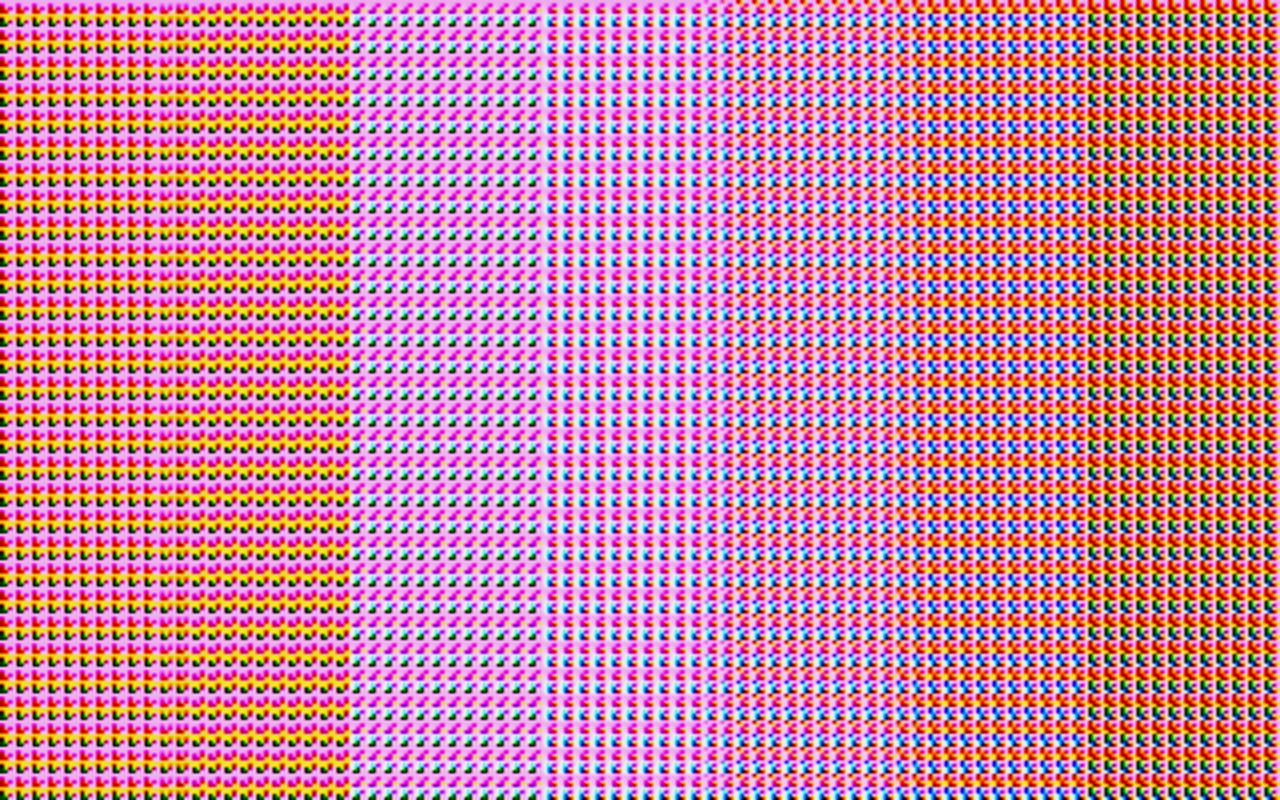
I played Indivisible on my Steam Deck and until now I had no Problems (compatibility was unknown). I was running the default Linux version, I guess. The only problem I had, was that I could not change the resolution. It was fixed at 720p, but for the deck's screen it was okay. But right now, proton is used to run the game (compatibility has changed to yellow). The resolution is set to 800p, but I encountered several graphical glitches, whereas the native version seemed to run perfectly. I don't know if it's intended that the game runs under proton with graphical glitches, whereas the native version worked very well for me (except being locked to 720p). To be fair, I only played for like 2h and the native version might be buggy later on. Could it be a mistake that the game is running vie proton and not via the native version?
Reproduction

Hello @wfstuff, please add PROTON_LOG=1 %command% to the game's launch options and attach the generated $HOME/steam-$APPID.log to this issue report as a file. (Proton logs compress well if needed.) Also, if possible, please capture a screenshot of the render artifacts.

log file: steam-421170.log
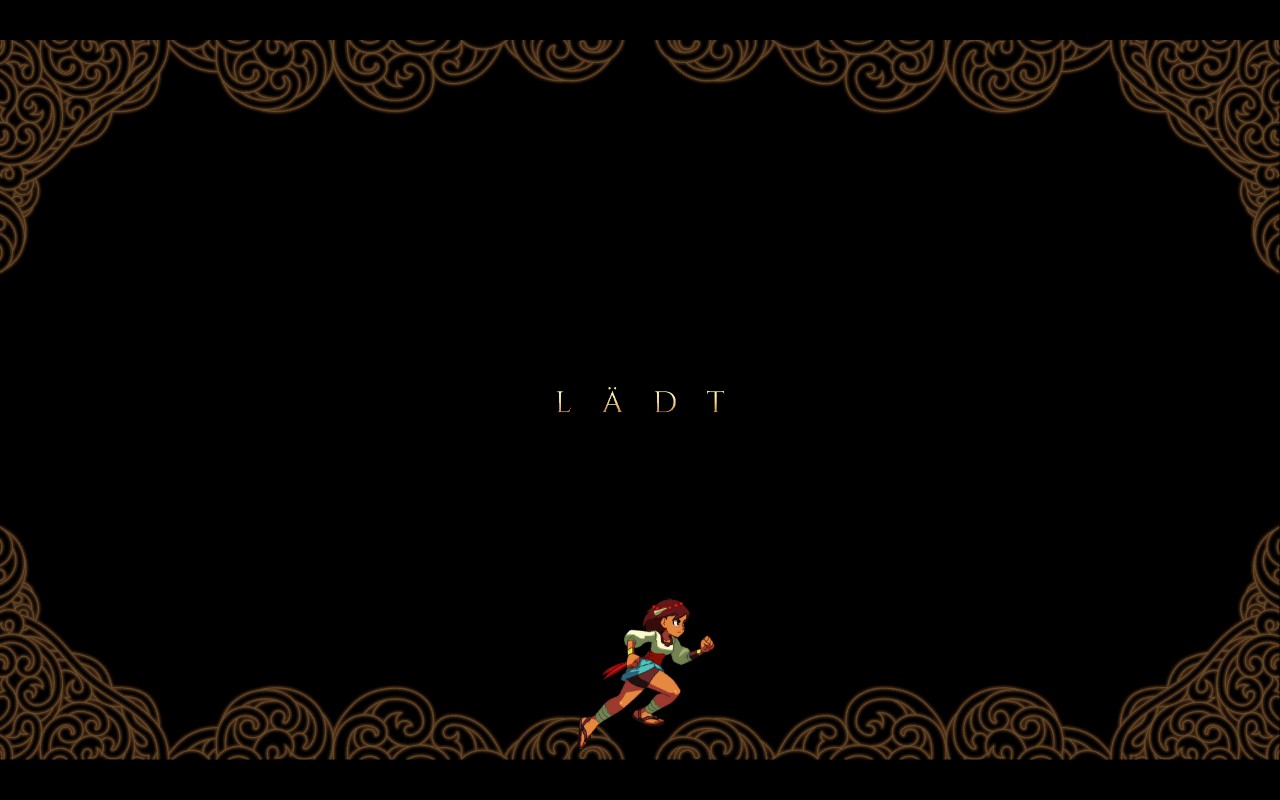
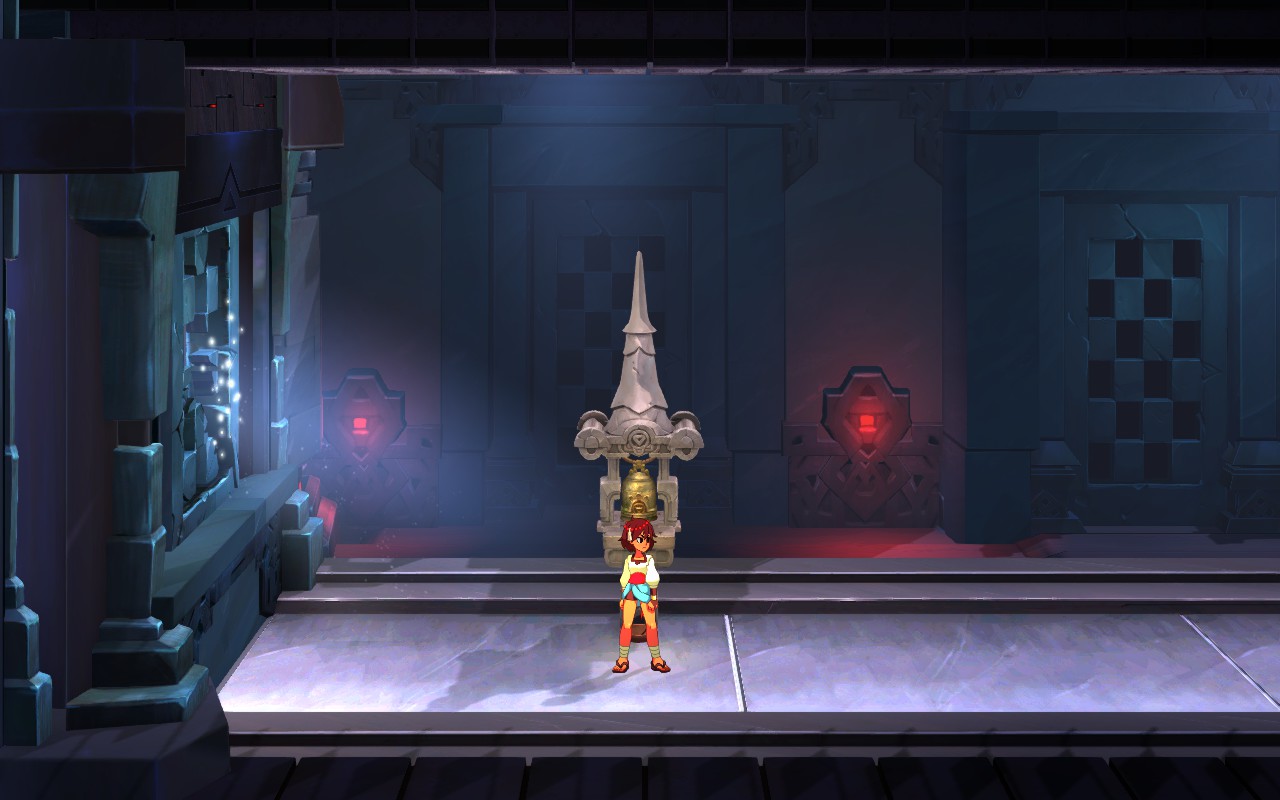
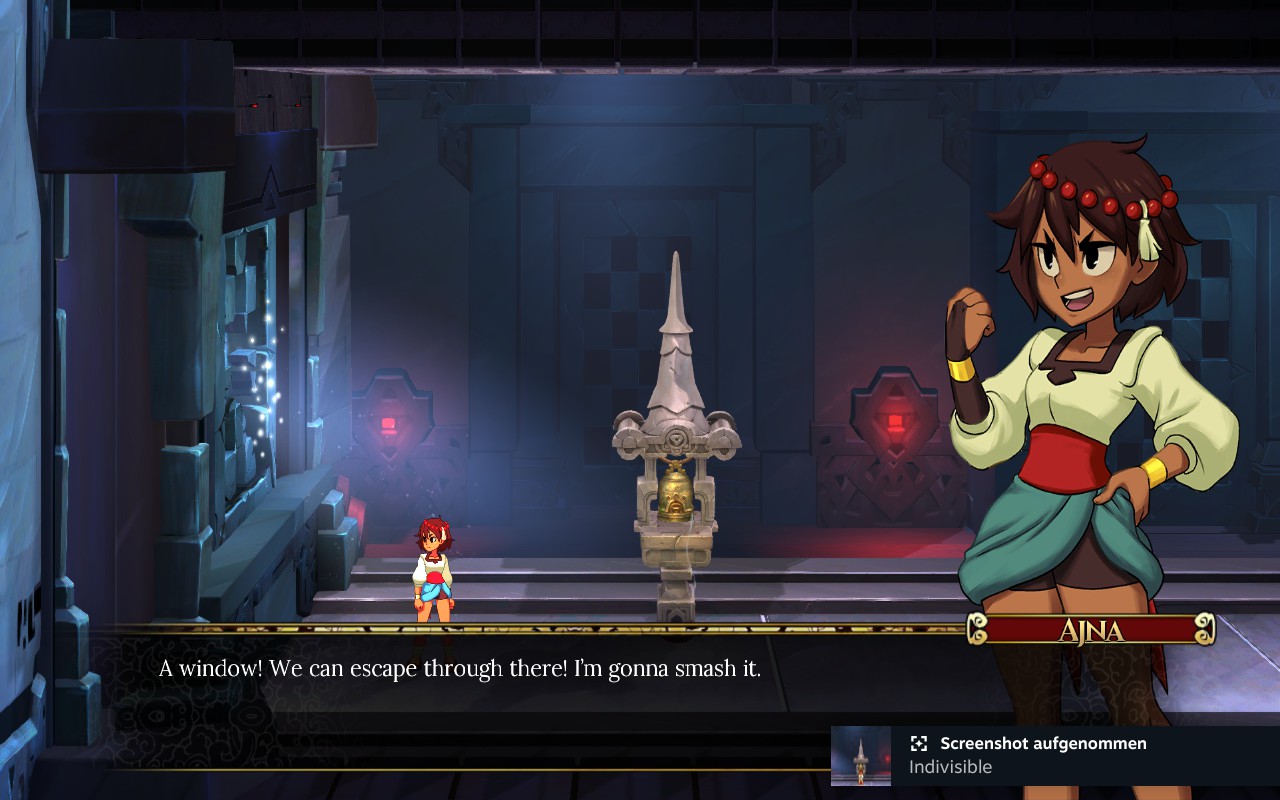
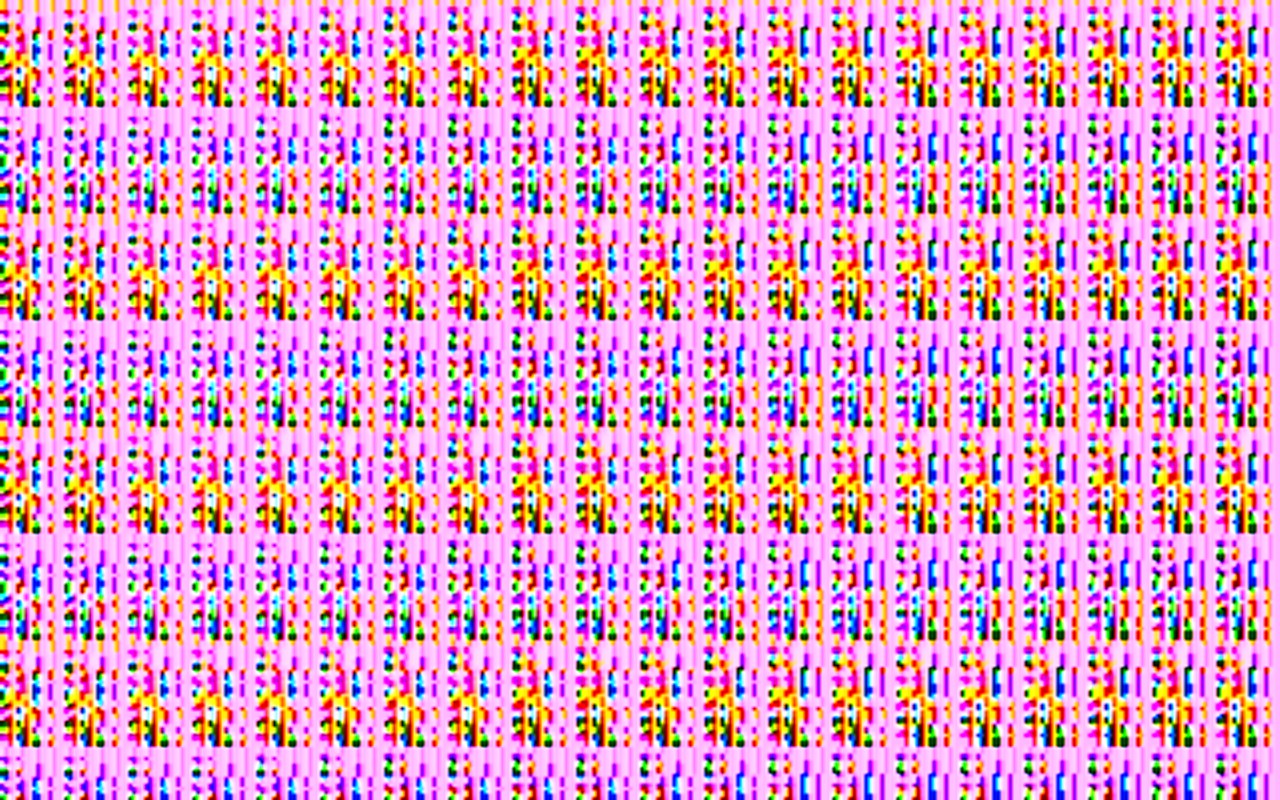
Screenshots: The first batch is with the native linux version (on steam deck). The second batch is with the default (selected by valve) proton version. In the second batch there is also a black screen. At that point (or at least very near) the cut scene skips (some audio/dialogue is missing). Also the aspect ratio seems a little bit weird.
First screenshot batch

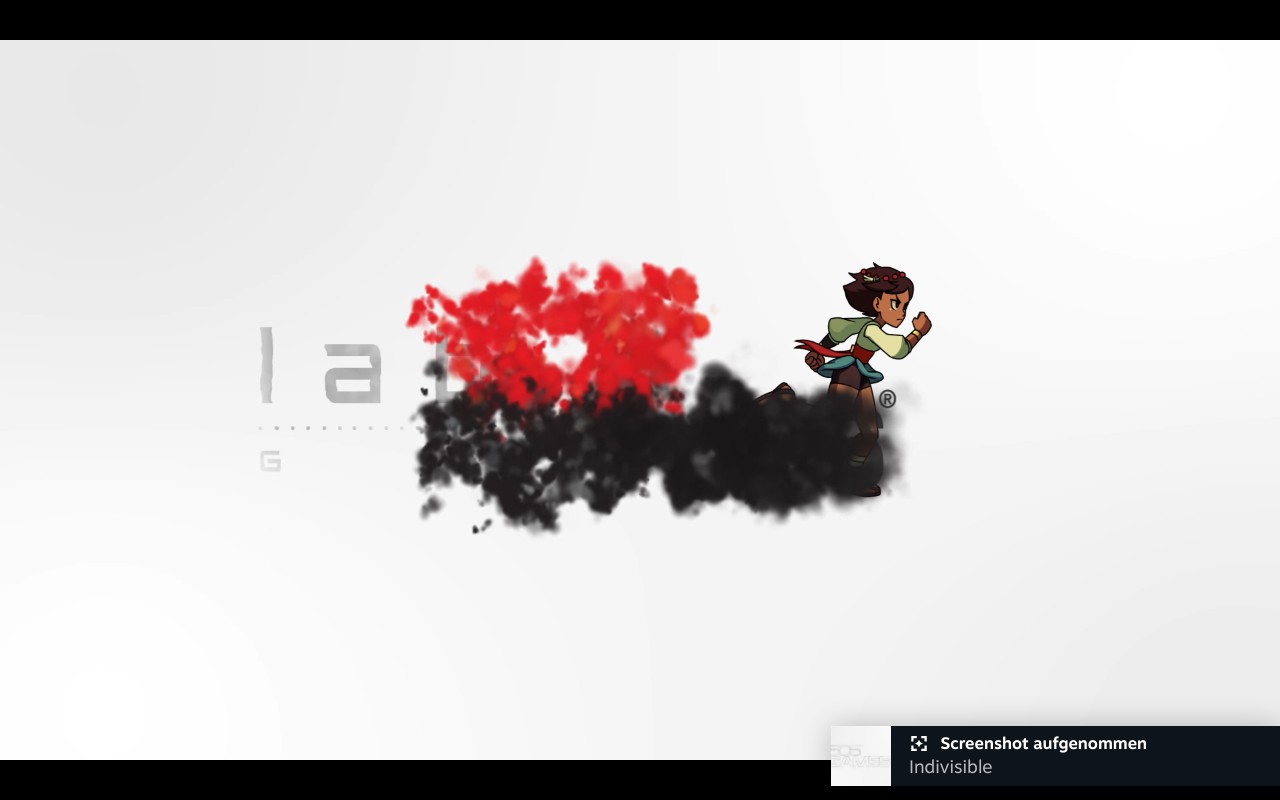
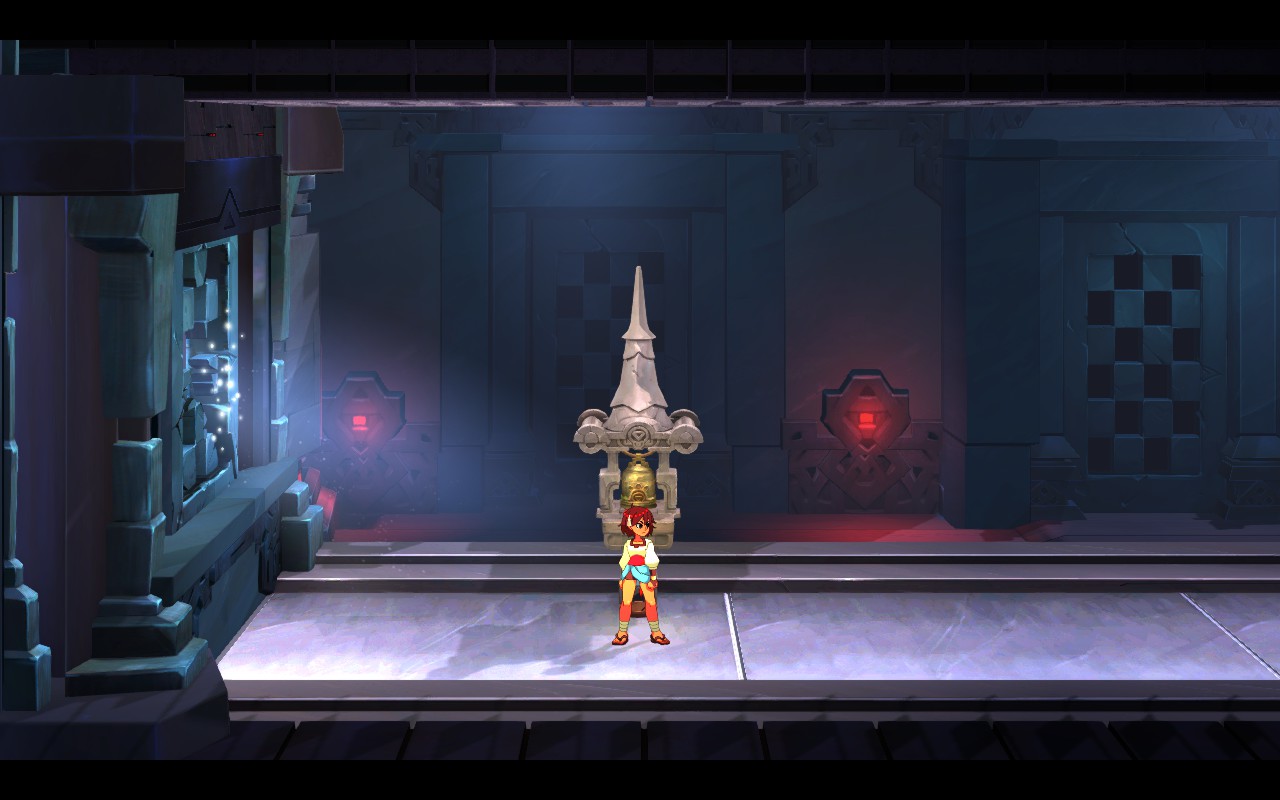
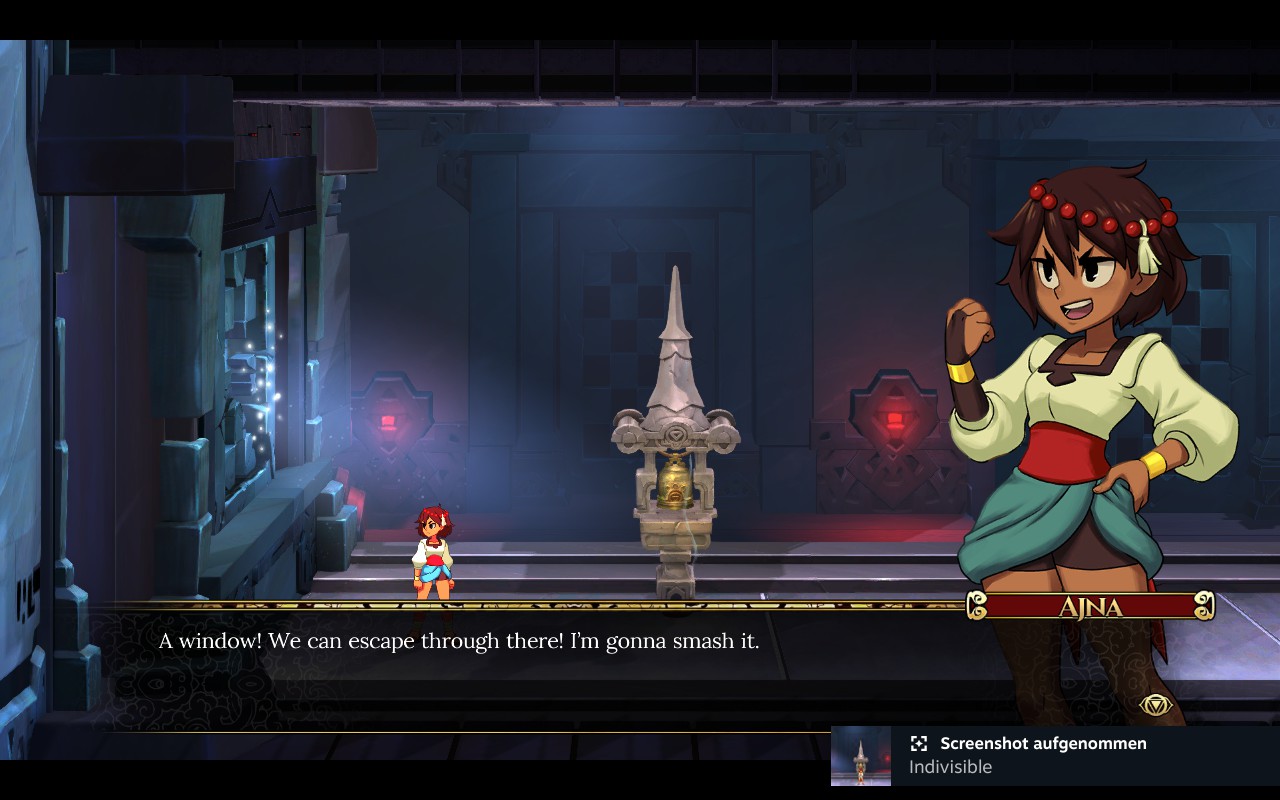
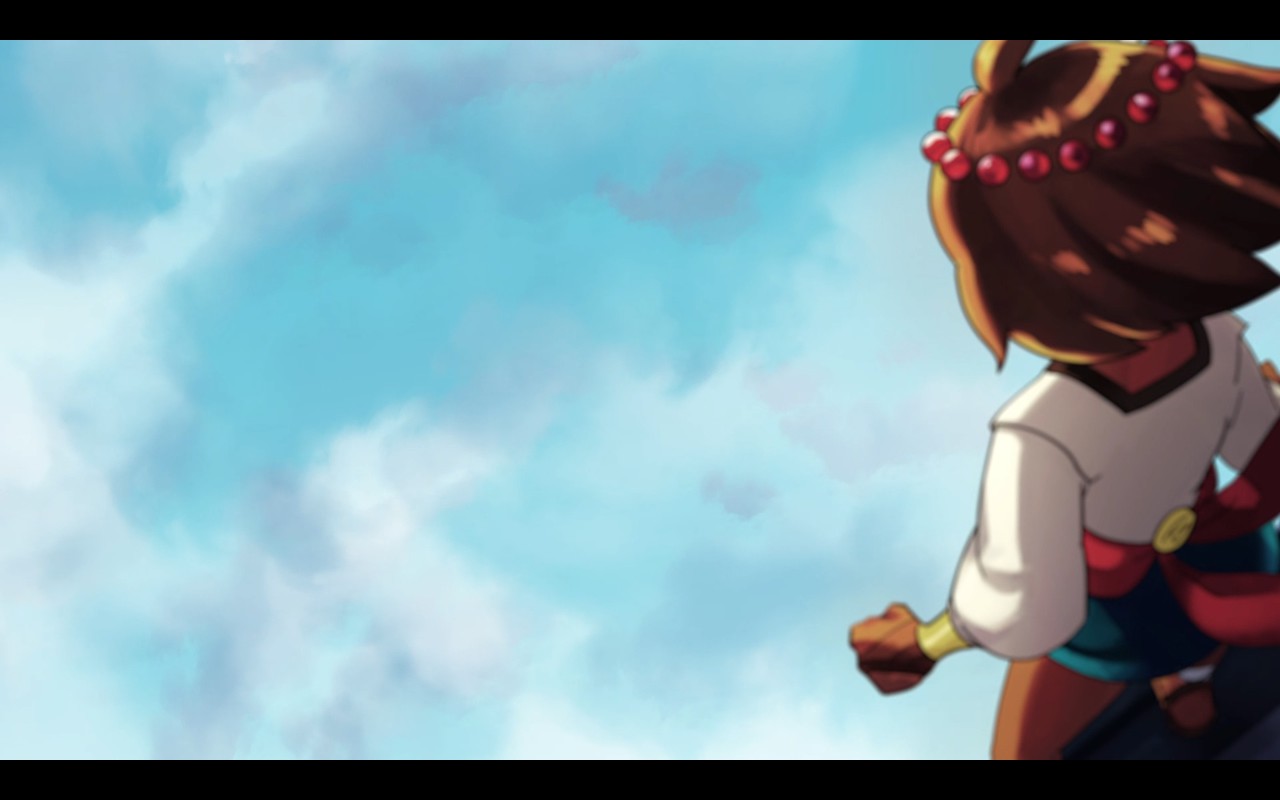
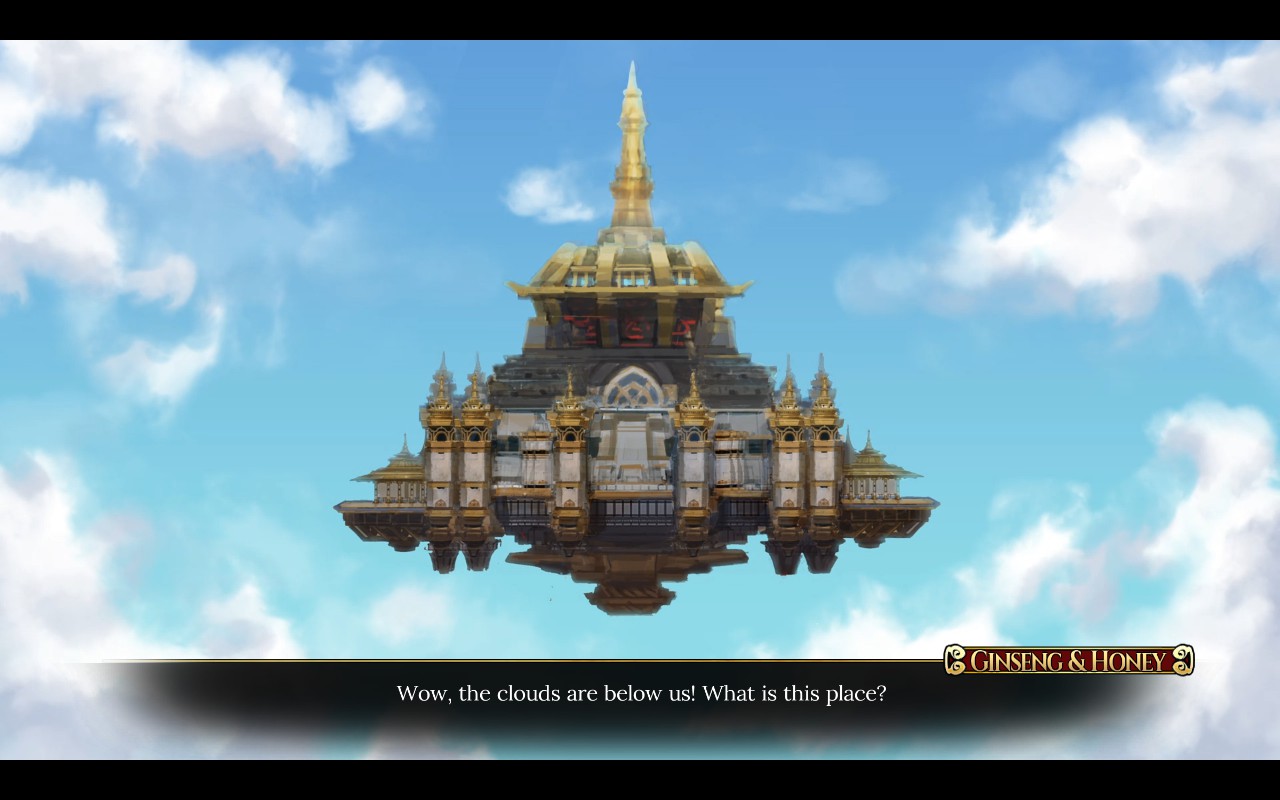
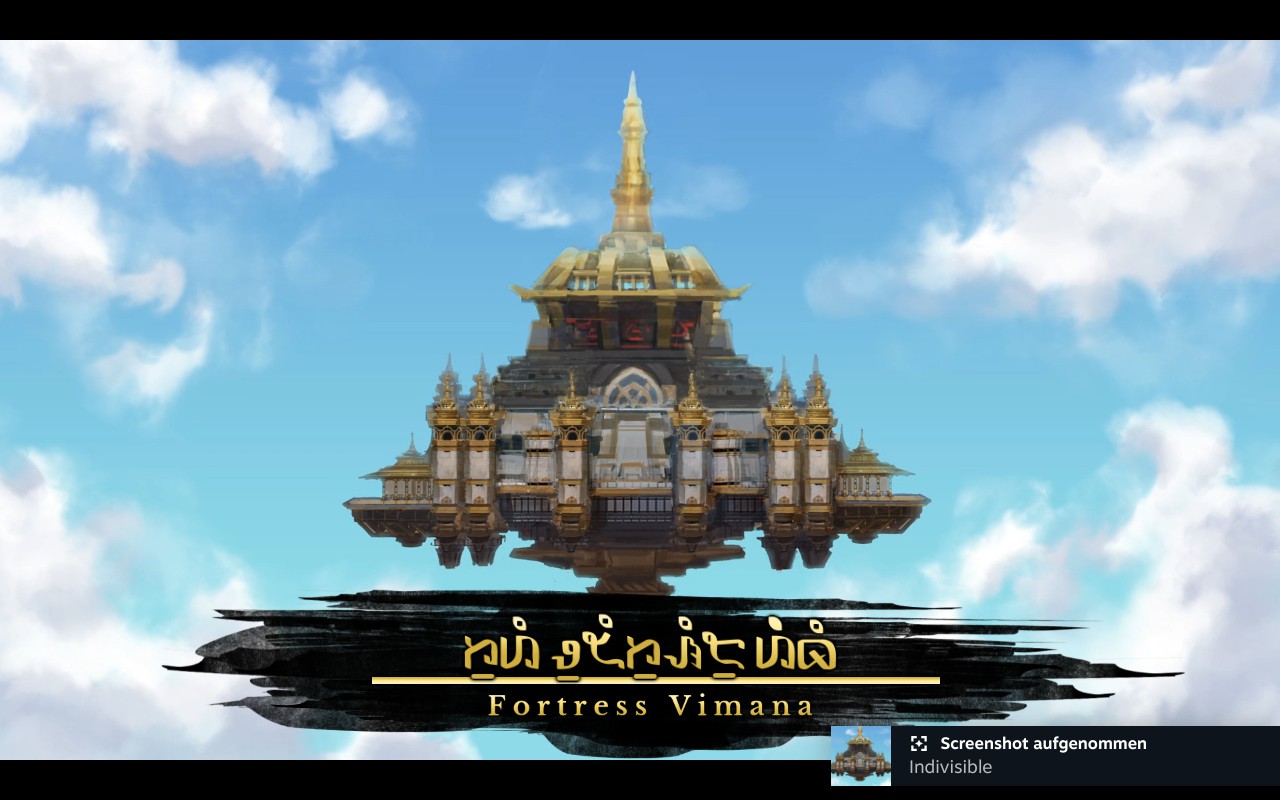

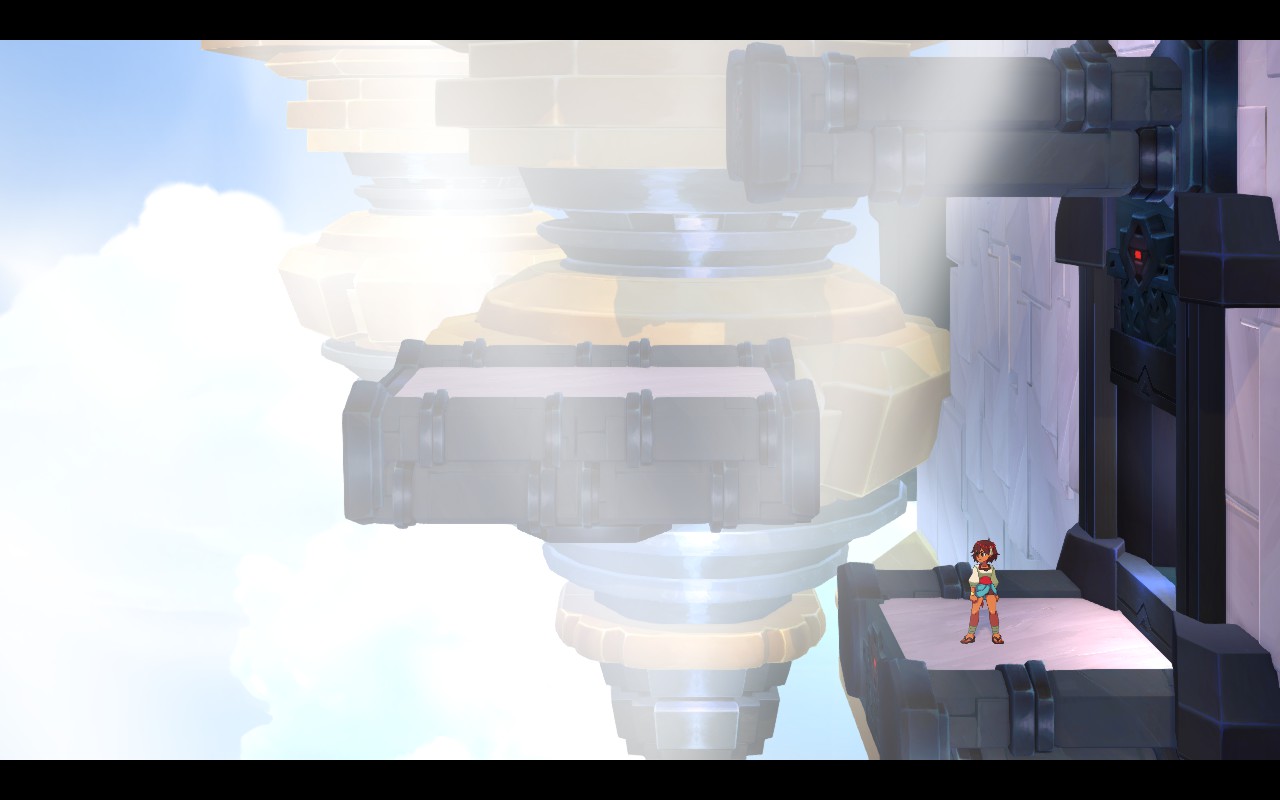
Second screenshot batch


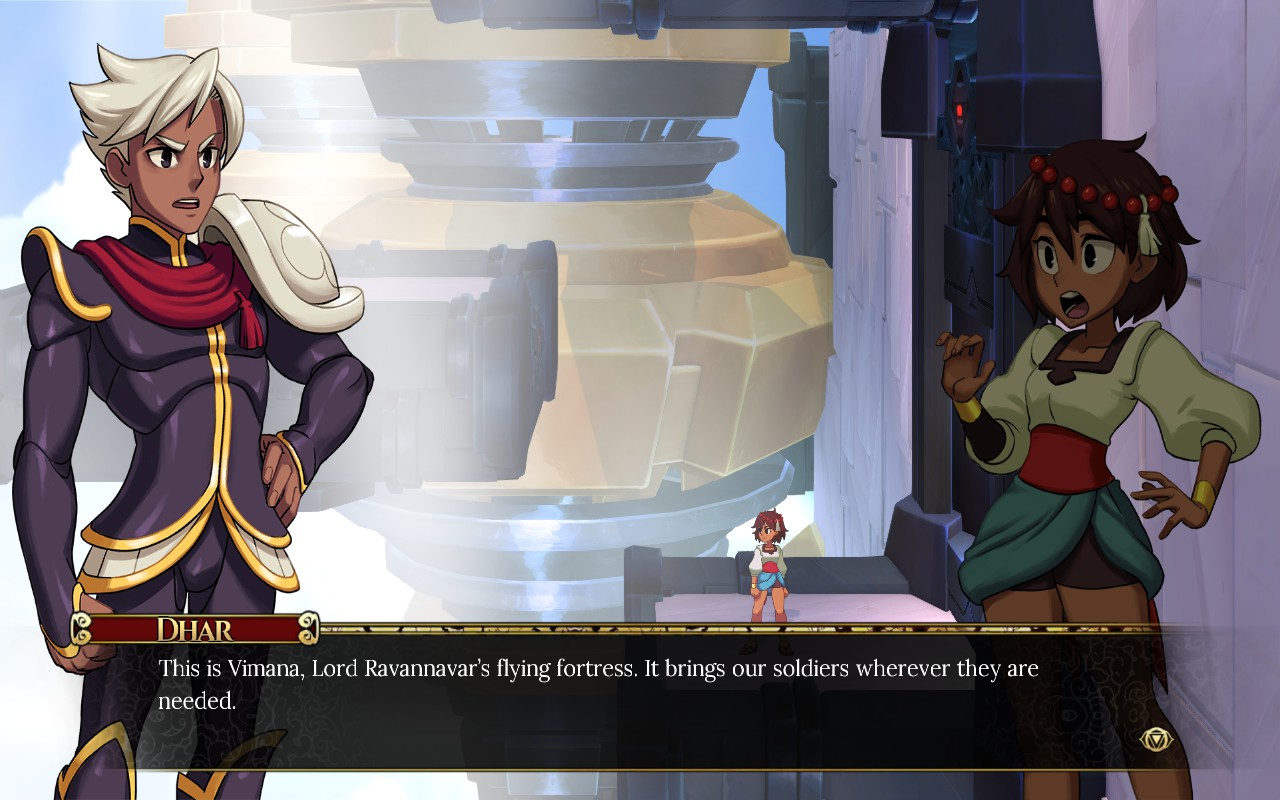
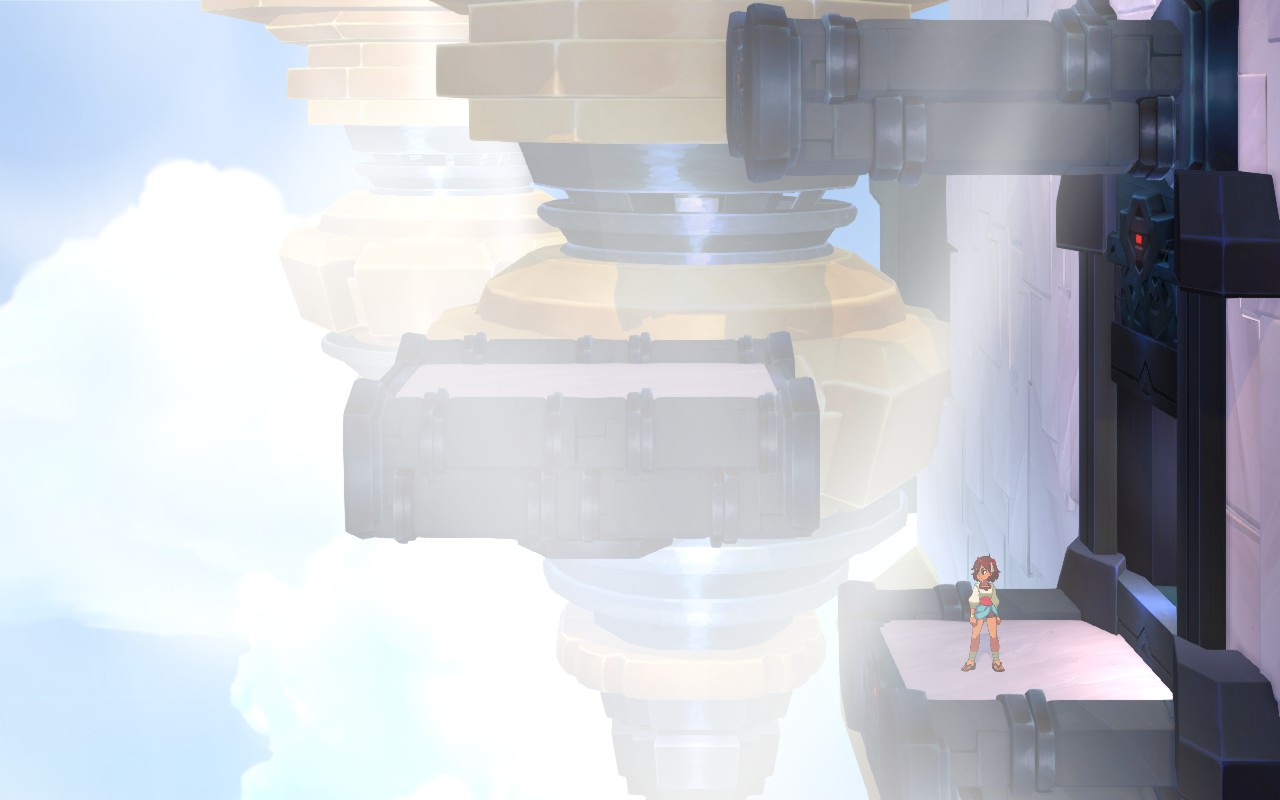
@wfstuff Does running the game with this launch option fix it? (For proton 7.0-1)
PROTON_DO_NOT_CREATE_DXGI_DEVICE_MANAGER=1 %command%
If you are instead using proton experimental try
WINE_DO_NOT_CREATE_DXGI_DEVICE_MANAGER=1 %command%

Hello, original port developer here. @kisak-valve the game has a native version, please force it back to native.
@wfstuff Does running the game with this launch option fix it? (For proton 7.0-1)
PROTON_DO_NOT_CREATE_DXGI_DEVICE_MANAGER=1 %command%If you are instead using proton experimental try
WINE_DO_NOT_CREATE_DXGI_DEVICE_MANAGER=1 %command%
@blisto91 this shouldn't even be necessary. The native version should work fine.
I made it, and some others tested it already.

@cybik yes the native version should generally be preferred if there is one. And if it has issues should be brought up there to the devs I don't actually own the game so was more i was interested in if the above commands fixed the users proton issue.
Always good to see devs hanging around here tho 🙂
I am still not here in any official capacity.
I recommend checking again :D
https://steamdb.info/app/421170/info/
I've found a regression for this title: using Proton 9.0-4, videos/logos play fine, whereas in Proton 10.0-3 and Experimental 2025-11-26, they are rendered as colored bars or a black screen
Proton logs: steam-421170-proton103.tar.gz
Main error lines:
0:00:36.019361847 21883 0x7585680b36d0 ERROR                  libav :0:: Invalid NAL unit size (332400358 > 10169).
0:00:36.019364973 21883 0x7585680b36d0 ERROR                  libav :0:: Error splitting the input into NAL units.
0:00:36.019393185 21883 0x758569442d30 ERROR                  libav :0:: Invalid NAL unit size (706329930 > 646).
0:00:36.019396371 21883 0x758569442d30 ERROR                  libav :0:: Error splitting the input into NAL units.
Specs:
- OS: Arch
- Kernel: 6.12.61
- GPU: RX 6700 XT (Mesa 25.2.7)
- CPU: Ryzen 7 5700G
- DE: Plasma 6.5.3 (wayland)
