

 ValveSoftware
Days Gone (1259420)
Compatibility Report
- Name of the game with compatibility issues: Days Gone
- Steam AppID of the game: 1259420
System Information
- GPU: AMD Radeon 6900XT
- Driver/LLVM version: Mesa 21.3-git/12.0.0
- Kernel version: 5.13-rc2
- Link to full system information report as Gist
- Proton version: experimental-6.3-20210517
I confirm:
- [x] that I haven't found an existing compatibility report for this game.
- [x] that I have checked whether there are updates for my system available.
Symptoms
The game working with unacceptable framerate.


Reproduction
Always.

Patched (with this patch) dxgi for Proton 6.3-4. Extract and replace dxgi.dll.so (but first back it up) in steamapps/common/Proton 6.3/dist/lib64/wine. This fixes the performance problem.
And remove WINEDLLOVERRIDES=dxgi=n from the game Launch Options, if it's present there.
p.s. I guess it will work with Proton Experimental too, but i can't say for sure.

Replying to https://github.com/ValveSoftware/Proton/issues/4832#issuecomment-845370165
Yes, I confirm that this helped.
For Proton Experimental path would be steamapps/common/Proton - Experimental/files/lib64/wine
Unfortunately not working gamepad :(
Screenshots
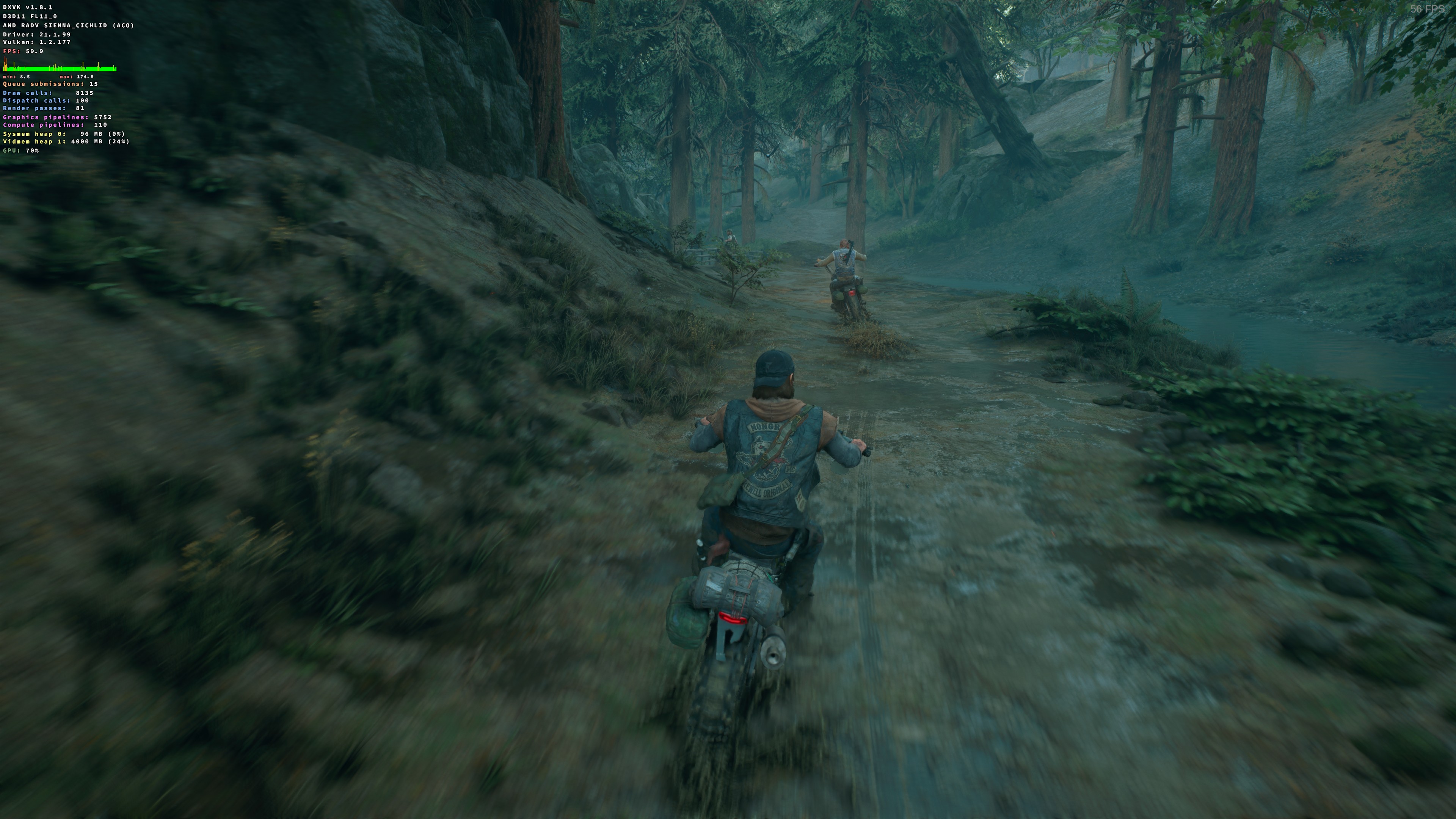
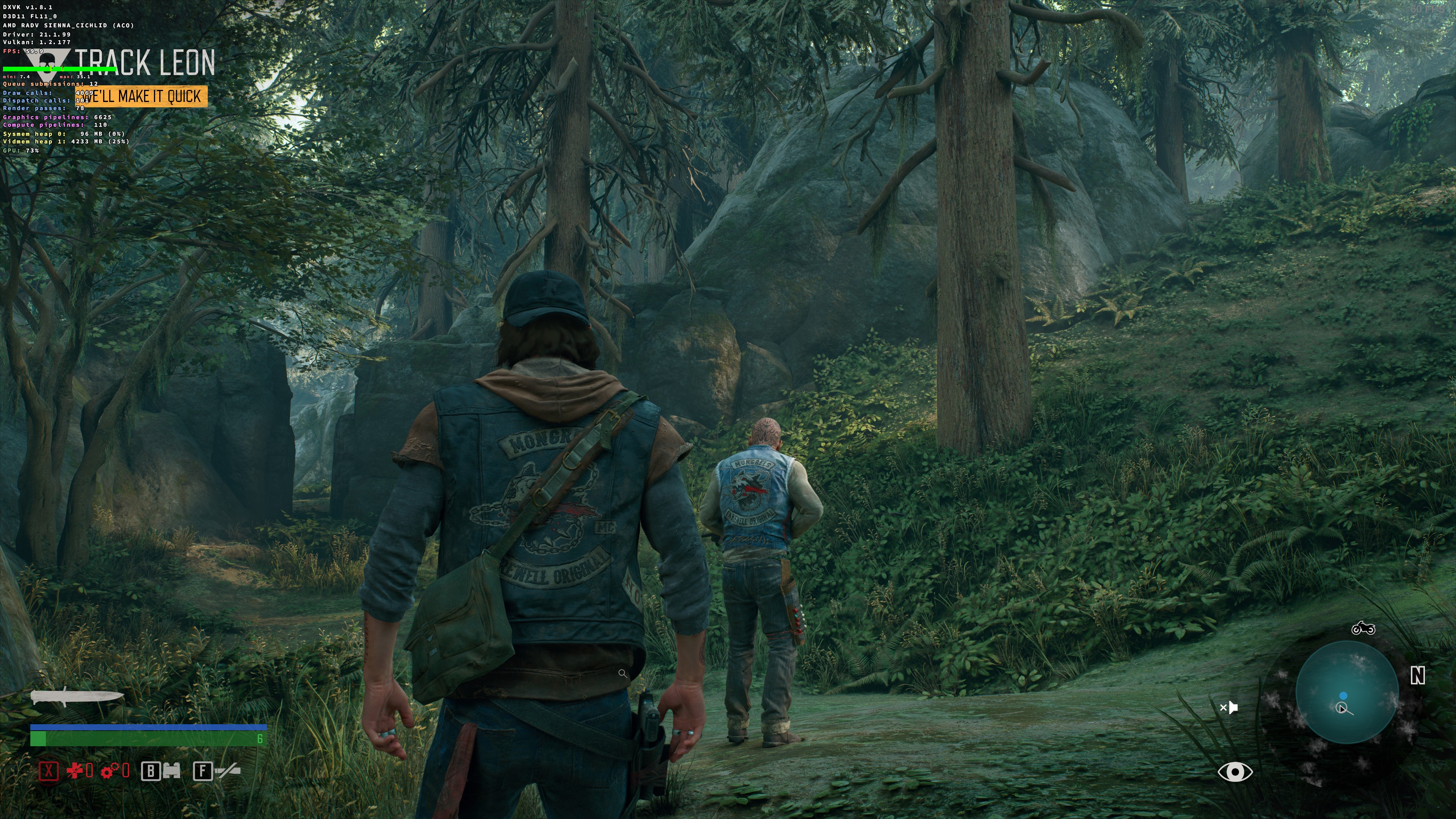
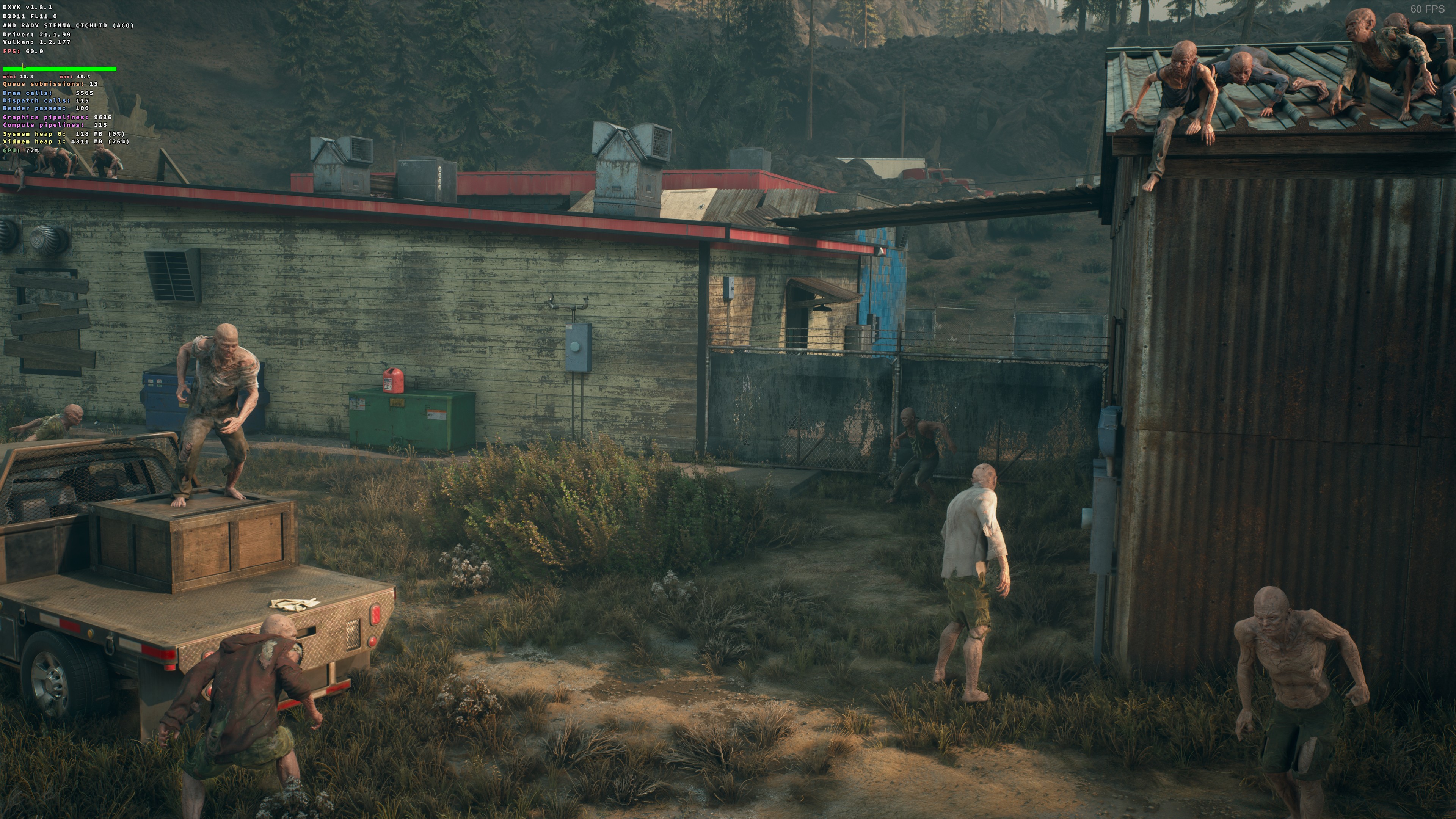
Replying to https://github.com/ValveSoftware/Proton/issues/4832#issuecomment-845370165
unfortunately didn't fix it for me, although proton 6.3 is on another hard drive will try experimental. EDIT: the steps above fixed it after I moved what harddrive it was on

latest dxvk master should work with days gone now.
https://github.com/doitsujin/dxvk/issues/2065
i updated dxvk in proton 6.3 with https://github.com/Frogging-Family/dxvk-tools
set proton path in ~/.config/frogminer/updxvk.cfg, for example:
_proton_dist_path="/home/redgloboli/.steam/steam/steamapps/common/Proton 6.3/dist/"
or wherever your proton is installed.
./updxvk build ./updxvk proton-dist

Replying to #4832 (comment)
Unfortunately not working gamepad :(
that maybe a game bug:
https://store.steampowered.com/news/app/1259420/view/3051730665660032821
Does anybody else have issues launching this game?
In Proton GE 6.9 it plays a pinkish Sony logo and then freezes with 5000+ fps but I can hear the menu sounds in the background.
Proton 6.3 + patch plays the usual "example video" (with a pinkish tone) and the also gets stuck.
Proton 6.3 without patch just freezes without menu sound.
Log file with Proton 6.3 and the patch linked by @Kron4ek: steam-1259420.log

Does anybody else have issues launching this game?
In Proton GE 6.9 it plays a pinkish Sony logo and then freezes with 5000+ fps but I can hear the menu sounds in the background.
Proton 6.3 + patch plays the usual "example video" (with a pinkish tone) and the also gets stuck.
Proton 6.3 without patch just freezes without menu sound.
Log file with Proton 6.3 and the patch linked by @Kron4ek: steam-1259420.log
works fine here, 6.9-GE-2, clean prefix, amd 6900 xt, X11, kde. im able to run the game smoothly at 4k, intro videos work normal

@GloriousEggroll Hmm, same GPU here.
Ubuntu 21.04, X11, Kernel 5.12.8. Will try a few different kernel versions.
@GloriousEggroll Hmm, same GPU here.
Ubuntu 21.04, X11, Kernel 5.12.8. Will try a few different kernel versions.
I'm on fedora 34 with kernel 5.12.7 + fsync + mesa-git built from about a week ago.
Switched to Liquorix kernel with fsync and everything started working suddenly. Runs great on Proton 6.9-GE-2.
Patched (with this patch) dxgi for Proton 6.3-4. Extract and replace
dxgi.dll.so(but first back it up) insteamapps/common/Proton 6.3/dist/lib64/wine. This fixes the performance problem.And remove
WINEDLLOVERRIDES=dxgi=nfrom the game Launch Options, if it's present there.p.s. I guess it will work with Proton Experimental too, but i can't say for sure.
i have installed it using wine. i dont have steam and proton.what should i do? where should i replace the dxgi file?


Most recent experimental build seems to have broken this game.
It was working before the update today, just was playing it yesterday. Going to 6.3-7 makes it work again

@d10sfan any particular way to reproduce the crash? The game seems to be working with current Experimental for me - I am able to start a new game and ride on the motorcycle a bit.
This is a crash in winegstremer which wasn't updated this experimental release.
relevant part of your logs
Unhandled exception: page fault on read access to 0x00000000 in 64-bit code (0x00000002c83bb001).
Register dump:
 rip:00000002c83bb001 rsp:000000008ea0fab0 rbp:000000008dc802d0 eflags:00010246 (  R- --  I  Z- -P- )
 rax:0000000000000000 rbx:000000008dc80350 rcx:0000000335266080 rdx:000000033526c8e0
 rsi:0000000000000001 rdi:0000000000000000  r8:0000000027eb7030  r9:0000000000000260 r10:0000000000000008
 r11:0000000000007030 r12:0000000000000000 r13:000000008ea70190 r14:000000008dd100a0 r15:000000008dc801d8
Stack dump:
0x000000008ea0fab0:  0000000000000200 000000008ea0ffd8
0x000000008ea0fac0:  000000000000002b 0000000000000000
0x000000008ea0fad0:  000000007bc0bb74 000000007bc5841c
0x000000008ea0fae0:  0000000000000000 0000000000000000
0x000000008ea0faf0:  0000000000000000 0000000000000000
0x000000008ea0fb00:  0000000000000000 0000000000000000
0x000000008ea0fb10:  000000008dd20230 0000000000000001
0x000000008ea0fb20:  00000003af6a5af0 0000000000000000
0x000000008ea0fb30:  00001f800010000b 0000000000000033
0x000000008ea0fb40:  00000200002b0000 0000000000000000
0x000000008ea0fb50:  0000080500000002 0000000000000000
0x000000008ea0fb60:  000000008dd20230 0000000000101072
Backtrace:
=>0 0x00000002c83bb001 EntryPoint+0x1ffff1451() in winegstreamer (0x000000008dc802d0)
  1 0x000000033526224b EntryPoint+0x2ffffdb6a() in rtworkq (0x000000007c7c8f28)
  2 0x000000007bc60d1d EntryPoint+0xffffffffffffffff() in ntdll (0x000000007c7c8f28)
  3 0x000000007bc6118d EntryPoint+0xffffffffffffffff() in ntdll (0x000000007c7c8f28)
  4 0x000000007b62c9a9 EntryPoint+0xffffffffffffffff() in kernel32 (0x0000000000000000)
  5 0x000000007bc5e5e3 EntryPoint+0xffffffffffffffff() in ntdll (0x0000000000000000)
0x00000002c83bb001 EntryPoint+0x1ffff1451 in winegstreamer: calll	*(%rax)
Modules:
Module	Address					Debug info	Name (94 modules)
PE	          ed0000-          ee9000	Deferred        vcruntime140
PE	        1dd70000-        1df4b000	Deferred        gameoverlayrenderer64
PE	        26dc0000-        26f3e000	Deferred        physx3common_x64
PE	        26f40000-        26f50000	Deferred        nvtoolsext64_1
PE	        27060000-        27296000	Deferred        physx3_x64
PE	        272a0000-        272cf000	Deferred        physx3cooking_x64
PE	        272d0000-        273b4000	Deferred        apexframework_x64
PE	        273c0000-        27571000	Deferred        apex_destructible_x64
PE	        27580000-        27893000	Deferred        apex_legacy_x64
PE	        278a0000-        27a01000	Deferred        apex_clothing_x64
PE	        7a850000-        7a854000	Deferred        opengl32
PE	        7b000000-        7b0d5000	Deferred        kernelbase
PE	        7b600000-        7b812000	Export          kernel32
PE	        7bc00000-        7bc9e000	Export          ntdll
PE	       138000000-       1394d2000	Deferred        steamclient64
PE	       13b400000-       13b444000	Deferred        steam_api64
PE	       140000000-       1464bd000	Deferred        daysgone
PE	       180000000-       180092000	Deferred        msvcp140
PE	       1c1ef0000-       1c1f1c000	Deferred        atl100
PE	       1c8b40000-       1c8b60000	Deferred        msacm32
PE	       1c8db0000-       1c8e3d000	Deferred        msvcrt
PE	       1cd860000-       1cd868000	Deferred        api-ms-win-crt-utility-l1-1-0
PE	       1d97a0000-       1d97a7000	Deferred        api-ms-win-core-fibers-l1-1-1
PE	       1e6c10000-       1e6c1d000	Deferred        wer
PE	       1e7610000-       1e7617000	Deferred        normaliz
PE	       1f51e0000-       1f51ef000	Deferred        hid
PE	       20fc60000-       20fcc8000	Deferred        mf
PE	       21a7e0000-       21a855000	Deferred        setupapi
PE	       228450000-       22847a000	Deferred        propsys
PE	       231ae0000-       231b62000	Deferred        rpcrt4
PE	       236df0000-       236e49000	Deferred        dsound
PE	       23d820000-       23da48000	Deferred        user32
PE	       241850000-       241857000	Deferred        api-ms-win-crt-environment-l1-1-0
PE	       24f470000-       24f48f000	Deferred        mpr
PE	       253cc0000-       253cde000	Deferred        xinput1_3
PE	       25d740000-       25d74e000	Deferred        dwmapi
PE	       262250000-       262259000	Deferred        api-ms-win-crt-runtime-l1-1-0
PE	       26b4c0000-       26b642000	Deferred        gdi32
PE	       270f60000-       2711f5000	Deferred        d3d9
PE	       2739c0000-       273af6000	Deferred        oleaut32
PE	       28ba60000-       28ba67000	Deferred        api-ms-win-crt-time-l1-1-0
PE	       29e400000-       29e435000	Deferred        msctf
PE	       2bb750000-       2bb894000	Deferred        comctl32
PE	       2c83b0000-       2c8404000	Export          winegstreamer
PE	       2e3540000-       2e3591000	Deferred        shlwapi
PE	       2e8f10000-       2e9028000	Deferred        ole32
PE	       2edf00000-       2ee0e9000	Deferred        dxgi
PE	       2f1fa0000-       2f1fad000	Deferred        version
PE	       2f61f0000-       2f6213000	Deferred        explorerframe
PE	       2f7230000-       2f725d000	Deferred        uxtheme
PE	       2f7f20000-       2f7f2c000	Deferred        vcruntime140_1
PE	       30a2c0000-       30a2c9000	Deferred        api-ms-win-crt-stdio-l1-1-0
PE	       30c980000-       30c988000	Deferred        api-ms-win-core-synch-l1-2-0
PE	       3126f0000-       312709000	Deferred        shcore
PE	       316370000-       31637b000	Deferred        psapi
PE	       327020000-       327072000	Deferred        combase
PE	       32a700000-       32a729000	Deferred        sechost
PE	       330260000-       33029f000	Deferred        advapi32
PE	       335260000-       335272000	Export          rtworkq
PE	       33b9e0000-       33b9ed000	Deferred        powrprof
PE	       33ea00000-       33ea09000	Deferred        api-ms-win-crt-string-l1-1-0
PE	       341d30000-       341dfc000	Deferred        quartz
PE	       344840000-       344848000	Deferred        api-ms-win-crt-filesystem-l1-1-0
PE	       34abc0000-       34abe1000	Deferred        msdmo
PE	       34ec90000-       34ecba000	Deferred        mfplay
PE	       350a30000-       350a39000	Deferred        api-ms-win-crt-convert-l1-1-0
PE	       351680000-       351688000	Deferred        api-ms-win-core-localization-l1-2-1
PE	       355100000-       355107000	Deferred        api-ms-win-crt-locale-l1-1-0
PE	       359050000-       359325000	Deferred        d3d11
PE	       35b570000-       35b598000	Deferred        gameux
PE	       360a80000-       360a8a000	Deferred        api-ms-win-crt-math-l1-1-0
PE	       361860000-       36191b000	Deferred        windowscodecs
PE	       3785e0000-       3785ec000	Deferred        vulkan-1
PE	       39a620000-       39a644000	Deferred        msvfw32
PE	       39b510000-       39b518000	Deferred        api-ms-win-crt-heap-l1-1-0
PE	       3a0440000-       3a04c0000	Deferred        wininet
PE	       3a6d40000-       3a6d9f000	Deferred        mfplat
PE	       3ad720000-       3ad74f000	Deferred        devenum
PE	       3af670000-       3af728000	Deferred        ucrtbase
PE	       3afd00000-       3afd1a000	Deferred        imm32
PE	       3b8f00000-       3b8fb7000	Deferred        winmm
PE	       3be590000-       3be5f0000	Deferred        dbghelp
PE	    7f25902c0000-    7f25902c3000	Deferred        avicap32
PE	    7f2592910000-    7f2592913000	Deferred        kerberos
PE	    7f25930d0000-    7f25930d4000	Deferred        dnsapi
PE	    7f25930f0000-    7f25930f3000	Deferred        netapi32
PE	    7f2593130000-    7f2593133000	Deferred        secur32
PE	    7f25939e0000-    7f25939e4000	Deferred        winex11
PE	    7f2595b70000-    7f2595b73000	Deferred        lsteamclient
PE	    7f2596150000-    7f259616b000	Deferred        wldap32
PE	    7f2596190000-    7f2596194000	Deferred        winevulkan
PE	    7f2596220000-    7f2596224000	Deferred        iphlpapi
PE	    7f2596250000-    7f2596254000	Deferred        ws2_32
PE	    7f25963a0000-    7f2596c77000	Deferred        shell32

@ivyl
For me, this happens when I launch the game. I see the splash screen with the Days Gone logo (the small rectangle in the center of the screen). Then the screen goes black for a few seconds, like it's about to create the game window, and then it crashes. So I never get into seeing the intro videos or the menu.
I just replicated it again by switching back from Proton 6.3-7 to Experimental.
@ivyl
I just replicated this crash with another game, ACE COMBAT™ 7: SKIES UNKNOWN, where it works in 6.3-7 but not in Experimental.
I also tried removing the compatdata folder for that game but did not seem to help.
A log from that attempt: steam-502500.log
Hello @d10sfan, this looks like the relevant lines of your log.
86982.574:0114:0118:err:module:open_builtin_file failed to load .so lib "/home/dnimon/.local/share/Steam/steamapps/common/Proton - Experimental/files/lib64/wine/x3daudio1_7.dll.so"
86982.575:0114:0118:err:module:import_dll Loading library X3DAudio1_7.dll (which is needed by L"Z:\\run\\media\\dnimon\\Storage\\SteamLibrary\\steamapps\\common\\ACE COMBAT 7\\Ace7Game.exe") failed (error c000007a).
86982.575:0114:0118:err:module:open_builtin_file failed to load .so lib "/home/dnimon/.local/share/Steam/steamapps/common/Proton - Experimental/files/lib64/wine/xapofx1_5.dll.so"
86982.576:0114:0118:err:module:import_dll Loading library XAPOFX1_5.dll (which is needed by L"Z:\\run\\media\\dnimon\\Storage\\SteamLibrary\\steamapps\\common\\ACE COMBAT 7\\Ace7Game.exe") failed (error c000007a).
This is unrelated to your previous feedback for this game. Please use #2307 for feedback on that game.

@kisak-valve Sure, I had just wanted to mention, since it was two games that failed for some reason with the latest experimental build.
Sony studios intro shows but background is purple/pink. Then sits on a blank purple/pink screen indefinitely and does not load. Seems that purple/pink is replacing black somehow?
Ubuntu 20.04 with latest HWE (5.11.0 kernel) Nvidia 470.82 driver and Nvidia 495.44 Same result with Proton, Proton-Experimental, Proton-6.20-GE-1 Proton-6.21-GE-2.
Log attached. Same results of pink screen on all Proton versions and Nvidia drivers with this game. Other games running fine.

Maybe an HDR bug? Screen supports HDR here but it's not enabled.
Anyone able to suggest something?
Figured it may be a media playback issue and sure enough after I added the workaround described in https://www.pcgamingwiki.com/wiki/Days_Gone#Skip_intro_videos it let me into the menu and is playable. So for some reason the intro videos are causing the game to lock up. Cutscenes appear to render fine, only the intro movies cause issues.
That purple screen issue was driving me nuts on Manjaro. Disabling the intro movies fixed it up, thank you for this! Odd thing was that every so often it would start up with the regular black Playstation screen without me changing anything, then next time I started the game it would be purple again.

Hello.After a system upgrade on Manjaro the game just stopped working (lutris/wine return code 13568) with wine 7+. Any idea to make it working again? I was around 80-90% completion, i would like to finish 100% this game.

I'm on steam deck OLED and having issues with the game recognizing the display as HDR, I must restart the game multiple times (not in Fullscreen) and switch to Fullscreen to see if HDR is greyed out or not until it magically works, when I start another session I must do it all over again (using proton experimental)

@GGDAG-dog that's odd, I'm leaving the game fullscreen windowed (the default option), and tried 5 times on proton 9, 10 and experimental each on steamos stable and beta and after toggling hdr in the game's display settings it worked every time without further tweaking.

@simifor as you can see it doesn't work even with Fullscreen windowed :( as I said I must before apply windowed, restart the game and hope it recognizes it, probably just a me problem? xP