

 ValveSoftware
World of Final Fantasy (552700)
When starting World of Final Fantasy (aka WOFF), the game gives a garbled error message about DirectX 11.
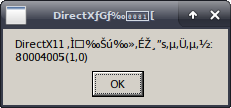
Log: https://gist.github.com/fureloka/272fd6a6bef87610464a9cd93d21af6f
OS: Debian Sid CPU: AMD FX-6100 GPU: Nvidia GTX 970 GPU Driver: Nvidia 390.77


@kisak-valve It seems I ended up with a franken setup after the 396.51 upgrade, something just didn't feel right. To no ones surprise, the active driver was VMWare... oh the fun.
Anyways, fixed it and re-tested. WOFF now starts and opens a black window before crashing with a page fault, which means the original DirectX 11 error is fixed with the newer driver.
Closing this and making a new issue.
Right, thought this error was solved by 396.51, but after changing distribution to Arch Linux, which has 396.54, the error is back. I've made sure the drivers are properly installed and even ran NieR:Automata without problems.
I've tested WOFF with both Proton v3.7-3 and 3.7-4 Beta, same result. I've checked with wine 3.14 and it does not experience this error, however if I do add dxvk 0.70, the DX11 error appears.
Proton Log: https://gist.github.com/fureloka/20663fa47e331c77365dee6329683c13
World of Final Fantasy - Crashes with read access fault to 0x0 at 0x1409b111f (552700)
Issue transferred from https://github.com/ValveSoftware/Proton/issues/335. @fureloka posted on 2018-08-23T23:10:37:
When starting WOFF it opens a black window before crashing with:
Unhandled page fault on read access to 0x00000000 at address 0x1409b111f
Log: https://gist.github.com/fureloka/b00ca9af56154de452c2dd3c3733b2d9
OS: Debian Sid CPU: AMD FX-6100 GPU: Nvidia GTX 970 GPU Driver: Nvidia 396.51
@fureloka commented on 2018-08-25T18:39:20
This issue now depends on #306
I've reported the original DirectX11 Error bug upstream. It happens because winevulkan hasn't implemented X11DRV_vkCreateWin32SurfaceKHR with child window rendering yet, which DXVK depends on to function.
Could you retest with proton 3.16? X11DRV_vkCreateWin32SurfaceKHR is implemented in 3.16.

Rechecked, same result sadly. Any chance the implementation hasn't been included in the live Steam branch of 3.16-6 Beta? Just wondering, since the fixme message is still printed in the log file.
Sorry, X11DRV_vkCreateWin32SurfaceKHR with child window rendering is indeed not supported yet. Upstream bug is https://bugs.winehq.org/show_bug.cgi?id=45277
Is there any way this patch can be included in proton as this fixes World of Final Fantasy behavior? It also allows Star Ocean to launch, though it hangs after choosing a menu option.
https://bugs.winehq.org/attachment.cgi?id=63338&action=diff
Lingering issues remaining:
- The configuration tool doesn't launch, this means we can't change the graphical options as there is no way to change them in game.
- Game does not render correctly with ACO. See issue I created here.

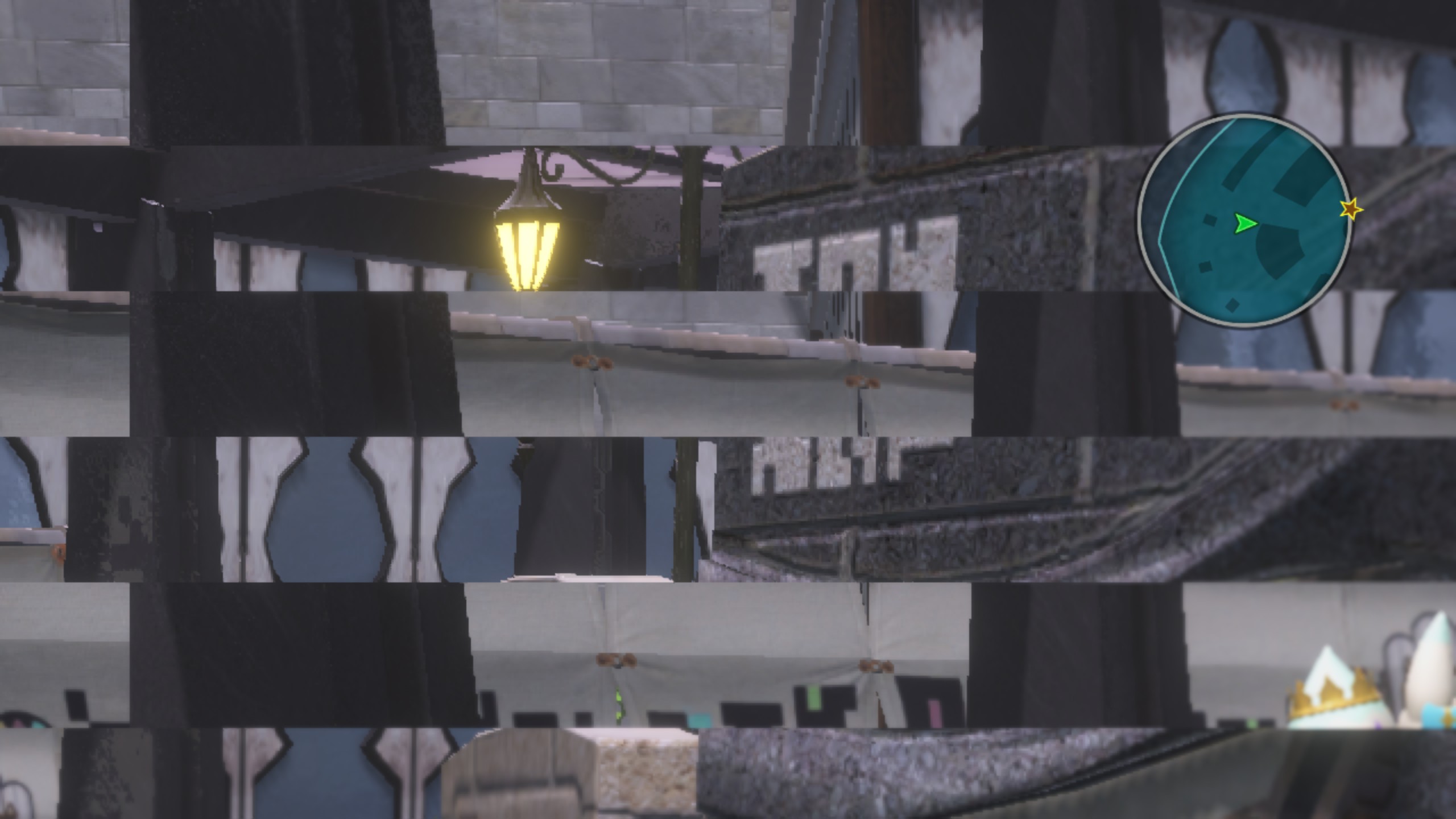
I managed to launch the game by switching settings from window to fullscreen mode. However, there is an offset problem with the rendering in game.
OS : ArchLinux 5.3.1-arch1-1-ARCH CPU: Intel(R) Core(TM) i7-6700K CPU @ 4.00GHz GPU: NVIDIA GeForce GTX 1080 Ti GPU driver : nvidia 435.21
Log: steam-552700.log
Screenshots:
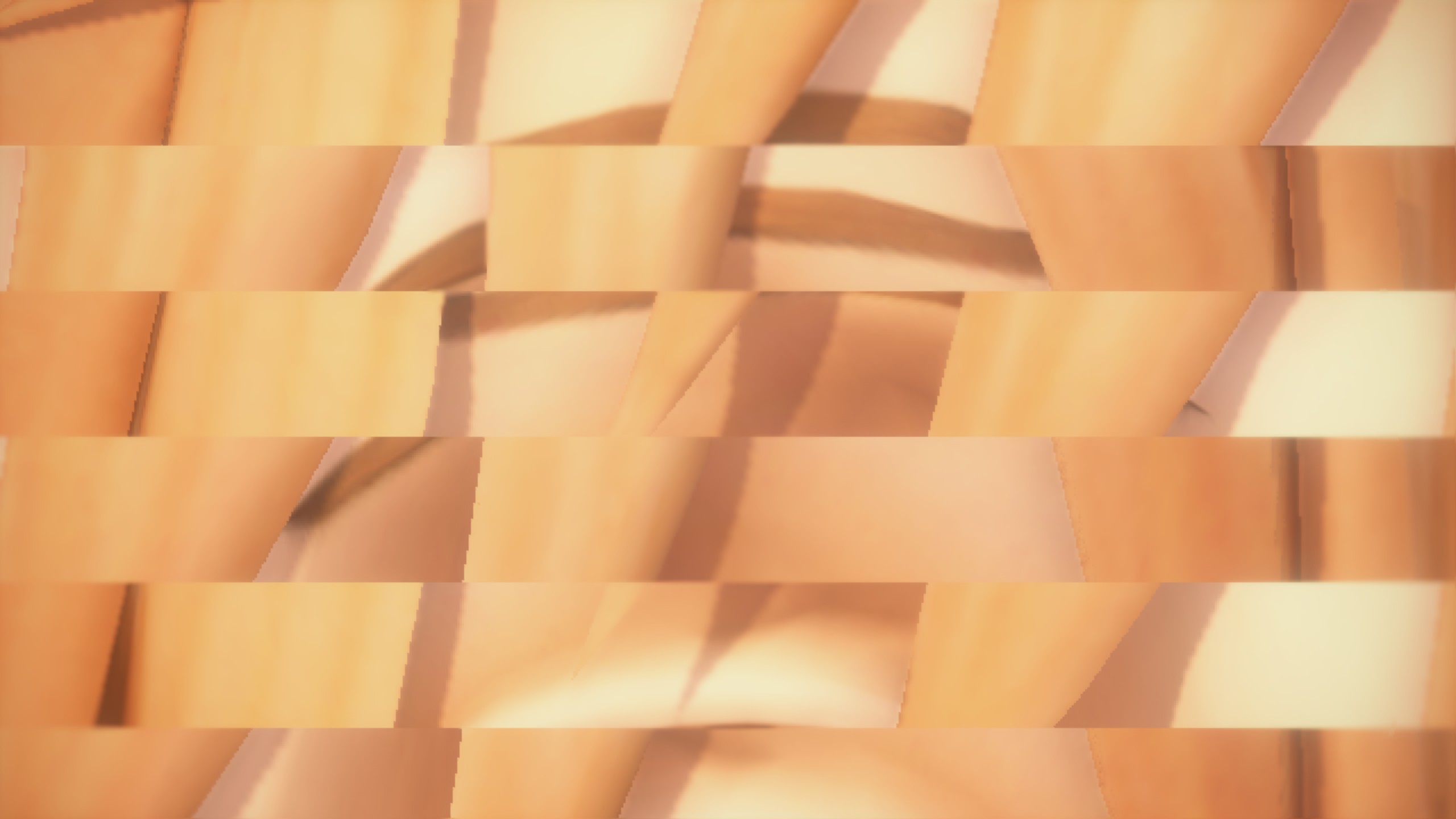
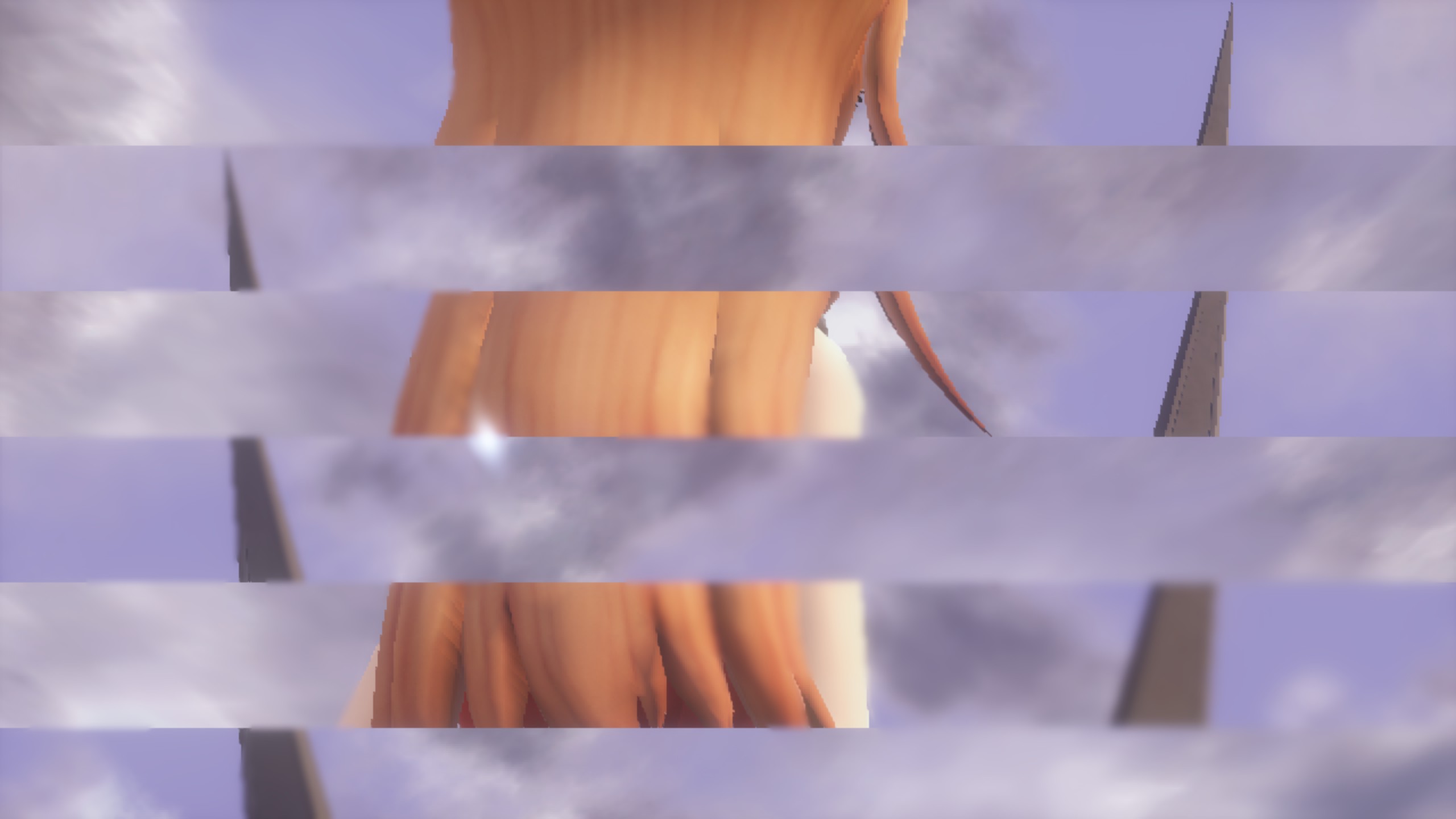
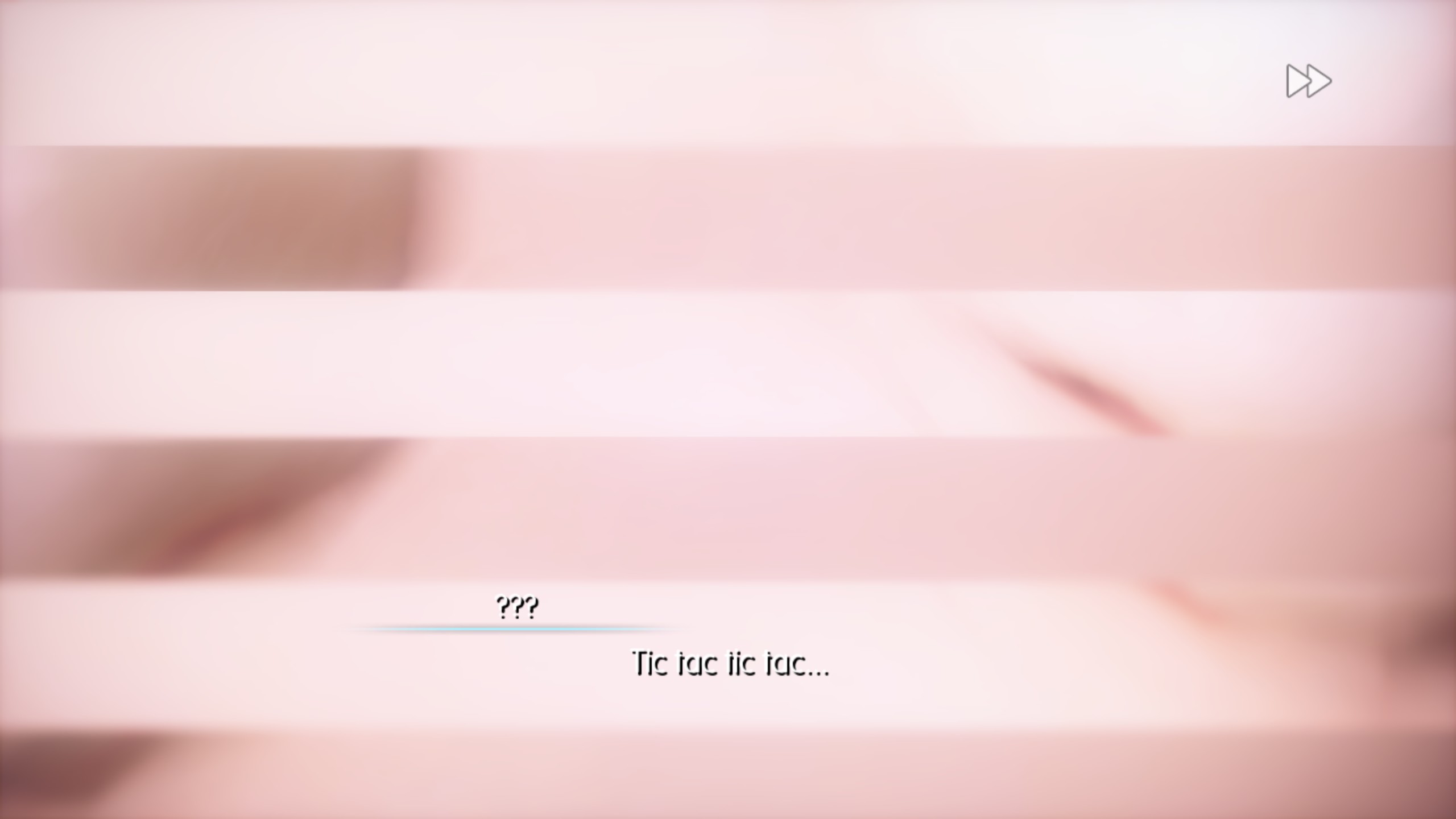

If I remember correctly World of Final Fantasy crashes with Proton Experimental or Proton 5.13-6. But it runs perfectly with Proton GE 6.1-1. But configuration tool still crashes on both version, so no fullscreen

Now it runs perfectly with the new proton version. But the horizontal lines issue keeps happening at least with NVIDIA.

Since this strip issue appears to be from the GPU driver, has anyone reported it directly to Nvidia? They may not necessarily move quickly, but they can't fix what they don't know about.


To make the configuration box work, you activate Proton 5.0-10.
You run the game to configure your Prefix for the game.
Install Protontricks on terminal run: protontricks 552700 dotnet40
->Wait until it finishes installing
Change to Proton 6.3-5 again
Compile the latest DXVK, and replace it in the Proton 6.3 DXVK folder with "sudo" permissions
This is the path where the 32-bit ones are replaced $HOME/.steam/steam/steamapps/common/Proton 6.3/dist/lib/wine/dxvk
This is the path where the 64-bit ones are replaced $HOME/.steam/steam/steamapps/common/Proton 6.3/dist/lib64/wine/dxvk
Much as I'd love to give this a spin to test, I can't manage to compile dxvk on my system. I eagerly await the next release though, this is fantastic news.
@Sanaki You can download the last dev build on this page:
https://github.com/doitsujin/dxvk/actions

Compile the latest DXVK, and replace it in the Proton 6.3 DXVK folder with "sudo" permissions
you do not need sudo to do this, just chmod +w the DLLs beforehand (or rm -f them).

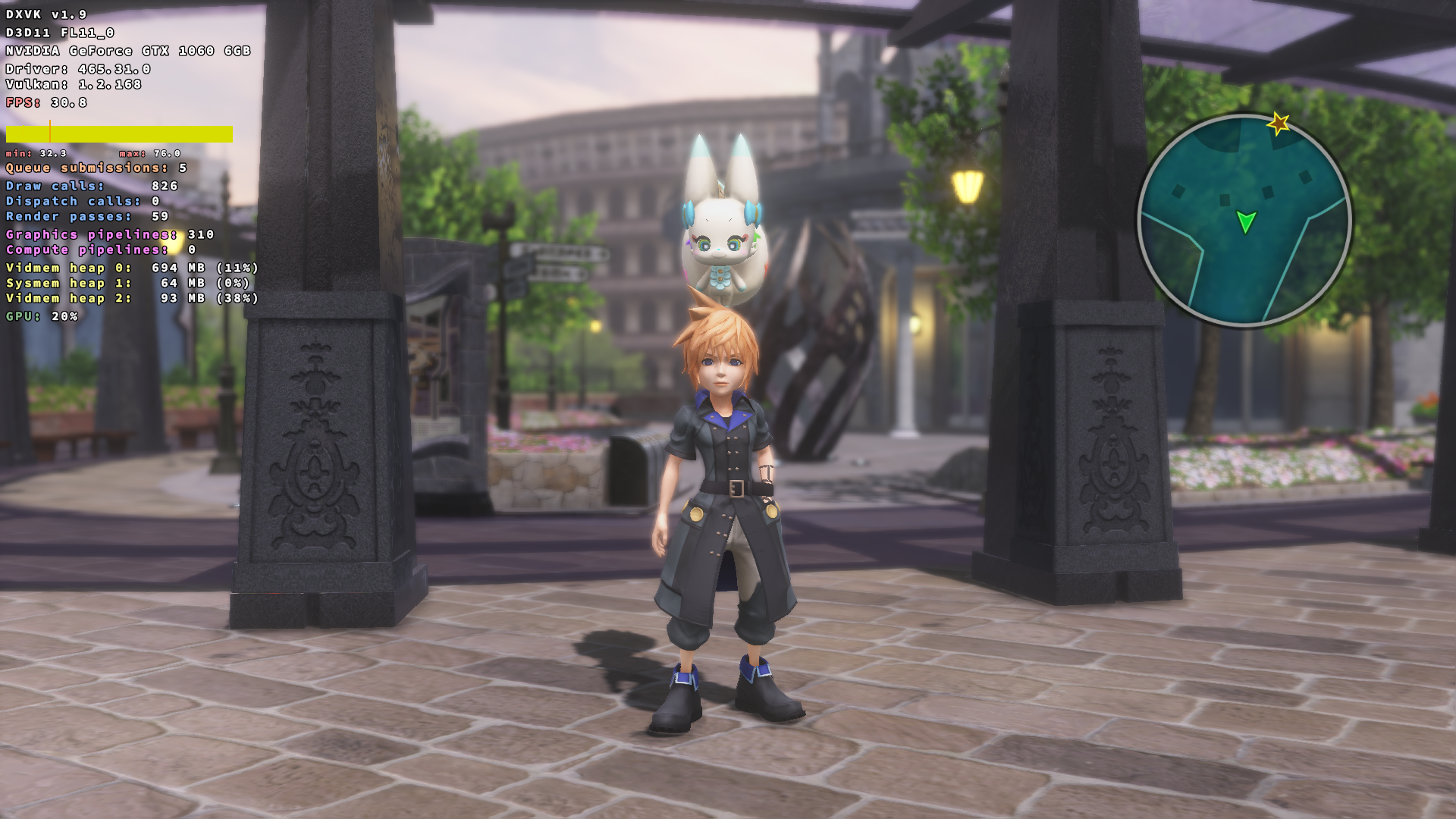
Game seems to work fine with Proton-6.12-GE-1, I'm using an NVIDIA graphic card and I don't have the issue with the black bars anymore.

Played around 12 hours on that GE version (for the lazy dxvk update), seems solid. No crashing, no graphic abnormalities. ~~The only oddity is that the mouse cursor is always visible, which I gather may not be the case on Windows.~~ (This is a game issue, present on Windows as well)
While that technically does work, unless you actually want it running constantly (which I do not), it requires separately running unclutter before starting the game and killing it once you close the game. I see no way to make it run solely on WoFF, nor any reasonable way to make it only run while the game itself runs. I'd generally rather just move the mouse to the bottom right corner of the screen and ignore the one white pixel it leaves there.
For those who do choose to use it despite that, I did find this fork (via the arch wiki), which appears to resolve some issues from the normal version: https://github.com/Airblader/unclutter-xfixes
All that aside, the person who indicated the cursor wasn't present on Windows was incorrect. I just had my girlfriend start the game up to verify, and had her check a cutscene as well. It's just a mistake of the game, and as such, not a proton issue at all.
Hello, I wanted to report an issue for this game that affects not only Steam Deck users, but apparently all AMD users. Certain textures are completely missing in the game. Some affect gameplay apparently.
I've included a save file here right at one of the moments with missing textures on the Deck. Walk forward to start the cutscene. Part of the Shiva's forehead is missing.
I haven't gotten far enough to the parts that affect gameplay but I've heard something about certain minigame overlay textures not working.
savedata.zip This goes in: %USERPROFILE%\Documents\My Games\WOFF<user-id>\savedata\
Reference link: https://steamcommunity.com/app/552700/discussions/0/1736595227862613745/ There are numerous other threads on the topic for AMD users.

Hello! Given that it has been nearly a year I was hoping I could check back in and see if anyone has been able to examine why certain textures are missing in this game on AMD cards, and if there are any recent developments that may remedy this on SteamOS? It's rather unplayable on the Deck as this does affect certain gameplay elements at times. https://www.protondb.com/app/552700
Hello! Given that it has been nearly a year I was hoping I could check back in and see if anyone has been able to examine why certain textures are missing in this game on AMD cards, and if there are any recent developments that may remedy this on SteamOS? It's rather unplayable on the Deck as this does affect certain gameplay elements at times. https://www.protondb.com/app/552700
Since it's a driver issue, it might be resolved in Mesa by attempting to simulate whatever the AMD patch did on Windows. Report the issue here https://gitlab.freedesktop.org/mesa

@sevansup Thank you for the report. The missing water should now be worked around in Proton Bleeding Edge We'll try to take a look at the other cases too if they aren't affected

@sevansup Thank you for the report. The missing water should now be worked around in Proton Bleeding Edge We'll try to take a look at the other cases too if they aren't affected
Thank you! I just loaded up my old save which is at a part where you meet Shiva. Previously she had missing hair, and currently it looks to be resolved. I'll have to play more to say for certain if it's fully fixed but this is promising!