

 VSCodeVim
Add config to treat Alt/Option as Meta and have it behave as ESC then normal mode key
Is your feature request related to a problem? Please describe. VIM in most terminal supports the Meta key, but VIM in VSCode does not. The Meta key is useful because when VIM receives the Meta key combined with any other key, in insert mode, VIM interprets the key combination as an ESC followed by the other key in normal mode.
Describe the solution you'd like An option to treat the Alt/Option key as a Meta key when using VSCodeVIM, similar to how terminal/console applications have this feature, and then the same behavior that when the Meta key is pressed with another key the application interprets it as ESC to normal mode followed by the other key in normal, with the mode remaining in normal mode afterwards.
Describe alternatives you've considered It may be possible to map Alt/Option to Meta at a system level but I have not found a way to do that. Even if I could map to Meta I think VSCodeVim would have to have this behavior added to it.
Additional context This wiki has details about what VIM does with the Meta key: https://vim.fandom.com/wiki/Avoid_the_escape_key#Use_Alt.2FMeta_In_a_Terminal
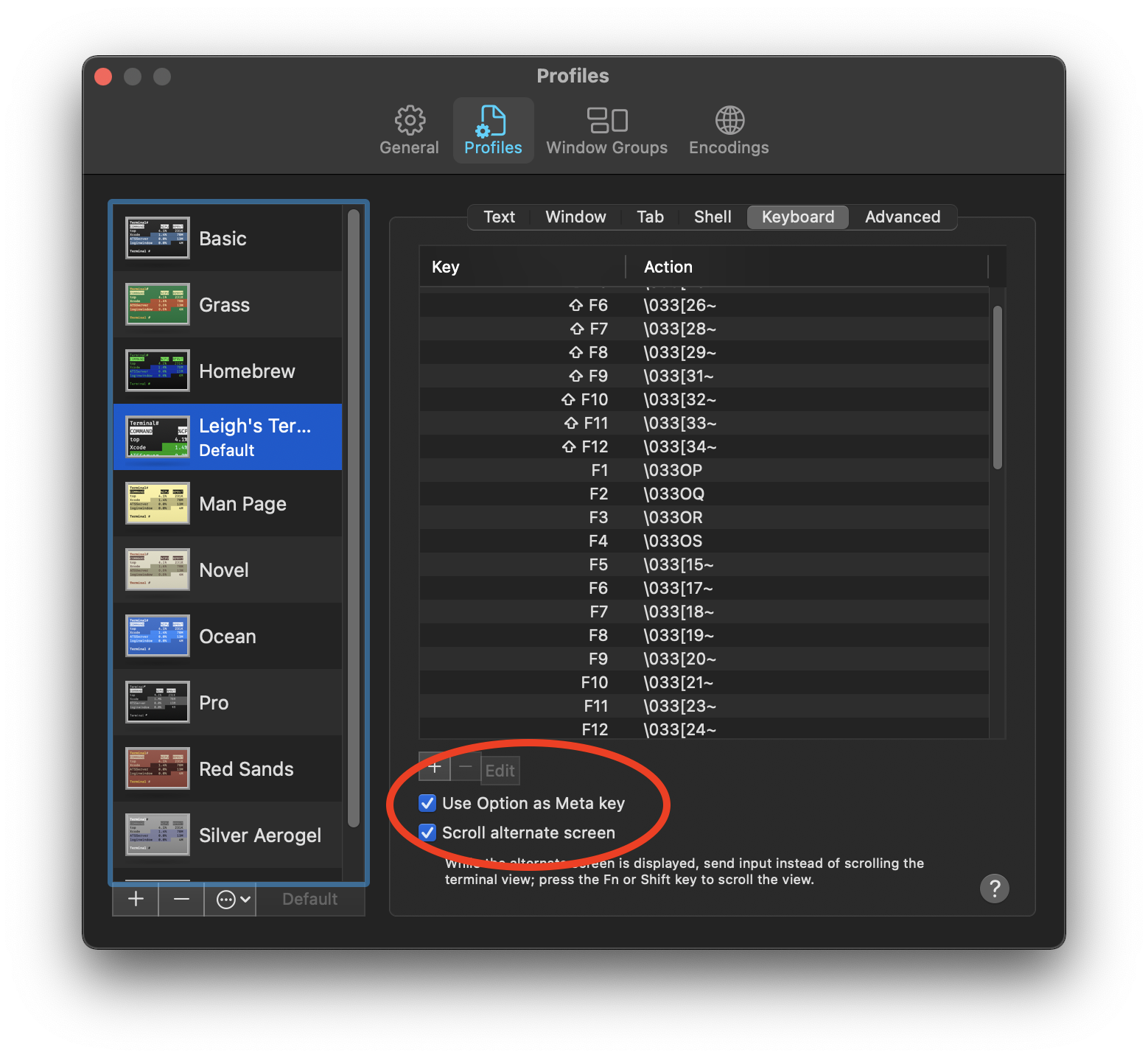
As an example, this is macOS Terminal's keyboard settings showing the option to use the Alt/Option as Meta:

I'm very used to using Alt when pressing the key for the next Normal Mode command while in Insert Mode. I never touch the Esc key, so this vim addon for VS Code is no way as comfortable for me as I would like.

