

 VRL-Studio
Build errors when building from source
I want to build VRL-STUDIO from source. Following the How To Build steps in the README.
I have downloaded Apache NetBeans IDE version 12.2 (First time I'm using this IDE so I might be missing something simple...).
It fails when building VRL library. Seems to not find some dependencies? How to fix?
...
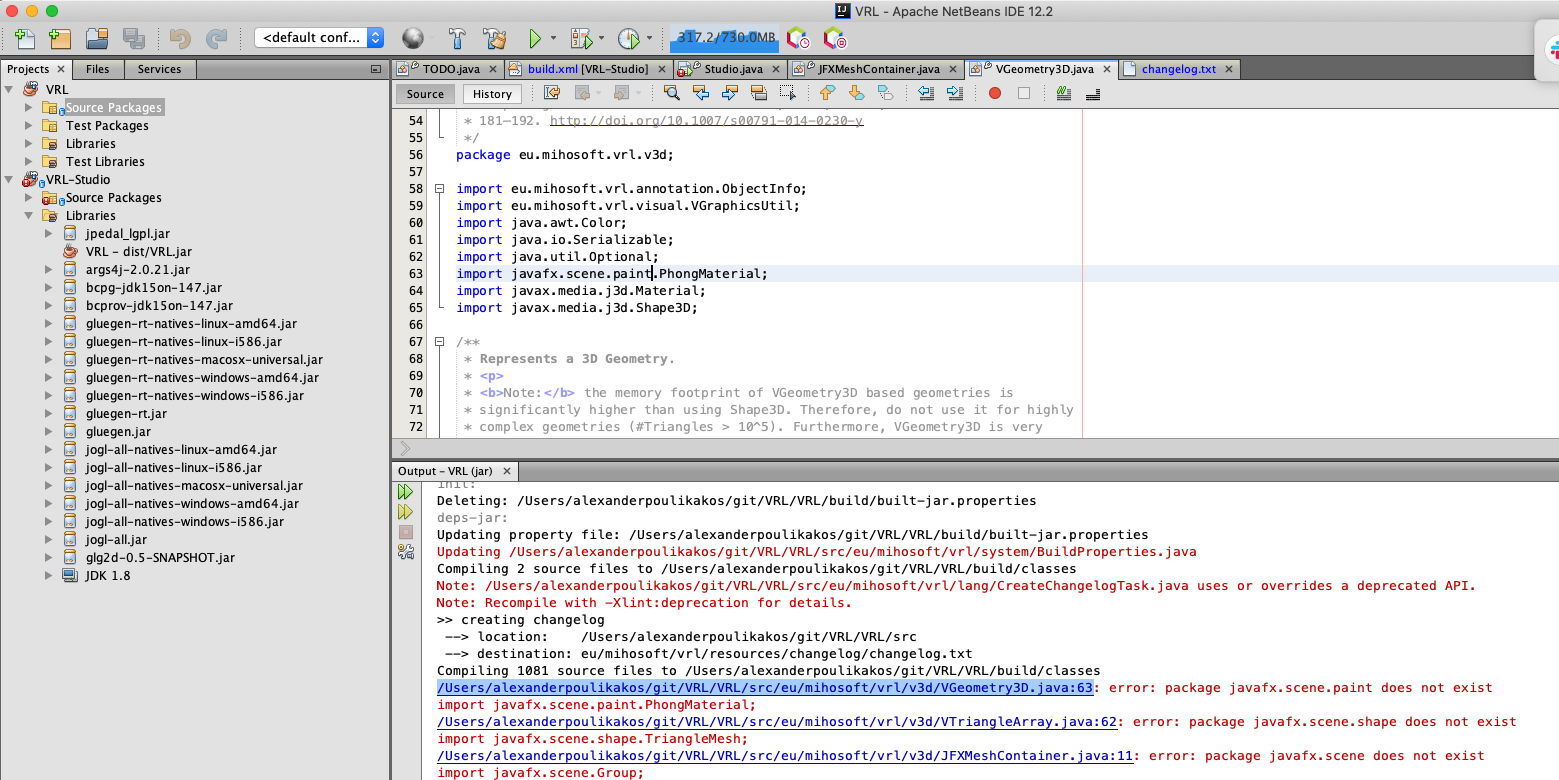
Compiling 1081 source files to /Users/alexanderpoulikakos/git/VRL/VRL/build/classes
/Users/alexanderpoulikakos/git/VRL/VRL/src/eu/mihosoft/vrl/v3d/VGeometry3D.java:63: error: package javafx.scene.paint does not exist
import javafx.scene.paint.PhongMaterial;
/Users/alexanderpoulikakos/git/VRL/VRL/src/eu/mihosoft/vrl/v3d/VTriangleArray.java:62: error: package javafx.scene.shape does not exist
import javafx.scene.shape.TriangleMesh;
...
See full log/Output here: https://gist.github.com/alexander-poulikakos/550fc7f44abe189c5a91b913c0916720

Hi @alexander-poulikakos,
it looks like you haven't installed JavaFX. Do you use an older version of the JDK? If so, you might need to install a newer version. The README specifically mentions this: Java = 1.8. As I remember JDK 8 (Java 1.8) should come bundled with JavaFX, so I would check your Java verison.

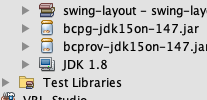
JavaFX libraries are usually not shipped standard with most OpenJDK or Oracle JDK versions. What are you using exactly?
I use jdk1.8.0_271.jdk as downloaded (I while ago) from https://www.oracle.com/java/technologies/javase/javase-jdk8-downloads.html
Seems I have some sort of broken reference. I'll try to figure out what it means.
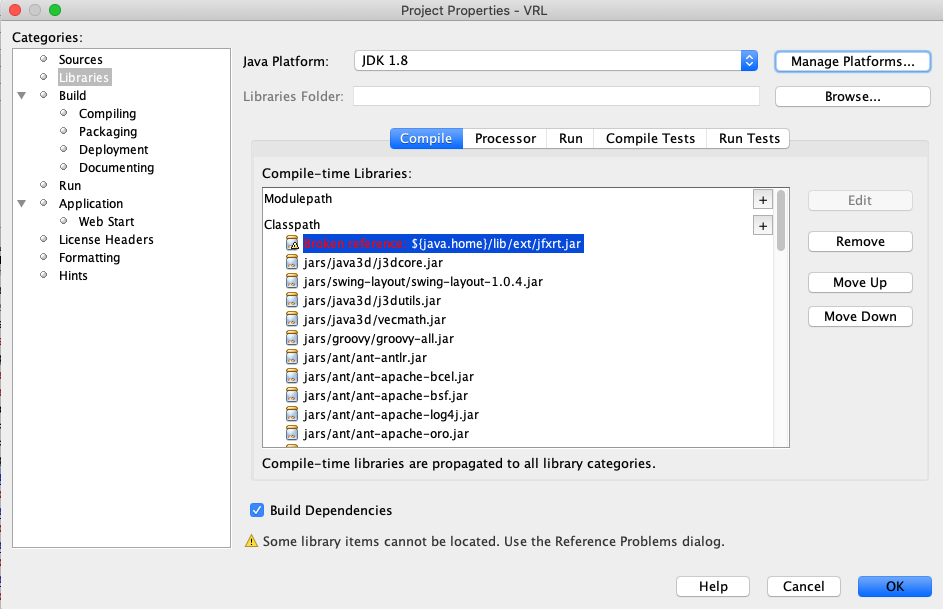
Yeah I think that Oracle JDK does not ship with JavaFX and you do not have the library fxrt.jar. What OS are you using? For me it was as easy as apt-get install openjfx on Ubuntu.
Okay, try to locate fxrt.jar on your system, but I presume it is not available. See also this thread: https://stackoverflow.com/questions/35974003/javafx-comes-with-jdk-8
Maybe your JAVA_HOME is not set correctly as well.
I have switched to an older version of Netbeans: 8.2 Using this jdk: /Library/Java/JavaVirtualMachines/jdk1.8.0_281.jdk/Contents/Home Had to comment out all entries in build.properties (or set values to false) and now it works.