
video-downloader
 video-downloader copied to clipboard
 Unrud
Unrud
Download videos from websites like YouTube and many others (based on yt-dlp)
Video Downloader

Download videos from websites with an easy-to-use interface. Provides the following features:
- Convert videos to MP3
- Supports password-protected and private videos
- Download single videos or whole playlists
- Automatically selects a video format based on your quality demands
Based on yt-dlp.
Installation

Alternative installation methods
- Snap Store
- Fedora:
sudo dnf install video-downloader - Arch User Repository
Translation
We're using Weblate to translate the UI. So feel free, to contribute translations over there.
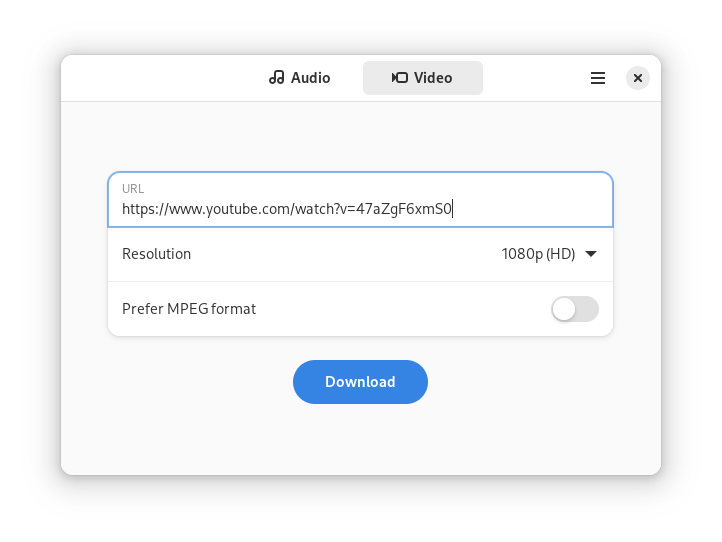
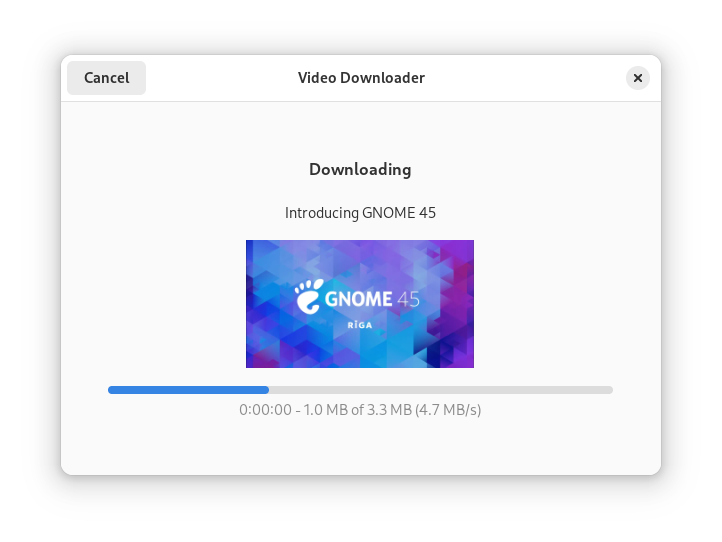
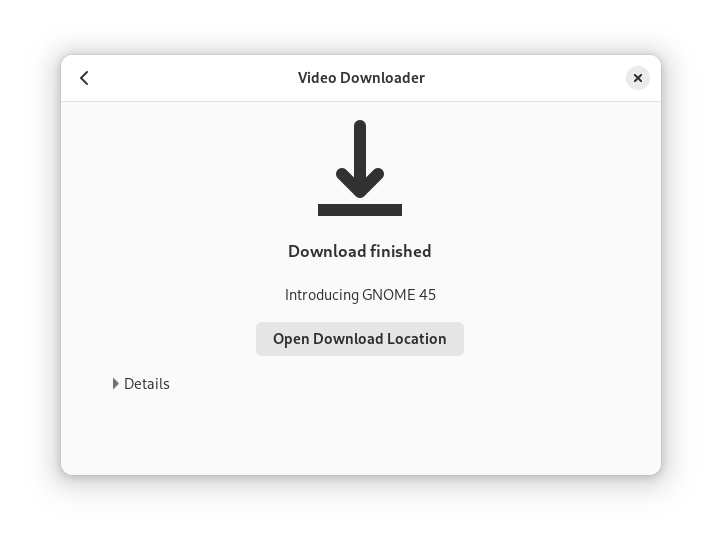
Screenshots
Hidden configuration options
The behavior of the program can be tweaked with GSettings.
Automatic Subtitles
List of additional automatic subtitles to download. The entry all matches all languages.
The default is [].
Flatpak
flatpak run --command=gsettings com.github.unrud.VideoDownloader set com.github.unrud.VideoDownloader automatic-subtitles "['de','en']"
Snap
snap run --shell video-downloader -c 'gsettings "$@"' '' set com.github.unrud.VideoDownloader automatic-subtitles "['de','en']"
Debug
To display messages from yt-dlp run program with the environment variable G_MESSAGES_DEBUG=yt-dlp.
To display information about GOBject references, start the program with the environment variable G_MESSAGES_DEBUG=gobject-ref.
 Unrud
Unrud