

 UniversalViewer
Range changes not working for audio content
UV version:
[email protected]
I'm submitting a:
- [x] bug report
- [ ] feature request => please use the user stories repo
- [ ] support request => Please do not submit support requests here, use stackoverflow
Current behavior: When clicking on a range in the tree view, the timeline goes to the correct place for videos, but not for audio.
Expected behavior: It should navigate to the beginning of the range for audio files.
Other information:
It's something to do with this._data.canvasId being a number, not a URL.
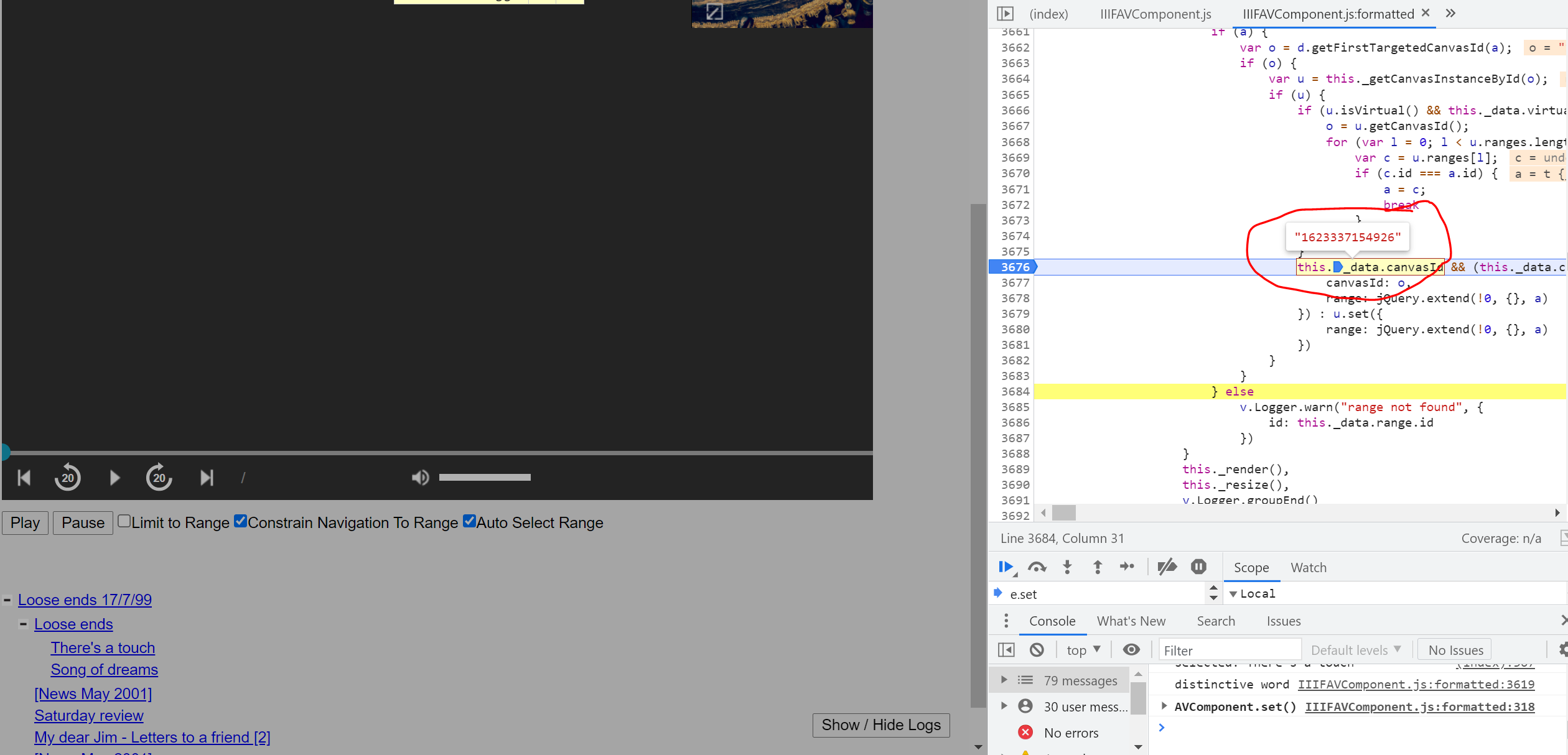

At Riksarkivet we are experiencing similar problems. We have a manifest with multiple audio files, and navigation in the tree view doesn't work. This is what happens when we click a tree node (which equals a new file in our example):
- The title changes to reflect the new file (correct)
- The metadata view does not reflect the new file (error)
- The media player is not updated, it's still showing the first file shown (error)
Another thing that we noticed is that the viewer defaults to the second of three files in the manifest when opening the manifest for the first time (should be the first file, I think).
We tried to trace the problem and we also ended up in the iiif-av-component. We couldn't really understand what was happening (or not happening) though.
Unfortunately all our data is on premise, so I don't have a manifest ready for you.

All issues will be triaged for further investigation or closure by the 28 September 2023. If your issue is still relevant and would like for it be investigated further please comment by 14 September 2023.

As far as I know this is still an issue with v3.1. We made a local fix for this but I'm not sure how to make a PR out of it. Can be reproduced with a manifest containing two or more A/V files.