
UnityRenderStreaming
 UnityRenderStreaming copied to clipboard
 Unity-Technologies
[BUG]: The video becomes so blurred
Package version
3.1.0-exp.2
Environment
* OS:Windows10
* Unity version:Unity 2020.3,HDRP
* Graphics API:DirectX11
* Browser:Google Chrome Version 97
Steps To Reproduce
1.Model with relatively complex maps
2.Moving camera
3.Stop moving camera,the videoplayer becomes clear after a moment
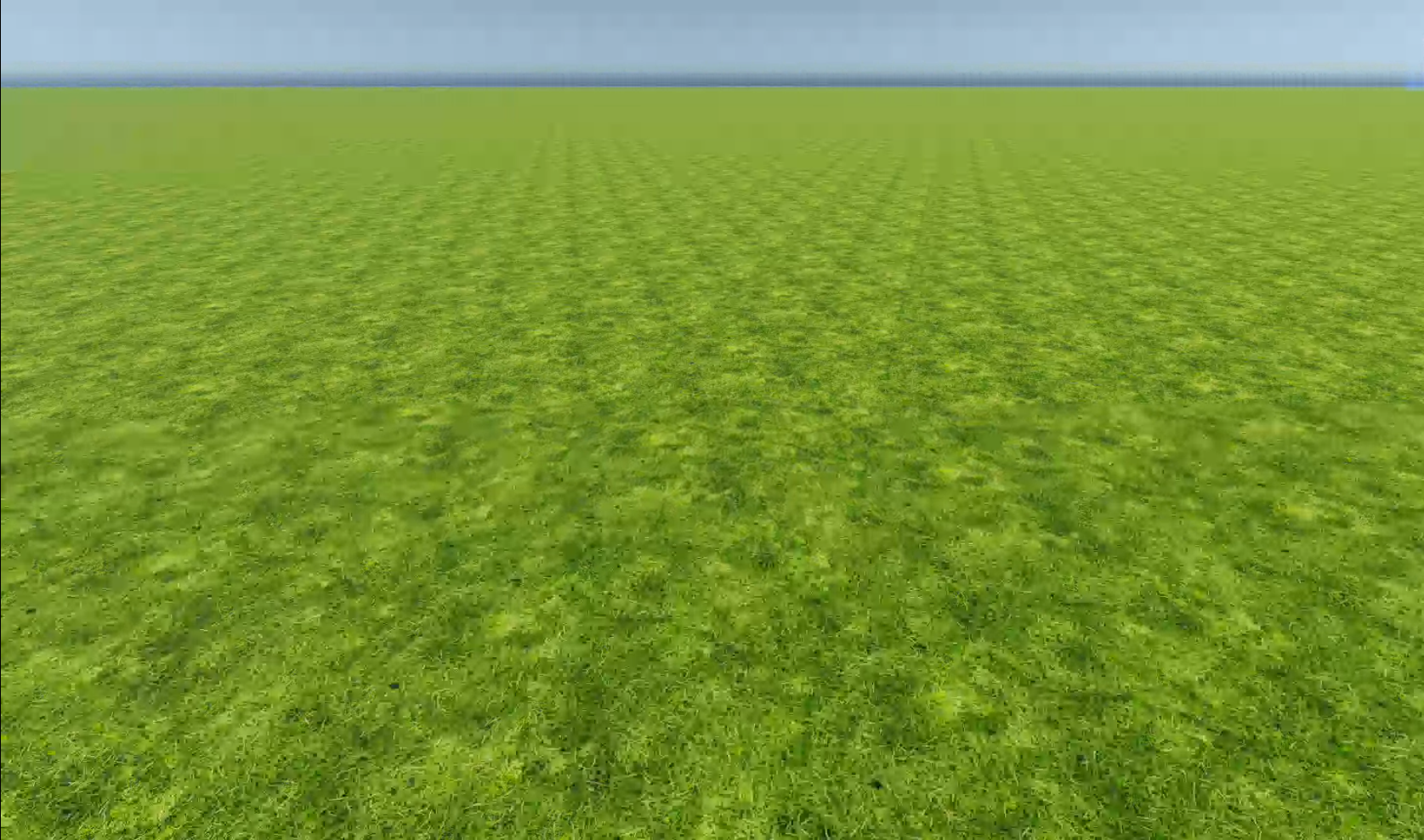
Current Behavior
Feel like the video limited by something like internet speed or hardware
Expected Behavior
No response
Anything else?
No response


I'll try.Two months ago, I had problems with the latest version, so I am currently using exp.2,thanks
I've tried the develop version,it's blurred also.When the hardware encoder option enabled,it's blurred even more
I found it was influenced by minbitrate,but increase this paramater makes operating(InputChannel) slower
@Dyhangfcx What resolution are you trying? We are fixing the video quality issues. The related issue here. https://github.com/Unity-Technologies/UnityRenderStreaming/issues/443
@karasusan 1536x864 minBitrate:6x1024x1024 maxBitrate:8x1024x1024 Using this parameter is not blurred but a little stuck
