

 UnigramDev
The color of the UI interface is displayed incorrectly when switching between Windows themes in a particular situation
I haven't figured out how to reproduce the issue 100% consistently, as it appears to be a wrong color display for random UI layouts, all I know is that switching Windows themes under certain conditions will make it, and restarting unigram will fix it
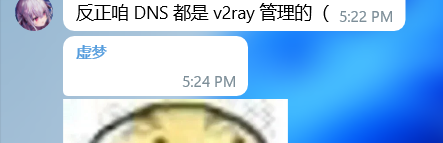 ↓after restart
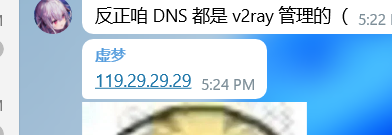
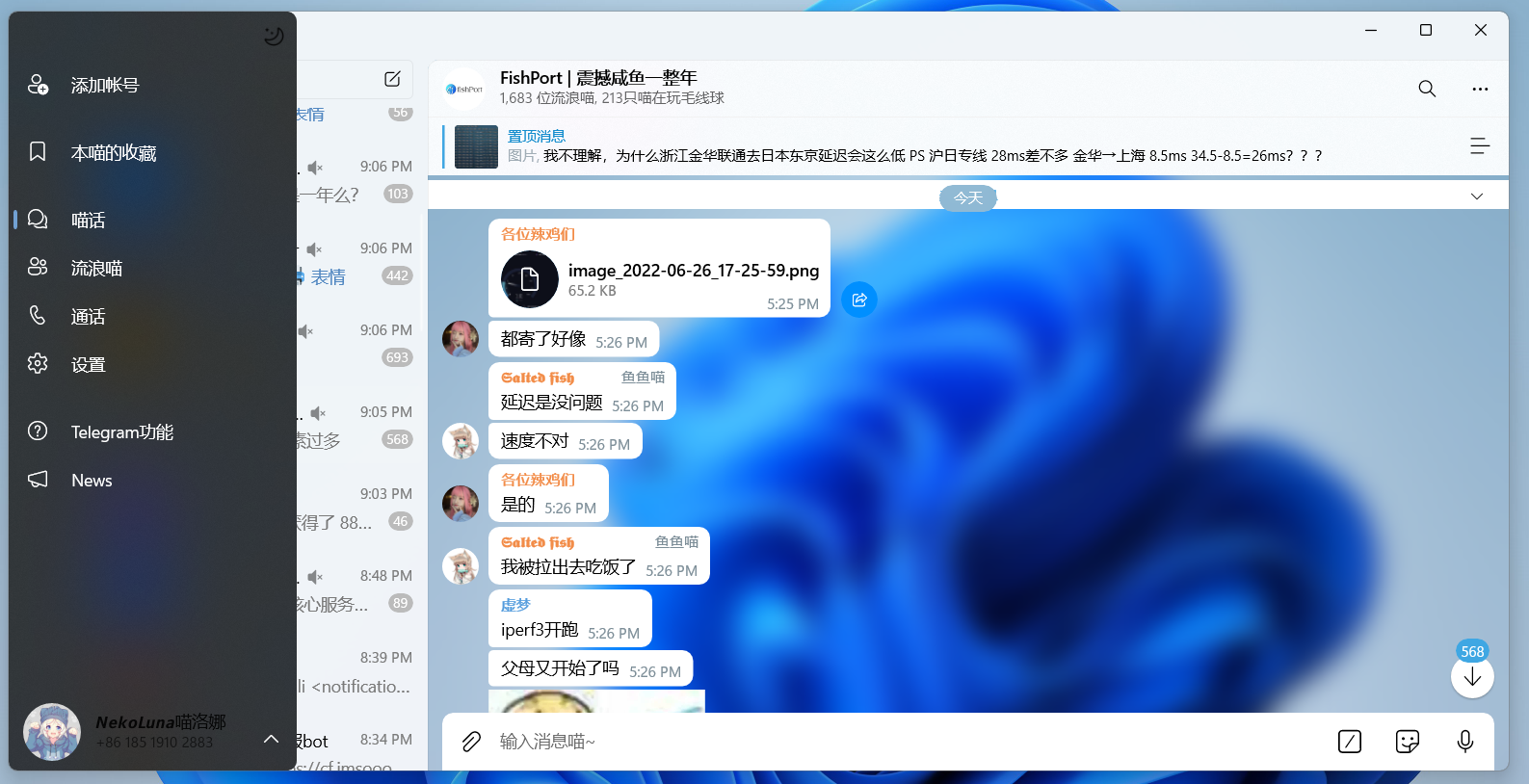
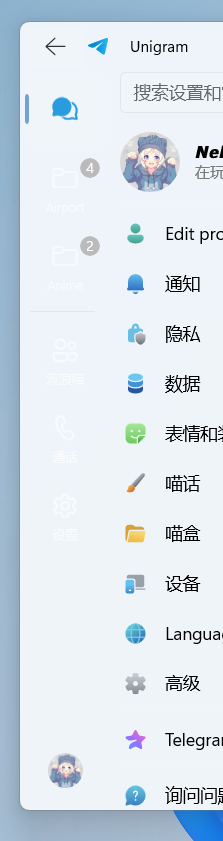
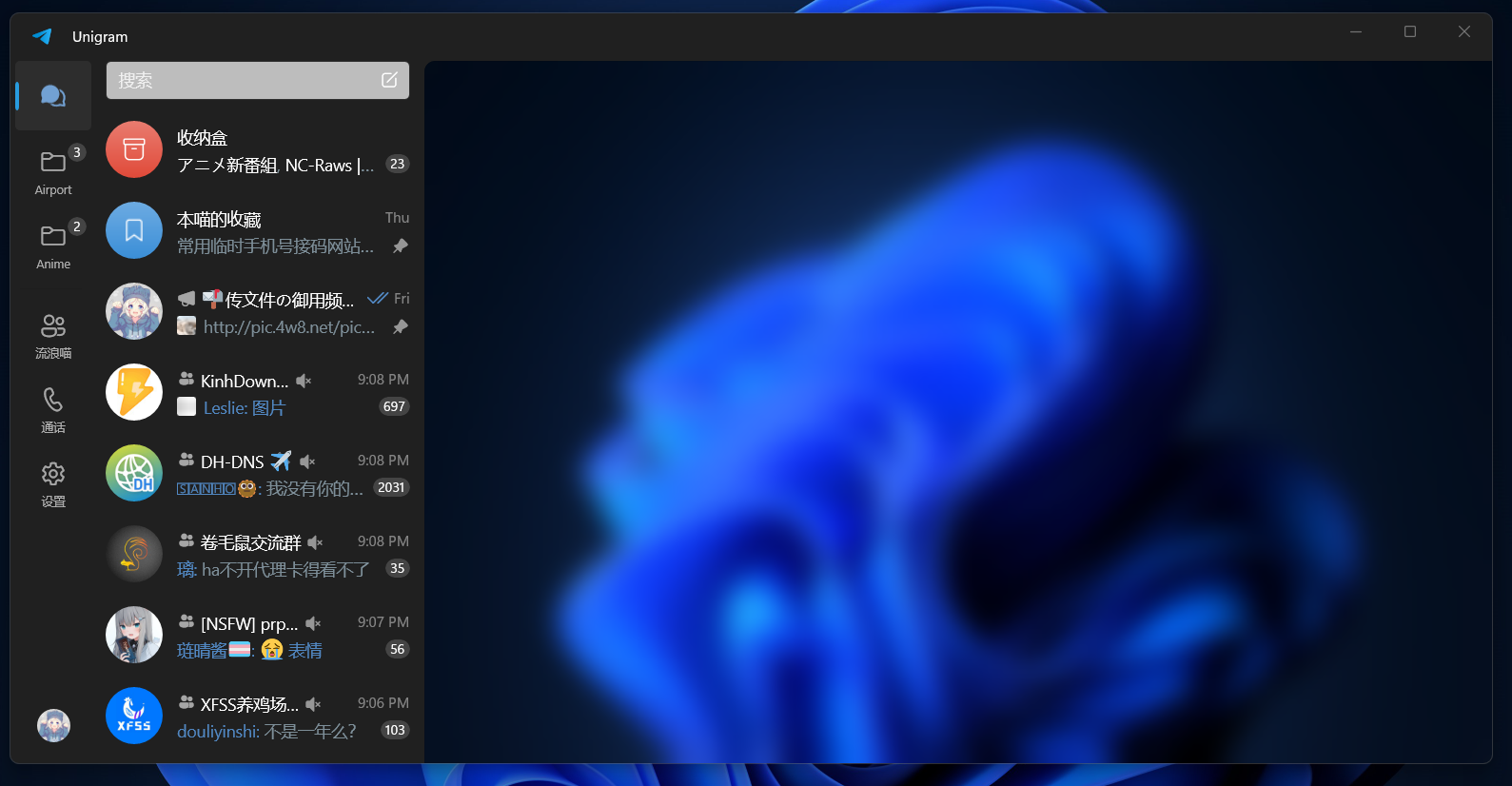 ↑the search bar
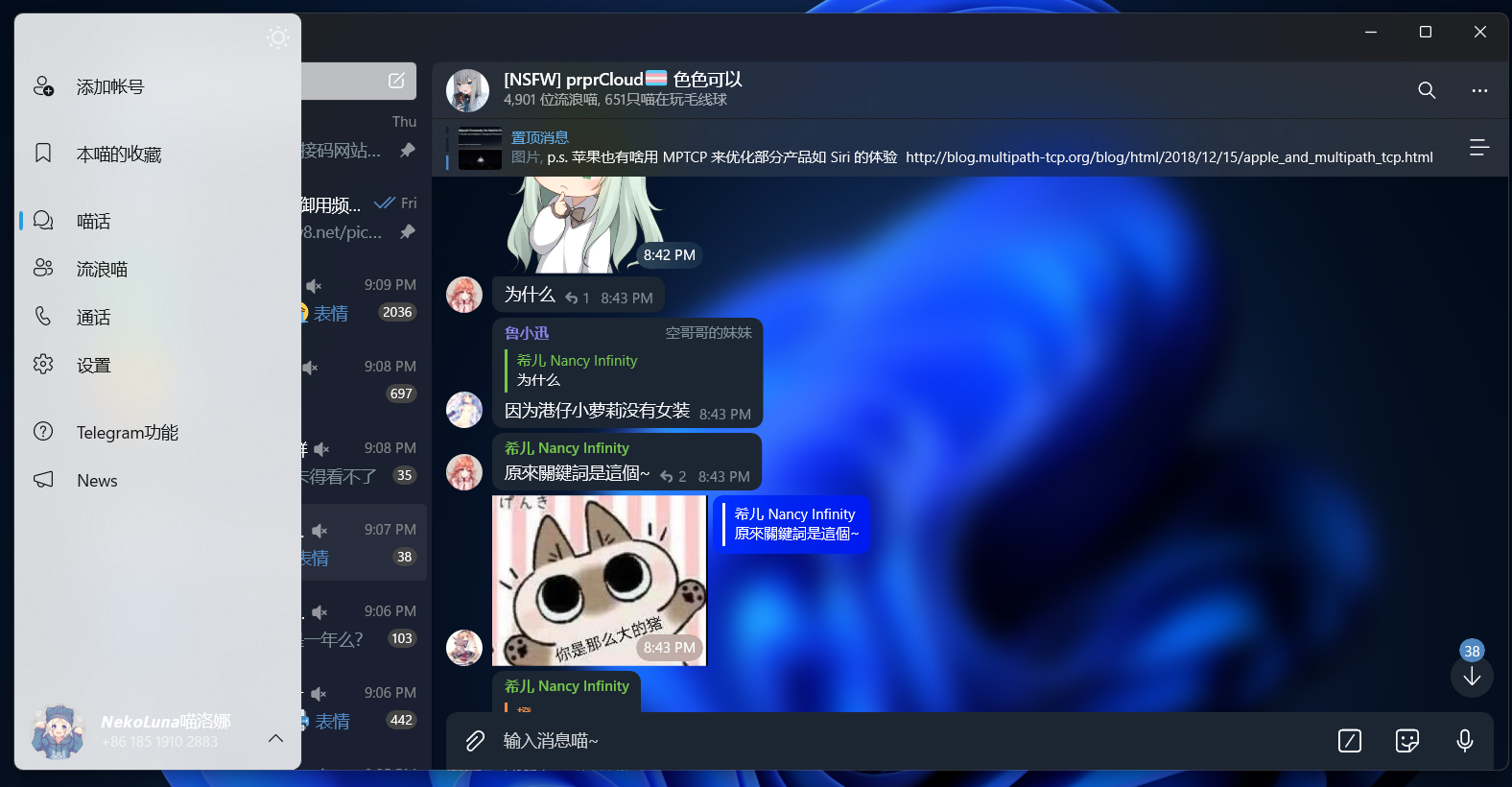
unigram 8.8 7433


 I don't think so....As you see, my version is 8.9 but issues are still there
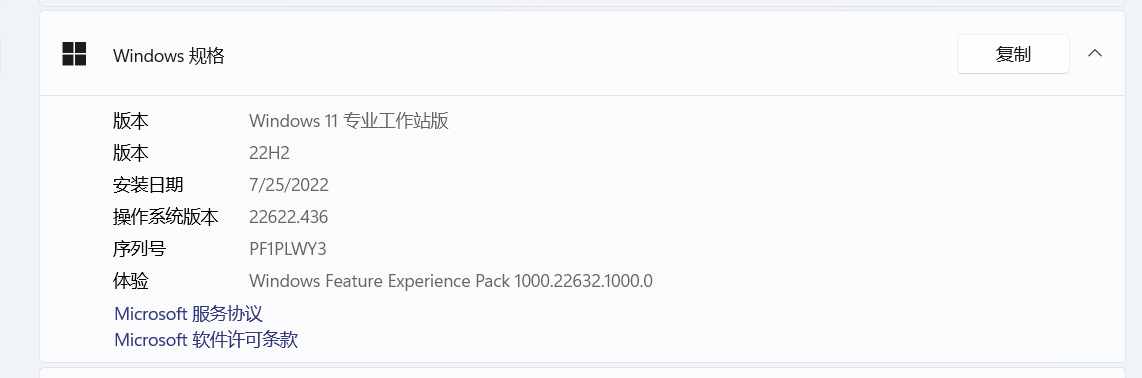 Windows 11 Pro for Workstations 22H2 22622.436
1.Create themes with light mode and dark mode and choose one.(Windows settings) 2.Open Unigram. 3.Switch to another theme.
Interface in Chinese
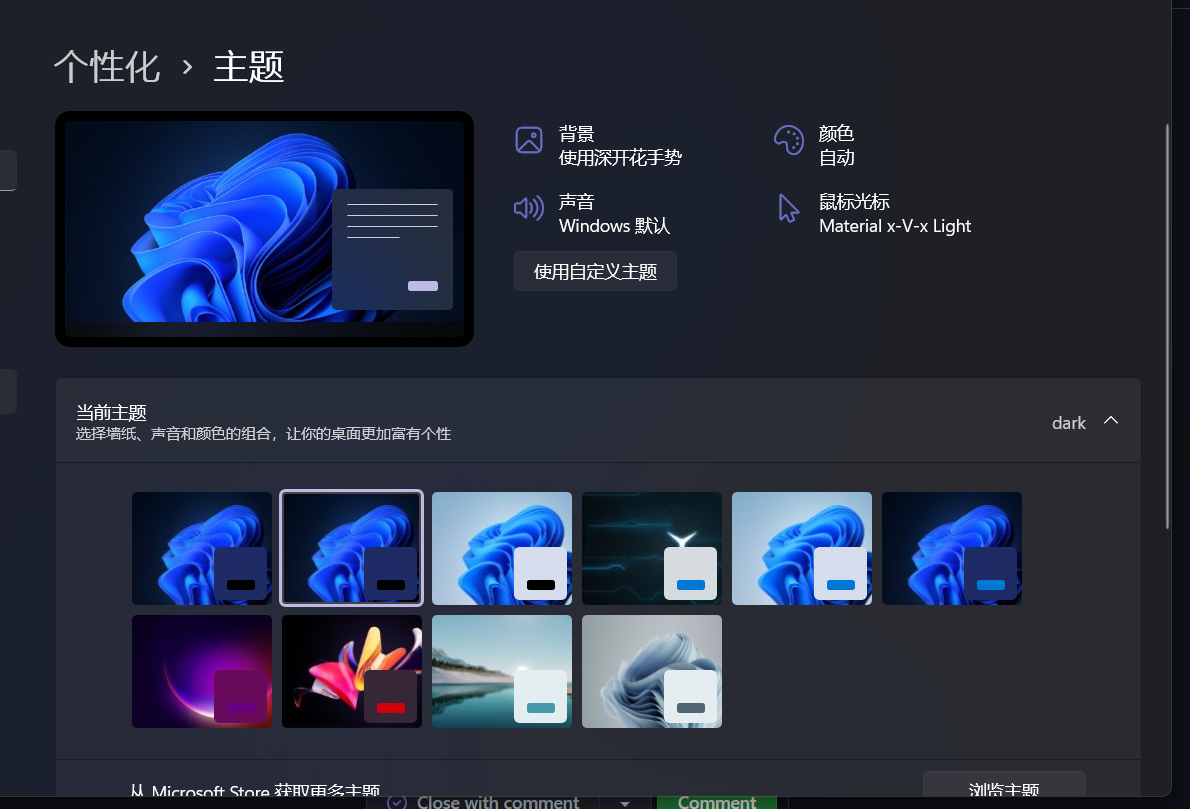
Actually I'm using a kind of software to automatically change the theme when the sky is dark. So it will change the theme very often. But whether manual or automatic. This issue is still there.
@MiaoLuoNa What if you use the built-in feature to change app theme when it’s dark?
What do you mean? unigram feature or windows feature(switch mode but not by theme)
@MiaoLuoNa So I think I was able to reproduce the issue. This seems to happen if the system theme changes while Unigram is minimized (and consequently suspended)

I believe that the issue was fixed in version 8.9.7527, can you give it a shot? My Telegram username is the same as here.
Looks like it is, to me. If it's not - please, feel free to reopen this issue.