
Unigram

Unigram copied to clipboard
 UnigramDev
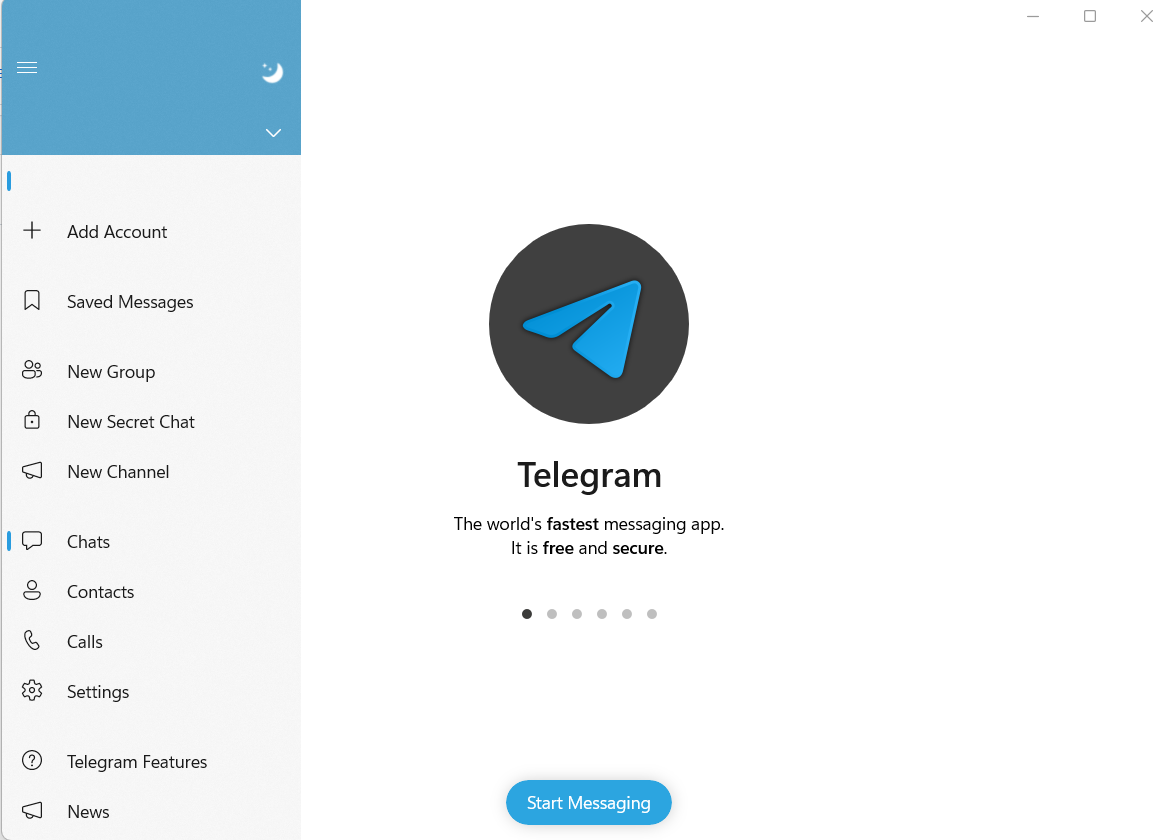
Can't save Test Server account after restart
Describe the bug Can't save Test Server account info after restart program
To Reproduce Steps to reproduce the behavior:
- Add a Test Server account
- Exit Unigram
- Start Unigram
- See error
Expected behavior Test Server account is saved so I don't need to login again
Screenshots
Version Info
- Unigram: 8.5.6982.0 x64
- Windows: Windows 11 Insider Dev Channel, version 22563.1
Additional context It seems that the place where account should be is empty after restart.

Don't use Test DC is my reply, but yeah, that's some sort of bug. I assume that Test DC don't respond with something Unigram likes. So it shows nothing instead.

Workaround is to click 10 times on the app version, to choose "Test DC" and then to restart the app. I don't plan any further improvements on this.
