

 UnigramDev
Custom storage path stopped working
After one of the recent updates Custom storage path stopped working.
Once I set it to something (doesn't matter if its on C: drive or other), Unigram is unable to download and thus display (cancel and download buttons on thumbnails are constantly replacing each other) or send any attachments.
Windows 10 x64 (19042.630)


Sorry, forgot about it: 7.2.5868
Also, the only way to get attachments working again is to get back to default path.
Well, version 5873 fixed it partially - custom path works fine if it is on C: drive, but still fails same as before if it is on any other drive (I had it on D: originally).
What’s the problem exactly? I tested extensively both C: and D: locations and they worked fine for me.
I get this (X icon constantly switches with the download one) if I set the custom path to any drive other than C:
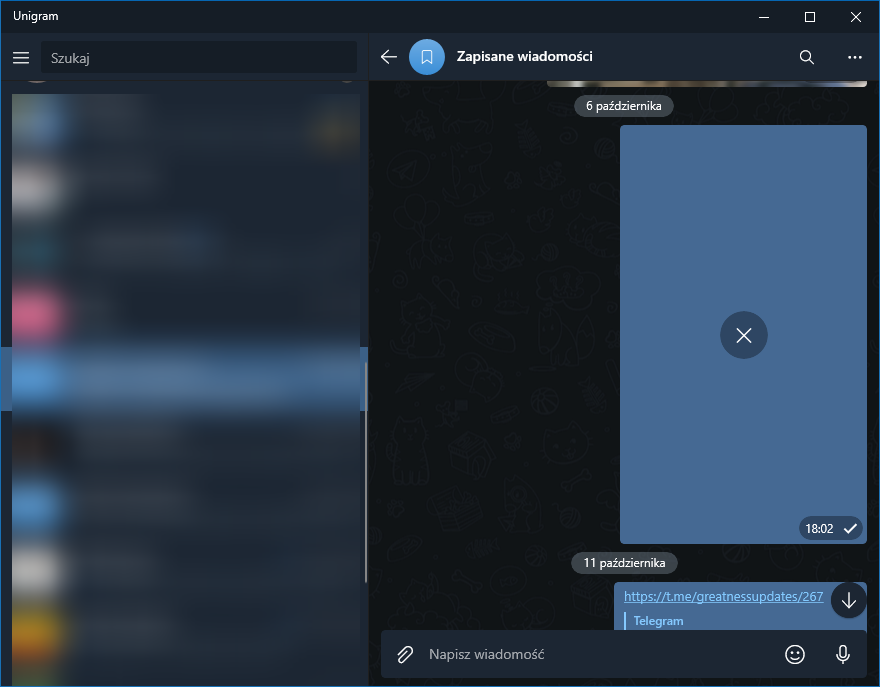
If I try to send a file, it fails right away with the same X icon instead of the thumbnail.
I had switched HDD with SSD recently (custom path was originally set to this drive) and then issue occured for the first time, but it was fixed by setting the path again. Than today it occured again, but initially only default path worked and now with the fix only paths on C: drive work.
I also have the third drive (E: letter), but setting path to folder here also doesn't work the same as with D:
I'm just using the app now with download folder set to my D: drive and everything works as expected. Could you enable and send me some logs? Instructions are in the repository documentation.
Also, when receiving a picture, are you able to see the blurred thumbnail or you see nothing?
Strange, after I set it once again (I wanted to catch setting path in logs too) it started working.
As for the second question - first time I noticed the issue, there was a blurred thumbnail. But ever since I reset path to default and tried setting it again, there was nothing.
Left logs enabled for now in case issue occured again.
TechiError opened this issue on May 24, 2021
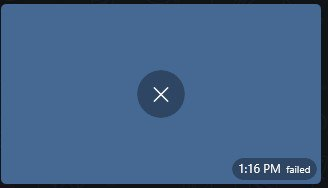
🐛:bug: Describe the bug When sending medias to any chat with editing with unigram editor the media upload fails if there is custom download folder.
Expected behavior The media should upload without any problem in the chat whether custom download folder or not.
Screenshots
Version Info
- Unigram: 7.8 (6368) x64
- Windows: Windows 10 Pro 20H2 (OS Build 19042.985)
aalberrty opened this issue on Oct 8, 2022
Describe the bug I have a NAS at home and it is mapped as a network drive F:, changing the download location to it stops the app from working even after restarting, it gives a blank dark blue screen where there isn't any button to press, need to reset app in settings to make it work again.
To Reproduce Steps to reproduce the behavior:
- Press profile picture
- Press 'Settings'
- Go in to 'Data and Storage'
- Change 'Storage Path' to a network drive F: (\\192.168.50.150)
- The app presents a dark blue screen where a reset is required to fix it.
Expected behavior The download location is changed and working properlly like the official version.
Screenshots
Version Info
- Unigram: 9.0 (7780)
- Windows: Windows 11 Pro 22H2 22621.521
Starting from 9.6.3 (now available in beta) the app offers a new download management system that’s quite similar to what browsers do (as well as Telegram for macOS). All files are always downloaded to a temporary location “invisible” to the user, but documents, audios and videos are accessible through a chosen directory (default is Downloads\Unigram). The files that you manually download are immediately available in this location, while the ones that are downloaded automatically become available as soon as you open them from the app.