

 UnigramDev
MediaEditPopup: Cropper thumbs are out of image range after rotation of screen & image
- An image (with a different proportion than 1:1) in the MediaEditPopup is in edit mode (crop button clicked)
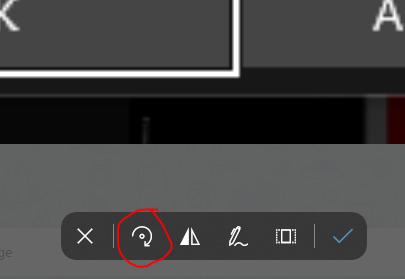
- Rotate your screen (easy in TabletMode / with a tablet, on desktop change the orientation of your screen)
- Rotate the image. => The tumbs of the cropper are outside of the image.
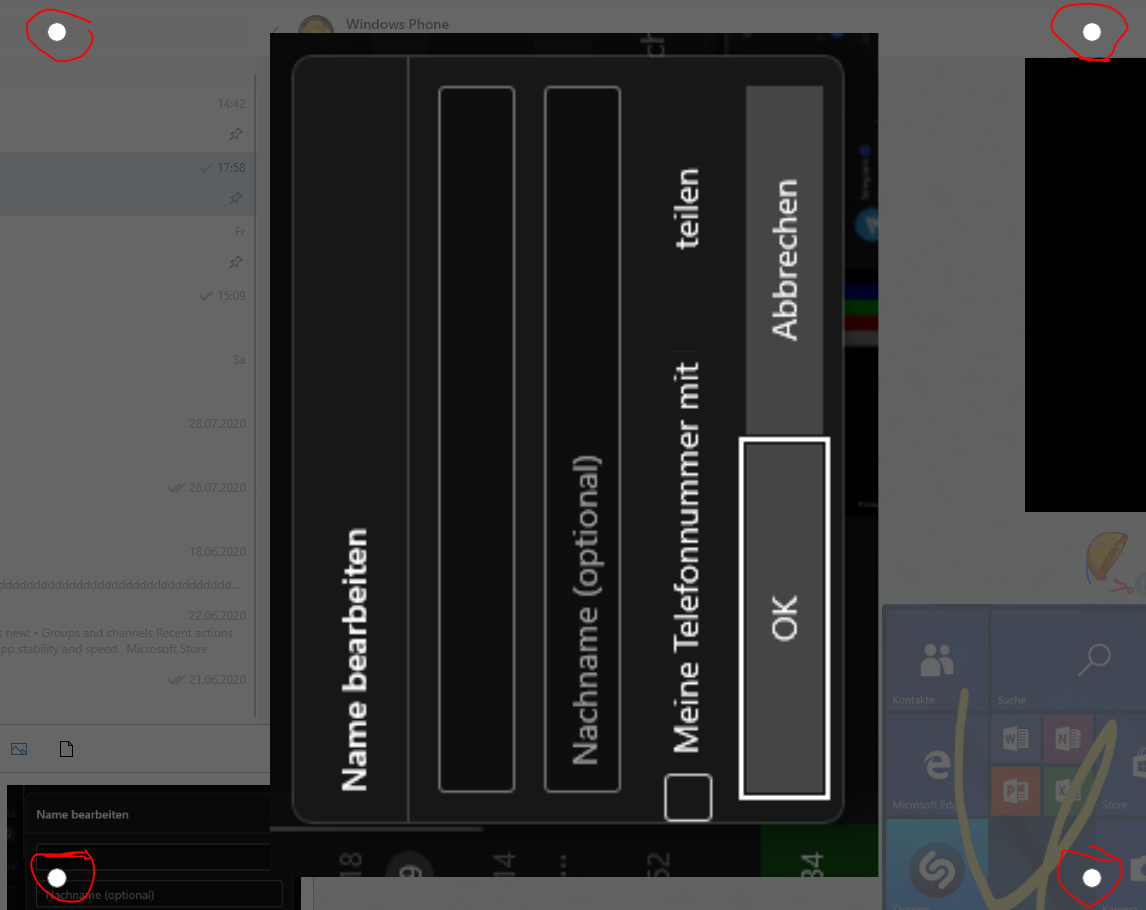
- If I confirm & send the image without adjusting the thumbs to be within the image, Unigram sends a cropped image, although the complete image was within the rectangle with the tumbs (white dots).
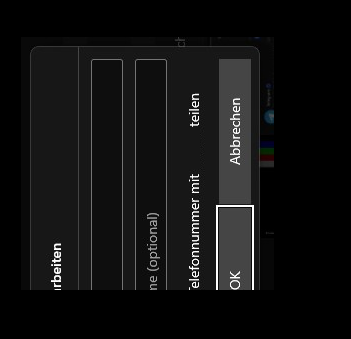
Debugging it, it seems that m_layoutRoot / "LayoutRoot" does not adjust itself to the smaller image size due to the new orientation of the screen.
Is it a weird UWP glitch?

I would like to add something to this, that undo and redo isn't set to Ctrl+Z and Ctrl+Y.... it is a universal convention, basically every app follows this, but in Unigram, you have to click the undo button with a mouse everytime.

I would like to add something to this, that undo and redo isn't set to Ctrl+Z and Ctrl+Y.... it is a universal convention, basically every app follows this, but in Unigram, you have to click the undo button with a mouse everytime.
Thank you, but we already have a ticket in the milestone for shortcuts

I would like to add something to this, that undo and redo isn't set to Ctrl+Z and Ctrl+Y.... it is a universal convention, basically every app follows this, but in Unigram, you have to click the undo button with a mouse everytime.
Thank you, but we already have a ticket in the milestone for shortcuts
Oh ok...