Ultimaker
Gaps in concentric infill pattern set to 100%
Application Version
5.1.0
Platform
Windows 11
Printer
Ender 3
Reproduction steps
I can solve this issue somewhat by increasing flow or line width. However, I end up with more elephant's foot/accuracy issues since it increases the flow over the entire layer to compensate for a few small gaps that should be taken care of by the slicer engine increasing the line width just in that area or traveling farther.
Actual results
Overextrusion / unwanted horizontal expansion
Expected results
100% infill should actually be 100% infill. There should be no gaps, and I shouldn't have to sacrifice other parts of the print by increasing flow or line width. Previously in Cura <5.0 I could just enable "fill gaps between walls". This isn't an option anymore with the new slicer engine in Cura 5.0+.
Checklist of files to include
- [ ] Log file
- [ ] Project file
Additional information & file uploads


I apologize if this is a redundant bug. I searched the issues first and did some slight googling before creating it. From my understanding, concentric infill has had some gap issues for a while now. Thank you!
Thanks for the report. Try lowering your "Minimum Line Width" to 1/2 of your regular line width and see if it makes a difference for you.

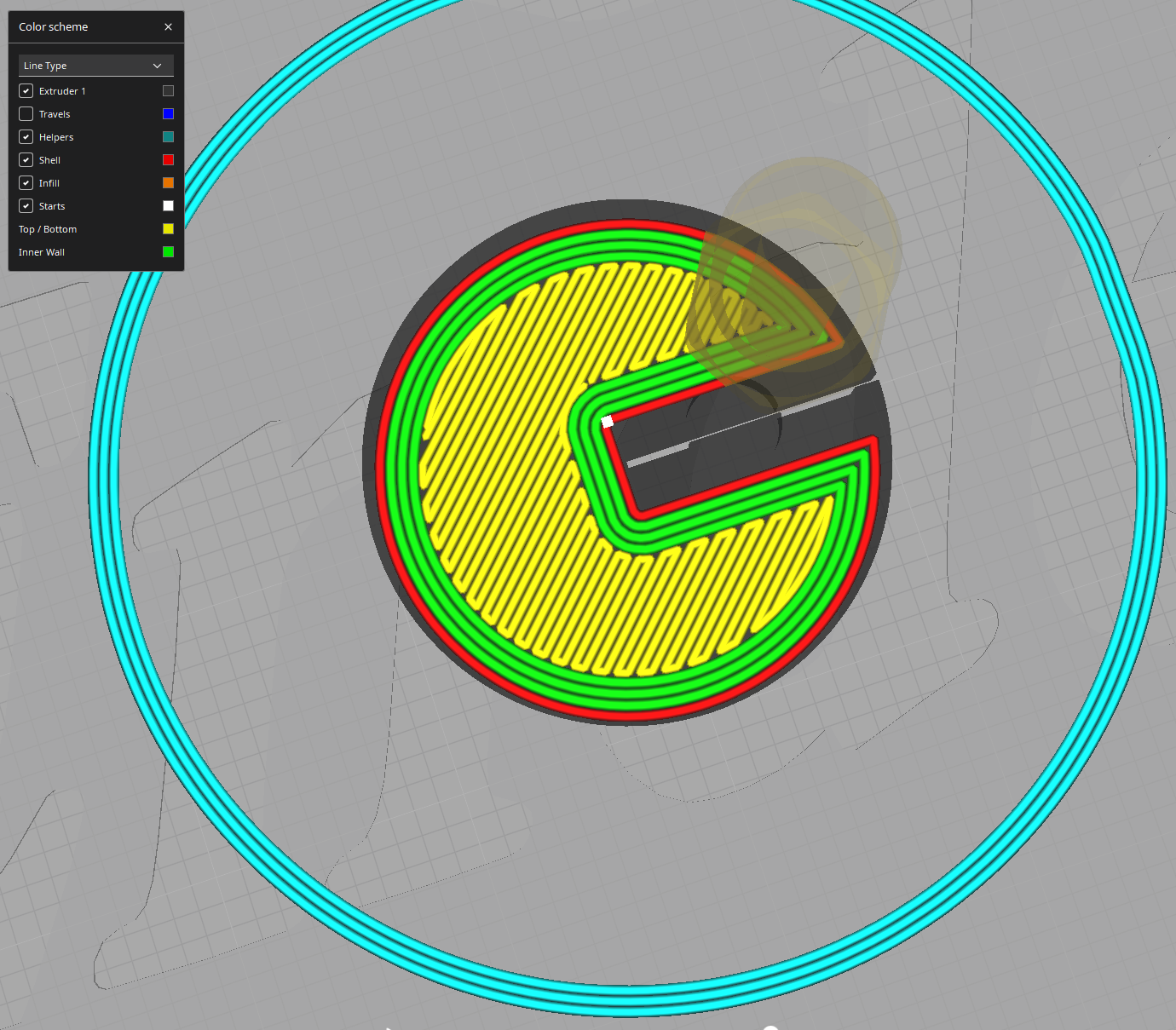
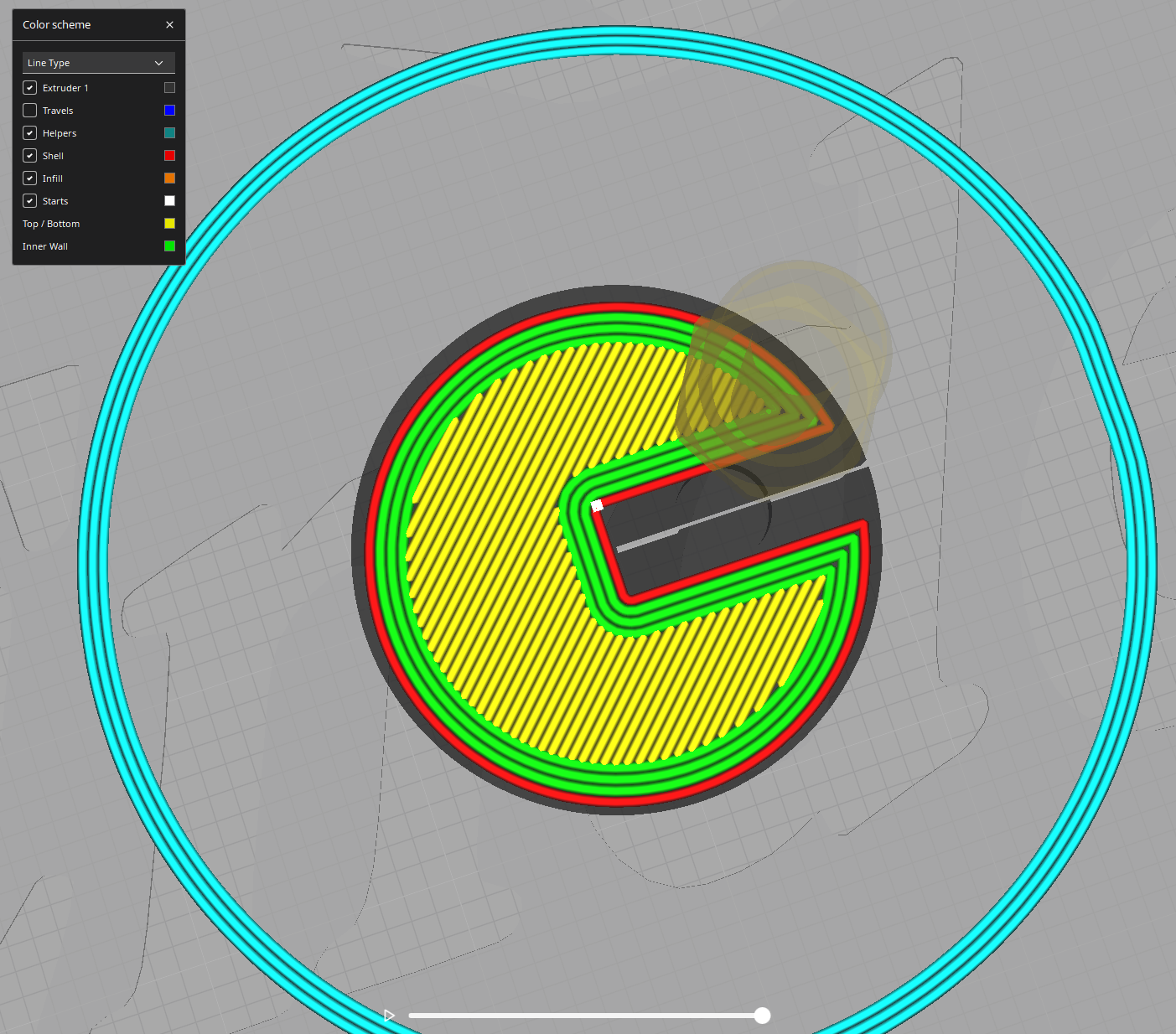
@GregValiant thanks for the reply! I changed what you suggested and just wanted to show you what the preview looked like after I made the change to the "Minimum Wall Line Width".
The following images are all of the different top/bottom patterns with the change.