

 Ultimaker
Slicing Error
Application Version
5,1,0
Platform
Windows 10
Printer
Ender 3v2
Reproduction steps
- opened cura
- clicked the file icon
- selected a model
- opened the model
Actual results
Model appears on build plate and an instant warning box appears. UNABLE TO SLICE MODEL Unexpected Error. consider reporting the bug
Expected results
Endless slicer bar scrolling error part 1.zip Happens with every part i load, program doesnt crash. printed this part yesterday using 4.1.3 and 5.0.0 cura.log
Checklist of files to include
- [X] Log file
- [X] Project file
Additional information & file uploads

OK, Solved it! 5.1.0 won't run correctly inside the PROGRAM FILES directory? uninstalled it, restarted computer Reinstalled to the root directory C:/Ultimaker Cura 5.1.0 and now it works
ok so oddly enough i got it to slice @ 80% yesterday and it printed fine. Tried to open it today without changing size and it wouldnt slice. What I did do was just move it over a little bit on the print surface and it sliced fine at regular height.
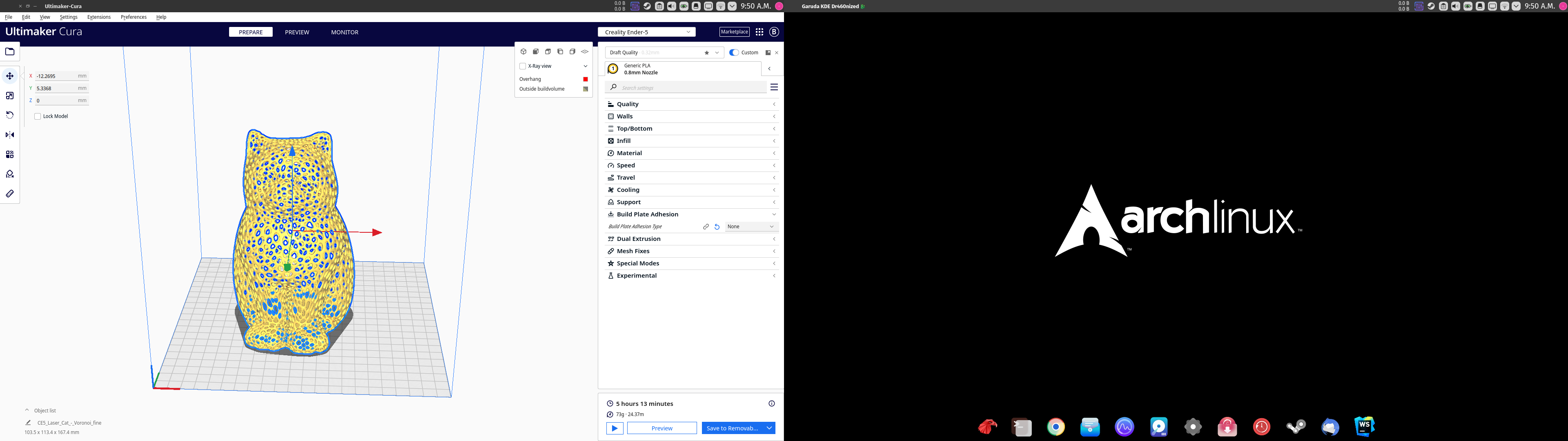
Tried another .stl file and it sliced fine as well, so im not sure if it is just the .stl file or something else.

@MikeOxawopper Thanks for the update. I'll leave this open as my installation works fine from the Program Files directory.

@MikeOxawopper I'm happy to see you got unstuck.
I've renamed the ticket to correctly reflect your analysis of the problem.
I installed 5.1 straight into my program files folder to see if I could reproduce your issue.
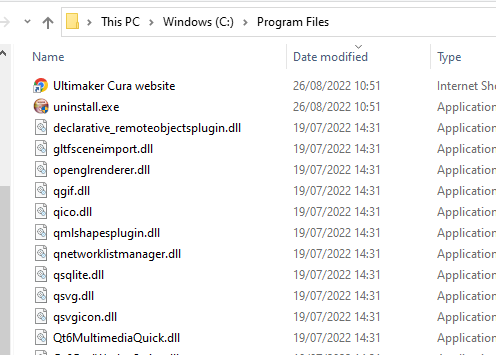
But I cannot reproduce your findings. Using that version I can still slice. 🤔
I'll defer the issue for now, but I'll keep it open so people can share if they are experiencing something similar.
