

 UXDivers
Player will not connect in VS2017
Brand new installation.
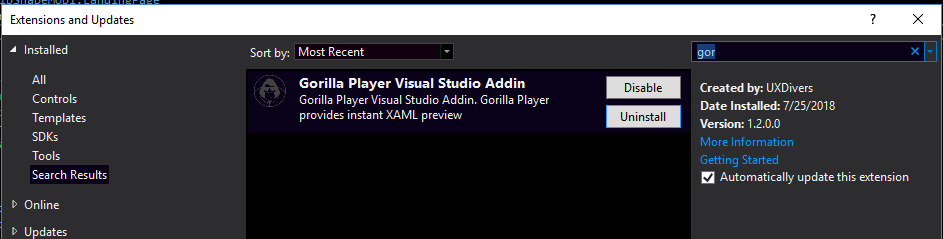
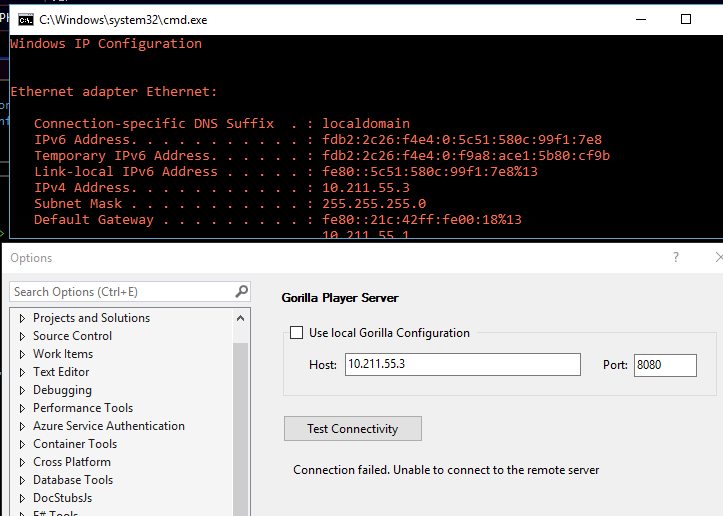
Unable to get the player to connect using the default localhost and port 9014 or custom using 'localhost' or my actual IP on ports 9014,8080, or 80. When trying to open localhost or the IP with any port# in a straight browser the browser reports "This site can’t be reached localhost refused to connect."
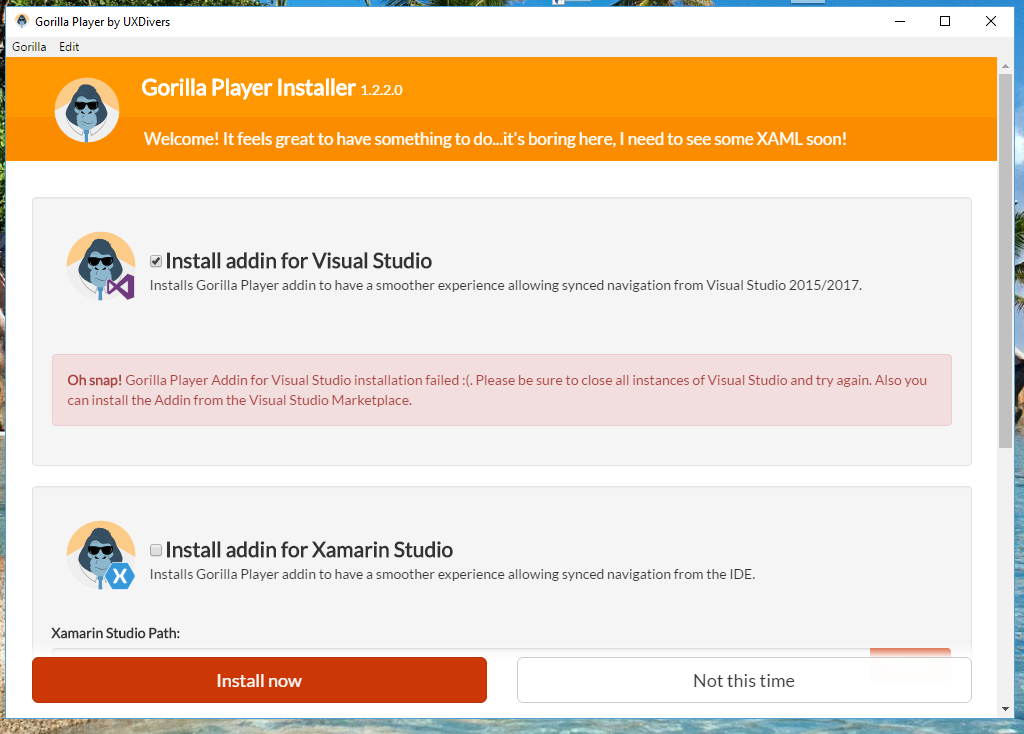
I tried using both the vsix run from studio started as admin and the regular installer installing as admin.
No luck from either.
VS2017 on Windows 10
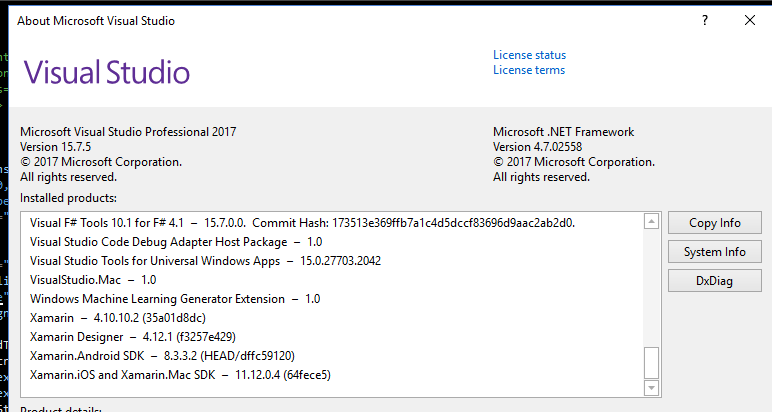
Studio and Zamarin details:

Did you find a resolution to this? I'm thinking about using Gorilla Player for my development team and want to know how the support is.

Not yet
Sent from my mobile
On Jul 30, 2018, at 3:38 PM, jacobslusser [email protected] wrote:
Did you find a resolution to this? I'm thinking about using Gorilla Player for my development team and want to know how the support is.
— You are receiving this because you authored the thread. Reply to this email directly, view it on GitHub, or mute the thread.