

 Turfjs
turf.area() produces different results when redundant points are added
If polygon A shares a partial boundary of a larger polygon B, but is otherwise completely inside polygon B, turf.area() will give a different result for the dissolved result of A and B than B alone.
turf.area(turf.dissolve(A,B)) != turf.area(B)
This can be fixed by running turf.cleanCoords() on the dissolved polygon, at least in initial testing. I will put up an Observable notebook for testing soon.

https://observablehq.com/@reyemtm/turfjs-issue-with-turf-area-and-redundant-points
@reyemtm I think a better (more correct) way of highlighting/documenting the issue would be to get rid of the dissolve step and just compare the results of @turf/area on the two features.
Would you please update your example?

Ok, I updated it. I have not looked into the code as to why this might be happening. I am also not sure how much additional compute is needed for cleanCoords().
Ok there seems to be an issue, but it is not obvious what's going on. For some reason only a specific point, the one at the top, is causing the two areas to be different, otherwise they coincide:
const box = turf.polygon([[
  [-90,40], // NW
  [-89.9,40], // NE
  [-89.9,39.9], // SE
  [-90,39.9], // SW
  [-90,40],
]]);

const boxRedundantPoints = turf.polygon([[
  [-90,40], // NW
  [-89.95,40.0], // N <-- issue
  [-89.9,40], // NE
  [-89.9,39.95], // E
  [-89.9,39.9], // SE
  [-89.95,39.9], // S
  [-90,39.9], // SW
  [-90,39.95], // W
  [-90,40],
]]);

const points = box.geometry.coordinates[0].map(p => turf.point(p, {'marker-color': '#F00', 'marker-size': 'small'}))
const redundantPoints = boxRedundantPoints.geometry.coordinates[0].map(p => turf.point(p, {'marker-color': '#0F0'}))

const areaDiff = turf.area(box) - turf.area(boxRedundantPoints);
console.log(areaDiff);
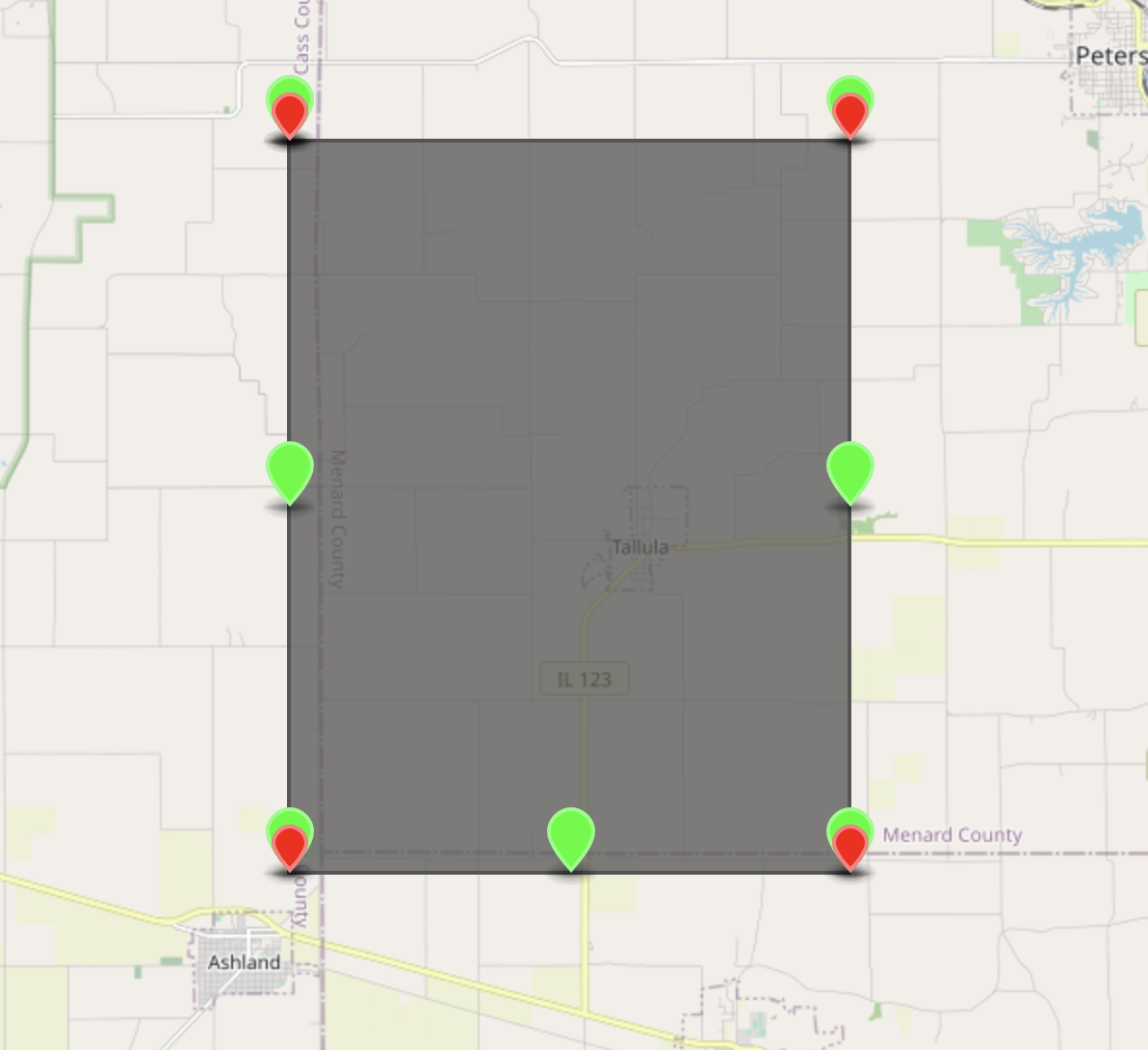
So basically this is OK (areaDiff === 0):
but this is not (areaDiff === 0.000002205371856689453):
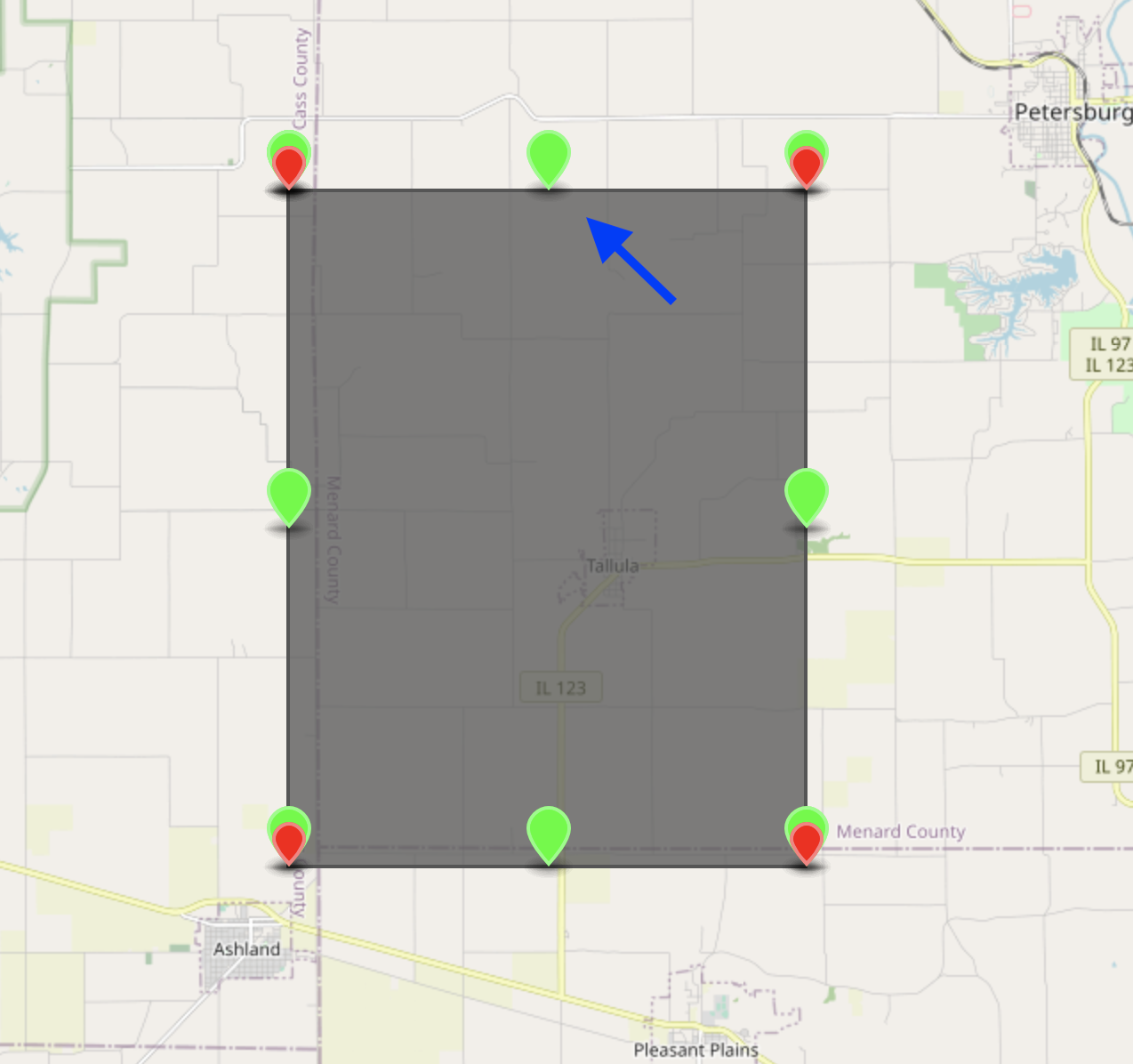
While I'm not 100% sure about how the area function works, maybe the added point does change the shape of the box? The paths of the horizontal lines will arc slightly to the north due to earth curvature. Adding a point in the middle pulls it back south a bit in the middle. On the super close up map below, the blue line is the single long line between NW and NE, the red line is from NW to N, and the green line is from N to NE:
Exaggerated the top of the area looks like this:
Maybe the area the polygon loses is that little bit between the blue and red+green lines?
It's only a theory, and with an obvious flaw. Why doesn't removing the S point have a similar effect?
Maybe @Abdumbo99 has some ideas?

Hello @smallsaucepan, this was my suspicion at the beginning as it makes the most sense out of all of the different possibilities. However, if I recall correctly if you remove the redundant point at the bottom edge, opposite to the point in discussion, the calculation would not be affected. This caused me to assume in https://github.com/Turfjs/turf/issues/1987 that the issue was caused by the fact that the point in discussion is the second point in the coordinates list, this assumption turned out to be wrong too, which left me clueless tbh. If anyone has any theories, I am ready to dig deeper into it as I already looked into it a bit.
