

 TrianguloY
Disambiguate same-name activities
Include OpenLinkWith's feature of including the Application's package name when multiple applications with the same name are detected.
Originally posted by @pressRtowin in https://github.com/TrianguloY/UrlChecker/issues/182#issuecomment-1436079721

Example of the UI from OpenLinkWith in the case of the two copies of TikTok I have installed:


Update: I realized simply using the package name is not enough, as I forgot about cases where one application provides multiple ways to share or open something such as it is with AutoShare:
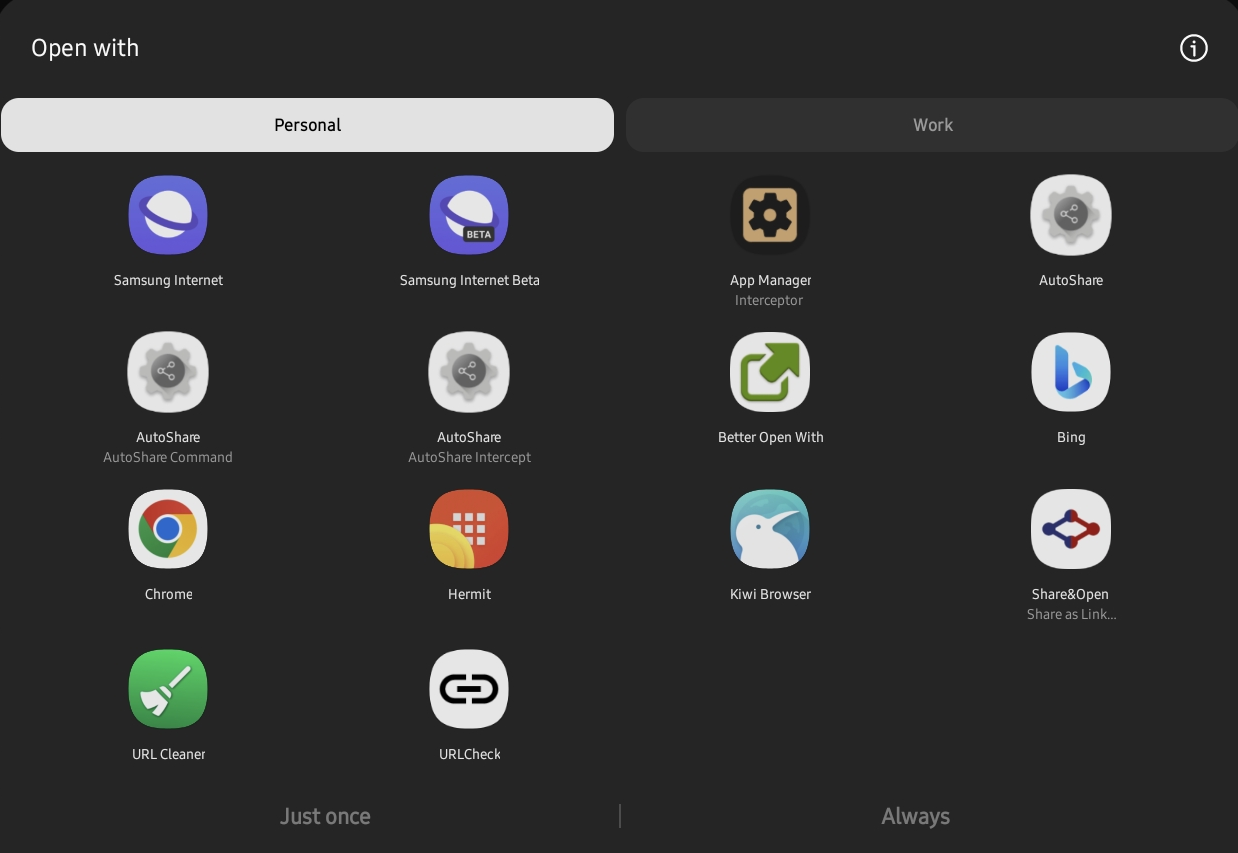
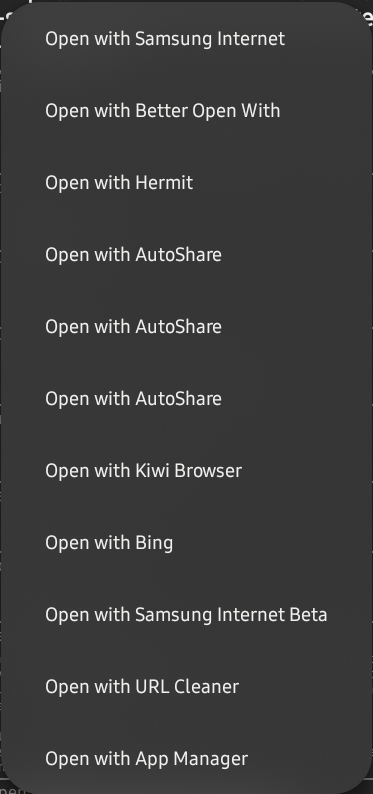
So, I guess the order is: app name > activity name > package id. And show only the required until all entries are different (so if all app names are different stop there, but if two are the same use the activity name too and the package id if also the same. I think an app can have two activities with the same name too, I'll try to find an activity id if possible.
That sounds good. Also, a weird behavior I noticed. I tried tapping on all 3 of the "AutoShare"s (or at least, I tapped on random ones enough times until I believed it was statistically unlikely that I had selected the same one every time, if they were reordering themselves 😅), and every time, instead of launching the activity directly, it brought me back to a system Open dialog, except with only the 3 AutoShare activities:
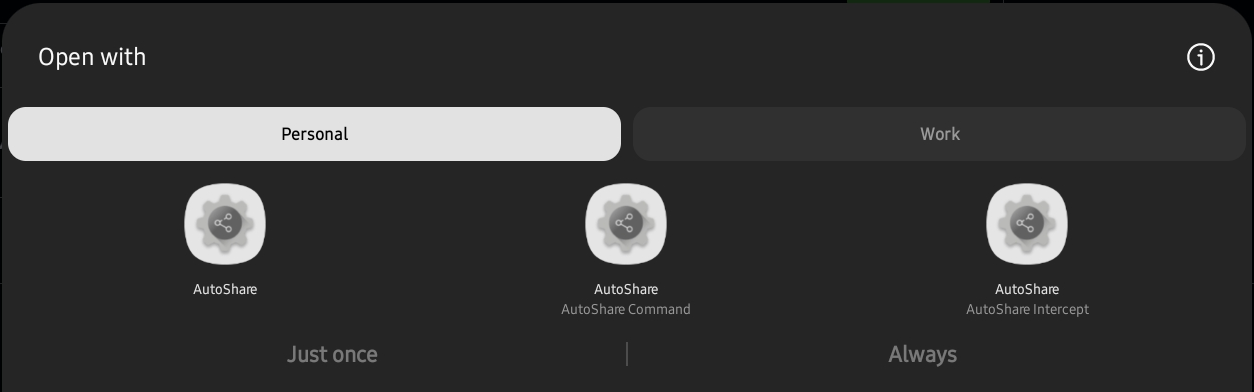
I then had to select one of the options there in order to launch it. While this coincidentally solves the issue of not being able to distinguish the options from within URLCheck, clearly this isn't desired behavior, and optimally, one would be able to both distinguish activities and directly launch them from URLCheck. 😂
Oops, true, currently the app only keeps the package after asking Android for a list of intents, and later asks for that app name (which is very wrong, but none had reported it before so I guess it's not very common).
Can you create a new issue/bug for this? Mention this one because it's related, but internally they are two different things. Thanks!