
openai-java
 openai-java copied to clipboard
 TheoKanning
demo code return unable to find valid certification path to requested target
I strictly followed the example code in my maven project, with the version of client of 0.10.0, but it gives me the error: PKIX path building failed: sun.security.provider.certpath.SunCertPathBuilderException: unable to find valid certification path to requested target. I tried download the certificate of https://openai.com into my JVM, but it doesn't work either.
It seems that this error is at com.theokanning.openai.OpenAiService.createCompletion(OpenAiService.java:120).

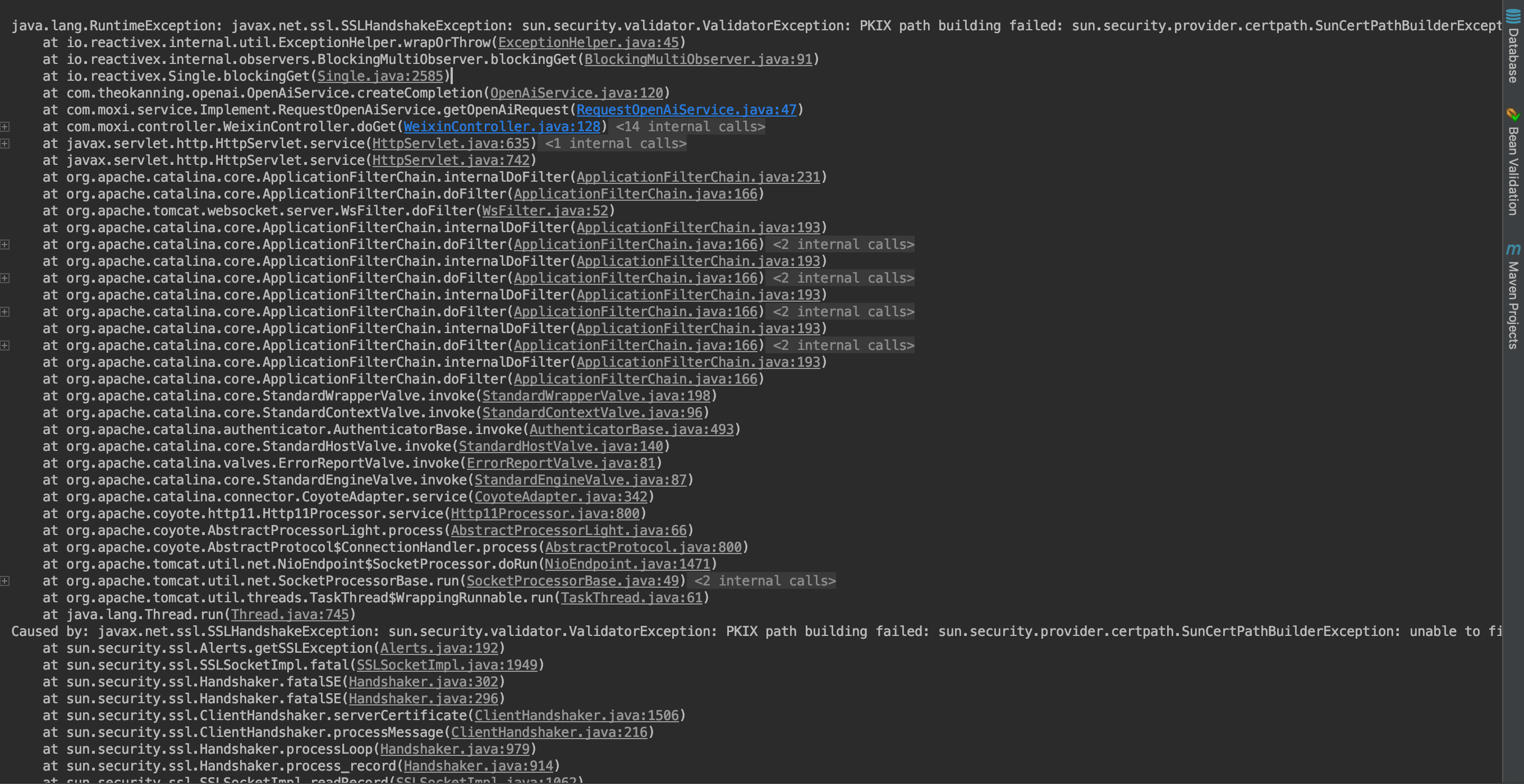
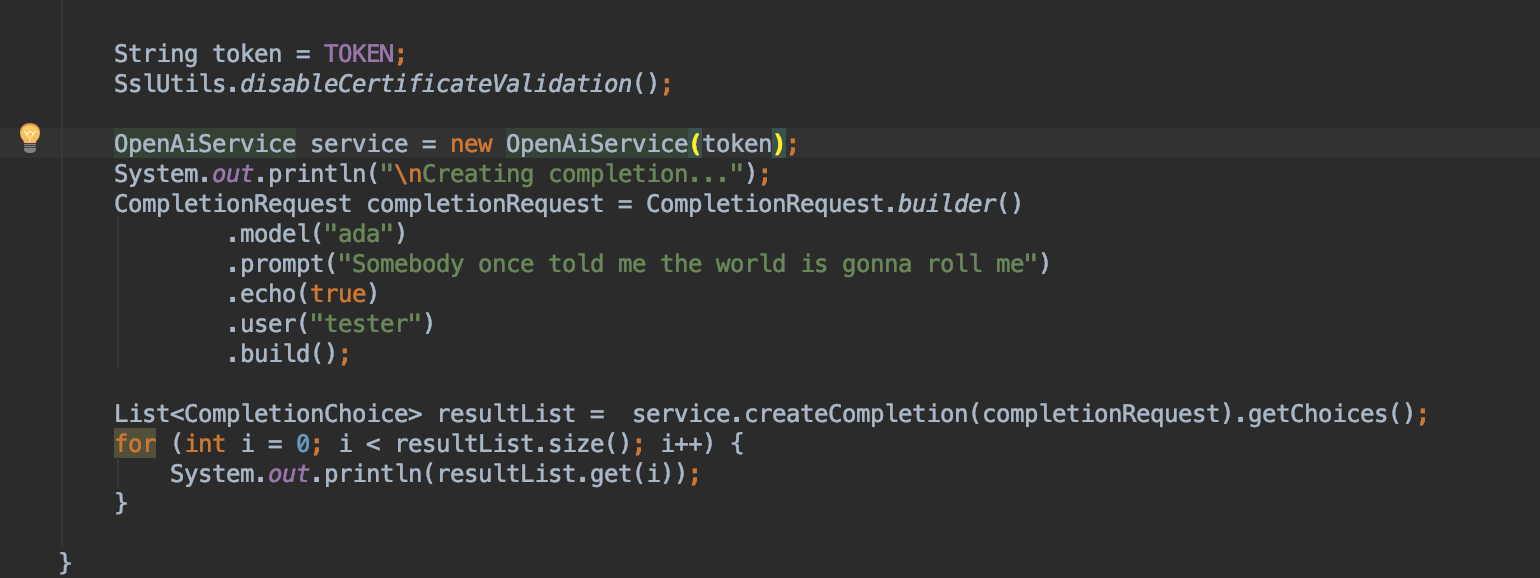
I update my pom with 0.10.0, this error happens as well. When calling apiCall.blockingGet(), it raise an error.
<dependency> <groupId>com.theokanning.openai-gpt3-java</groupId> <artifactId>service</artifactId> <version>0.10.0</version> </dependency>


Did this start happening on 0.10.0 or does this happen with previous versions?

Did this start happening on 0.10.0 or does this happen with previous versions?
It happens on the maven project with 0.10.0 and on 0.9.0 as well. I tried again on few minutes ago, and this error repeats
Can you please post results for:
java --version
gradle --version
Also, when you create your service, add a Duration.ofSeconds(50); // or whatever number you want.
There was a similar error previously where an older version of java had expired certificates which is where you would get the PKIX error. I think the solution is going to be to upgrade/reinstall the minor version of your java JVM/JDK and it'll fix the expired cert issues.

gradle --version
Thanks. Since I used maven to build my project, it shows java version on 1.8.0_60, JDK 8 and maven version on 3.5.0. I tried the example code with the Duration param, it returns the exactly same error as above. Btw, which version / maven is recommend for this API, I can upgrade/reinstall ASAP
I think you'll find if you upgrade your JDK to 1.8.0_202 (or higher) it'll fix your cert problem.
I'd strongly recommend using a JDK 11 through JDK 19 though as they include a massive amount of security fixes, performance improvements, and new implementations for networking, threading, streams, and other core features.
I think you'll find if you upgrade your JDK to 1.8.0_202 (or higher) it'll fix your cert problem.
I'd strongly recommend using a JDK 11 through JDK 19 though as they include a massive amount of security fixes, performance improvements, and new implementations for networking, threading, streams, and other core features.
problem solved ! thank you !