
Nord-Spotify
 Nord-Spotify copied to clipboard
 Tetrax-10
Nord Themed Spotify
📦 Archiving this theme repo due to time constraints. Feel free to fork and continue the development! 🍴
Nord (with Dynamic Theming)
Nord Themed Spotify
Wanna discuss or having issues with Nord? Ping @Tetrax-10 on Discord

Download Theme

Nord Screenshots
Library X
Nord supports Library X from 1.2.9 to latest Spotify
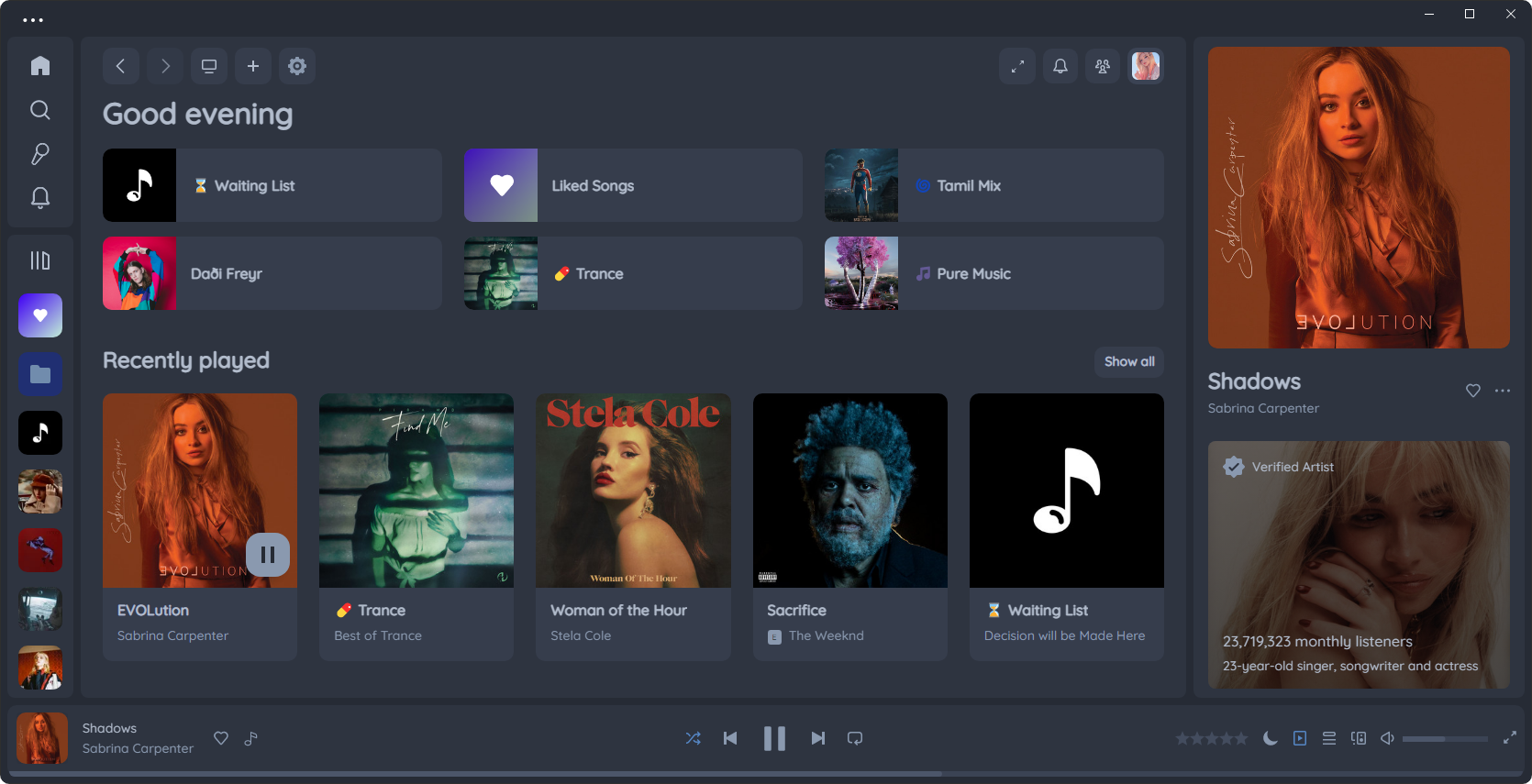
Auto Expand Library X
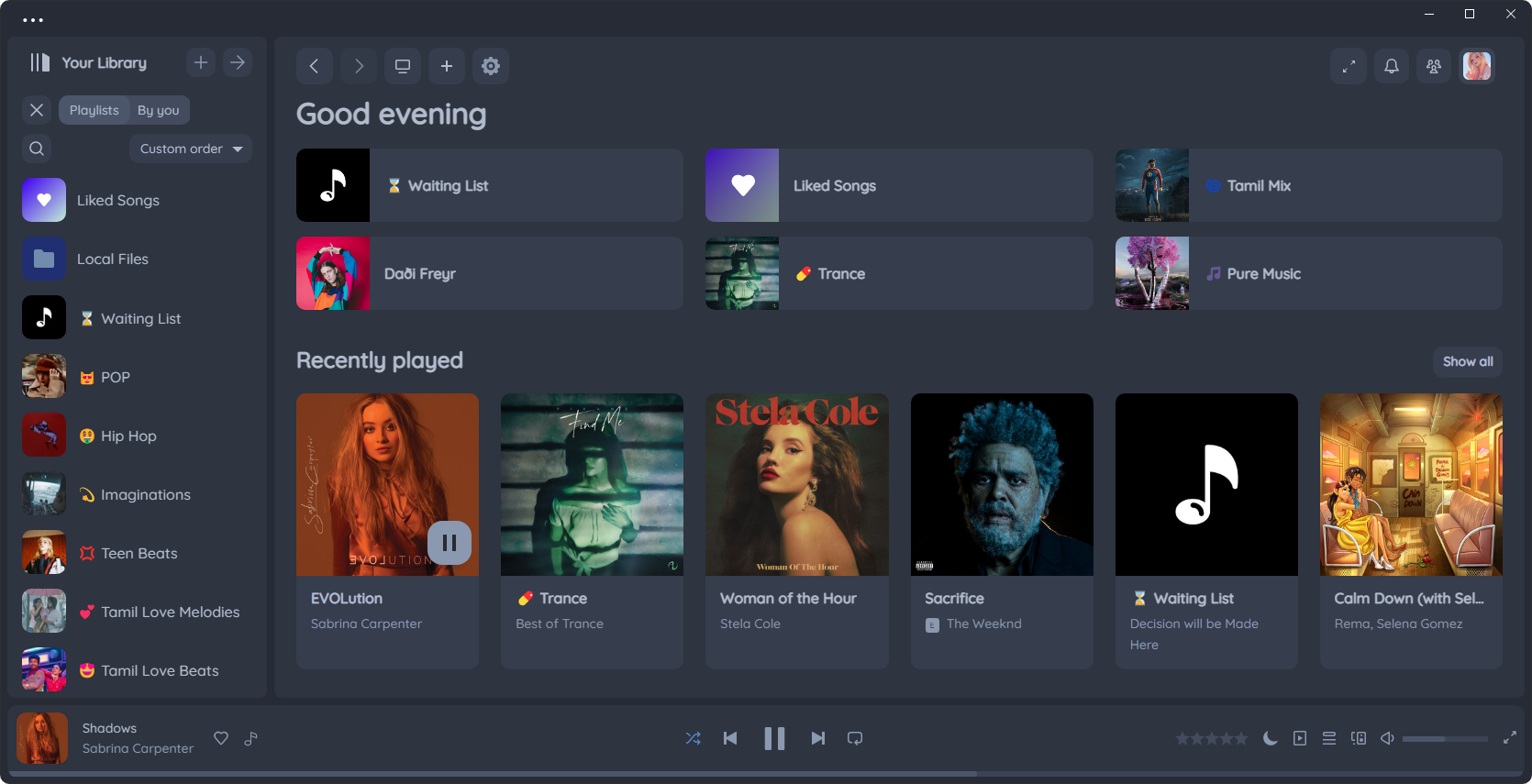
Immersive View on Library X
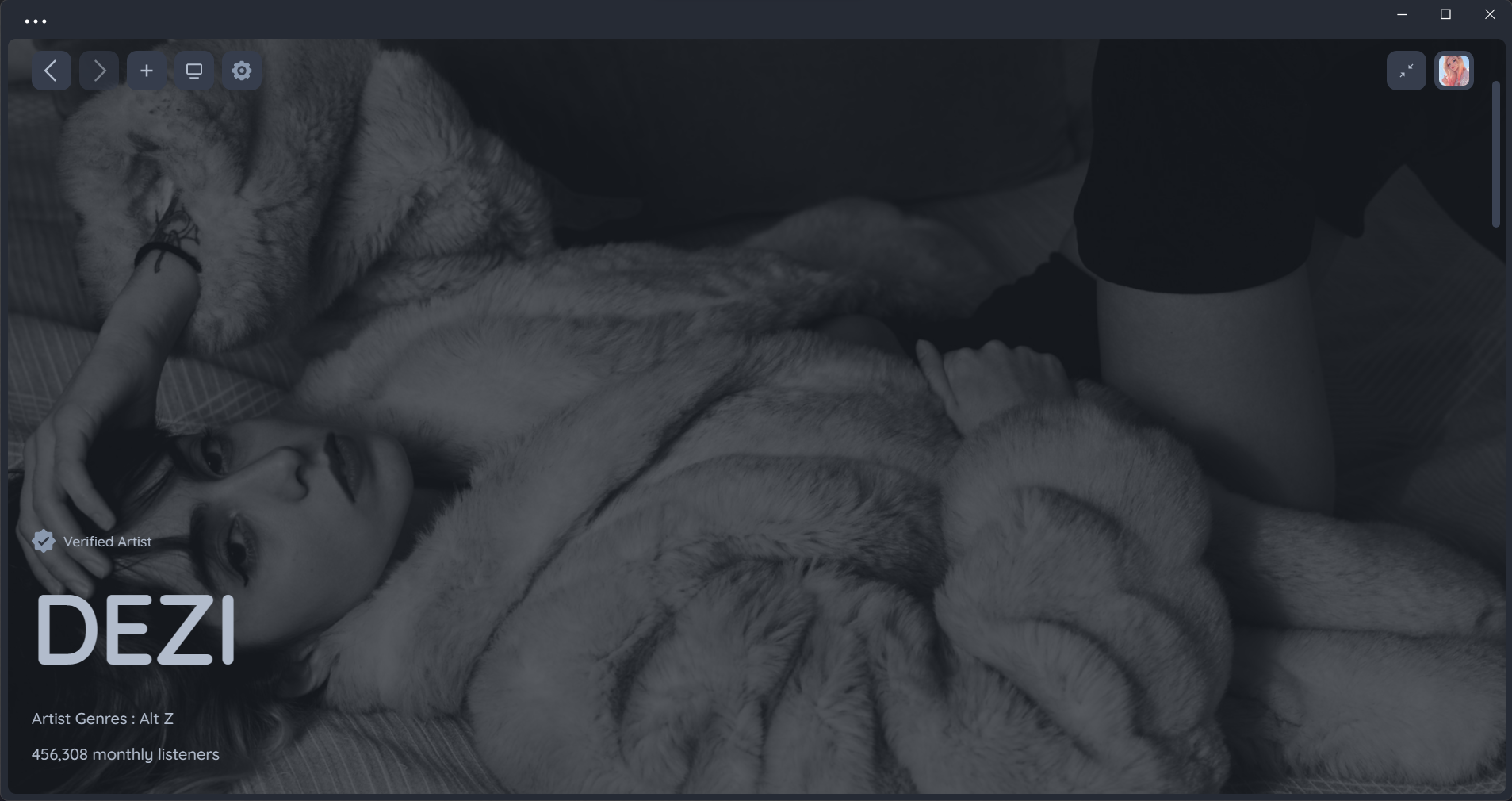
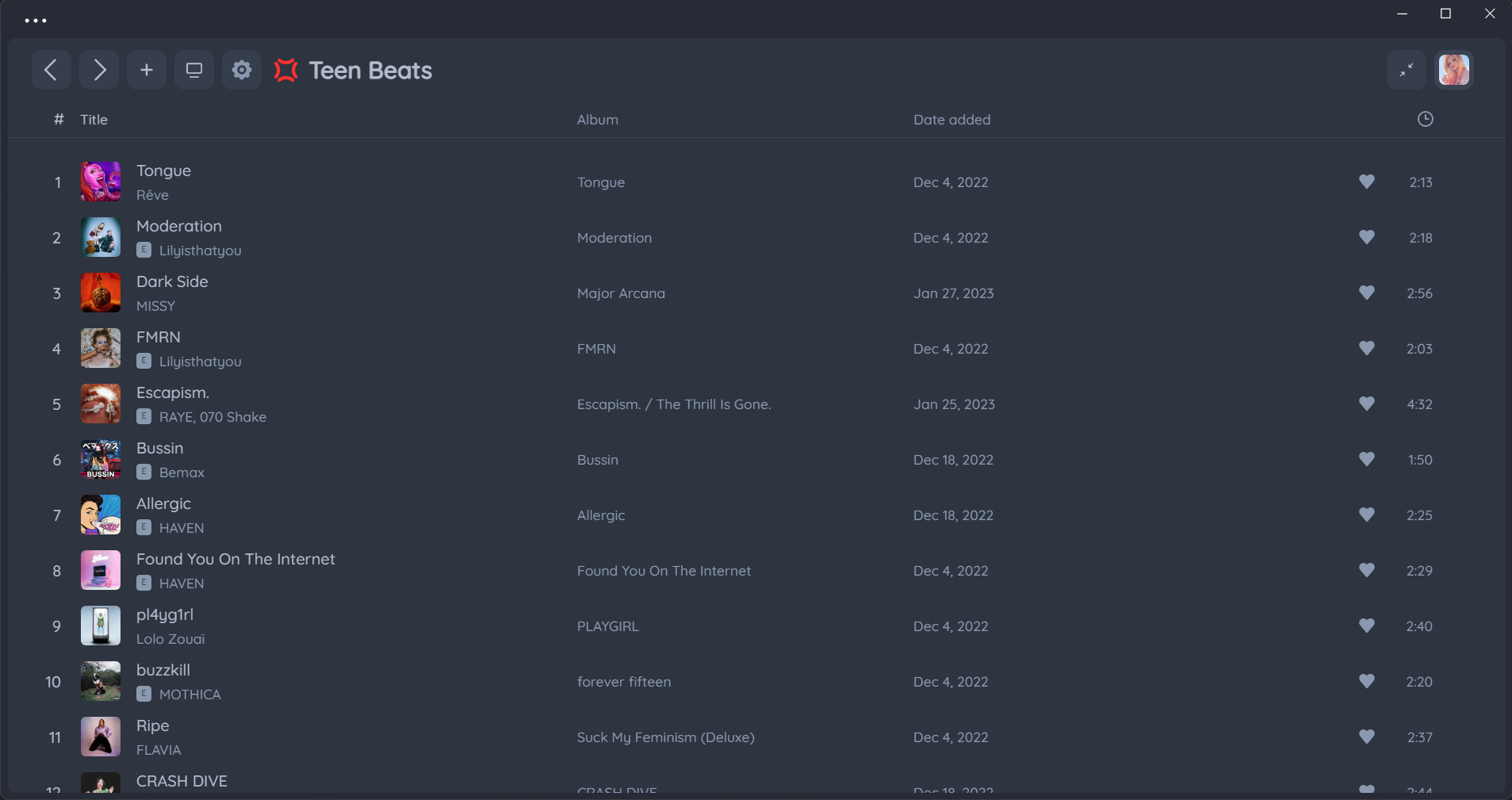
Stock UI
Nord supports Stock UI from 1.1.93 to latest Spotify
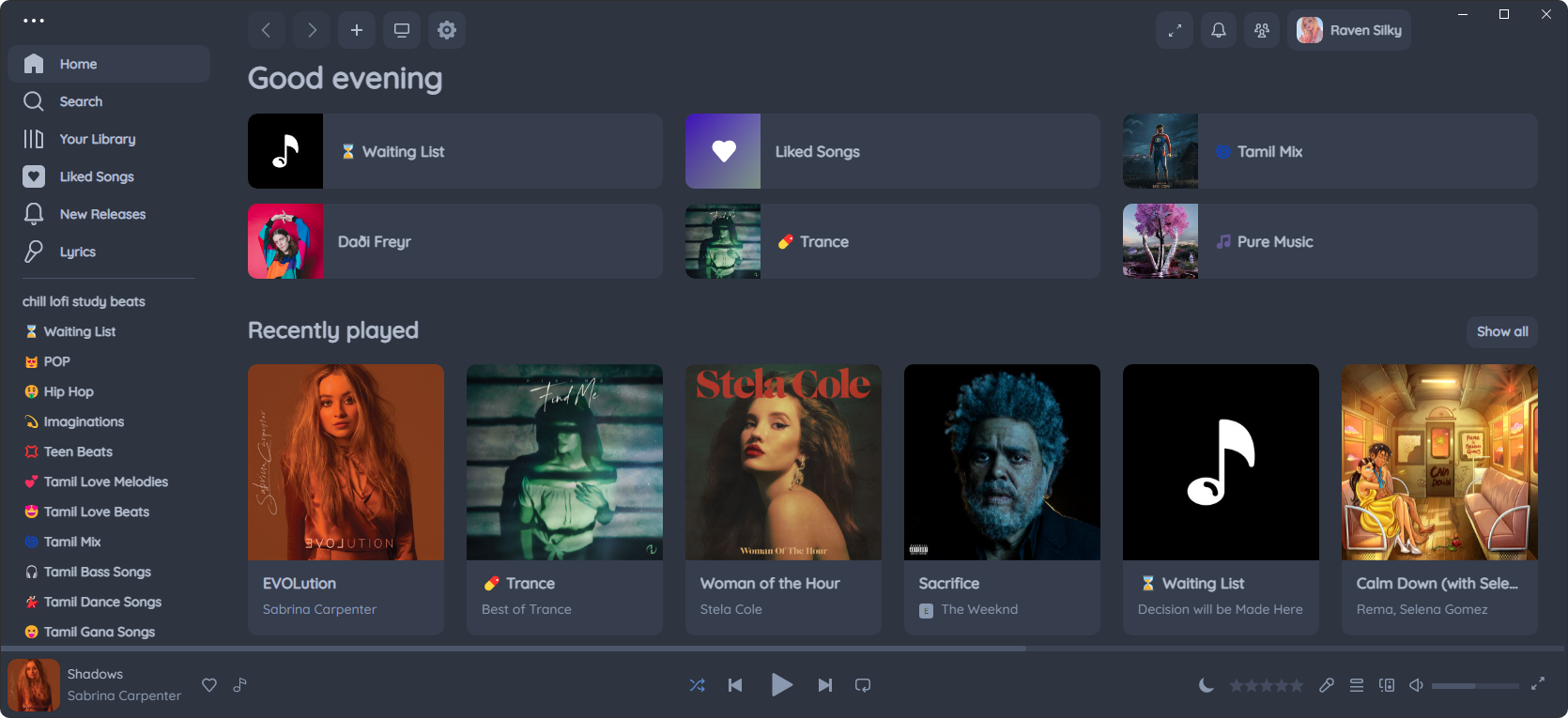
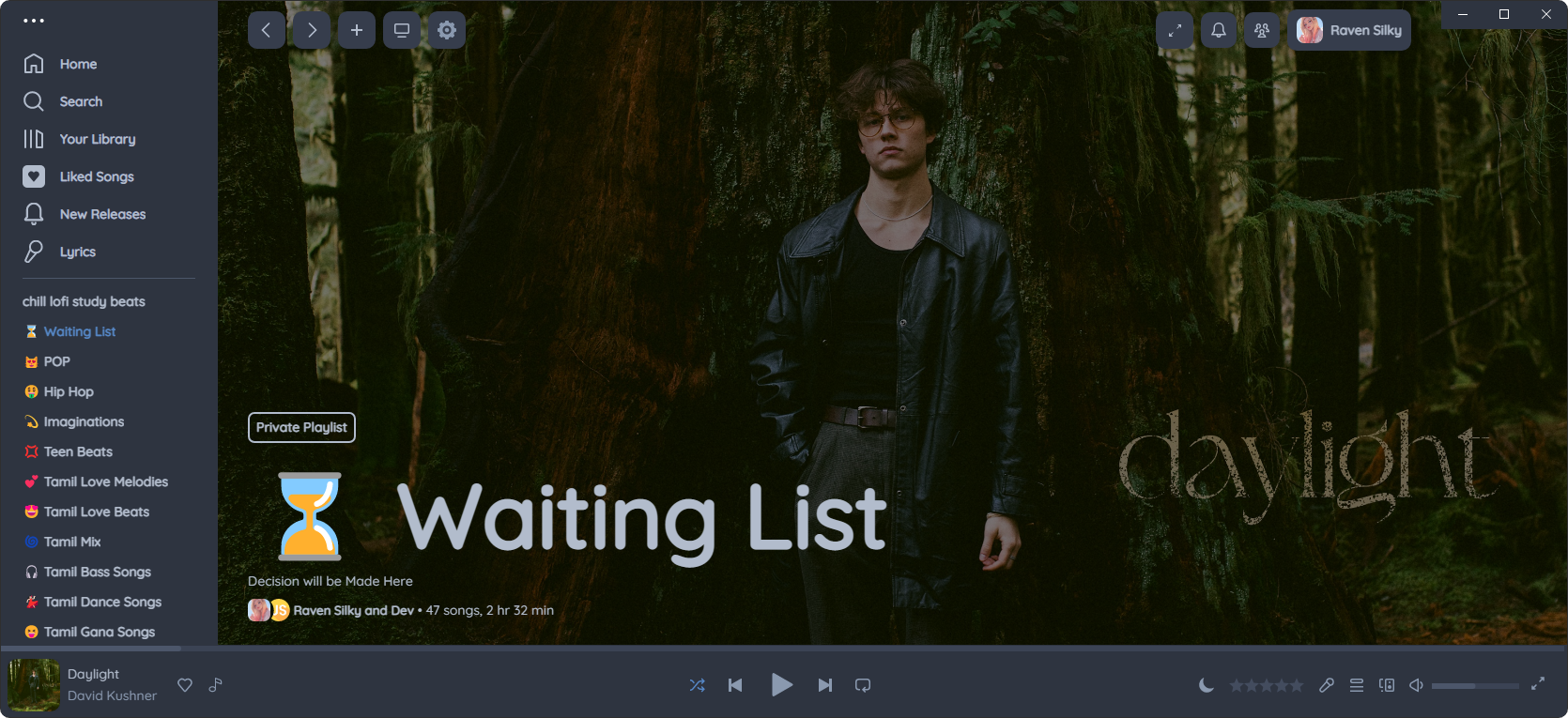
Nord's Own Dynamic Theme Engine
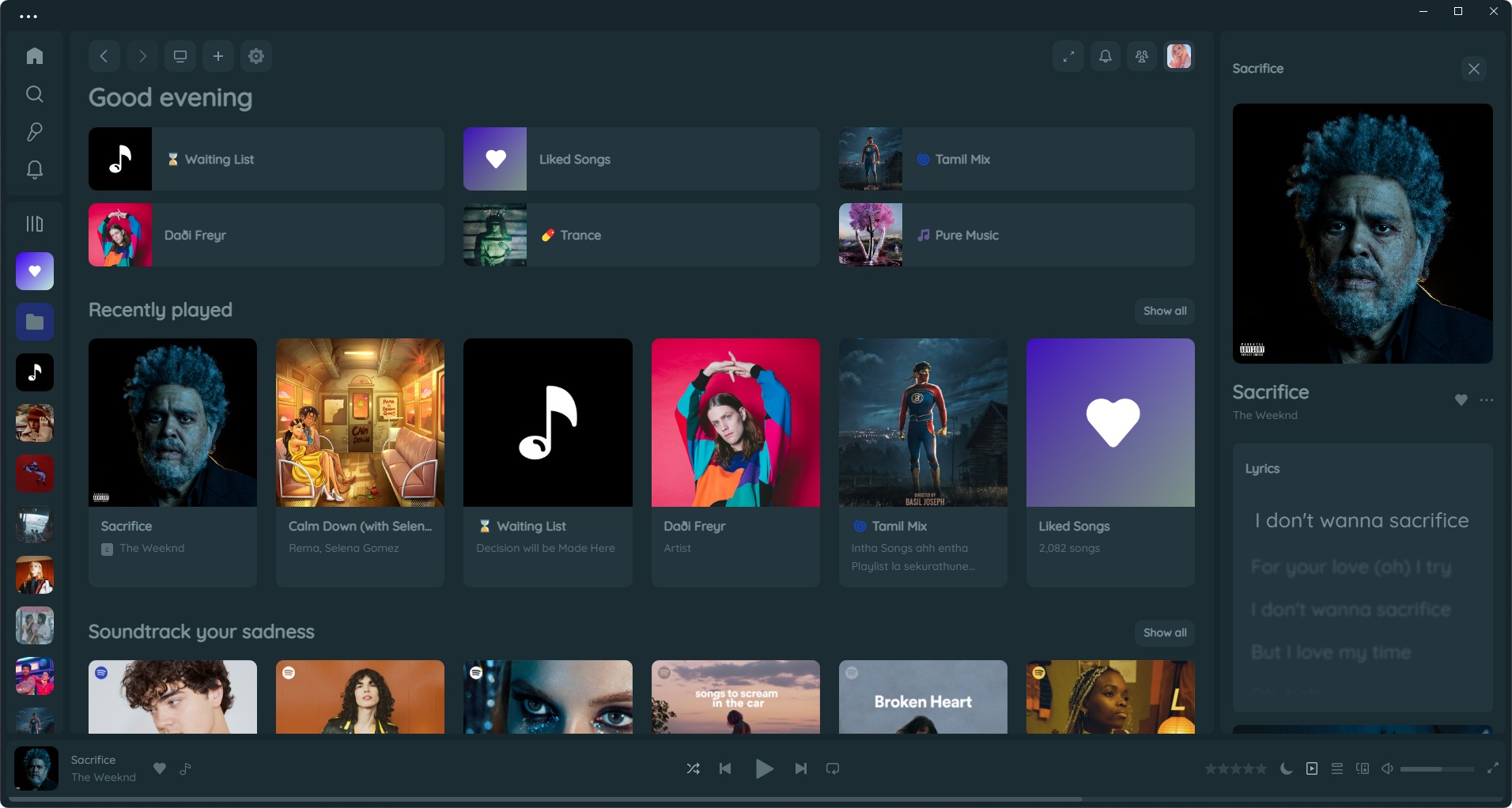
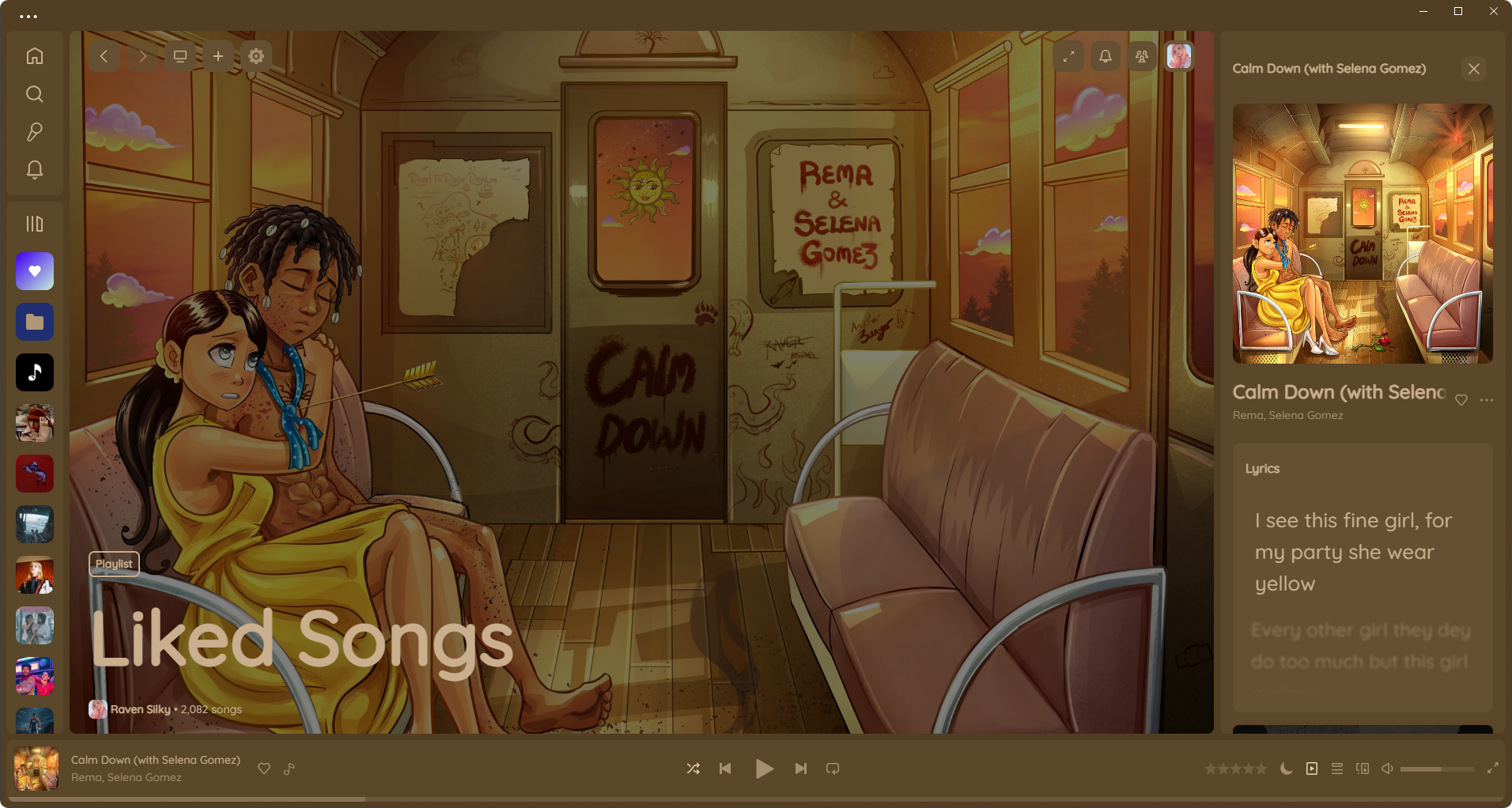
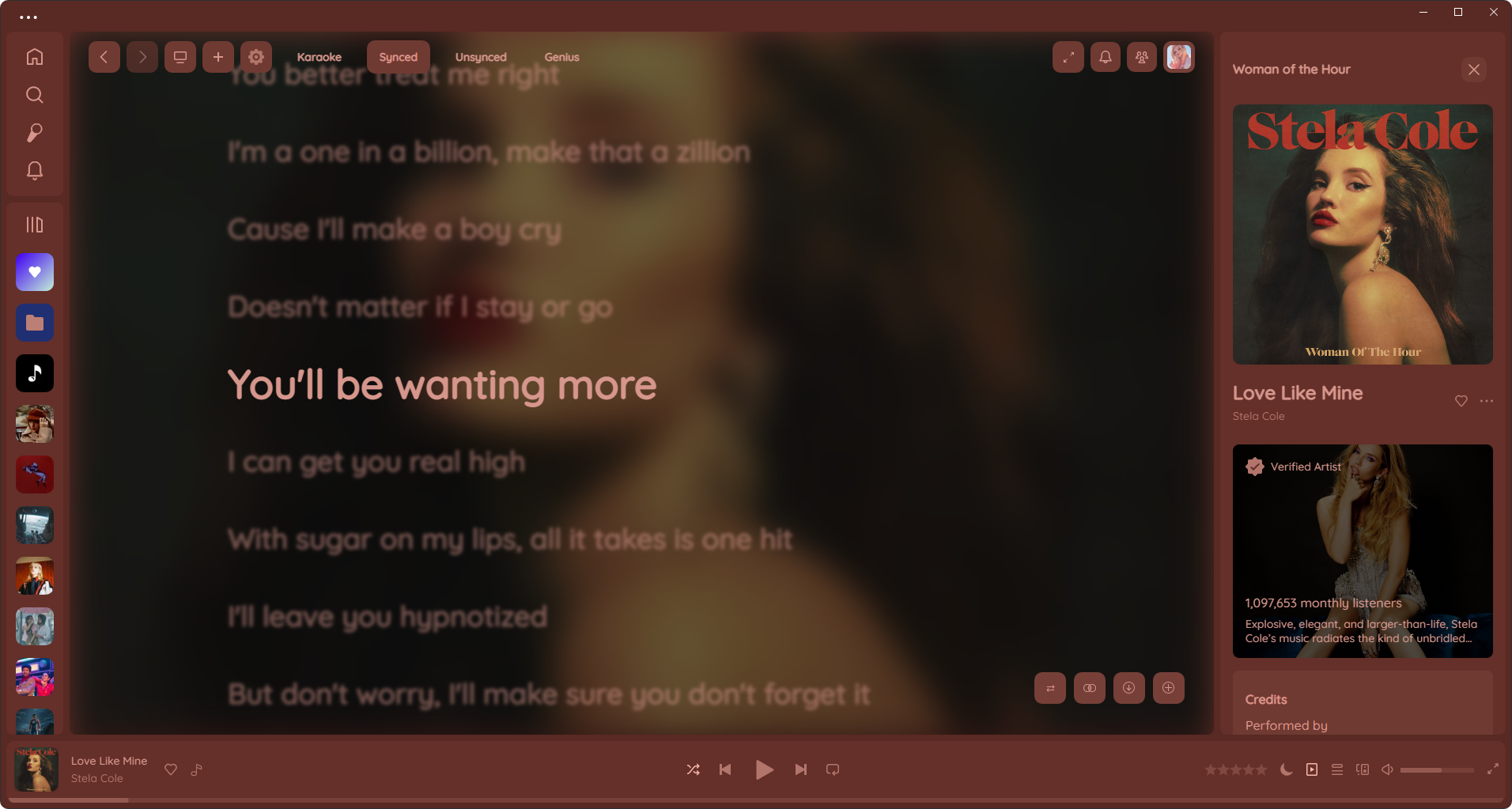
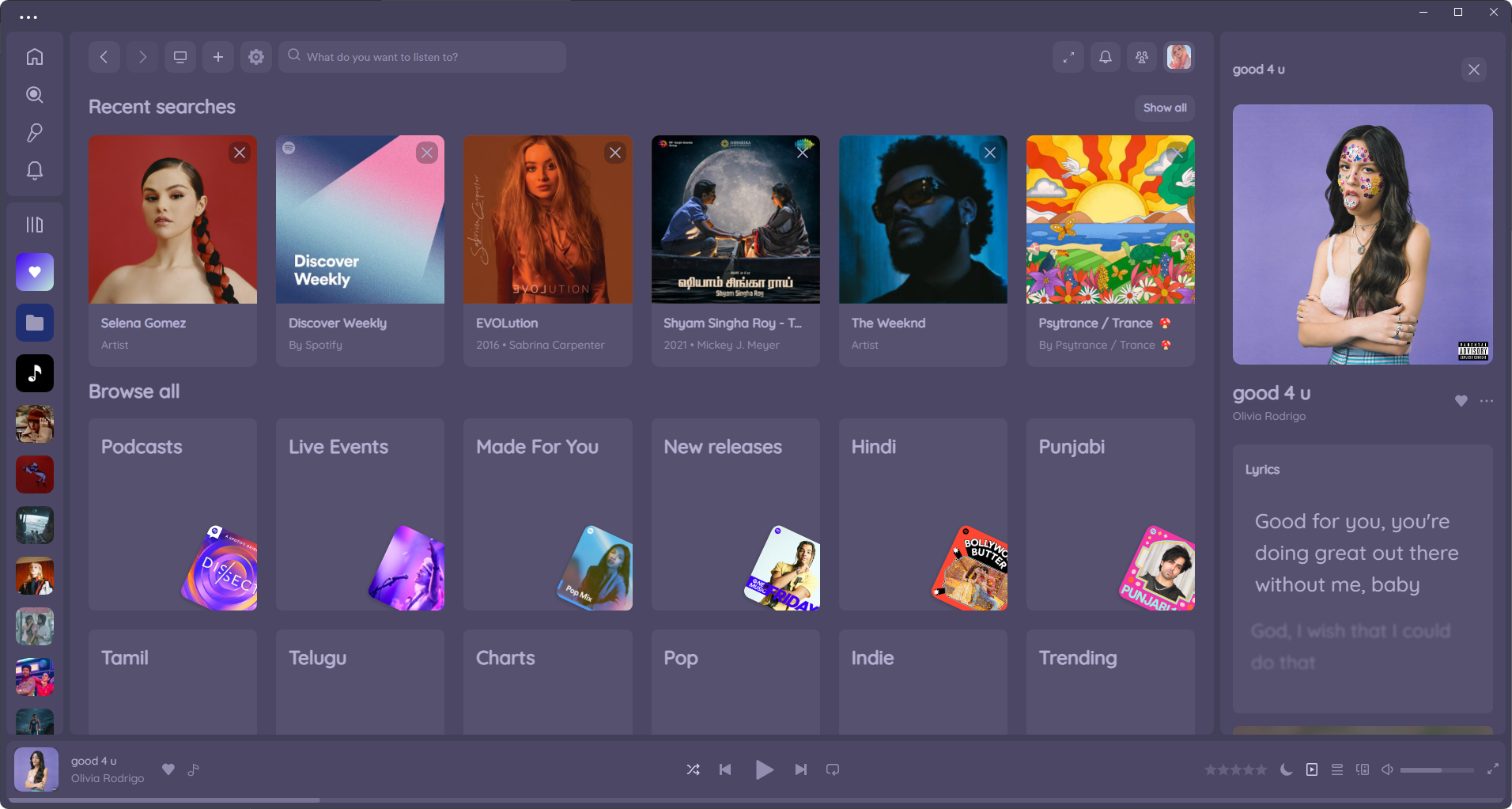
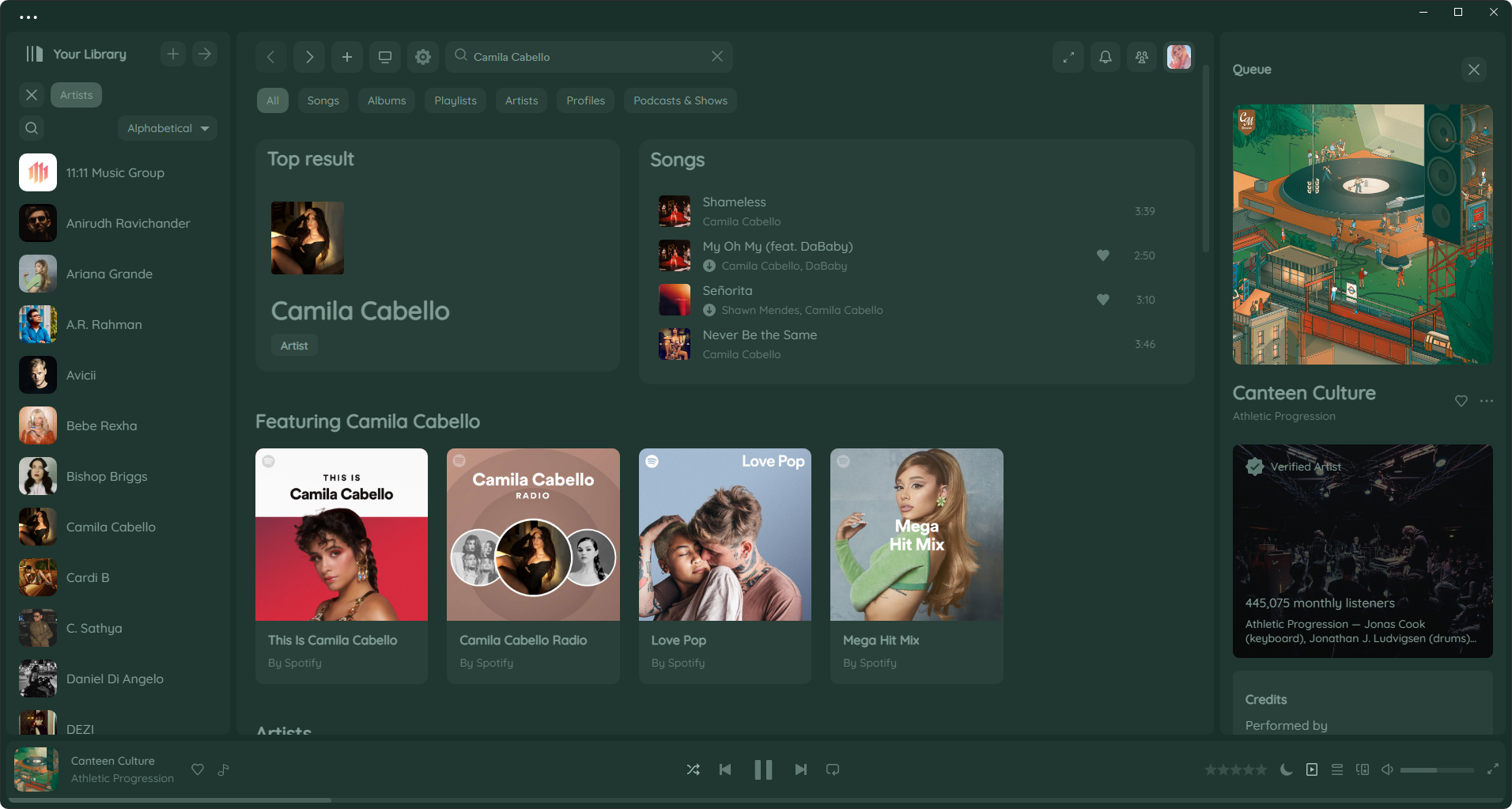
Save Any Dynamic Theme to your Theme Library
Click to Watch Demo Video
https://user-images.githubusercontent.com/75513645/206892576-9eb63934-f0e1-4411-a4a9-f2df1fd374be.mp4
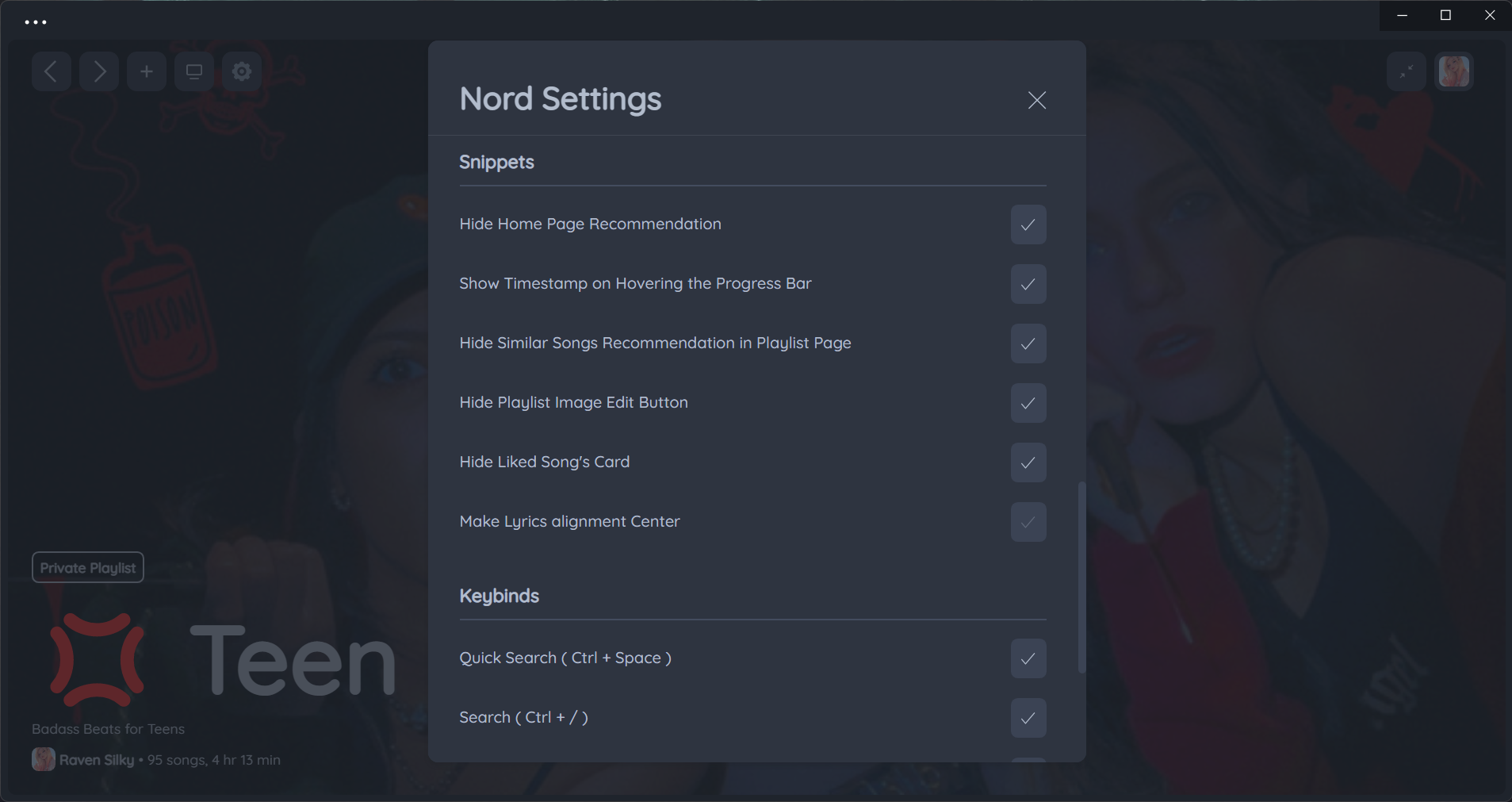
Useful Snippets
Nord vs Marketplace's Dynamic Themes
| Nord's Dynamic Theme (Better) | Marketplace's Dynamic Theme |
|---|---|
 |
 |
 |
 |
 |
 |
 |
 |
 |
 |
 |
 |
How to Reposition Banner ?
-
Scroll on Player to Reposition banner
-
Right click on Player to Reset banner Position
-
Hold
~to Zoom Out Banner to see full view
Click to Watch Demo Video
https://user-images.githubusercontent.com/75513645/201753268-2a1df86f-8815-452c-9a44-17a04968aa4d.mp4
Custom Fonts
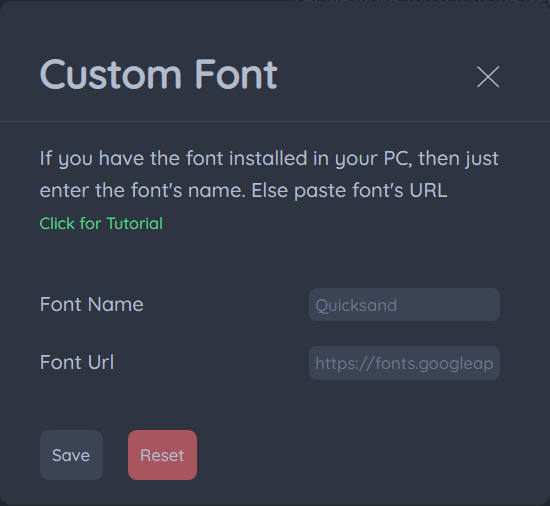
Custom Fonts (Local Install Method)
Step 1 : Just install the Font you like in your PC
Step 2 : Then Type the Font name in Font Name box in Nord and click save. (No need to fill Font URL leave it empty)
Custom Fonts (Remote Method)
You can use custom fonts in Nord remotely. Google Fonts are Recommended
Step 1 : Choose a font and click the plus button at styles section at the end

Step 2 : Go to selected families and select @import Check Box
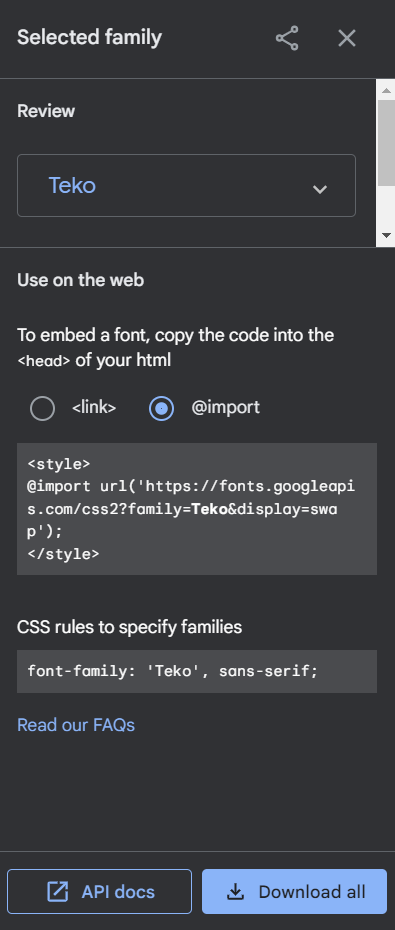
Step 3 : Then Copy that URL and paste that in Font URL box in Nord
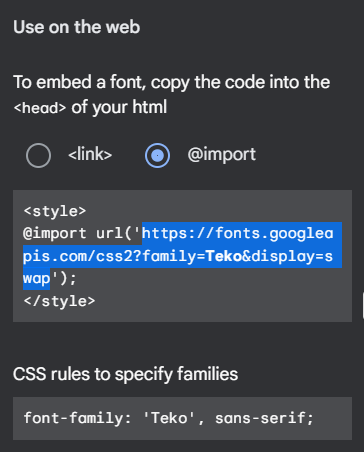
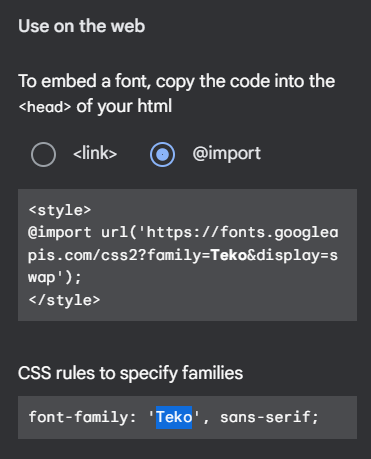
Step 4 : Then Copy that Font Name and paste that in Font Name box in Nord and click save
Install Theme
Get it on Spicetify Marketplace (Not recommended ⚠️)
Step 1 : Follow Spicetify Marketplace Installation guide and install Marketplace.
Step 2 : Open Spotify App -> Marketplace -> Themes
Step 3 : Search Nord and click install buttton. Done!
Installation Scripts (Recommended ✅)
Windows Powershell
iwr -useb https://raw.githubusercontent.com/Tetrax-10/Nord-Spotify/master/install-scripts/install.ps1 | iex
Mac/Linux
curl -fsSL https://raw.githubusercontent.com/Tetrax-10/Nord-Spotify/master/install-scripts/install.sh | sh
Uninstall Scripts
Windows Powershell
iwr -useb https://raw.githubusercontent.com/Tetrax-10/Nord-Spotify/master/install-scripts/uninstall.ps1 | iex
Mac/Linux
curl -fsSL https://raw.githubusercontent.com/Tetrax-10/Nord-Spotify/master/install-scripts/uninstall.sh | sh
Install Manually
Copy Nord Folder to your Themes folder
Then run the following command to apply the theme:
spicetify config current_theme Nord color_scheme Spotify
spicetify apply
Uninstall Manually
spicetify config current_theme " " color_scheme " "
spicetify apply
Credits
Dynamic Theming made Possible with chroma.js
Support
People who Liked this Theme
Want your name here? Just like this Repo 🤩
Like This Theme? Gimme Some ❤️ by Liking this Repository
Made with ❤️ from Chennai.

 Tetrax-10