

 TerosTechnology
Error when creating repository
I just installed Atom in which I installed the package TerosHDL.
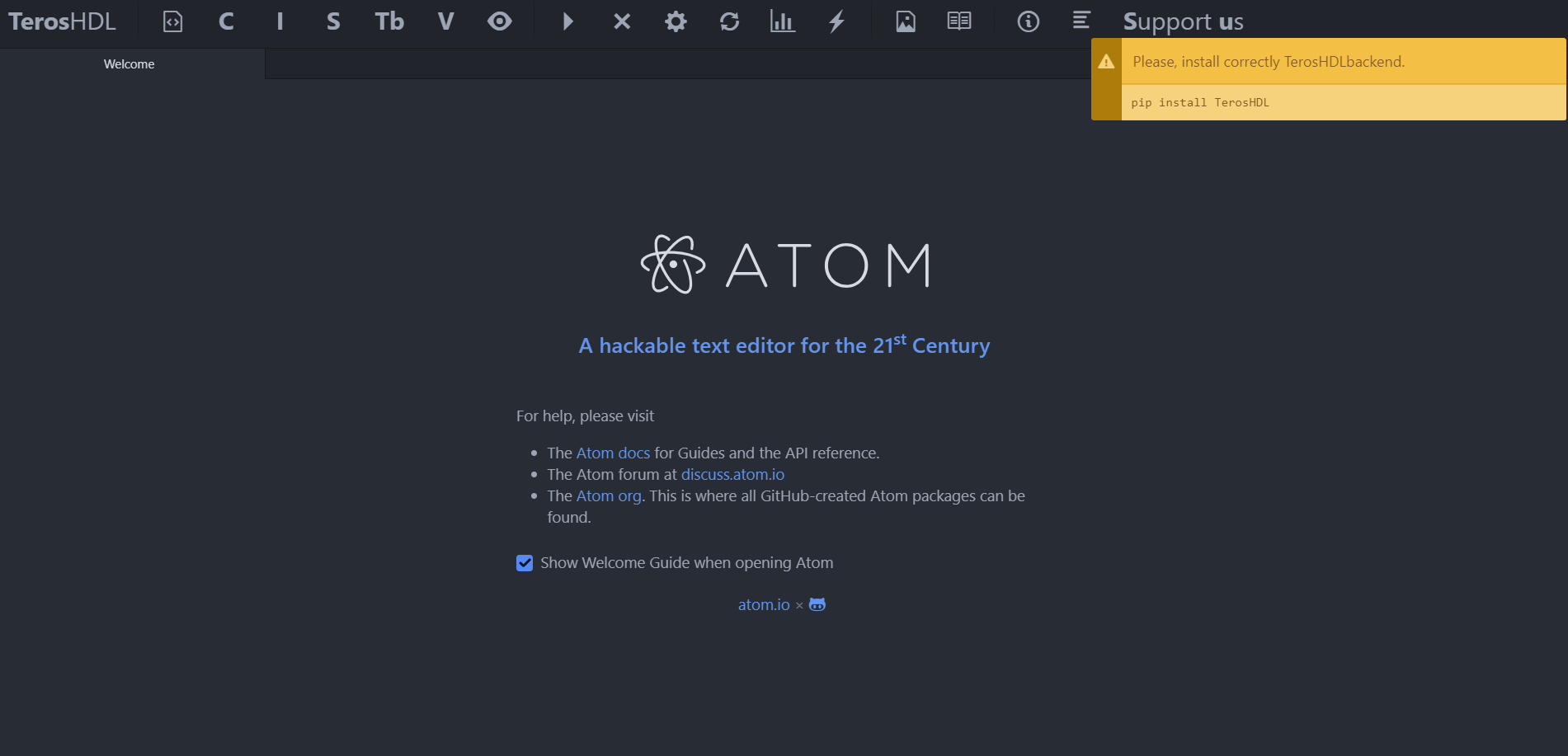
I tried creating a repository, but it doesn't let me. I get the error message as follows:
"Please, install correctly TerosHDLbackend. pip install TerosHDL"
The screenshot is attached. Please could you assist me with this matter? Many thanks.
LC

Have you installed the Python dependency?
pip install TerosHDL
What is your OS?

Hi,
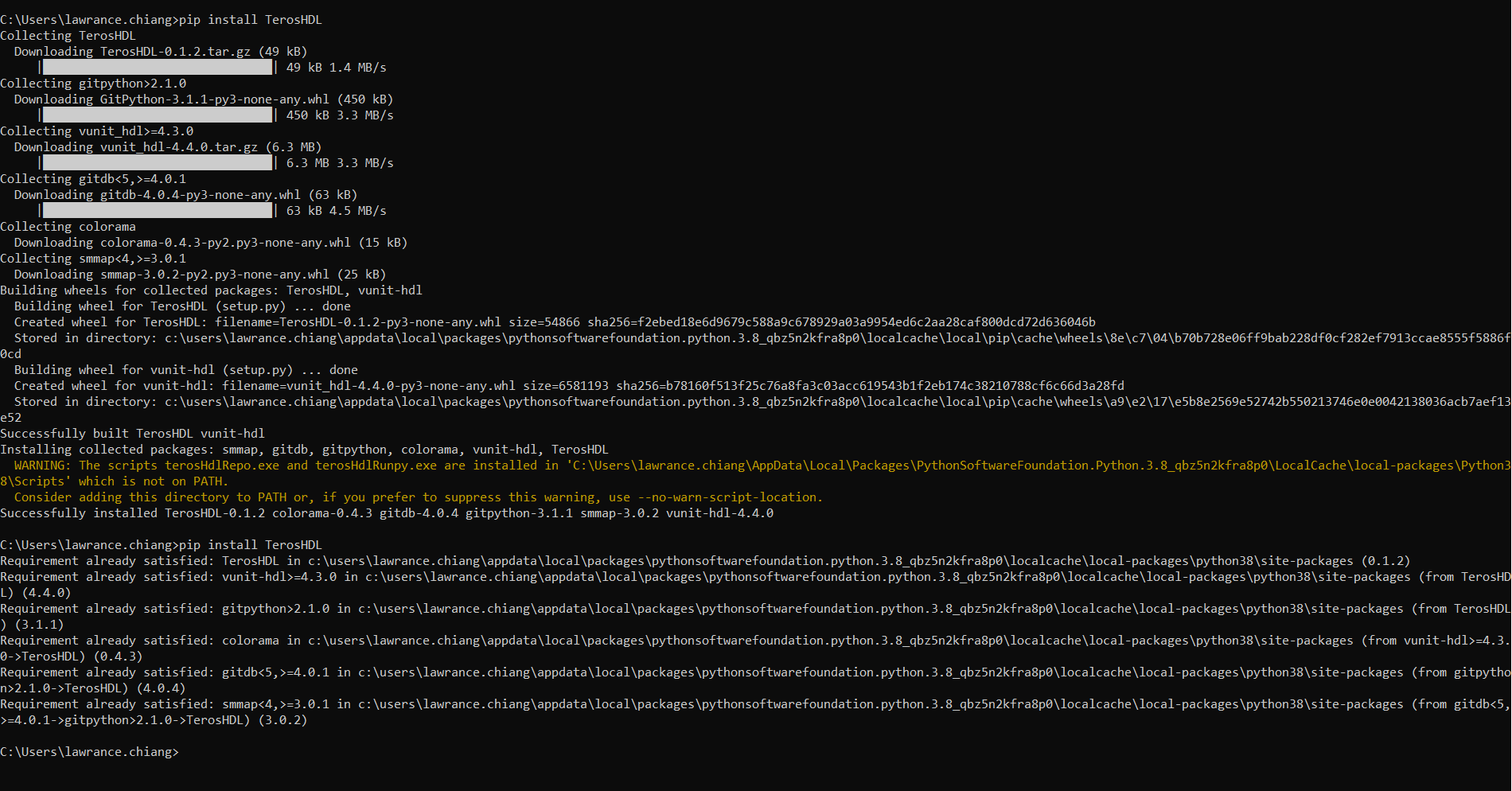
Yes, Python 3.8.2 was installed. I then ran the command "_pip install TerosHDL" (cmd.exe of Windows) as shown in the screenshot. Unfortunately afterwards when I re-attempt to create a project in Atom I see the same message, still asking me to install the TerosHDL backend.
Many thanks.
Have you installed git? Have you git in the system path?
El sáb., 2 may. 2020 15:08, lawrancechiang [email protected] escribió:
Hi,
Yes, Python 3.8.2 was installed. I then ran the command "_pip install TerosHDL" (cmd.exe of Windows) as shown in the screenshot. Unfortunately afterwards when I re-attempt to create a project in Atom I see the same message, still asking me to install the TerosHDL backend.
Many thanks.
[image: Uploading image.png…]
— You are receiving this because you commented. Reply to this email directly, view it on GitHub https://github.com/TerosTechnology/terosHDL/issues/56#issuecomment-622951097, or unsubscribe https://github.com/notifications/unsubscribe-auth/ABNN4R6NU7MZW7OZVBWEIJTRPQLLLANCNFSM4MWV3U4A .
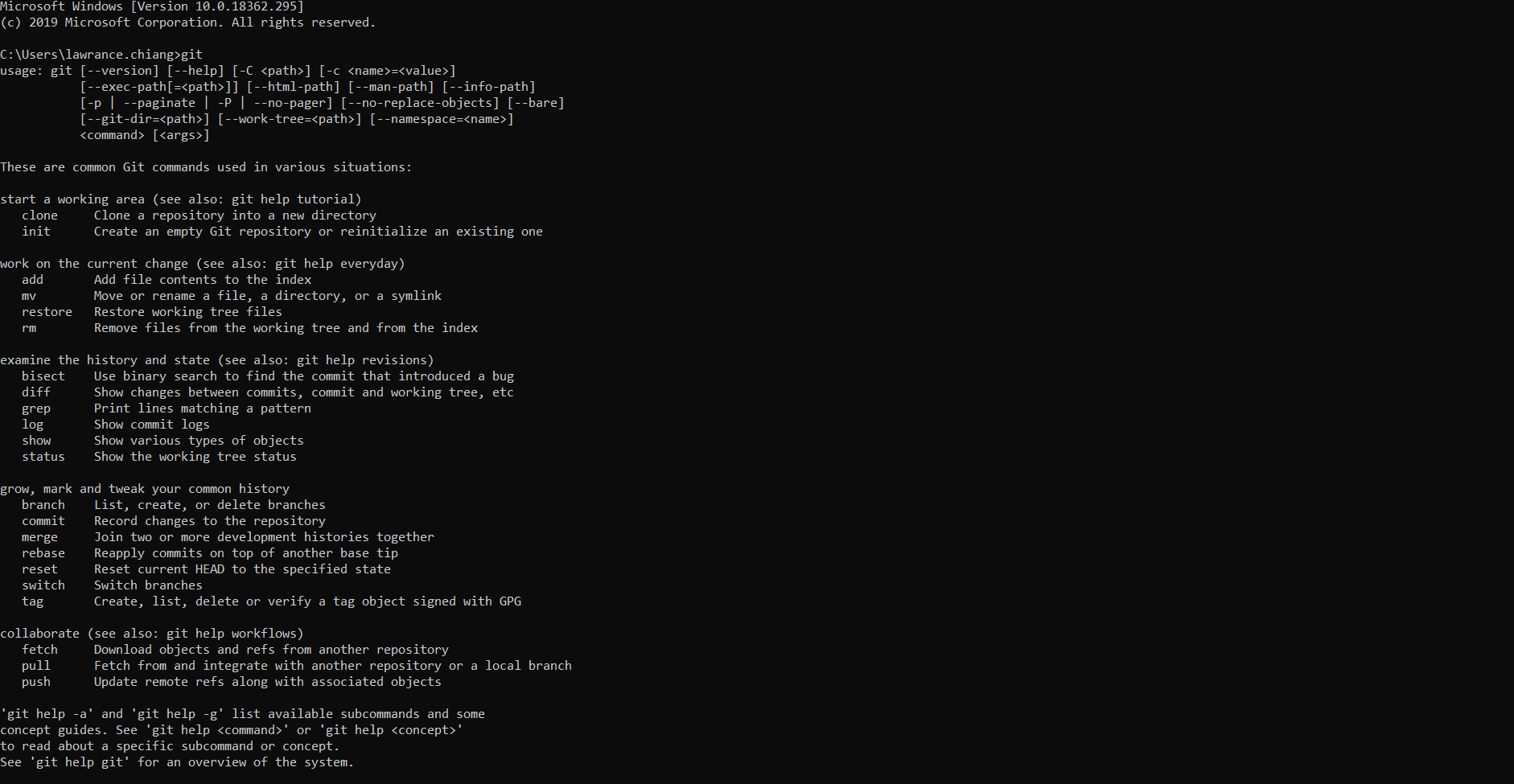
I typed "git" into cmd.exe and it seems to me like that is it installed - please see the screenshot below.

Hi,
Yes, Python 3.8.2 was installed. I then ran the command "_pip install TerosHDL" (cmd.exe of Windows) as shown in the screenshot. Unfortunately afterwards when I re-attempt to create a project in Atom I see the same message, still asking me to install the TerosHDL backend.
Many thanks.
Hi!,
I'm not sure, but the screenshot of the backend installation may be suggesting us a solution. Take a look at the warning and tell us if adding the directory to the path helps :)

@lawrancechiang
Have you had the opportunity to try the workaround?
Hi smgl9,
Apologies for the delay, and thank you for the suggestion. I'm not too familiar with cmd.exe - how do I add a directory to the path?
Many thanks,
LC
Hi @lawrancechiang
You can try this: https://stackoverflow.com/questions/9546324/adding-directory-to-path-environment-variable-in-windows