TencentARC
What is I wish to generate the mesh with multiple images ? - I have front view, left view, right view and back view of a chair - how can I create a mesh utilising all these images ?

Cam this model be modified to support Multiple ground truth consistent input from the user?

@yosun yes it can be modified just feed the input image of the same size

@codebugged the size should be - 320320 into 6 images / 4 images as both 6 and 4 multi view can be used make changes in this line - https://github.com/TencentARC/InstantMesh/blob/main/run.py for line 183 images = rearrange(images, 'c (n h) (m w) -> (n m) c h w', n=3, m=2) # (6, 3, 320, 320) instead of above just load you images using any library which has size of 6 , 3320*320
do you know which coordinate system they are using?
as a test: i tried inputting screenshots from 6 images from a 3D model in the 360%6 azimuth and also 20 and -10 deg elevations, but the results are kinda crap.
@yosun put it in this size # (6, 3, 320, 320) a big picture with 6 images together
yes but the generated result do not look good! i tried your input and got this!
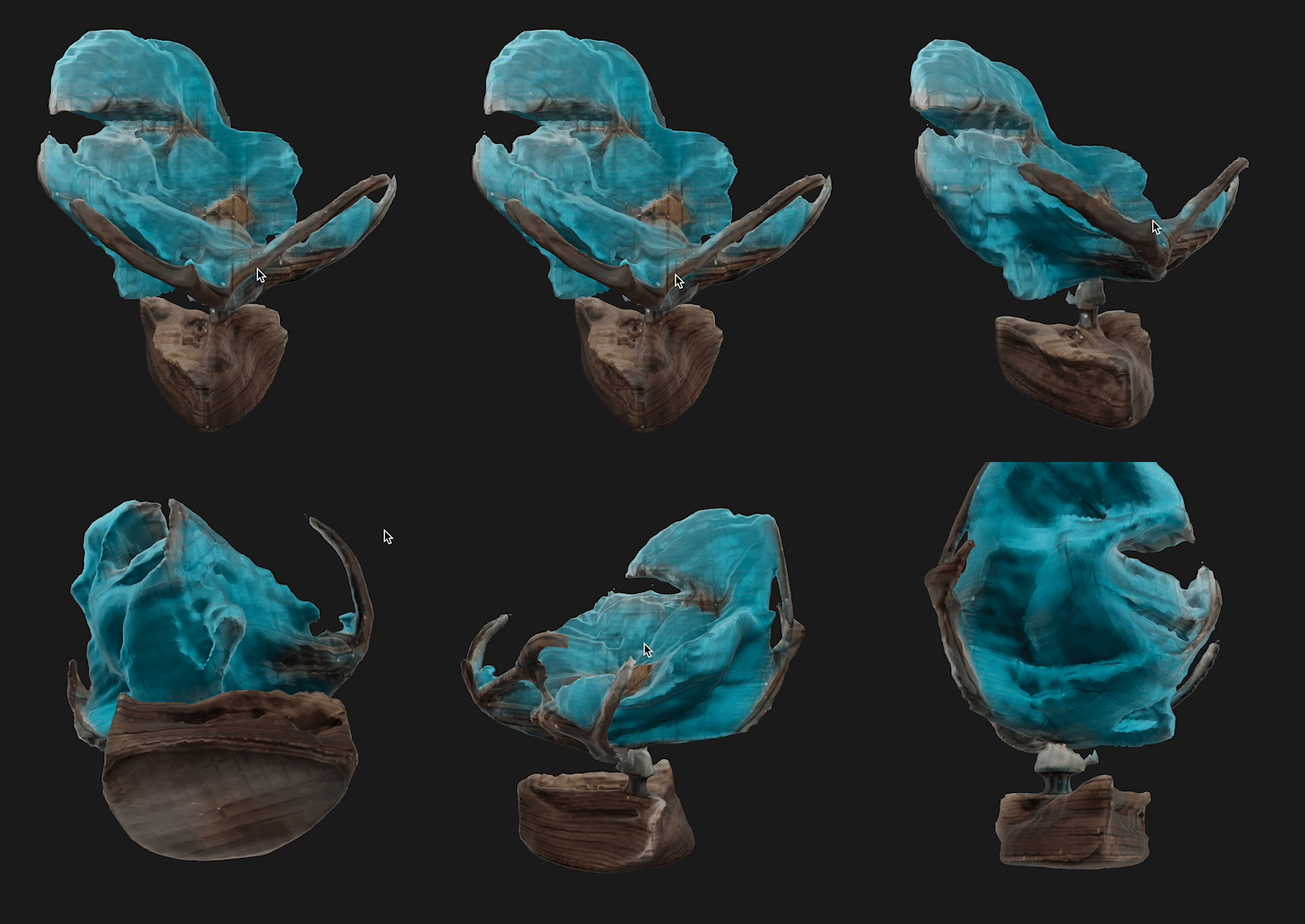
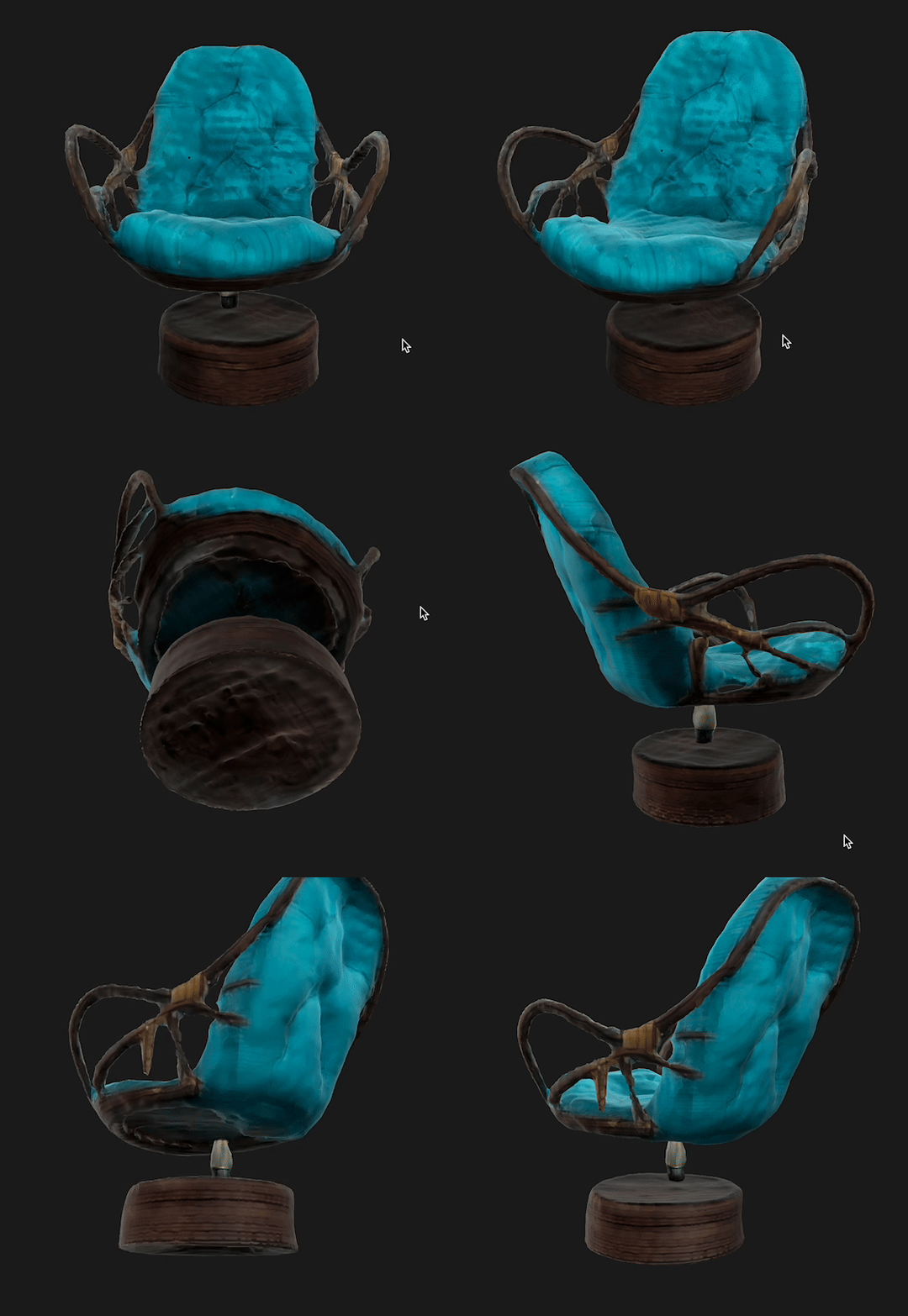


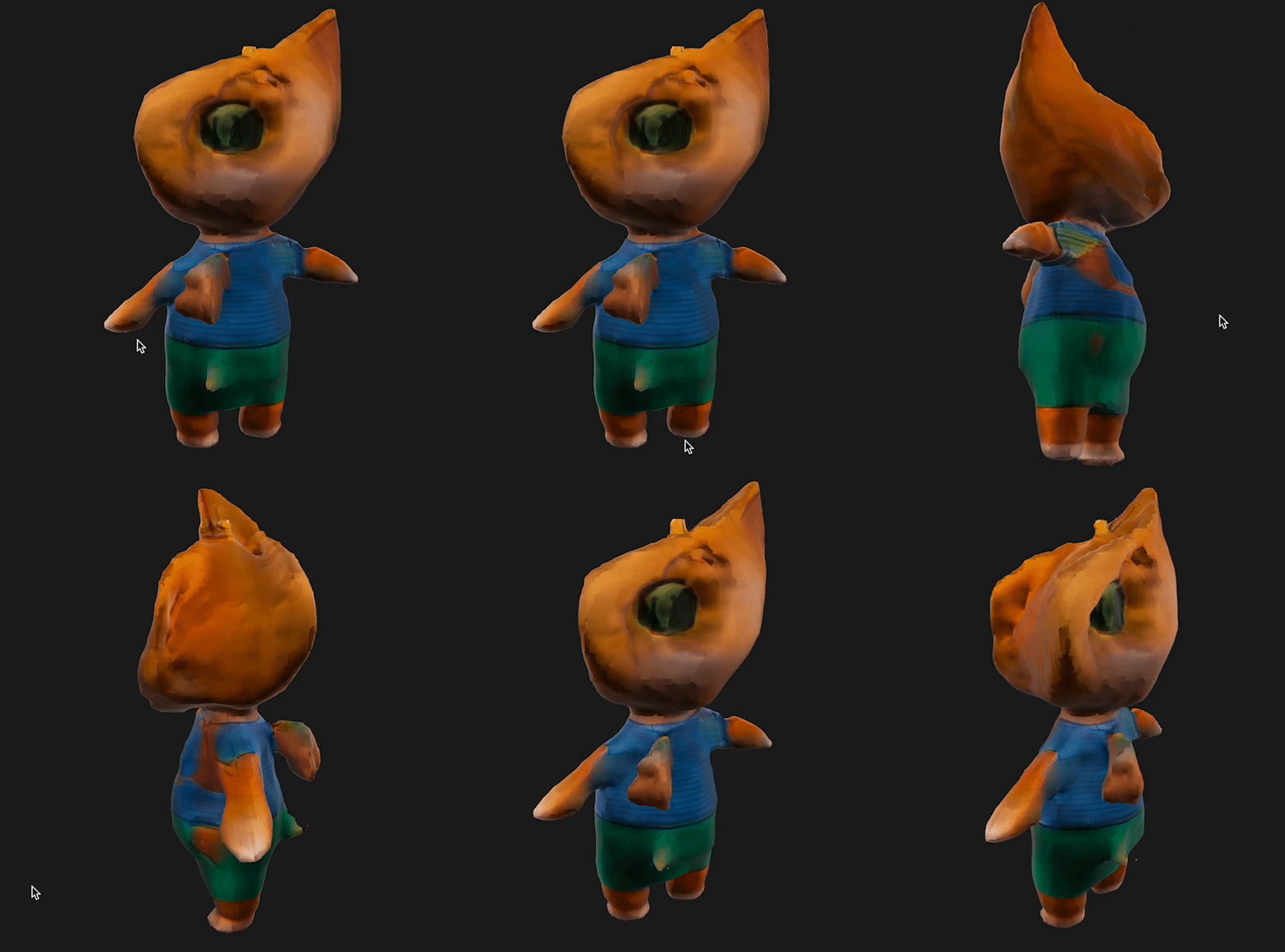
pLEASE CHECK THE AZIMUTH AND degree to be 20 as per paper - deviations from this won't give you good results .
The azimuth, elevation and camera distance of the query image is randomly
sampled from a pre-defined range. The poses of the 6 target images consist of interleaving absolute elevations of 20◦
and −10◦
, combined with azimuths relative to the query image that start at 30◦
and increase by 60◦
for each pose.
so i see one problem your first image to get the better result should be the front view or frontal view it is kind of skewed. So please make first image as front facng then use the above guidelines of azimuths and pose