
cherry-markdown

cherry-markdown copied to clipboard
 Tencent
[Bug report]图片WYSIWYG若干异常
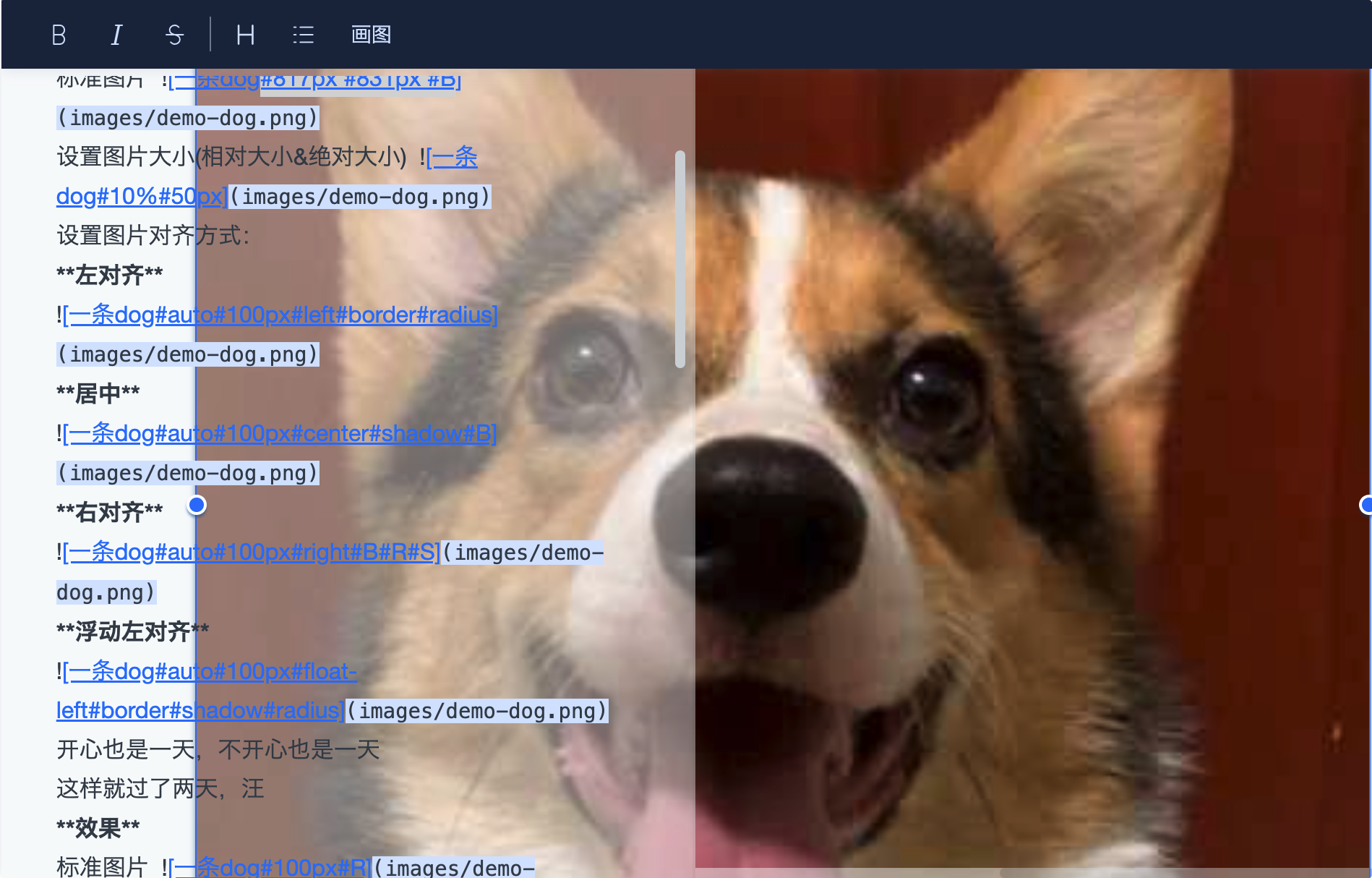
Describe the bug 点击预览区的图片进行缩放时,发现了一些问题,以下截图和视频都来自图片所见即所得编辑
图片展示问题
- 未设置
overflow属性(原始配置)
未获得焦点

获得焦点

- 手动设置
overflow: hidden;
未获得焦点

获得焦点时
图片操作问题
使用鼠标/触控板缩放图片时,当指针不在resize-handler的正中央时,首先响应的是图片的拖拽事件,放开鼠标后才又响应了缩放事件,操作很不友好(视频内可以看到操作的效果)
https://user-images.githubusercontent.com/33714914/182125153-5b5db122-a10b-4f11-8c4f-7087a272ca35.mp4
Expected behavior
- 希望预览区域的图片不要滚动到左侧的编辑区域
- 图片缩放操作友好一些
Environment (please complete the following information):
- OS: macOS
- Browser: Chrome
- Version: 0.7.6

收到,关于overflow属性,目前还是不能直接设置成overflow:hidden,主要原因是工具栏(顶部工具栏、选中文字出现的工具栏)会有二级菜单,在某些情况下会超出编辑区域。这块我再想想咋处理。 拖拽大小变成拖拽图片的问题后续优化下

该问题已修复,可在这里体验: https://tencent.github.io/cherry-markdown/examples/multiple.html