
TechStudent10



TechStudent10
Happened again. Tray icon is there. 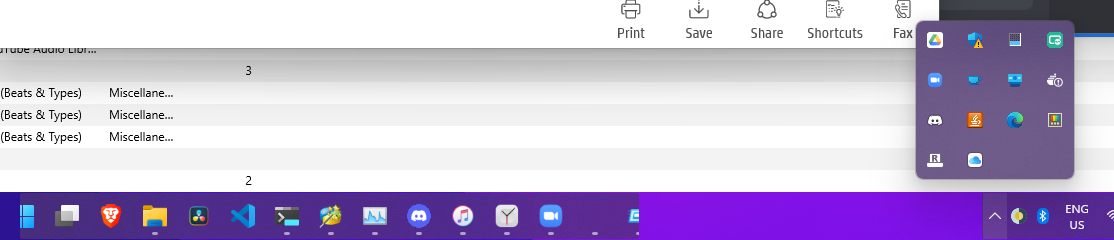
> If you right-click it, can you access the "Show RoundedTB" option? Or does it just disappear as soon as you hover over it? @torchgm ... 
> Ah, press Win+T, Tab, Space and that should bring up the extended tray. Didn't know that thanks! > If you right-click it, can you access the "Show RoundedTB" option?...
> Ah good so it's not outright crashing; can you just try toggling Advanced > Dynamic mode? (Don't forget to click apply after changing it) Toggling it off and on...
Huh it's started again  It wasn't working on my second screen for a while, but now it is.
> Wouldn't surprise me if this is an issue with the systray part of Windows 11. That on it's own is buggy enough and really not helping to see whether...
> No idea why you're so cursed I'm afraid, since I can't repro this issue on any machine. From a layout standpoint the tray on Windows 11 is more-or-less the...
> Does the setting stay saved if you open RoundedTB? There are problems with the hover detection on some machines for a yet-unknown reason that I'm looking into, but if...
> I think it should work on WSL Tried in WSL. And I can say this. It Never Gives Up and Never Lets You Down  _(That is such a...