
can-explorer
 can-explorer copied to clipboard
 Tbruno25
Visualize CAN Bus messages in real time
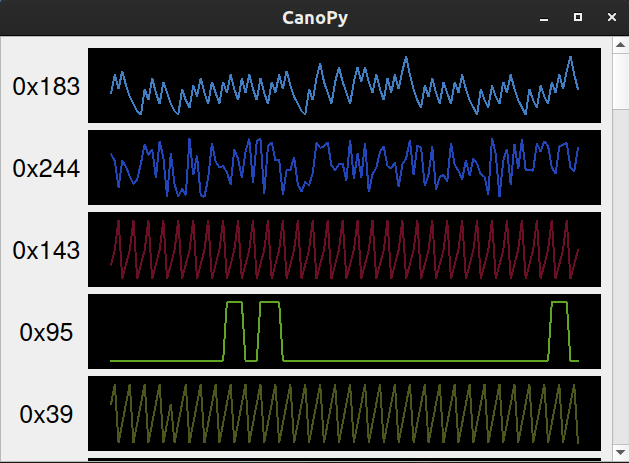
CanoPy
Canopy is a visualization tool for plotting CAN bus message payloads.
Installation
$ pip install canopy-viz
Usage
Run canopy from the command line with the appropriate arguments per your adapter.
Refer to the python-can docs for argument info.
$ canopy -i socketcan -c can0 -b 500000
Pressing i on your keyboard will ignore and clear all currently displayed id's.
Using arrow up or arrow down will adjust message buffer sizes.
Alternatively, a saved log file can be visualized by redirecting the output to a virtual interface.
First ensure the interface is up
$ sudo modprobe vcan
$ sudo ip link add dev vcan0 type vcan
$ sudo ip link set up vcan0
Then start CanoPy
$ canopy -i socketcan -c vcan0
And use canplayer to replay the log file while redirecting output
$ canplayer -I candump-messages.log vcan0=can0
Screenshot
Todo
- Display id's sorted from min to max
- Add a way to remove specific id's
- Implement unit/integration tests
 Tbruno25