

 Sub6Resources
Audio tag is not showing MP3 as loaded and ready in the controls when rendered in the app [BUG]
Describe the bug:
I have some basic <audio> tag markup in my CMS and I want this to render in my Flutter app. The audio controls show but the duration is zero and it does nothing when I hit play. The audio src is a publicly accessible MP3. I can play video with the <video> tag fine and was able to play the 'bunny' clip that is on the W3C page fine.
HTML to reproduce the issue:
<audio controls=""><source src="https://www.soundhelix.com/examples/mp3/SoundHelix-Song-10.mp3" type="audio/mpeg" /></audio>
Html widget configuration:
Difficult to put all this together but do I need to set custom renderers for this? As mentioned, the <video> tag worked fine.
Screenshots:
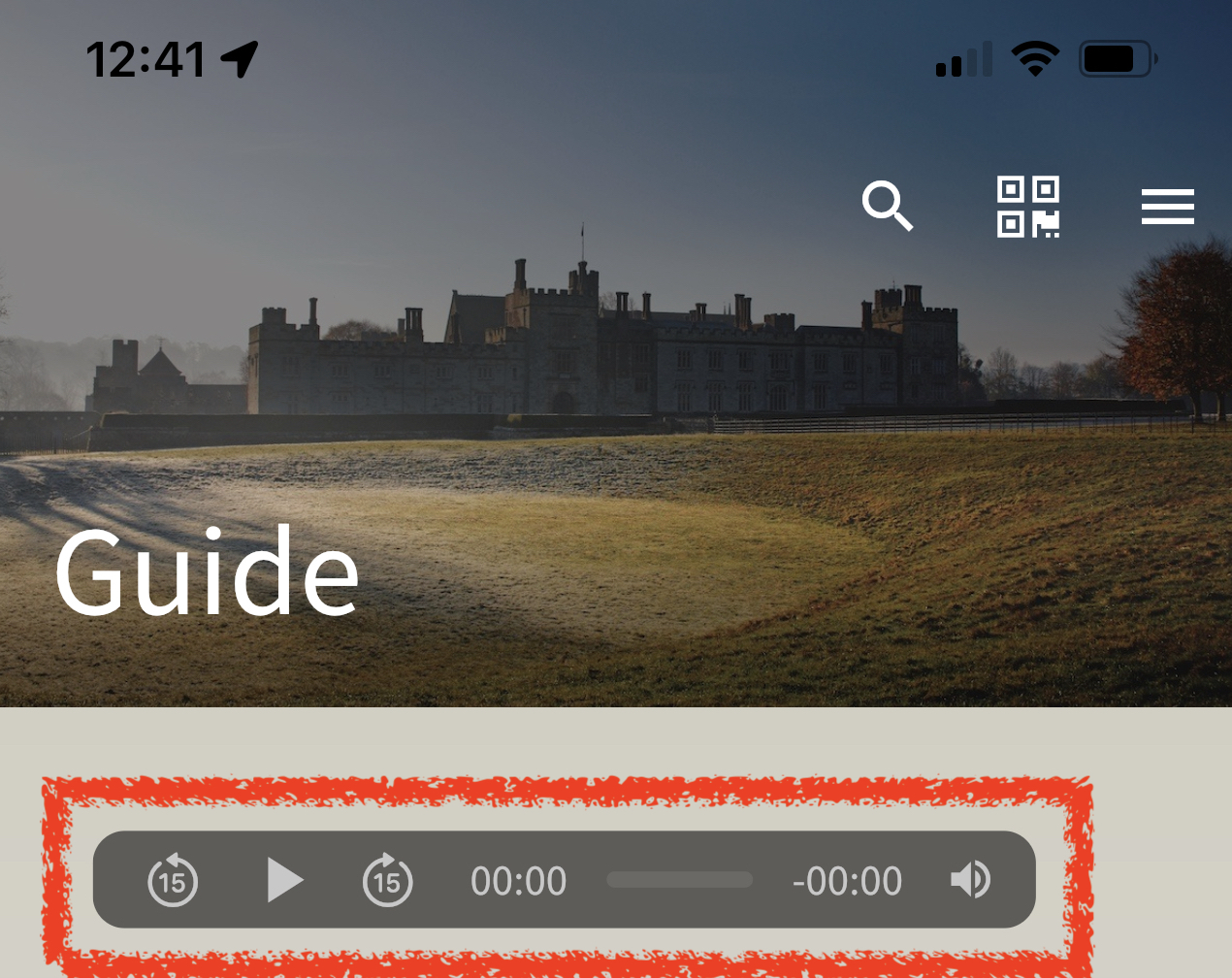
Device details and Flutter/Dart/flutter_html versions:
flutter_html: ^3.0.0-alpha.2 running in the Simulator but also seeing the same issue on the device which is iOS 15 iPhone 12 pro Max.
Stacktrace/Logcat Doesn't throw an error.

Was this working in earlier versions of flutter_html for you? I'll give this a debug/try as soon as I have some free time. Bit clogged up at work atm.

I've not tried it before. I can't think what it could be. It was in the sim but the video tag worked.
Closing this issue, since all the packages involved (chewie, chewie_audio, and video_player) have seen lots of updates since this issue was opened. Please let me know if you are still experiencing this issue.
