start-os
 start-os copied to clipboard
 Start9Labs
[bug]: Embassy UI became unresponsive during electrs initial index
Prerequisites
- [X] I have searched for existing issues that already report this problem, without success.
EmbassyOS Version
0.3.0.3
Device
Laptop/Desktop
Device OS
Linux
Device OS Version
Pop!_OS 21.10
Browser
Brave
Browser Version
Version 1.38.119
Current Behavior
During the initial electrs indexing my Embassy UI became unresponsive. I could still SSH into the embassy, but I could not use the UI. I could still click around in the UI but it wasn't loading properly. I was connecting through the .local address.
Expected Behavior
I would have expected it to not become unresponsive
Steps to Reproduce
- Install electrs
- Start electrs
- After about 10-15mins the Embassy UI became unresponsive
Anything else?
Thanks to @chrisguida who helped me debug the issue.
Unresponsive UI example
I could still click around the UI but actions didn't work. When trying to stop a service with the UI, it had a spinner and said Stopping... but never finished.
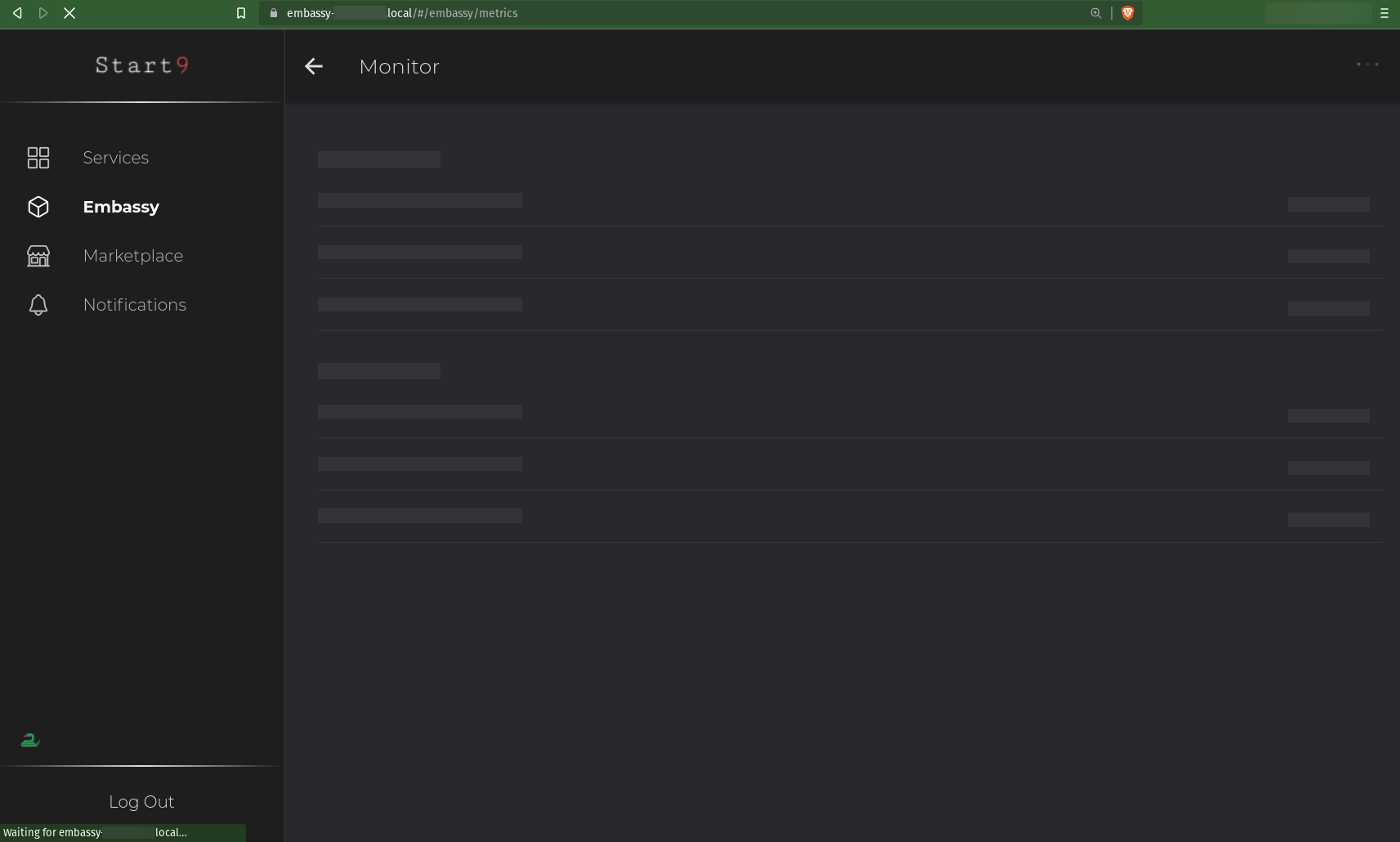
The monitor page was like this, forever loading.
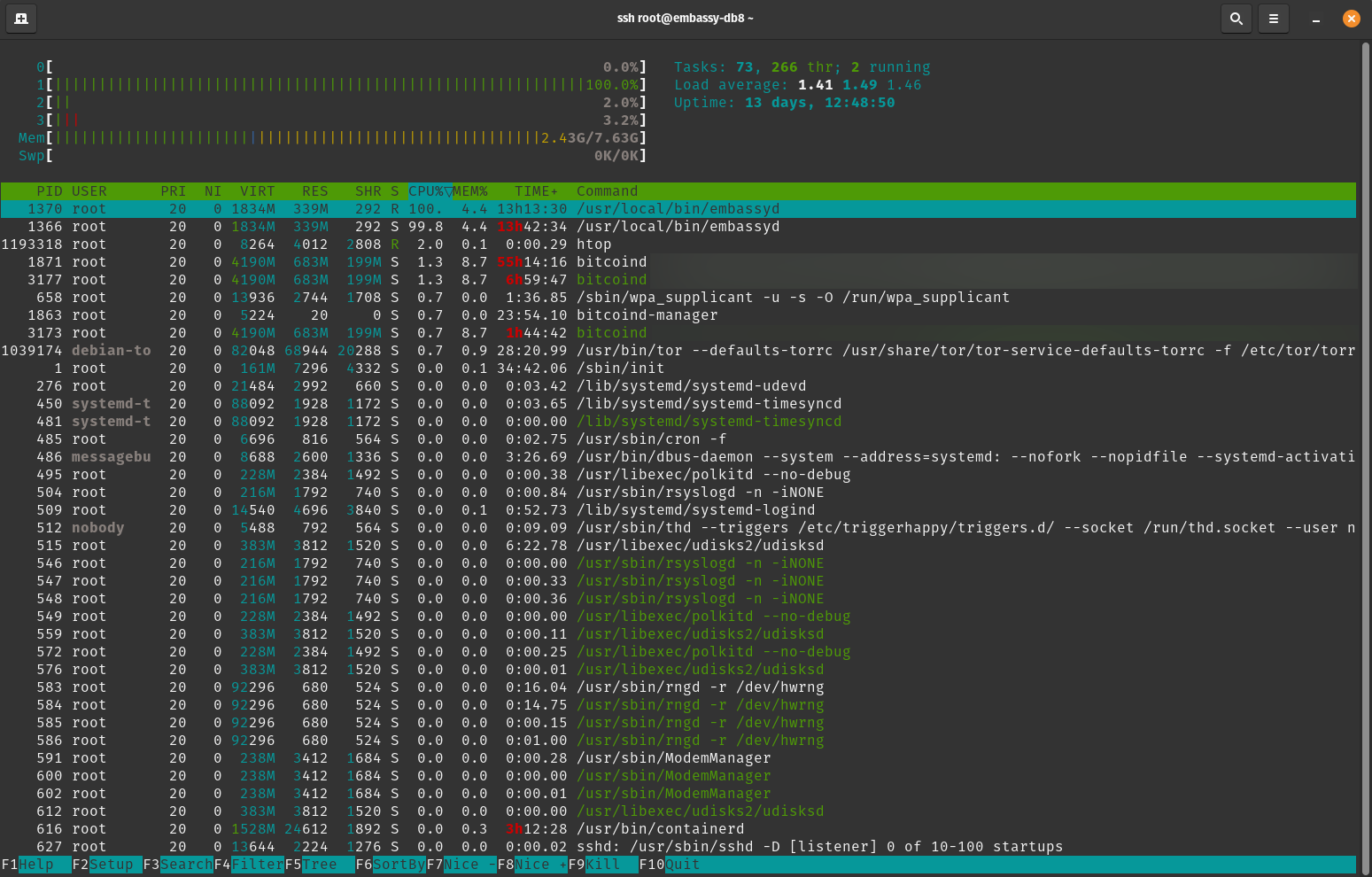
htop output
As you can see embassyd was maxing out one of the CPUs.
docker ps output
(Removed ports and container IDs from output)
IMAGE                            COMMAND                  CREATED        STATUS        NAMES
start9/electrs/main:0.9.7        "docker_entrypoint.sh"   13 hours ago   Up 13 hours   electrs.embassy
start9/mempool/main:2.3.1.4      "docker_entrypoint.sh"   13 days ago    Up 13 days    mempool.embassy
start9/vaultwarden/main:1.22.2   "/usr/local/bin/dock…"   13 days ago    Up 13 days    vaultwarden.embassy
start9/synapse/main:1.42.0       "docker_entrypoint.sh"   13 days ago    Up 13 days    synapse.embassy
start9/bitcoind/main:22.0.1      "docker_entrypoint.sh"   13 days ago    Up 13 days    bitcoind.embassy
Resolution
The problem was resolved by running systemctl restart embassyd and I haven't had any issues since
Misc
- Nothing of interest was in the kernel logs (
dmesg -H) - Before starting electrs the memory usage was only 20%.
- Hardware: Raspberry Pi 8GB

This same sort of issue happened again a few days ago (embassyd using 100% of one CPU and being unresponsive). It happened around the time I started a coinjoin round with Sparrow + electrs. Not sure if that's related.
Attached is the output of journalctl -u embassyd -n1000 as requested. Looks like the logs stopped on May 28, which is when the issue started.
What are your Bitcoin RPC thread and work queue settings? Bitcoin service -> Config -> RPC -> Advanced
If they are defaults, try to up threads to 3 or 4, an work queue to 32. This is not likely to be the core reason for embassyd taking up resources (I believe this issue has been discovered elsewhere by @dr-bonez ), but may help with this particular issue.

@kn0wmad sorry for the late reply! I had the defaults for those settings. I've updated to 4 threads and work queue 32. Will see if that helps. Thanks!
Proactively closing. Please reopen if the workqueue settings didn't address the issue.

Looks like changing the settings didn't address the issue. It happened again, though this time it was after restarting to apply the v0.3.1.1 update. I downloaded the update, clicked the "restart to apply" button, and then it became unresponsive.
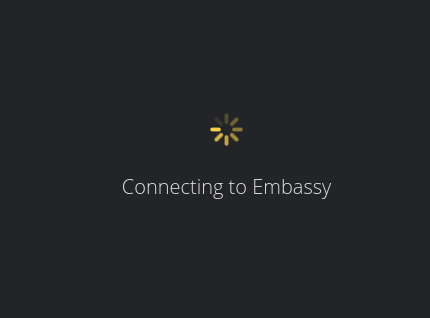
The UI now just says "Connecting to Embassy" forever and the API returns 502.

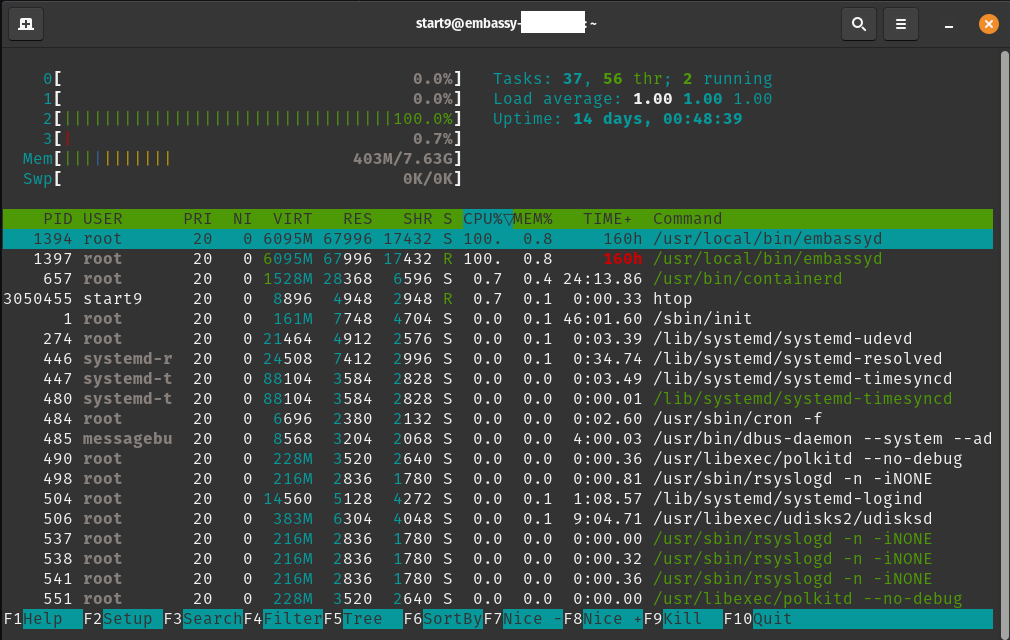
I SSHed in and it looks like it actually failed to update as it's still on EmbassyOS v0.3.1 - 244260e34a9152ddd9d8e864f162bc9d112dc178.
htop output
embassyd is maxing out one of the CPU cores again
docker
No docker containers are running
# docker ps
CONTAINER ID   IMAGE     COMMAND   CREATED   STATUS    PORTS     NAMES
Logs
Attaching the output of journalctl -u embassyd -n1000 again.
Let me know if you need any more info before I restart embassyd.
Given that your Embassy is still on 031, this is likely the shutdown issue. Power cycle should fix.
Thanks for the logs and metrics snapshot, this might be helpful in diagnosing. Keeping closed in favor of #1396. @dr-bonez

I don't think this is the same issue. In #1396 did embassyd peg @cryptodread's CPU?
Also, @BBlackwo's previous instances of this did not involve a shutdown.

This happened again today, this time after I restarted my embassy. It immediately became unresponsive after restarting. embassyd again was using 100% of one CPU.
Restarting it a 2nd time resolved the issue.