

 SpecFlowOSS
low priority; reset the table number per feature file for generation (v3)
SpecFlow Version:
- [X] 3.0
Used Test Runner
- [X] MSTest
Visual Studio Version
- [x] VS 2017
The current behavior is that a lot of your generated files will show a delta when you add a single file. This is because of the table being a number calculated over all the feature files.
Here is an example commit with a lot of these changes. https://github.com/BasHamer/PossumLabs.Specflow.Selenium/commit/4fc2e3a58972d9328e0606fb34cc5755e34cb345
see for example: PossumLabs.Specflow.Selenium.UnitTests/features/Google.feature.cs
not a big deal but it does create more noise for people to review for check-ins.

Why do you checkin the feature.cs files at all? You are already using the MSBuild generation.


@nikitozeg When do you provide the PR for it? ;-)
SpecFlow is an open source project. Everyone can contribute to it.
@nikitozeg When do you provide the PR for it? ;-)
SpecFlow is an open source project. Everyone can contribute to it.
I am glad to fix this issue, but not sure what class and methods need to be fixed
@SabotageAndi, To answer the question, the reason why I opened it isn't for the people that can easily dig through the code and diffs. This is for folks who are introduced to C# trough Specflow. When you are learning lots of moving parts can be very overwhelming, and unexpected changes in files you didn't think you touched are scary when you have not yet learned to trust your tools. It is a UX thing for novice coders/developers.
@nikitozeg the code for it is here: https://github.com/techtalk/SpecFlow/blob/master/TechTalk.SpecFlow.Generator/UnitTestFeatureGenerator.cs#L698
@BasHamer you are right, the code-behind file is part of the UX. We could be better to describe that part of SpecFlow.
@nikitozeg the code for it is here: https://github.com/techtalk/SpecFlow/blob/master/TechTalk.SpecFlow.Generator/UnitTestFeatureGenerator.cs#L698
@BasHamer you are right, the code-behind file is part of the UX. We could be better to describe that part of SpecFlow.
I really need for fix this issue, as soon as possible. And I din't know how to debug this generator
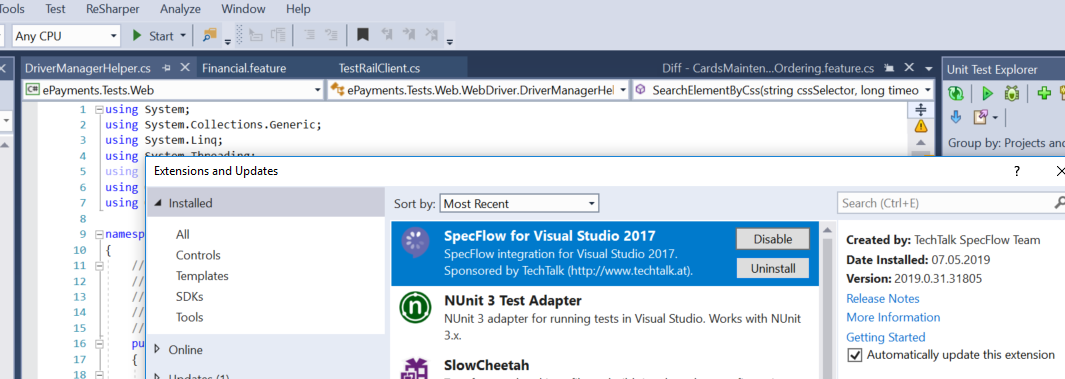
Hi, I have the same issue, when I'm adding a new scenario with a table to feature file, specflow assign a new number (for example - TechTalk.SpecFlow.Table table51 ) for table and old tables number going to change. VS2017 - 15.9.6 SpecFlow.Tools.MsBuild.Generation - 3.0.213 SpecFlow - 3.0.213 NUnit - 3.12

Why do you checkin the feature.cs files at all? You are already using the MSBuild generation.
VS check this difference between files
@BasHamer I am also facing the same issue. Please share the solution if you have resolved it. Thank you.
VS 2022 MS Test Specflow version : 3.9.50

