
SpecFlow.VisualStudio
 SpecFlow.VisualStudio copied to clipboard
Published
20 hours ago •
 SpecFlowOSS
SpecFlowOSS
Step bindings are not not working: System.NullReferenceException
Hi,
Bindings are not working and I have the following exception when I enable SpecFlow tracing:
[15:34:13.1540370] GherkinProcessingScheduler: Applying task 'Analyze Test.feature.cs (BindingFilesTracker)' on thread: 40
[15:34:13.1540370] BindingFilesTracker: Analyzing binding file: Test.feature.cs
[15:34:13.1540370] BindingFilesTracker: Exception: System.NullReferenceException: Object reference not set to an instance of an object.
   at TechTalk.SpecFlow.VsIntegration.Utils.VsxHelper.<GetClasses>d__33.MoveNext()
   at TechTalk.SpecFlow.VsIntegration.Bindings.Discovery.VsBindingRegistryBuilder.ProcessBindingsFromProjectItem(ProjectItem projectItem, IdeBindingSourceProcessor bindingSourceProcessor, List`1 relatedProjectItems)
   at TechTalk.SpecFlow.VsIntegration.Bindings.Discovery.VsBindingRegistryBuilder.GetBindingsFromProjectItem(ProjectItem projectItem, List`1& relatedProjectItems)
   at TechTalk.SpecFlow.VsIntegration.LanguageService.BindingFilesTracker.Analyze(BindingFileInfo fileInfo, ProjectItem projectItem, List`1& relatedFiles)
   at TechTalk.SpecFlow.VsIntegration.LanguageService.ProjectFilesTracker`1.AnalyzeInternal(TFileInfo fileInfo, Boolean fireUpdatedEvent, Boolean analyzeRelatedFiles)
I can still run the tests so I assume it must be a problem with the extension. I'm using VS2015 with the SpecFlow for Visual Studio 2015 extension (version: 2017.1.6).
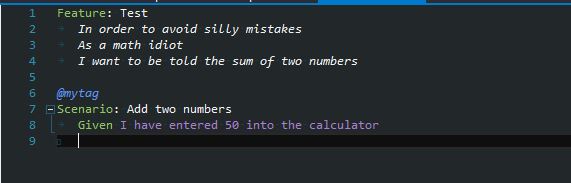
In attachments the project that I used to do the test. Test.zip
Thanks, Rémi
