

 Snapmaker
Setting work origin issue – using laser
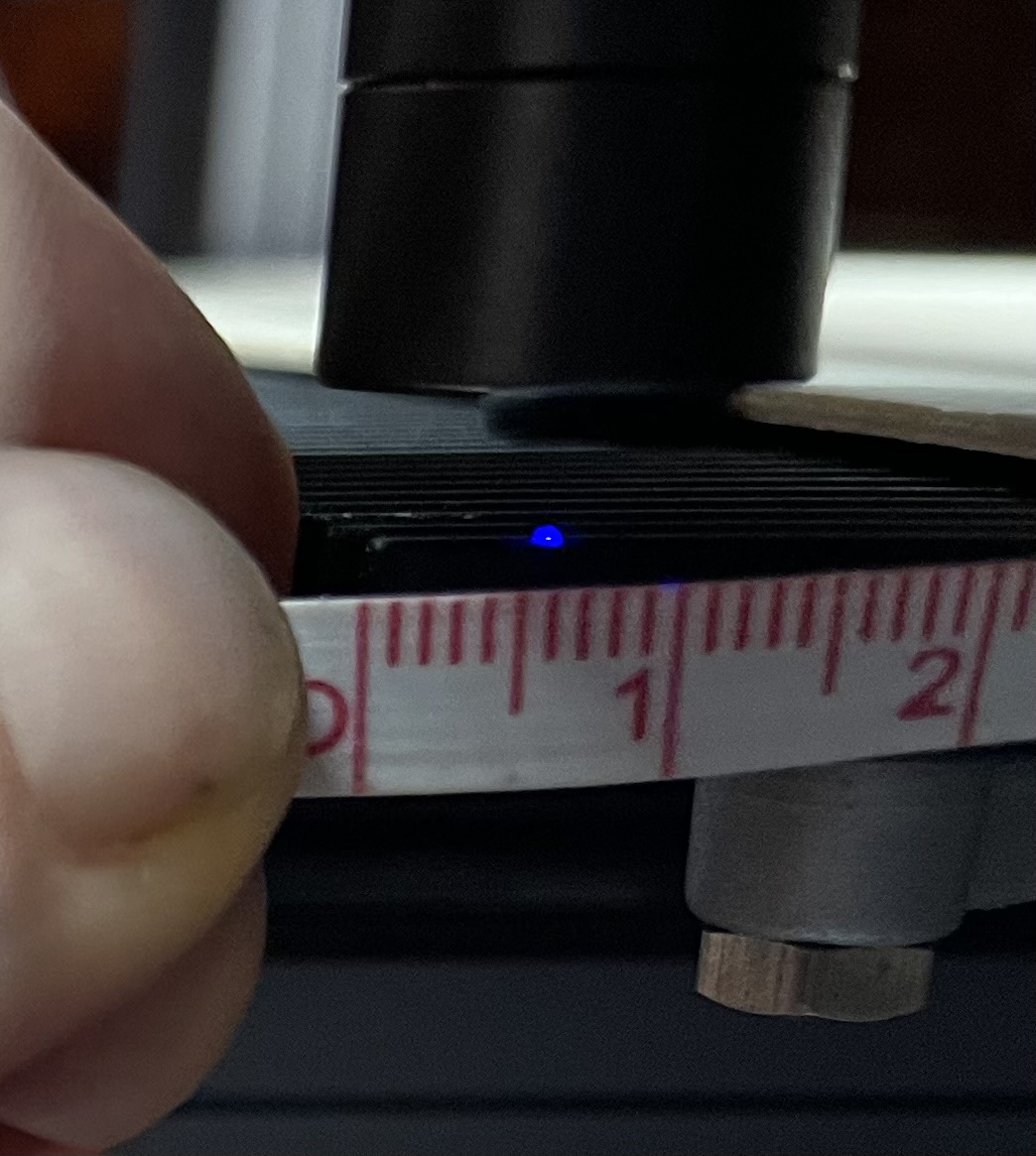
I am engraving basswood (300x300x1.5). Trying to set work origin for bottom right. Since I have the machine sideways as it is on a narrow workbench, this is the best spot to accurately set the work origin. Setting using the machine interface results in the same behavior as setting it in Luban. I am using the latest versions: 4.0.3 Luban & 1.13.2 firmware. The "Y" coordinate works fine and I can fine tune it off the laser metal bed. The issue is the "X" coordinate. It will not go to the end of the bed. It stops short about 6mm. I used the 10mm, 1mm, and 0.1mm adjustment and this is the closest to the end I can set as the work origin (or even move the controller to).
Please see the picture for details. The blue dot is on the top of the last spline of the bed in the "Y" direction. Again I am attempting to set work origin to the "bottom right". I repeat this is the same maximum for both the Snapmaker controller UI and Luban. Clicking on the move icon results in no movement for any distance setting (0.1mm, 1mm, or 10mm).
 .
.
