
Luban

Luban copied to clipboard
 Snapmaker
Bug: Concentric infill in 3d printing 4.3.2
Affected Version(s)
4.3.2
To Reproduce
-
Select Snapmaker Original machine, choose 3d printing, Insert model, setup a TPU profile or select one if you have one.
-
set walls and top+bottom to 1.2mm, layer 0.2mm, initial 0.28mm. Infill 20% with infill as CONCENCTRIC.
-
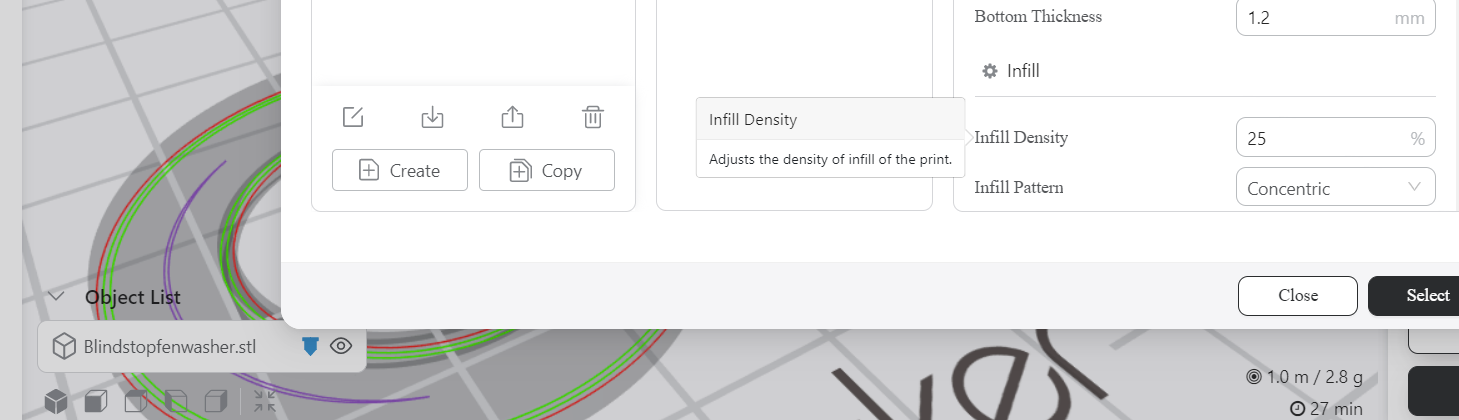
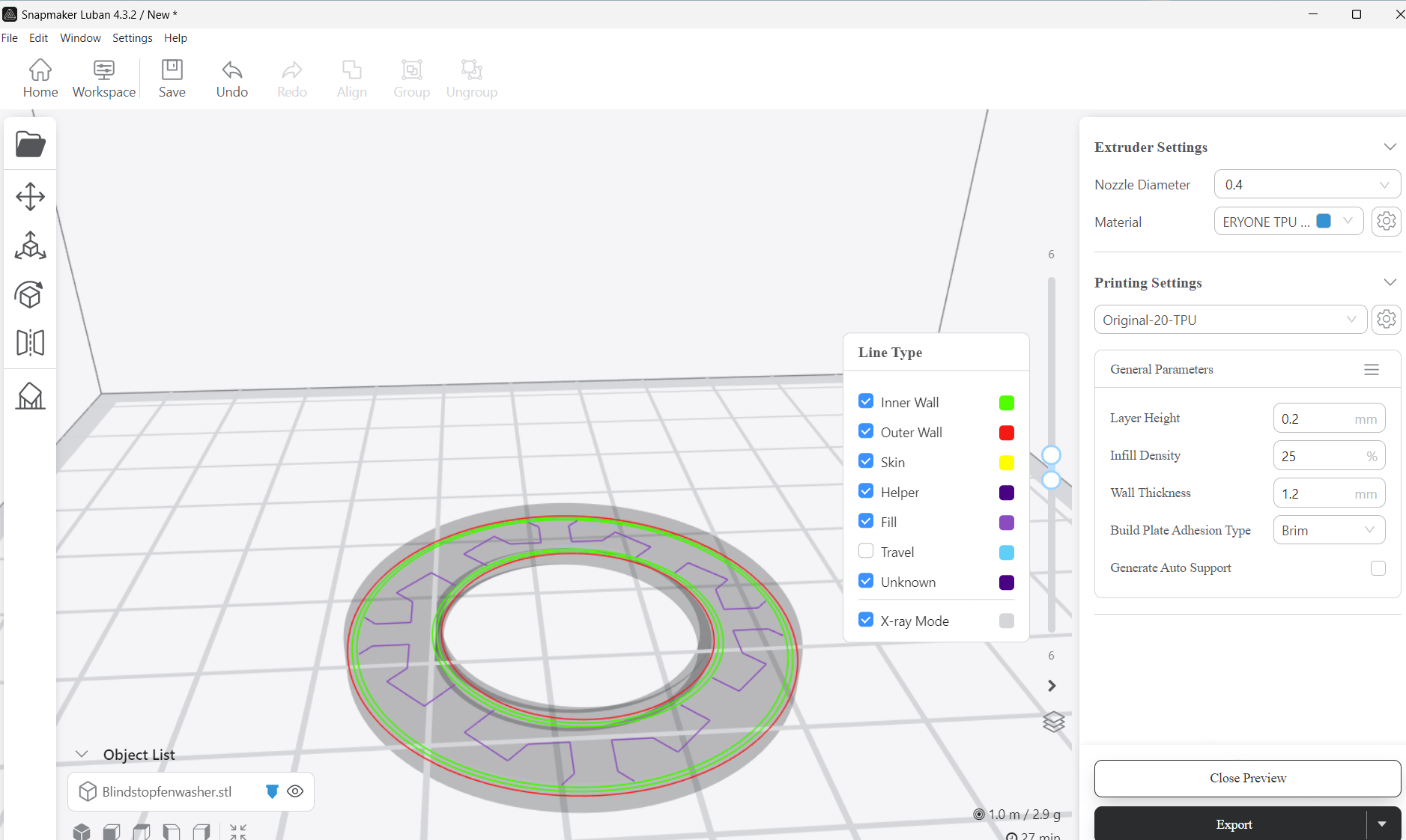
Look at layers 6-7 or the infil layers, there was no infil. Changing to 25% had some slanted concentric circles (two lines less than 50% of the way around concentric infill area and more like 2% coverage compared to 0% when selecting 20% concentric infill).
-
Change infil to cross and look at same infil layers, they appear reasonable.
🌍 Your Environment
Platform:
- Operating System: [Windows 11 x64]
- Printer: [Snapmaker Original] Blindstopfen_washer.zip


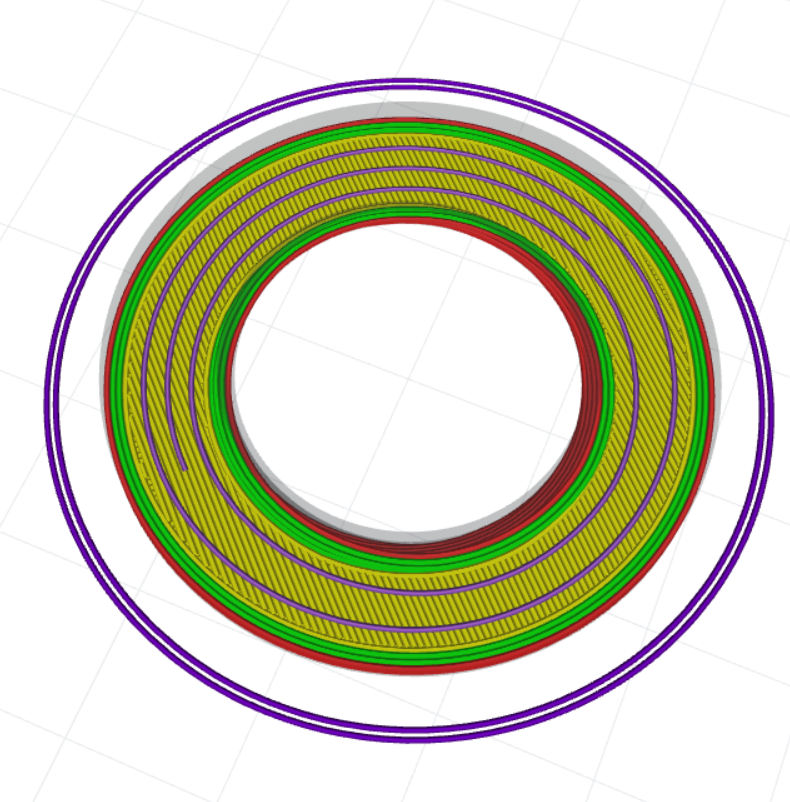 The problem still seems to exist in the new engine, keep following up.