
Simple-File-Manager

Simple-File-Manager copied to clipboard
 SimpleMobileTools
Delete file bug on OTG storage
Versions newer than 6.11.3 are unable to delete files on removable storage (OTG) - something about a Java error. I'm using Android 11 RKQ1.200826.002 MIUI 12.1.1.0 (RFJEUXM) on a Xiaomi Mi 9T smartphone.


I documented the behavior of version 6.12.4 Pro (from F-Droid) with the following examples on a 64Gb exfat USB stick (all the stored data for the app was cleared after the update, permission to access the OTG drive was granted):
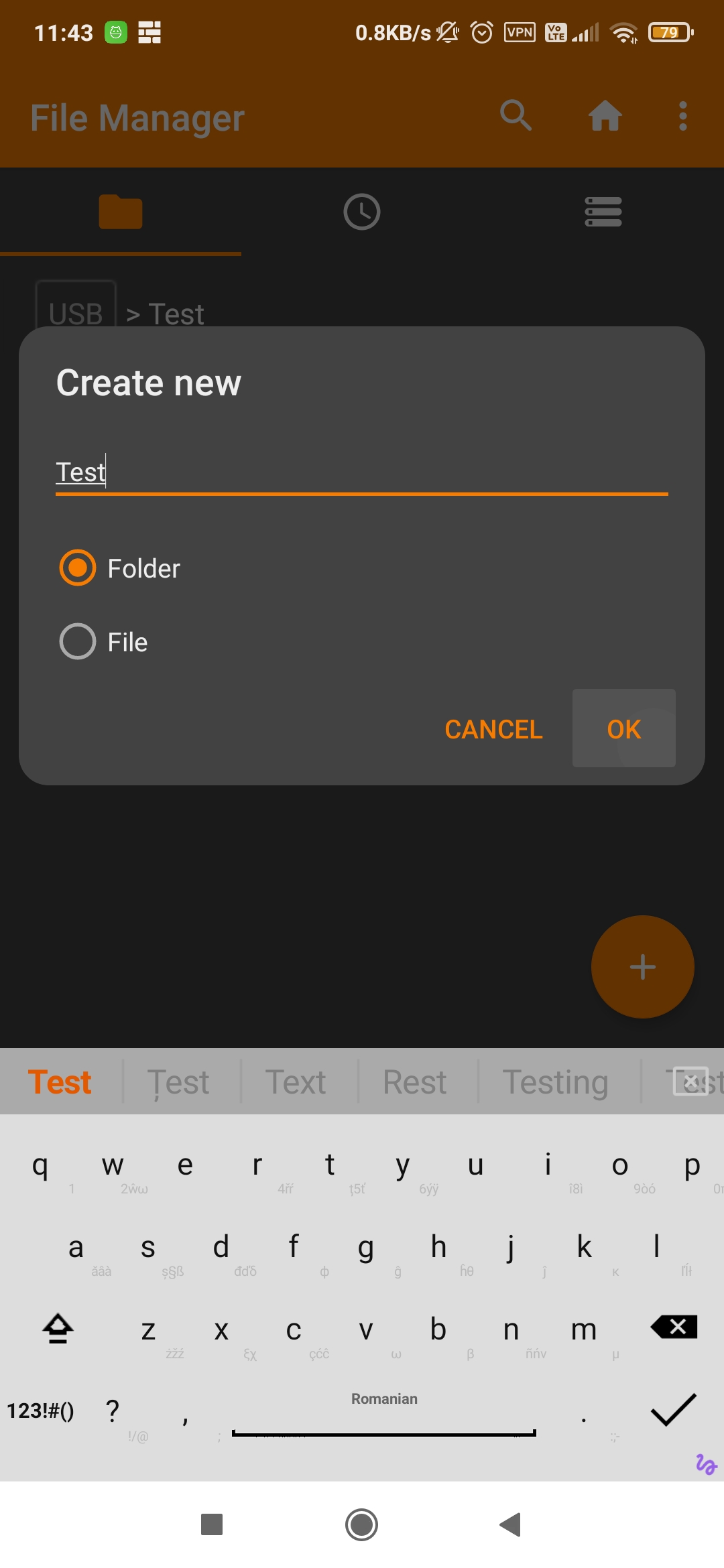
- I tried to create a folder on the USB drive. Nothing happens on "Ok" command (first screenshot).
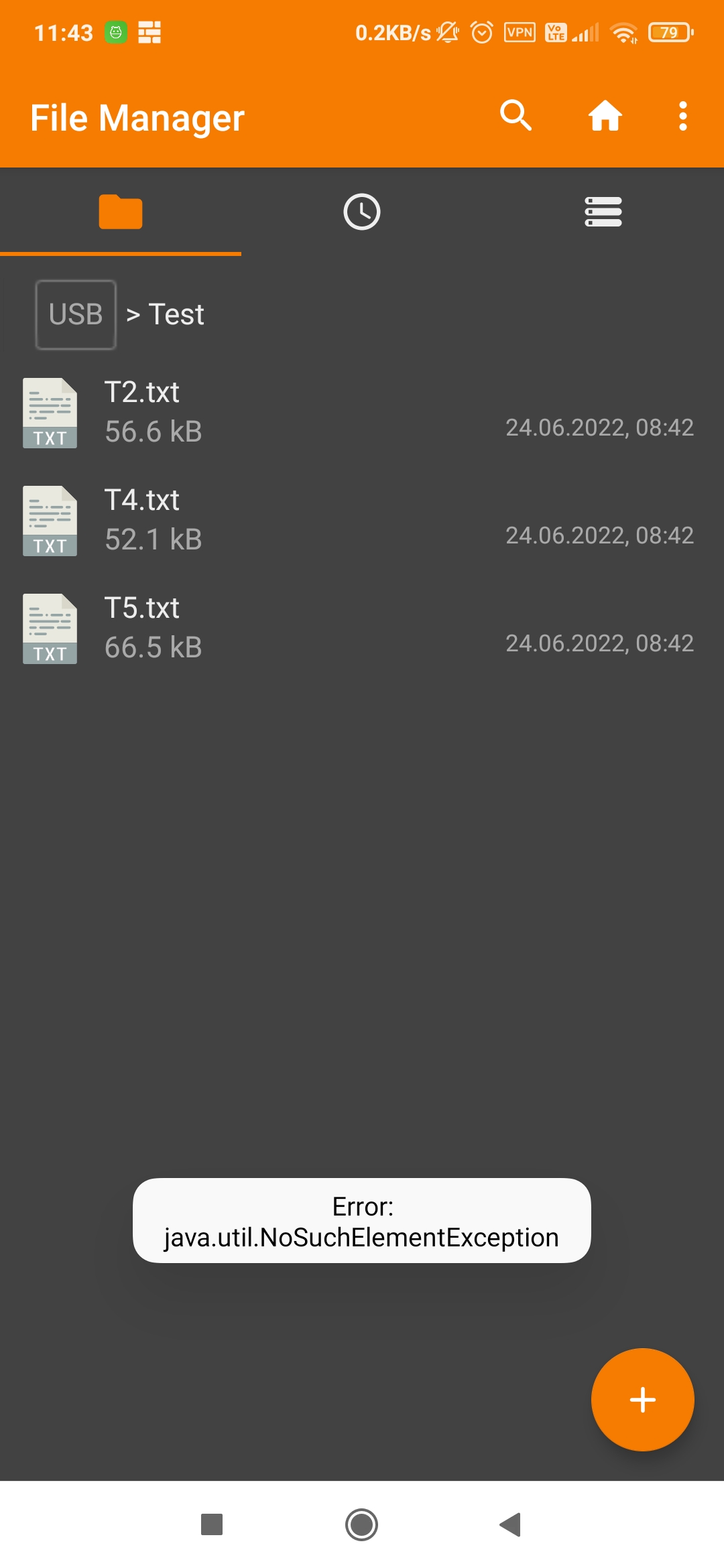
- I deleted the first test file. The "Error: java.util.NoSuchElementException" flashed on the screen (second screenshot). After a refresh the deleted file reappeared.
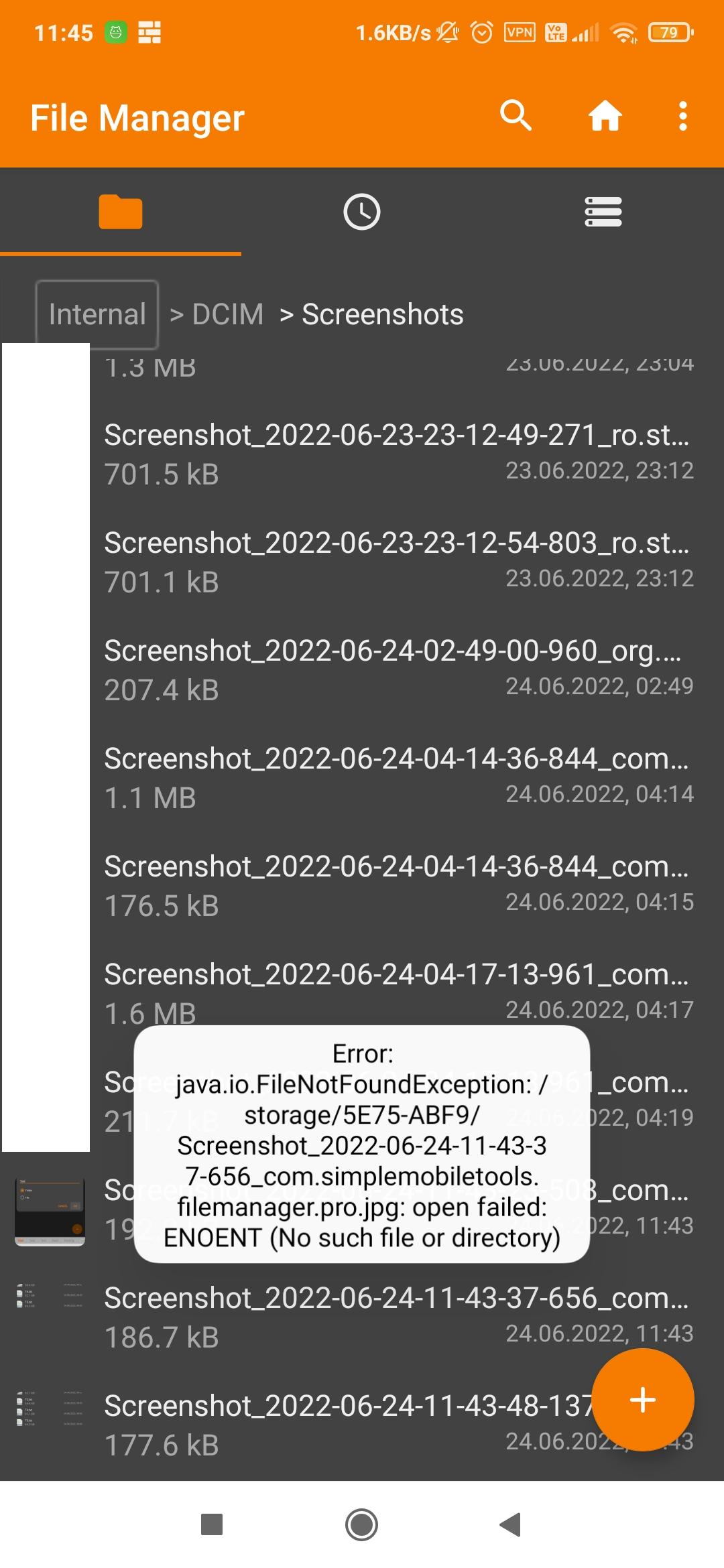
- I tried to move the screenshots on the USB drive. The "Error: java.io.FileNotFoundException: {file location}: open failed: ENOENT (No such file or directory)" (third screenshot) followed by "Error: java.lang.NullPointerException" (fourth screenshot) flashed on the screen.
 .
.