

 Shopify
Failed to activate asdf environment
Vscode, asdf and Ruby LSP are all in the latest versions
- Start the Ruby LSP using vs code
- Open a Ruby file
- Try to Ruby LSP: Start
- Shows the error ailed to activate asdf environment: Unexpected token '/', "/bin/sh: 2"... is not valid JSON

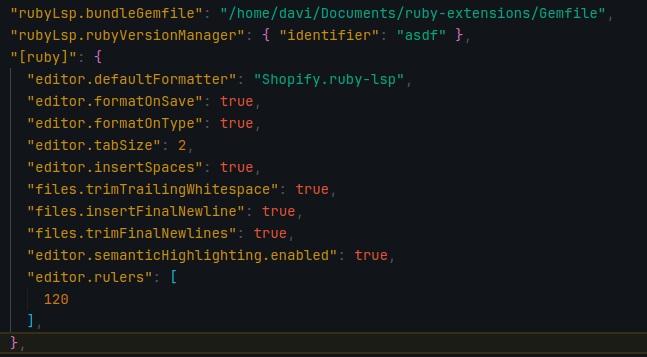
Code snippet or error message VS code message: Failed to activate asdf environment: Unexpected token '/', "/bin/sh: 2"... is not valid JSON

:wave: This seems like the same issue as https://github.com/Shopify/ruby-lsp/issues/1990 which was solved by updating asdf. What version of asdf is in use?


In the latest release, we start printing invalid JSON environments to the output tab to make this type of problem easier to diagnose. Could you please give it a try and report what the extension tried to parse as the environment?

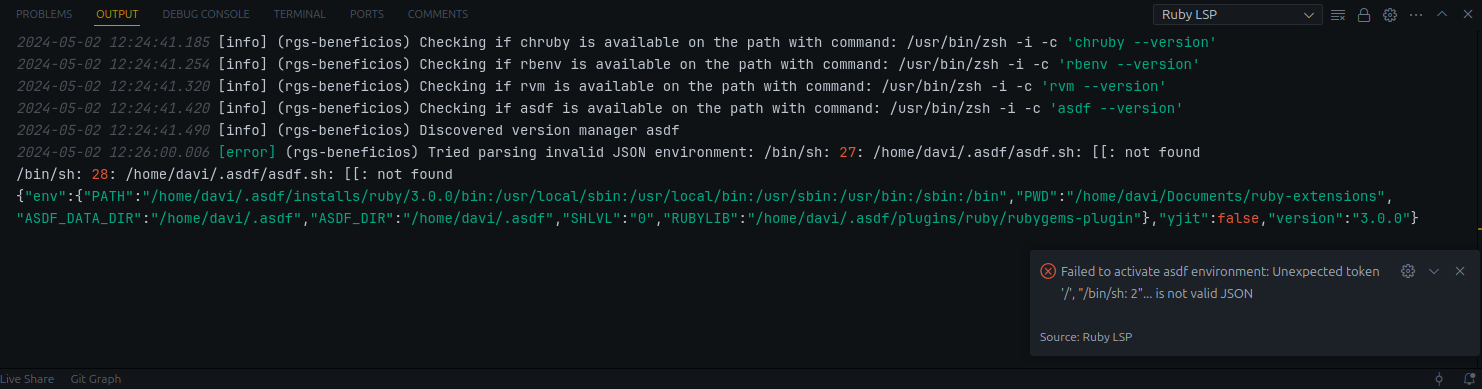
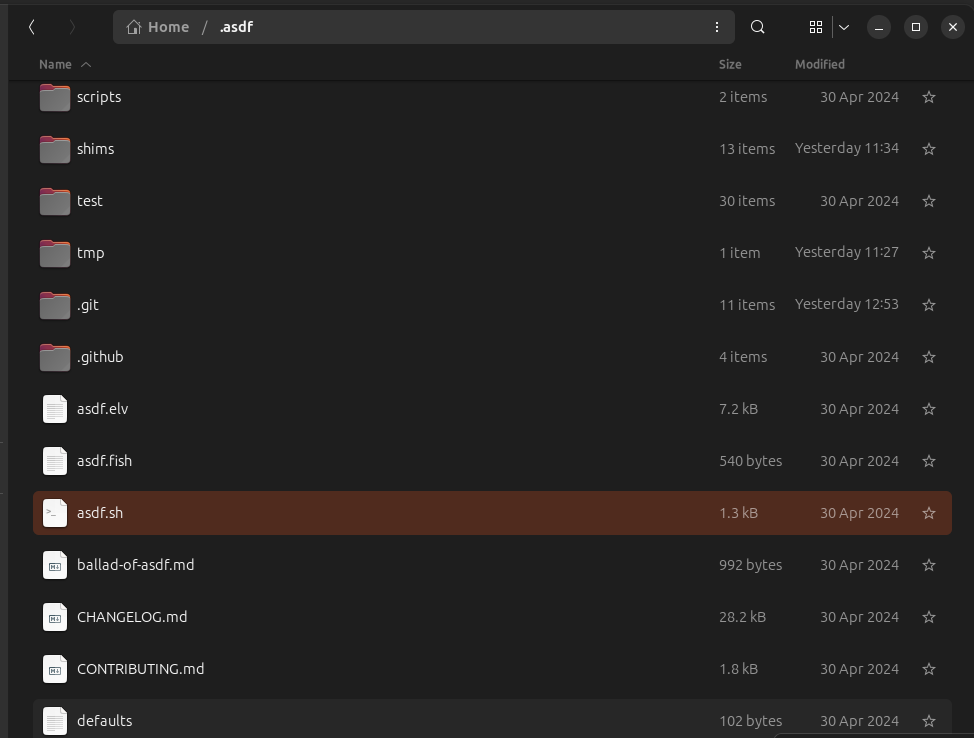
Based on what I could gather, it seems that /bin/sh (the default shell used when calling exec) doesn't support the [[ ]] syntax on all operating systems. I assume you're using some other shell in your terminal and not /bin/sh, otherwise you'd see the problem there as well.
I think we can try to run exec with the shell identified by VS Code, which I'm exploring on this PR https://github.com/Shopify/ruby-lsp/pull/2006.
@davijonm it would be extremely helpful if you could confirm that this fixes the issue. You can do so by following these steps:
- Clone the project
- Switch to the branch in the PR or apply the changes manually (since it's only a few changes)
- Install dependencies (
cd vscode && yarn install) - Open our custom workspace by clicking on the workspace file and then click the button open workspace
- In the
Run and debugpanel, select the taskRun extensionand click start. This will open a second VS Code window where the development version of the extension is running - In the second window, did the Ruby LSP launch properly with the changes in the branch?
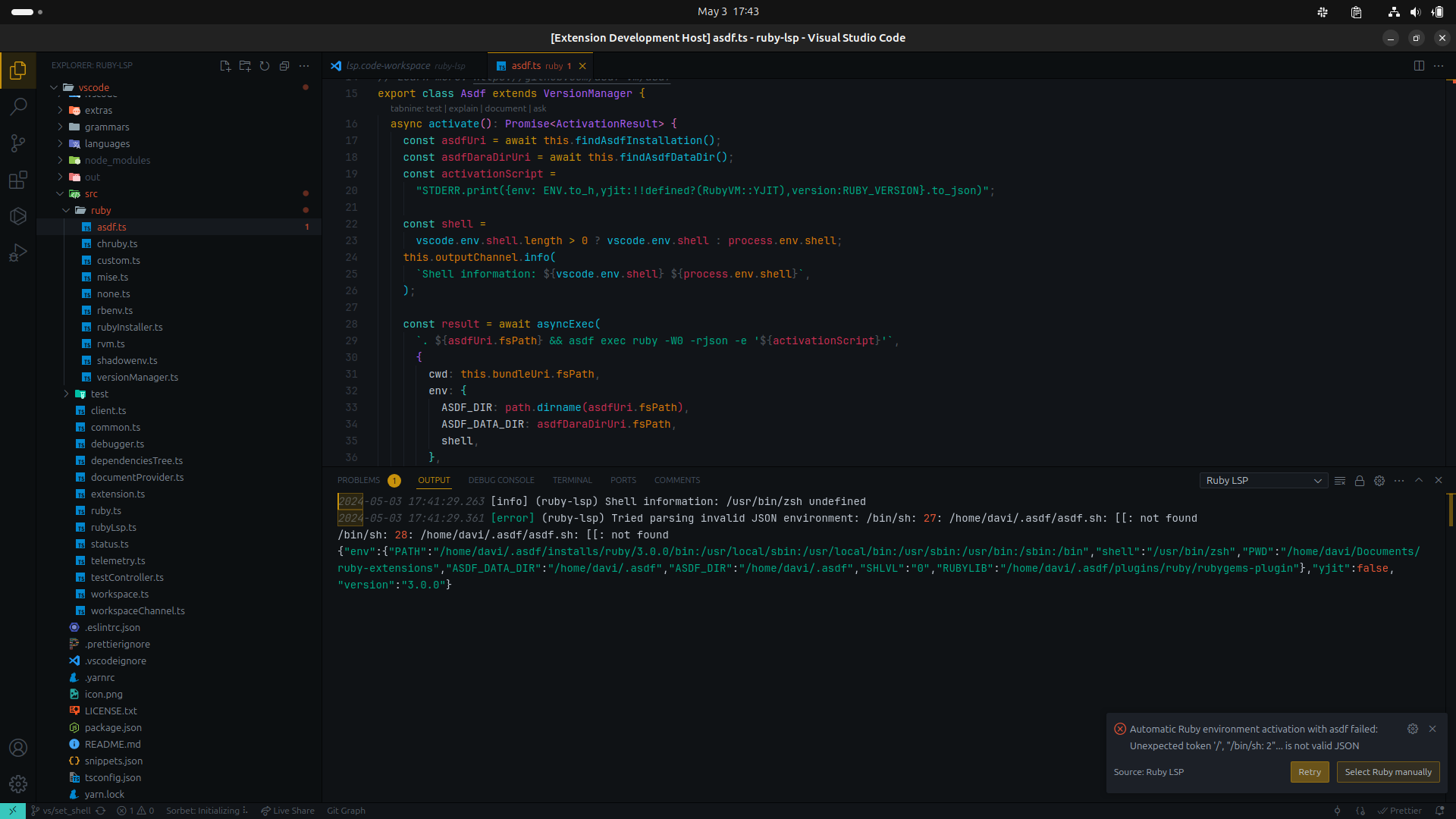
Ok, did all the steps. In the step 5, it opened a second window with this error bellow:

Not sure why it still used /bin/sh. I pushed https://github.com/Shopify/ruby-lsp/pull/2006 to fallback to process.env.SHELL and added a print so that we can inspect the values. If you don't mind giving it another try, I'd like to understand if vscode.env.shell is not set for you.
@davijonm we're still investigating. For now, you can downgrade to v0.5.19 of the extension to switch to the older activation approach.
I just realized I made a mistake in the previous iteration of https://github.com/Shopify/ruby-lsp/pull/2006. I set the shell inside env, which isn't what I meant to do. I updated the branch to set the actual shell to vscode.env.shell.
Could you please try again and report if that fixes it?
Based on what I could gather, it seems that
/bin/sh(the default shell used when callingexec) doesn't support the[[ ]]syntax on all operating systems. I assume you're using some other shell in your terminal and not/bin/sh, otherwise you'd see the problem there as well.I think we can try to run exec with the shell identified by VS Code, which I'm exploring on this PR #2006.
@davijonm it would be extremely helpful if you could confirm that this fixes the issue. You can do so by following these steps:
- Clone the project
- Switch to the branch in the PR or apply the changes manually (since it's only a few changes)
- Install dependencies (
cd vscode && yarn install)- Open our custom workspace by clicking on the workspace file and then click the button open workspace
- In the
Run and debugpanel, select the taskRun extensionand click start. This will open a second VS Code window where the development version of the extension is running- In the second window, did the Ruby LSP launch properly with the changes in the branch?
Ok, I tried again. After step 5, a new window opened and apparently there was no error, but I can't tell if it worked because the main window still shows this error: /home/davi/.asdf/asdf.sh: [[: not found

Never mind, I was using an unsupported Ruby version (2.5.1). I think it works correctly now after your PR.
