
7zip-BetterIcon
 7zip-BetterIcon copied to clipboard
 Shazoo
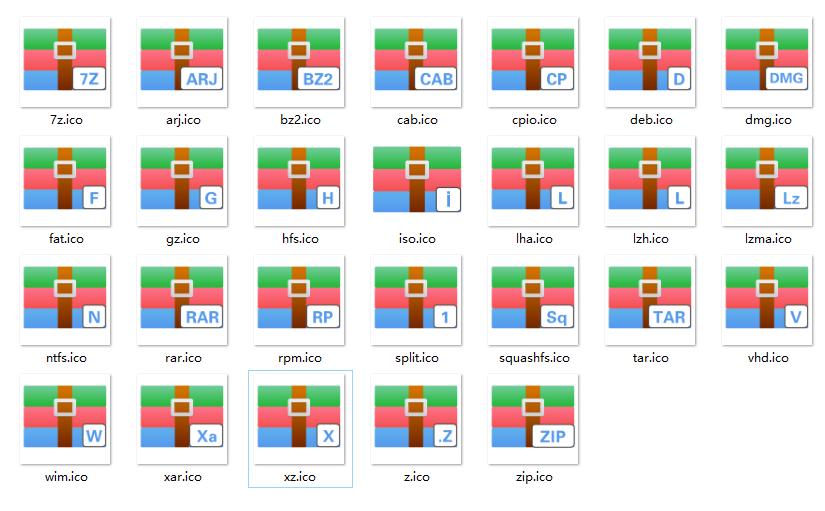
7Zip Windows Client (https://www.7-zip.org ) , re-build with better icons.
7zip-BetterIcon
7Zip Windows Client (https://www.7-zip.org ) , re-build with better icons.
How to Build
-
Use the
Visual Studio 2017 CommunityorVisual Studio 2019 Communityto build . (both test well) -
Use the
Native tool chain, for x86 and x64 build . you could find them in :C:\ProgramData\Microsoft\Windows\Start Menu\Programs\Visual Studio 2017\Visual Studio Tools\VC. it is a usefulcmdconsole window with perfect tool chain configuration. -
Use the nmake to build .
cd <project_root>\CPP\7zipx64:
nmake NEW_COMPILER=1 MY_STATIC_LINK=1 CPU=AMD64x86:
nmake NEW_COMPILER=1 MY_STATIC_LINK=1 -
Check the
readme.mdin build folder for the self-install file
If you don't like these icons , check the git log for the detail of how to replace icons .
Be free to send pull request or issue for YOUR better icons .
 Shazoo