

 SemkoDev
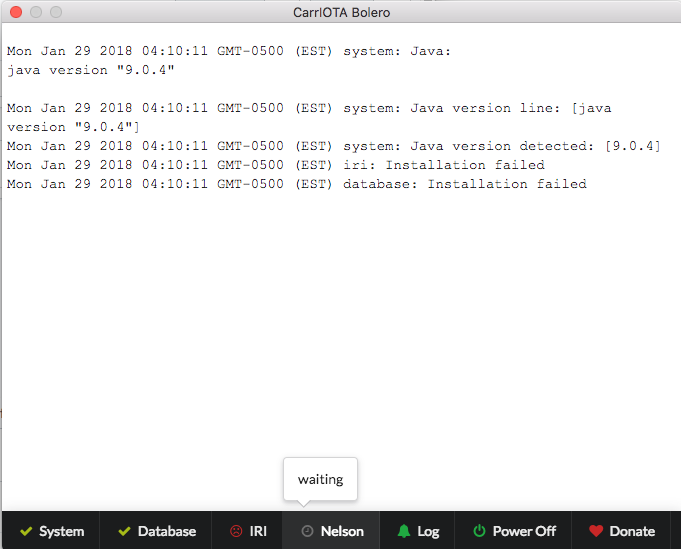
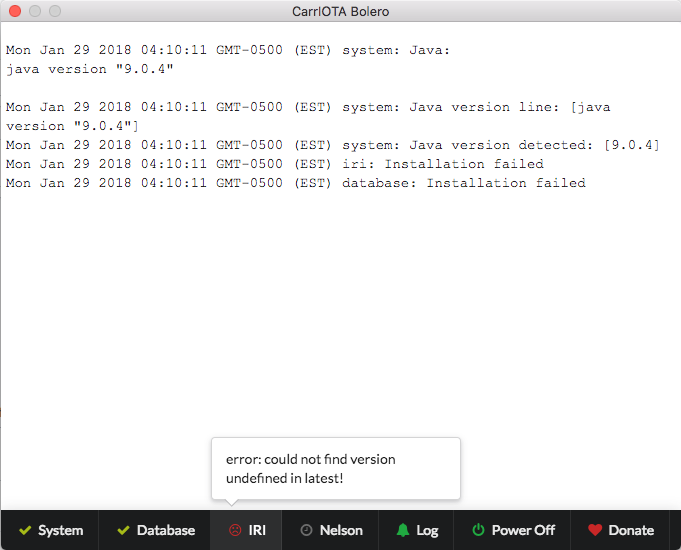
Error in installing db and nelson is waiting on MacOS
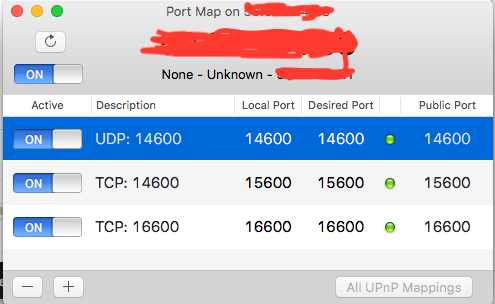
This is the log and I have had trouble even starting the application. I can't find the .bolero/db in mac to delete the folder. Where would it be located? Prove that I've TCP and UDP on.
Mac OS: 10.13.2 Java: 9.0.4 Bolero.fun: 0.1.14

This might be related to your other bug #53 ...
The .bolero folder is hidden and located in your home directory /home/<yourUserName>/.bolero.
You can delete it by running rm -rf /home/<yourUserName>/.bolero in a terminal window.

@romansemko it has been resolved on the failure on db. However, after i deleted the wallet and bolero, i reinstalled with the latest version and worked fine. It was fully sync for a second until when it stopped syncing at 34,0542 for a while now. It was repeating this very long node and doesn't make sense. It kept saying "skipping negative values". I am screening shoting the fully sync one and the almost sync one.
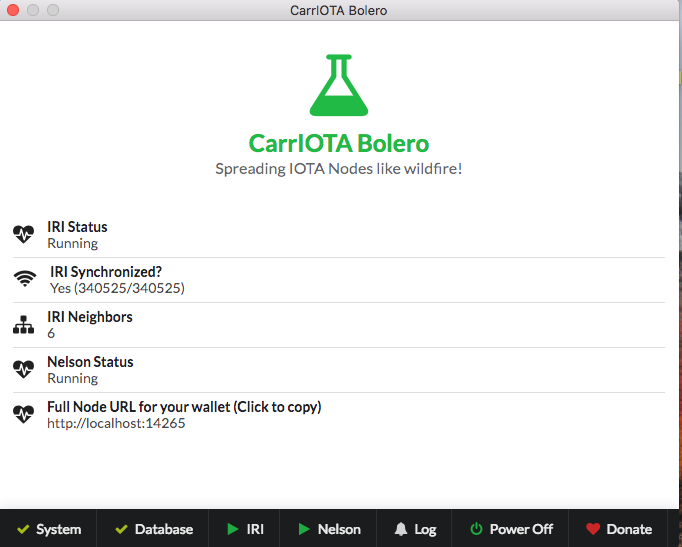
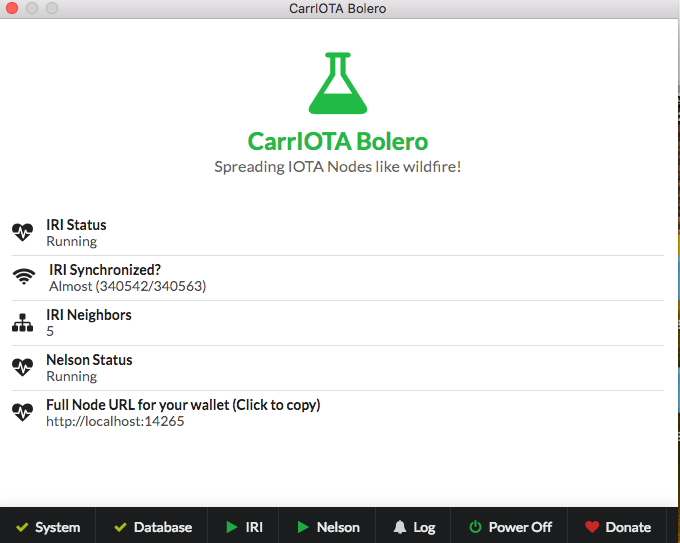

Hmm, it almost looks as if the database has not been updated. Wait and see if it changes. Otherwise, deleting .bolero/db and re-syncing might solve it!
Ok. on windows, I would know where but I can't find it on the mac where would it be located?
romansemko. Can you explain in 5 yo terms how to get this going on OSX. I have 3 machines and 2 fast ISP’s... would love to get full nodes up and running

@lovetheus, just open a terminal window and run rm -rf ~/.bolero/db
@Jessegi, you can check the README. For Mac, it should be easy. Just run the program, it will take care of the rest. Before that you need to open UDP port 14600 and TCP 15600 on your router. How to do that, depends on your router. You would need to check its manual. If you have any problems running, just ask on Discord chat!