Path-Creator
 Path-Creator copied to clipboard
 SebLague
Help - Path not visible when clicking on the GameObject
Hello,
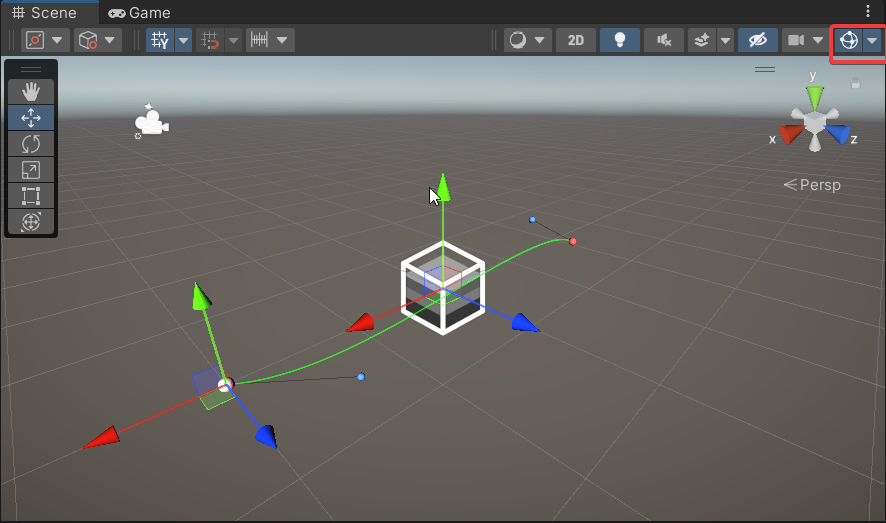
Recently on my main project when i create a pathcreator on a newly created GameObject the path isn't visible when the object is selected. This wasn't the case before and if i try to do the exact same thing on a new unity project it does work as expected.
Here is what i checked;
- All the properties inside the inspector and in display and global display options are exactly the same
- All gizmoz are enabled
- Checked if there is pathcreator settings in the top menu (File, Edit, Assets ... ) but didn't find anything related to it
I can't find the difference between the two project so that it makes the path disapear. I spent 2 days searching for it.
I would thank anyone trying to help me. Here is also a .mp4 inside the zip folder to demonstrate the problem.

Only issue I faced with the path disappearing was when I was in a 2D project, but the position z for the path game object was negative (so it went behind everything). Could this be your issue? Check the z position on the game object you've attached the path creator script to and make sure it is 0.

Same issue on one particular computer. Works on others. Tested both Windows/Mac. This is 2D but the z position is 0.
Did you find a solution?

Turns out this might be related to having multiple inspectors active and how unity is calling OnSceneGUI().
I have the exact same issue. Like the OP, for testing purposes, I made a new Unity project with exact same Unity version (2020.1.9f1) with URP settings and added the package to it. There it works fine. But for some reason in the project I actually need it in, it doesn't work.... Anybody have any update on this? I don't have multiple inspectors open.