

 ScottPeterJohnson
Encoding problems with Contacts on iOS
I’ve exported all contacts from Gmail to a vCard and imported them into Purelymail. When I use the web UI, all is fine. The macOS contacts are okay as well. However on iOS the non-UTF characters are all shown as black question marks.
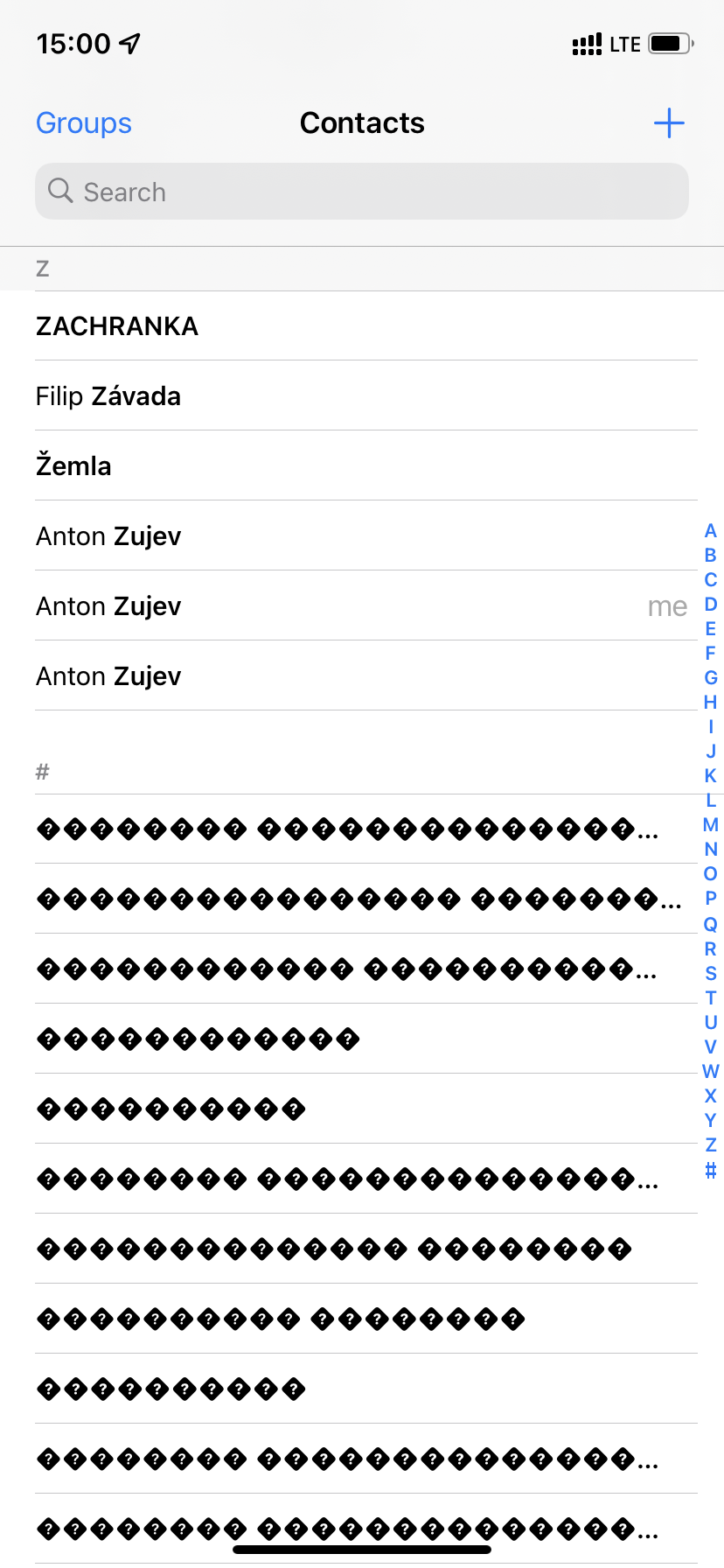
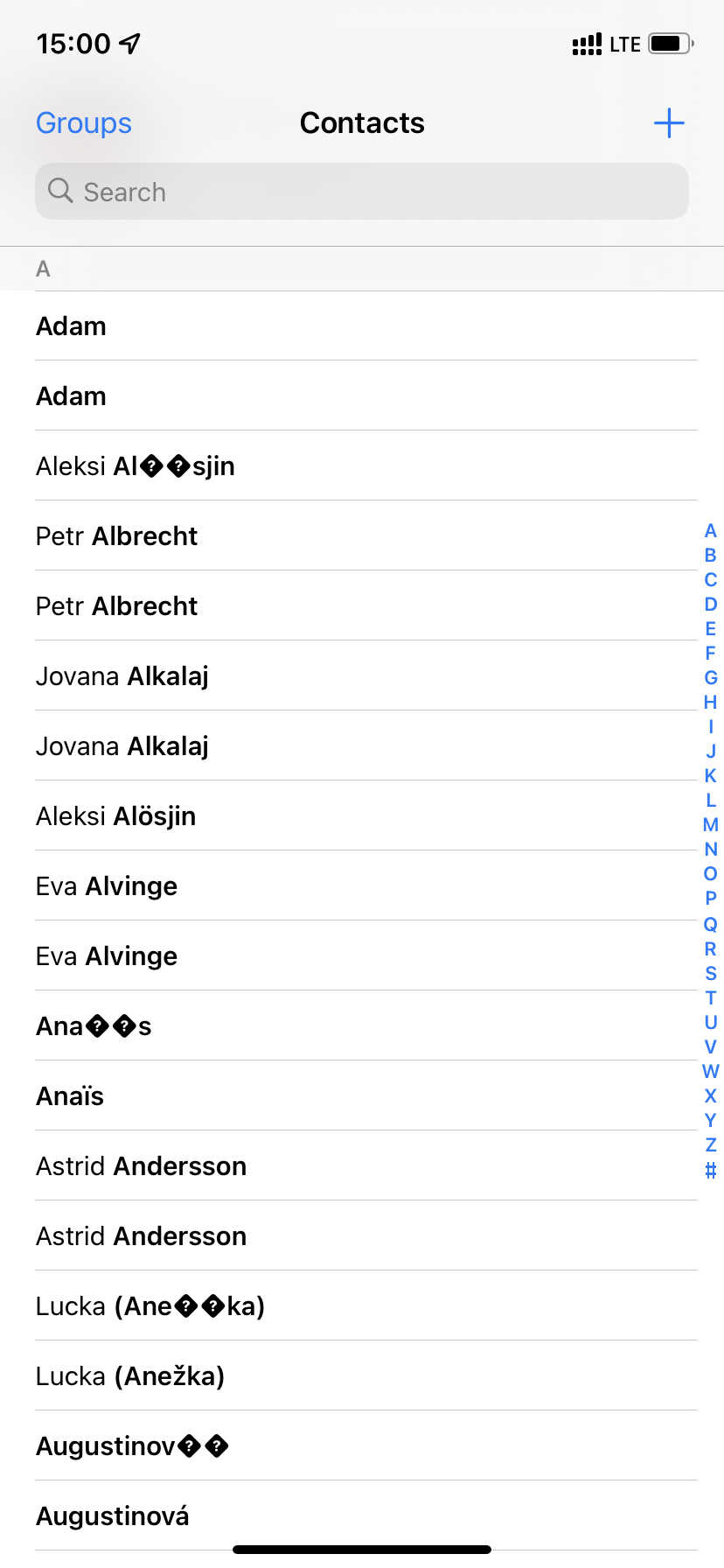
Tried re-adding the CardDAV connection, but no luck.

I can take a look at this, but it may have to wait a bit since I don't have an iPhone on hand at the moment and it sounds iOS specific. Did you import from the web UI?

Sure thing, it does sound like an iOS-specific issue. I'd gladly help debug or something if I can. And yeah, I did import from the web UI, I'm not sure if I can import in any other way, because the Import option for this account is greyed out on the mac.
I don't think it's an iOS-specific issue. I'm getting it on iOS and on Thunderbird as well
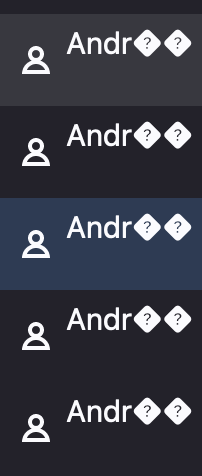

So... I've been playing around with this and it's weird... What happens is that any UTF-8 character that's not ASCII (e.g., ç, á, à, é, ó, emojis...) is getting replaced by the Unicode replacement characters: ��.
However this only happens in some platforms: iOS and Thunderbird that I've tested. The names, however, show up fine on macOS and on the Roundcube web interface. Replacing the characters with the respective UTF-8 characters manually in the unsupported platforms does not fix the issue, as the characters just get replaced back when the device syncs with the server.
It seems that the server is struggling to handle UTF-8 syncing in some devices. This is very weird behaviour, I've never faced anything of the sorts using other CalDAV providers.
I can take a look at this, but it may have to wait a bit since I don't have an iPhone on hand at the moment and it sounds iOS specific. Did you import from the web UI?
@ScottPeterJohnson try to sync contacts with UTF-8 Thunderbird and see if you can see the issue there. I think you don't need an iPhone to see it happen.
Cheers everyone!
Unfortunately in the grand tradition of bugs, it works perfectly fine in Thunderbird for me. Can either of you email my support address with your account email? I want to see if any differences show up in CardDAV properties. I suspect it could be as simple as some UTF-8 content type not getting set somewhere.
Thanks to Gil for emailing me! I think I've nailed down the bug and put in a patch. Essentially, CardDAV as a protocol is always UTF-8 but if this isn't specified in the WebDAV content type, iOS has issues. Webmail wasn't always specifying the UTF-8 character set, but now it should always automatically add the UTF-8 if not specified.
I think if you slightly change then save any corrupted contacts now, they should work properly in the future. Let me know.